BHM
02/20/15
NTV-DOC202
Agreement: End user agrees to use this product in compliance with all State and Federal laws. NAV-TV Corp. would not be held liable for
misuse of its product. If you do not agree, please discontinue use immediately and return product to place of purchase. This product is
intended for off-road use and passenger entertainment only.
5 | P a g e
CHRY UNI-CAM Module Installation
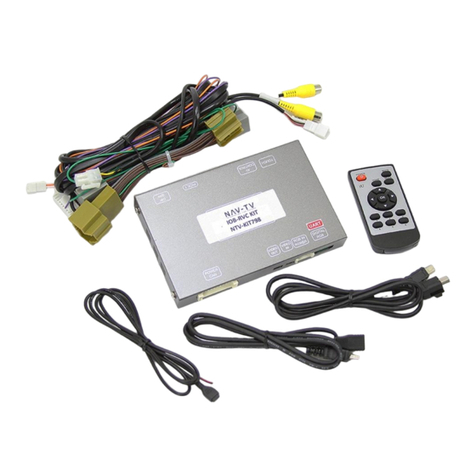
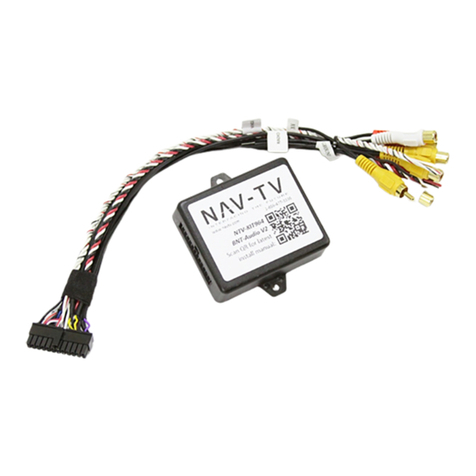
1. After removing the factory radio, gather the Plug & Play T-harness
and connect the female side to the factory 44-pin plug. Make certain
the lock connects together securely.
2. If installing NAV-TV’s optional RAM-CAM:
a. The factory tailgate handle must be removed
b. The factory key slot (in the tailgate handle) must
be swapped over to the RAM-CAM’s handle
c. Mount the RAM-CAM with the provided hardware
d. Connect signal (RCA) and power harness (extend) and run forward to the dash
opening.
3. After installing a rear camera, connect the signal RCA to the yellow RCA on the male
side (side going into monitor) of the Plug & Play T-harness. The other side of the yellow
RCA can be left disconnected.
4. Connect the red and black RCAs together in the Plug & Play T-harness (otherwise, you’ll
lose AUX audio)
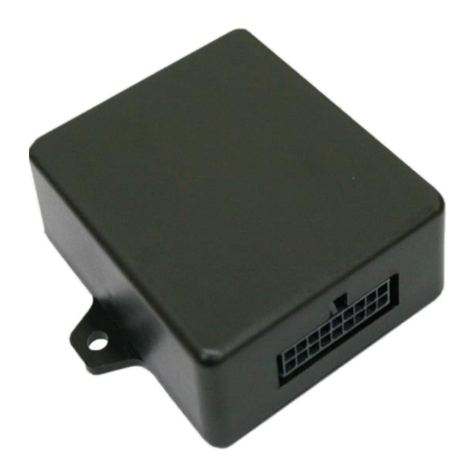
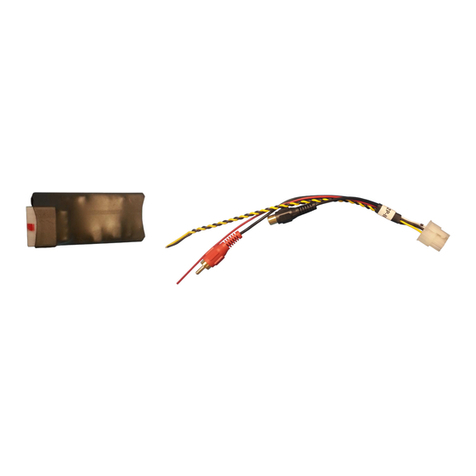
5. Connect the CHRY UNI-CAM module to the 18-pin connector found in the Plug & Play T-
harness.
6. Connect the monitor to the male side of the Plug & Play harness. Reconnect all other
plugs to the monitor.
7. Let the vehicle perform a CAN reset: before attempting to test, after all Plug & Play
connections are made, close all doors and leave ignition key out of the ignition for 3
minutes.
8. Test for proper operation (see ‘Operation’, pg. 6).
It is strongly advised to install this data module while no other installations are
being performed simultaneously, as the CAN network must be reset before testing.