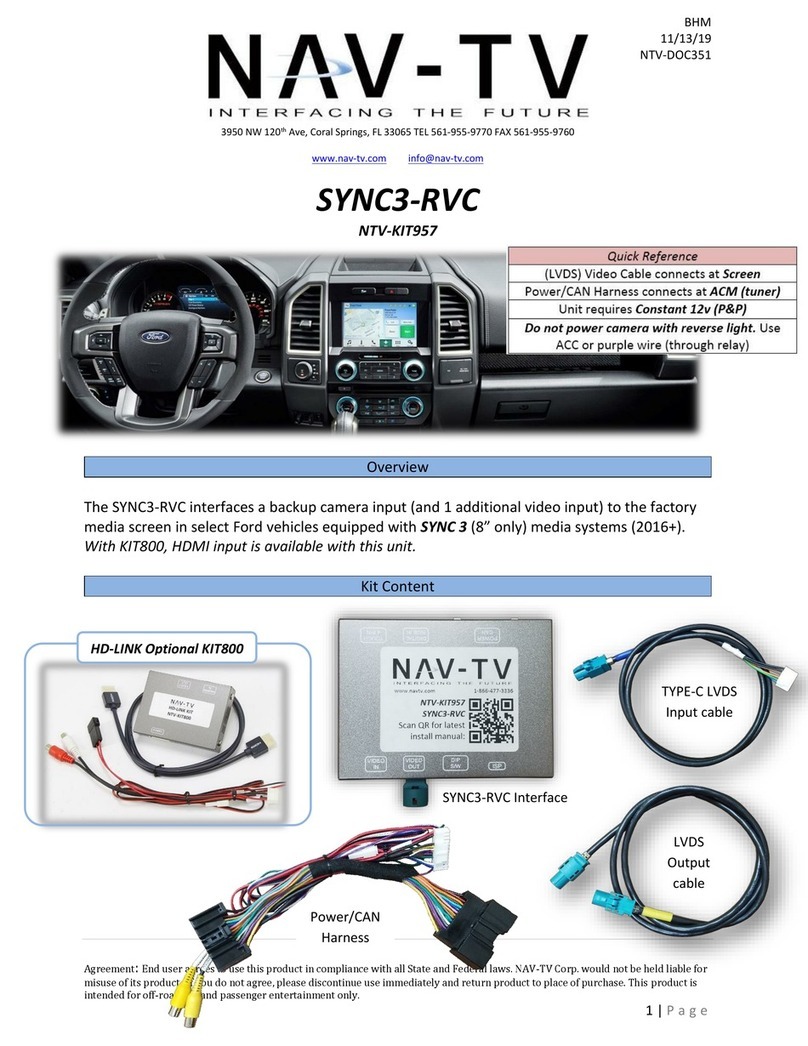
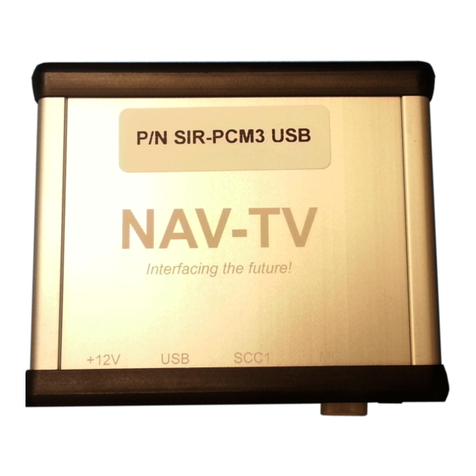
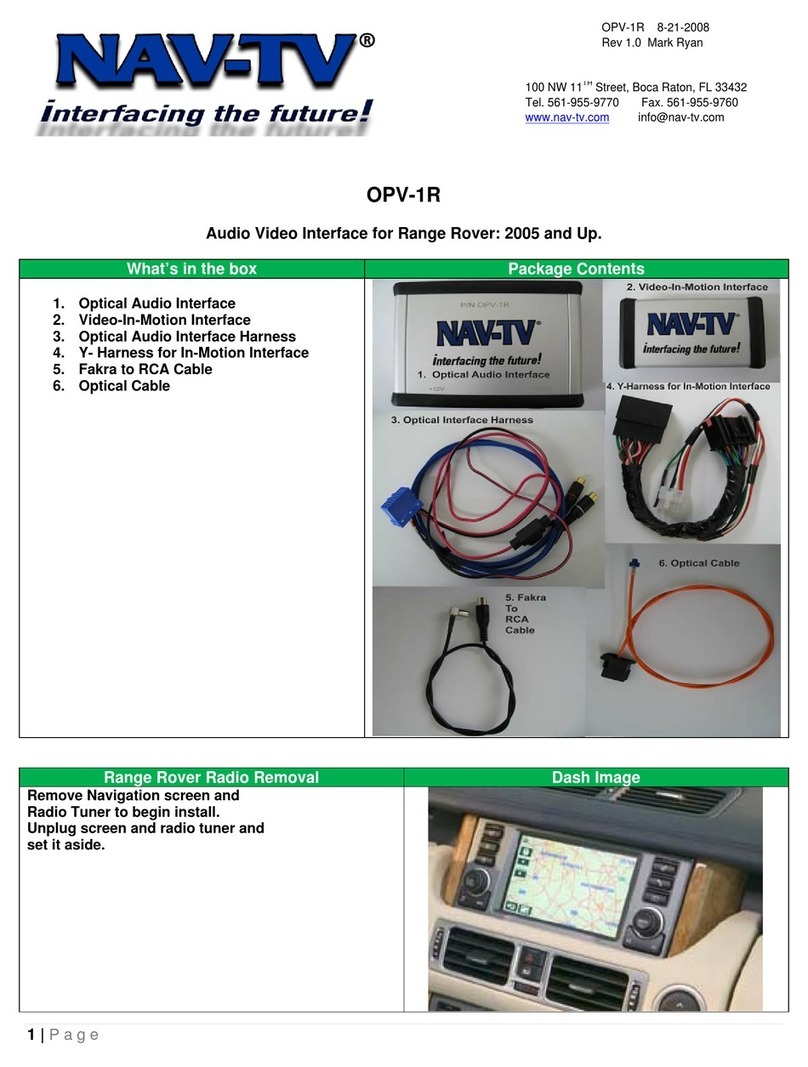
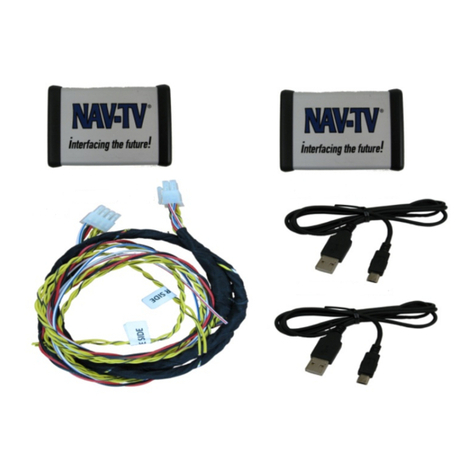
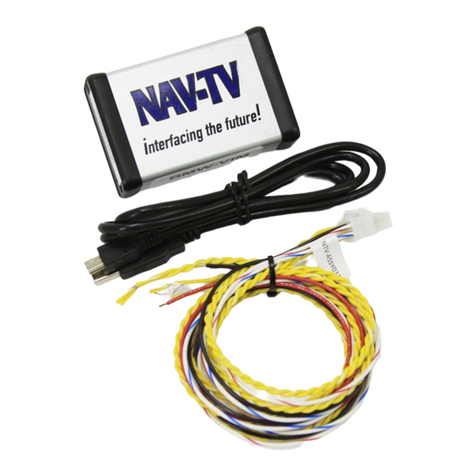
1. Remove the radio. This may require the Mercedes hook tool for removing vents on
some vehicles, others may just be clips and screws securing down dash panels. Remove
all harnesses and set the radio aside.
2. Remove the factory screen. Disconnect all associated harnesses and set the screen
aside.
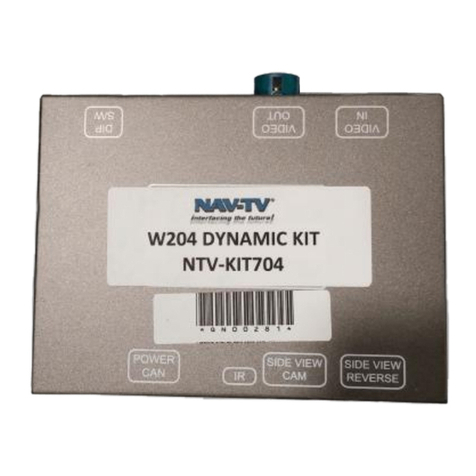
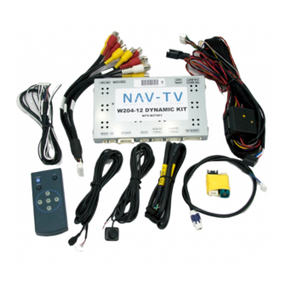
3. Behind the screen, connect the OEM 4-pin,
LVDS video cable previously removed from
the factory monitor and connect it to the
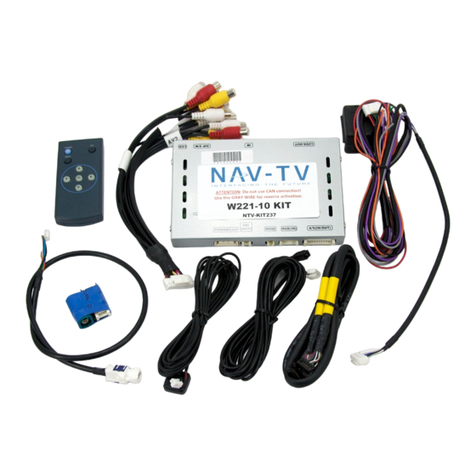
green port on the W204-N interface.
4. Connect the provided LVDS Video cable to
the OEM monitor (green plug). Run the other
(white) end of this cable down to the radio
opening, to the W204-N interface here:
5. Reconnect all plugs back to the monitor and secure it back into the
dash.
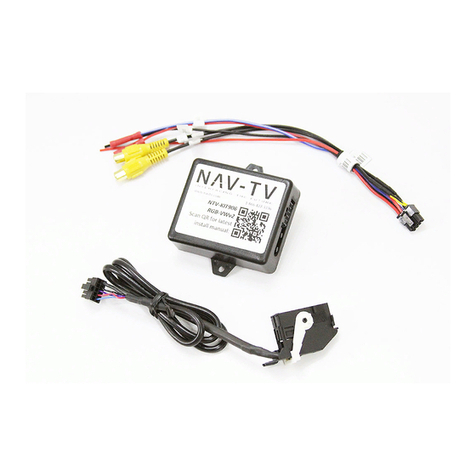
6. Connect the female side of the provided Plug & Play T-Harness to the
main square plug removed previously. Make certain
the lock secures the plugs together, and move any
fiber-optic lines to the front (male) side of the Plug &
Play T-Harness for proper pass through operation.
7. Connect the male end of the provided Plug & Play T-
Harness to back to the radio. Reconnect all remaining
plugs that were previously disconnected.
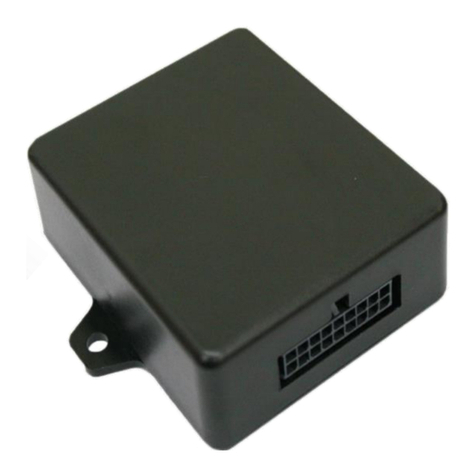
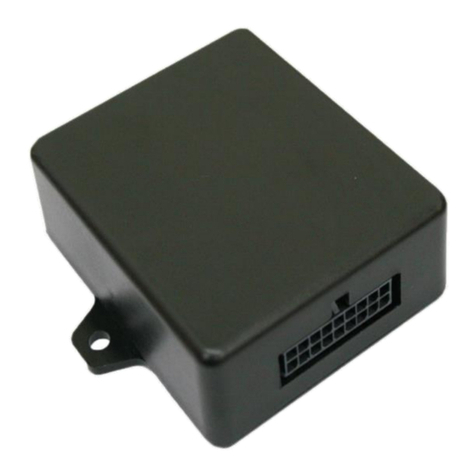
8. Connect the white, 10-pin POWER/CAN plug to the
W204-N interface at the port labeled ‘POWER/CAN’.
9. Install and run your reverse camera’s power, ground & signal up to the radio/W204-N
Interface location. Connect the signal RCA to the provided RCA end labeled ‘CAMERA’.
10. Find a solid ground wire (radio’s ground) and an ACC 12v (+) source to power your
camera. Alternatively, you may use the provided brown wire (either one, cut the
connector off) for reverse 12v (+) power only.
11. Optional: IF adding an additional front camera, connect the signal from this source to
the RCA labeled ‘FRONT’. See next page for activating this camera.