Introduction 9
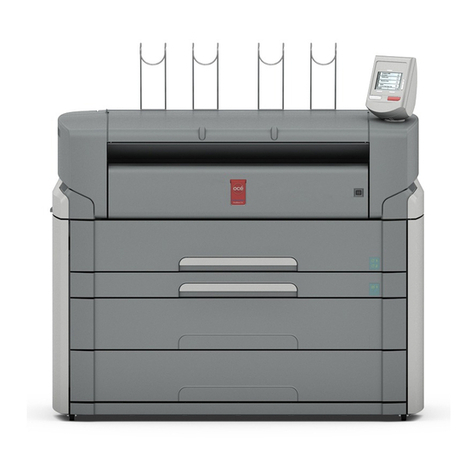
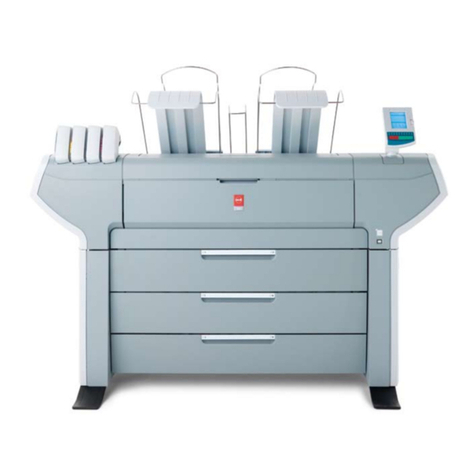
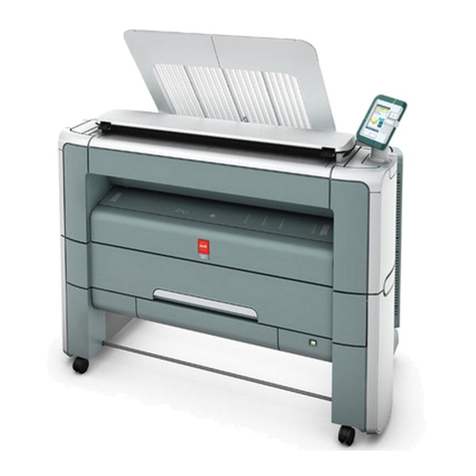
The parts of the Océ TDS400
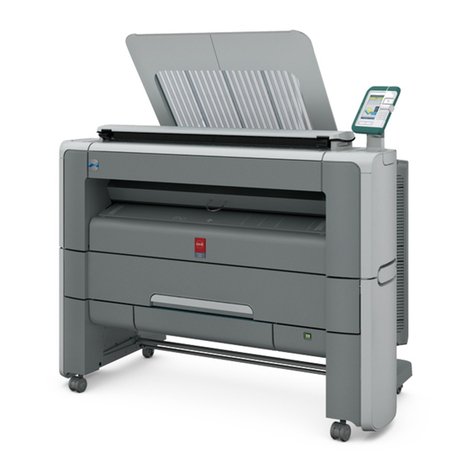
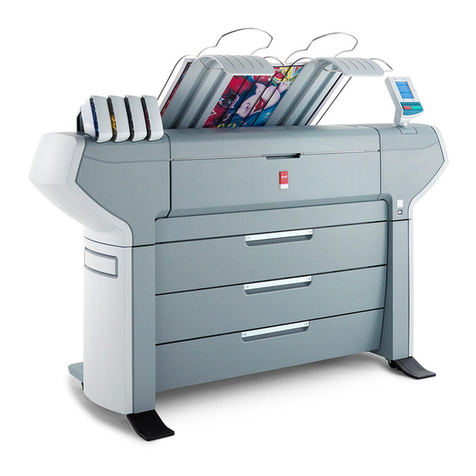
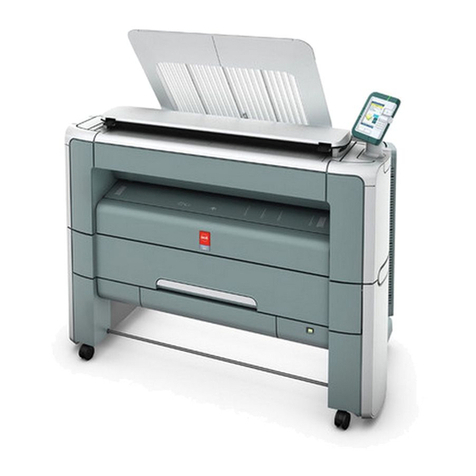
The Océ TDS400 is a multifunctional system used to print, scan-to-file and
copy wide-format documents. The system is comprised of standard parts and
may include some optional parts.
The parts
The printer (part 5 on the front flap) makes the output.
The Océ Power Logic®controller (part 9 on the front flap) Processes the print
jobs and the copy jobs. It also processes the optional scan-to-file jobs.
The scanner (part 1 on the front flap) Scans your originals. You can print the
originals (copy job) or you can store the scanned original in a file (Océ Scan
Logic®).
The output delivery tray (part 3 on the front flap) Collects a number of copies
behind the printer, as they are printed.
The folder folds the output and adds reinforcement strips with optional
reinforcement unit.
Note: you can only use the output delivery tray or the folder.
The rolls (part 11 on the front flap). You can have one or two rolls.
The compact output stacker Collects prints and copies. The compact output
stacker is optional.
The graphical user interface (GUI) (part 8 on the front flap) Enables you to
check the Océ TDS400 system. The GUI includes a monitor, a keyboard and a
mouse which connect to the controller. A controller cabinet is available to store
the controller and GUI.
Océ Remote Logic®A suite of applications used to monitor and manage the
TDS400 from any networked location.
Drivers and Job submission software: Enables you to print from
AutoCAD®, Windowsor Macintoshapplications. For job submission you
can use also Océ Print Exec Workgroup (optional).