manuals.online logo
Brands
  1. Home
  2. •
  3. Brands
  4. •
  5. Sauder
  6. •
  7. Indoor Furnishing
  8. •
  9. Sauder Harvest Mill 404962 User manual

Sauder Harvest Mill 404962 User manual

Other Sauder Indoor Furnishing manuals
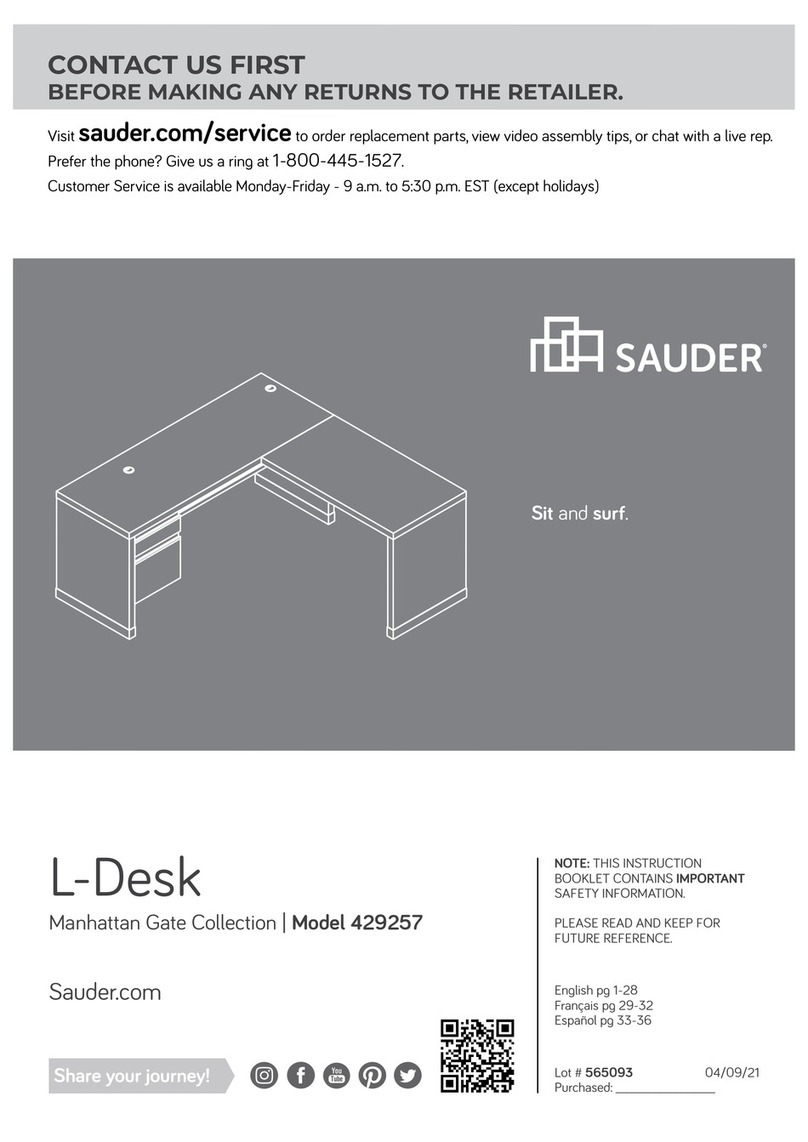
Sauder Manhattan Gate 429257 User manual
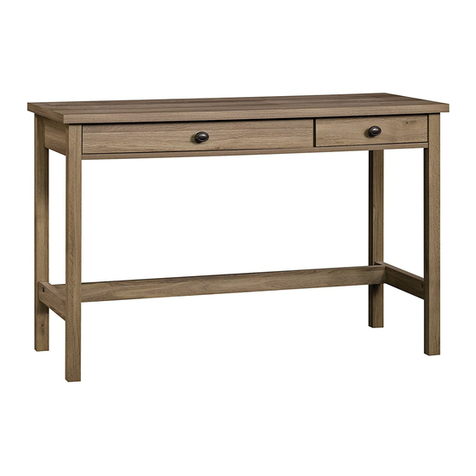
Sauder

Sauder Manhattan Gate 429257 User manual

Sauder 418213 User manual

Sauder

Sauder 418213 User manual
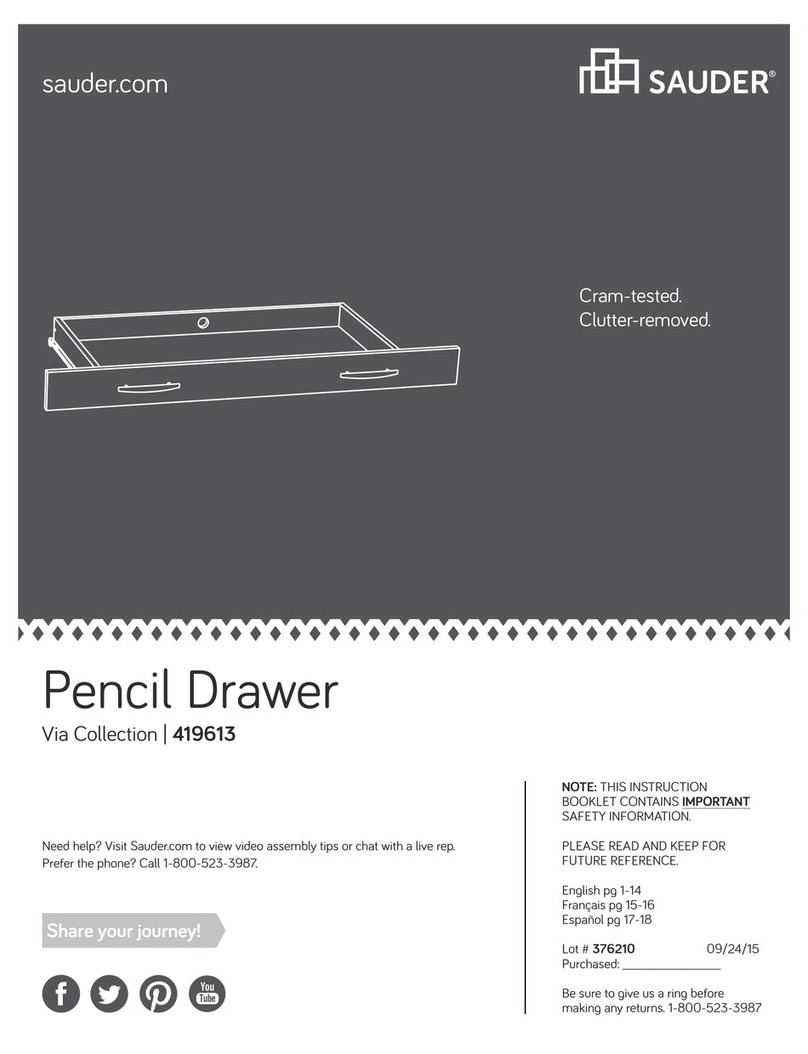
Sauder Via 419613 User manual

Sauder

Sauder Via 419613 User manual
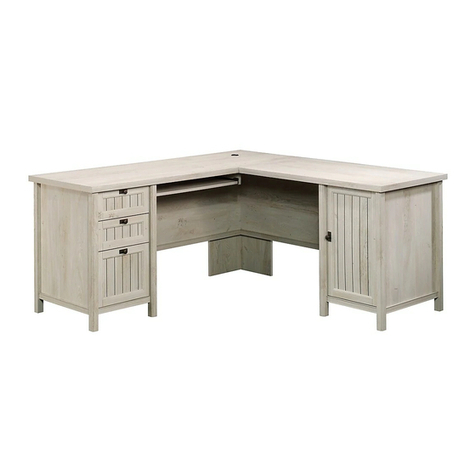
Sauder Costa L-Desk 419956 User manual

Sauder

Sauder Costa L-Desk 419956 User manual

Sauder 423742 User manual

Sauder

Sauder 423742 User manual

Sauder Pogo 417146 User manual

Sauder

Sauder Pogo 417146 User manual
Sauder New Grange 419142 User manual

Sauder

Sauder New Grange 419142 User manual

Sauder Steel River 427654 User manual

Sauder

Sauder Steel River 427654 User manual
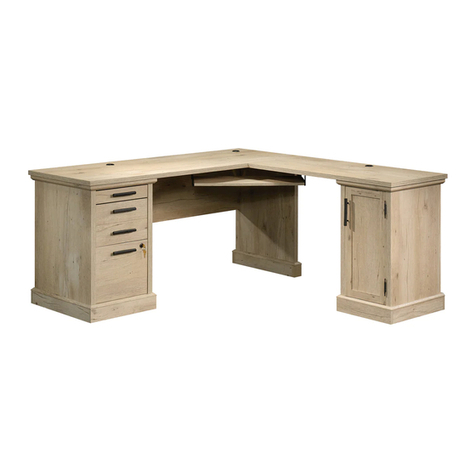
Sauder Aspen Post 427163 User manual

Sauder

Sauder Aspen Post 427163 User manual
Sauder 423493 User manual

Sauder

Sauder 423493 User manual

Sauder Barrister Lane 414729 User manual
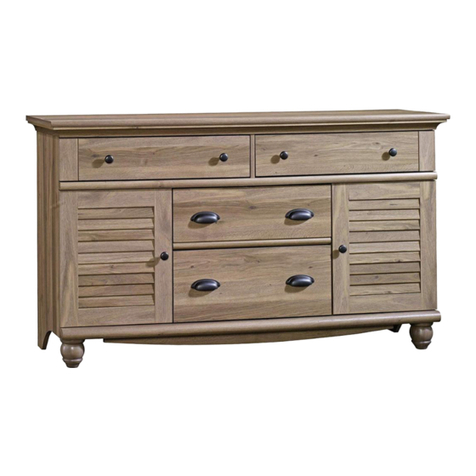
Sauder

Sauder Barrister Lane 414729 User manual

Sauder Harbor View 414942 User manual

Sauder

Sauder Harbor View 414942 User manual

Sauder Office Port 408294 User manual

Sauder

Sauder Office Port 408294 User manual
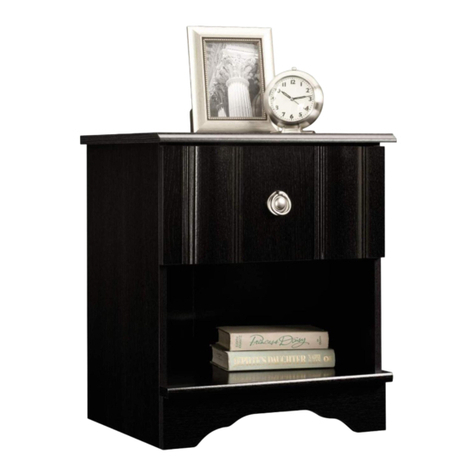
Sauder Jaclyn Smith Gatsby 415693 User manual
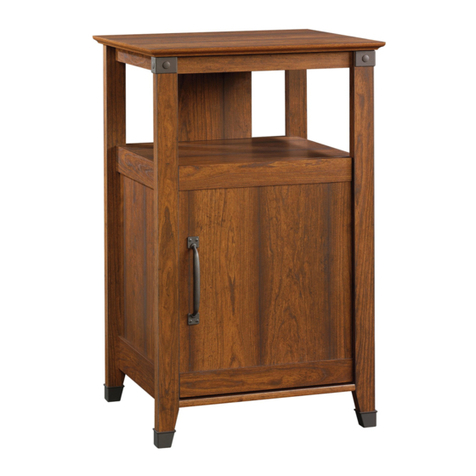
Sauder

Sauder Jaclyn Smith Gatsby 415693 User manual

Sauder Carson Forge Technology Pier 412923 User manual
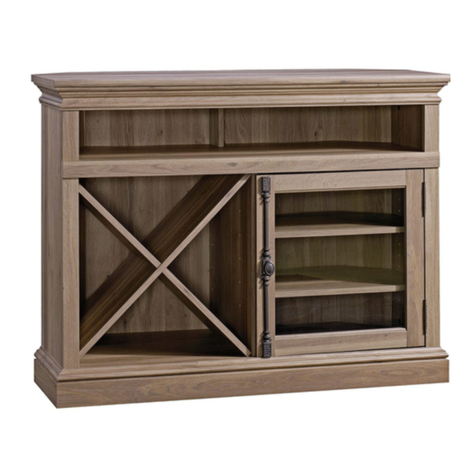
Sauder

Sauder Carson Forge Technology Pier 412923 User manual

Sauder Barrister Lane 414723 User manual
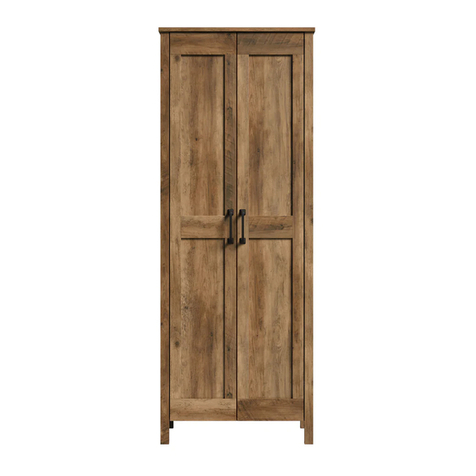
Sauder

Sauder Barrister Lane 414723 User manual

Sauder 426928 User manual

Sauder

Sauder 426928 User manual
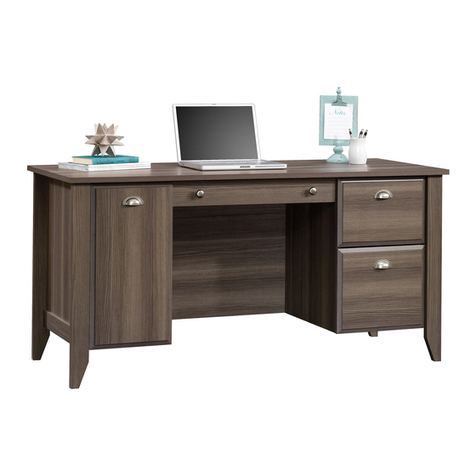
Sauder Shoal Creek 420166 User manual

Sauder

Sauder Shoal Creek 420166 User manual
Sauder 412740 User manual

Sauder

Sauder 412740 User manual
Sauder 413854 User manual

Sauder

Sauder 413854 User manual

Sauder Sewing/Craft Cart User manual

Sauder

Sauder Sewing/Craft Cart User manual

Sauder Dakota Pass 422592 User manual

Sauder

Sauder Dakota Pass 422592 User manual

Sauder North Avenue User manual

Sauder

Sauder North Avenue User manual

Sauder 415137 User manual

Sauder

Sauder 415137 User manual

Popular Indoor Furnishing manuals by other brands

Regency LWMS3015 Assembly instructions

Regency

Regency LWMS3015 Assembly instructions

Furniture of America CM7751C Assembly instructions

Furniture of America

Furniture of America CM7751C Assembly instructions

Safavieh Furniture Estella CNS5731 manual

Safavieh Furniture

Safavieh Furniture Estella CNS5731 manual

PLACES OF STYLE Ovalfuss Assembly instruction

PLACES OF STYLE

PLACES OF STYLE Ovalfuss Assembly instruction

Trasman 1138 Bo1 Assembly manual

Trasman

Trasman 1138 Bo1 Assembly manual

Costway JV10856 manual

Costway

Costway JV10856 manual

moss DESIGN Caisson Credenza Assembly instructions

moss DESIGN

moss DESIGN Caisson Credenza Assembly instructions

Aquaglide FULL DECK 15.0 owner's manual

Aquaglide

Aquaglide FULL DECK 15.0 owner's manual

AREBOS AR-HE-SW30 user manual

AREBOS

AREBOS AR-HE-SW30 user manual

Till-Hilft Fulda 87005.330 Assembly instructions

Till-Hilft

Till-Hilft Fulda 87005.330 Assembly instructions

Twoey Outside 2010 quick start guide

Twoey Outside

Twoey Outside 2010 quick start guide

Hettich Easys 200 operating instructions

Hettich

Hettich Easys 200 operating instructions

The bedboss RELAX 404 Series owner's manual

The bedboss

The bedboss RELAX 404 Series owner's manual

Oeseder Möbelindustrie Bern 991 720 Assembly instructions

Oeseder Möbelindustrie

Oeseder Möbelindustrie Bern 991 720 Assembly instructions

Costway HW68469 user manual

Costway

Costway HW68469 user manual

Next ALIX A27743 Assembly instructions

Next

Next ALIX A27743 Assembly instructions

BROSA Hans Assembly guide

BROSA

BROSA Hans Assembly guide

Prodigg MINIKA PBA015T-FUR installation manual

Prodigg

Prodigg MINIKA PBA015T-FUR installation manual

manuals.online logo
manuals.online logoBrands
  • About & Mission
  • Contact us
  • Privacy Policy
  • Terms and Conditions

Copyright 2025 Manuals.Online. All Rights Reserved.

NOTE: THIS INSTRUCTION
BOOKLET CONTAINS IMPORTANT
SAFETY INFORMATION.
PLEASE READ AND KEEP FOR
FUTURE REFERENCE.
English pg 1-21
Français pg 22-24
Español pg 25-27
Lot # 392561 06/23/16
Purchased: __________________
Be sure to give us a ring before
making any returns. 1-800-523-3987
Need help? Visit Sauder.com to view video assembly tips or chat with a live rep.
Prefer the phone? Call 1-800-523-3987.
Share your journey!
sauder.com
Corner Entertainment Stand
Harvest Mill Collection | Model 404962
Your holder for all
things awesome.
Table of Contents Assembly Tools Required
3
4
5-21
22-24
25-27
28-30
31
Part Identification
Hardware Identification
Assembly Steps
Français
Español
Safety
Warranty
Hammer
Not actual size
No. 2 Phillips Screwdriver
Tip Shown Actual Size
Use of a TV that is too heavy or large is hazardous. A TV that is too heavy will create a risk of a tip-over that can cause severe injury or
death. A TV that is too large for the available space might be accidentally pushed or bumped o the furniture, or subject to tip-over.
• Check the size and weight of your TV. Compare it to the diagram below – before you begin assembly!
• This Sauder unit is designed for use with televisions weighing less than 95 pounds. Never use with a TV that weighs more.
• The size of the television, front-to-back and side-to-side, must fit within the space defined in the diagram.
• Never place the front edge of the TV past the front edge of the TV support shelf (or stop molding – if equipped)
• Never allow the sides of the TV to extend past the side edges of the TV support surface.
• If the TV has a CRT picture tube, the picture tube cone may extend past the rear of the support shelf.
• Be sure to apply the warning label as instructed in the last assembly step. The label provides important safety related information.
WARNING
!
95 lbs.
95 lbs.
15-3/8"
15-3/8"
35-3/8"
35-3/8"
Skip the power trip.
This time.
404962 www.sauder.com/servicesPage 2
Part Identification
åWhile not all parts are labeled, some of the parts will have a label or an inked letter on the edge
to help distinguish similar parts from each other. Use this part identification to help identify similar parts.
A RIGHT END (1)
B LEFT END (1)
C RIGHT UPRIGHT (1)
D LEFT UPRIGHT (1)
E TOP (1)
F BOTTOM (1)
G STOP MOLDING (1)
H BACK (1)
I SMALL BACK (2)
J VALANCE (1)
K FRONT SKIRT (1)
L SIDE SKIRT (2)
M DOOR (2)
O SMALL ADJUSTABLE SHELF (2)
T LARGE ADJUSTABLE SHELF (2)
Now you know
our ABCs.
404962www.sauder.com/services Page 3
A
B
C
D
E
F
G
H
I
J
K
L
M
O
T
I
O
T
L
M
Hardware Identification
åScrews are shown actual size. You may receive extra hardware with your unit.
404962 www.sauder.com/servicesPage 4
FOOT - 2
23E
12E TACK GLIDE - 6 HIDDEN CAM - 12
1F CAM DOWEL - 8
2F CAM SCREW - 4
8F
METAL
BRACKET - 9
4G ANGLE
BRACKET - 2
27G PIVOT HINGE - 4
15H MAGNETIC
CATCH - 2
2I STRIKE
PLATE - 2
6I
WASHER - 2
9I KNOB - 2
13K BACKPLATE - 2
14K
(Refer to the last step for proper
location and application)
WARNING LABEL - 1
3L
WARNING
Never use this furniture with a TV that is too
large or too heavy. Severe injury or death
can occur.The TV and furniture will be
unstable and may tip.
-The TV must less than 95 lbs.
-The base of the TV must be able to sit
completely on this shelf.
-Refer to instruction book for complete
safety information.
Note: This is a permanent label. Do not try
to remove. Surface will be damaged.
02/ 02 269227
METAL PIN - 24
1R RUBBER SLEEVE - 16
2R
NAIL - 10
1N
BLACK 9/16" LARGE HEAD SCREW - 26
1S BLACK 1-7/8" FLAT HEAD SCREW - 8
2S
BLACK 1/2" FLAT HEAD SCREW - 2
11S GOLD 1" MACHINE SCREW - 2
50S
Step 1 Look for this icon. It means a
video assembly tip is available at
www.sauder.com/services/tips
å Assemble your unit on a carpeted floor or on the empty
carton to avoid scratching your unit or the floor.
å Push eight HIDDEN CAMS (1F) into the ENDS (A and B)
and UPRIGHTS (C and D). Then, insert the metal end of a
CAM DOWEL (2F) into each HIDDEN CAM.
404962www.sauder.com/services Page 5
Insert the metal end of the CAM
DOWEL into the HIDDEN CAM.
Arrow
Do not tighten the HIDDEN CAMS in this step.
D
Arrow
1F
2F
(8 used)
A
B
C
Step 2
å Push four HIDDEN CAMS (1F) into the TOP (E).
404962 www.sauder.com/servicesPage 6
Arrow
The arrow in the HIDDEN
CAM must point toward the
hole in the edge of the board.
Hole
E
Arrow
1F
Some assembly
(and snacks) required.
å Turn four CAM SCREWS (8F) into the STOP MOLDING (G).
Step 3
404962www.sauder.com/services Page 7
G
8F
Step 4
å Fasten the STOP MOLDING (G) to the TOP (E). Tighten
four HIDDEN CAMS.
404962 www.sauder.com/servicesPage 8
G
E
1
2
Surface with holes
Surface with HIDDEN CAMS
å Insert eight METAL PINS (1R) into the exact holes shown
in the ENDS (A and B) and UPRIGHTS (C and D).
å Push the MAGNETIC CATCHES (2I) into the holes on
the UPRIGHTS (C and D).
Step 5
404962www.sauder.com/services Page 9
D
C
B
A
2I
2I
1R
1R
1R
Surface without
HIDDEN CAMS
Surface without
HIDDEN CAMS
For adjustment, turn barrel counter-clockwise.
Surface with
HIDDEN CAMS
Step 6
å Fasten the LEFT END (B) to the TOP (E). Tighten two
HIDDEN CAMS.
404962 www.sauder.com/servicesPage 10
B
E
Start Tighten
Arrow
Minimum
190 degrees
Caution
Risk of damage or
injury. HIDDEN CAMS
must be completely
tightened. HIDDEN
CAMS that are not
completely tightened
may loosen, and parts
may separate. To
completely tighten:
Arrow
Maximum
210 degrees
G
Surface
with holes
Edge with METAL PINS
Surface with
HIDDEN CAMS