manuals.online logo
Brands
  1. Home
  2. •
  3. Brands
  4. •
  5. superbrightleds
  6. •
  7. Lighting Equipment
  8. •
  9. superbrightleds USP Series User manual

superbrightleds USP Series User manual

Other superbrightleds Lighting Equipment manuals
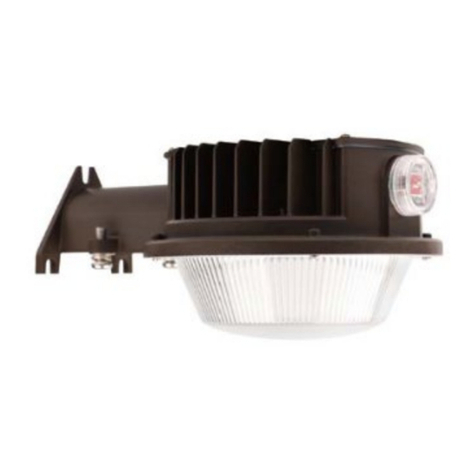
superbrightleds DDAL-SW3B Series User manual

superbrightleds

superbrightleds DDAL-SW3B Series User manual

superbrightleds WIFI-CON User manual

superbrightleds

superbrightleds WIFI-CON User manual
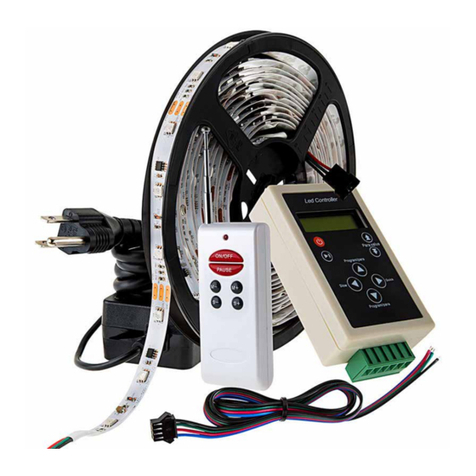
superbrightleds NDC2K-RGB150 User manual
superbrightleds

superbrightleds NDC2K-RGB150 User manual

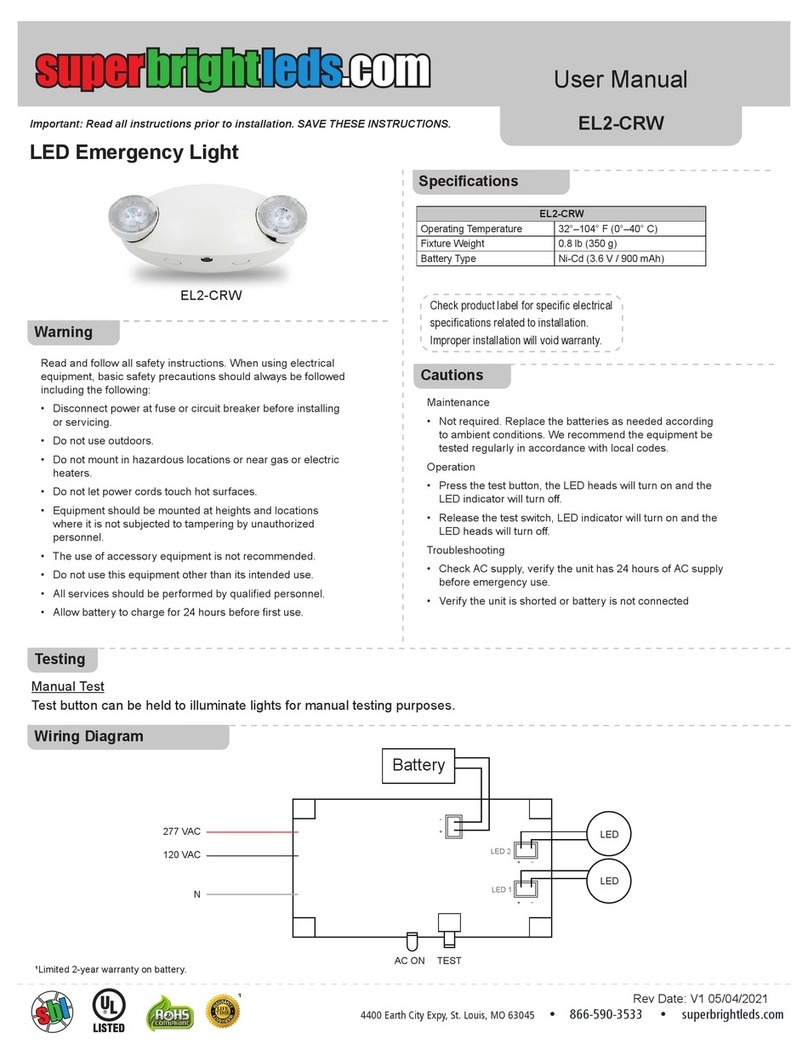
superbrightleds EL2-CRW User manual

superbrightleds

superbrightleds EL2-CRW User manual
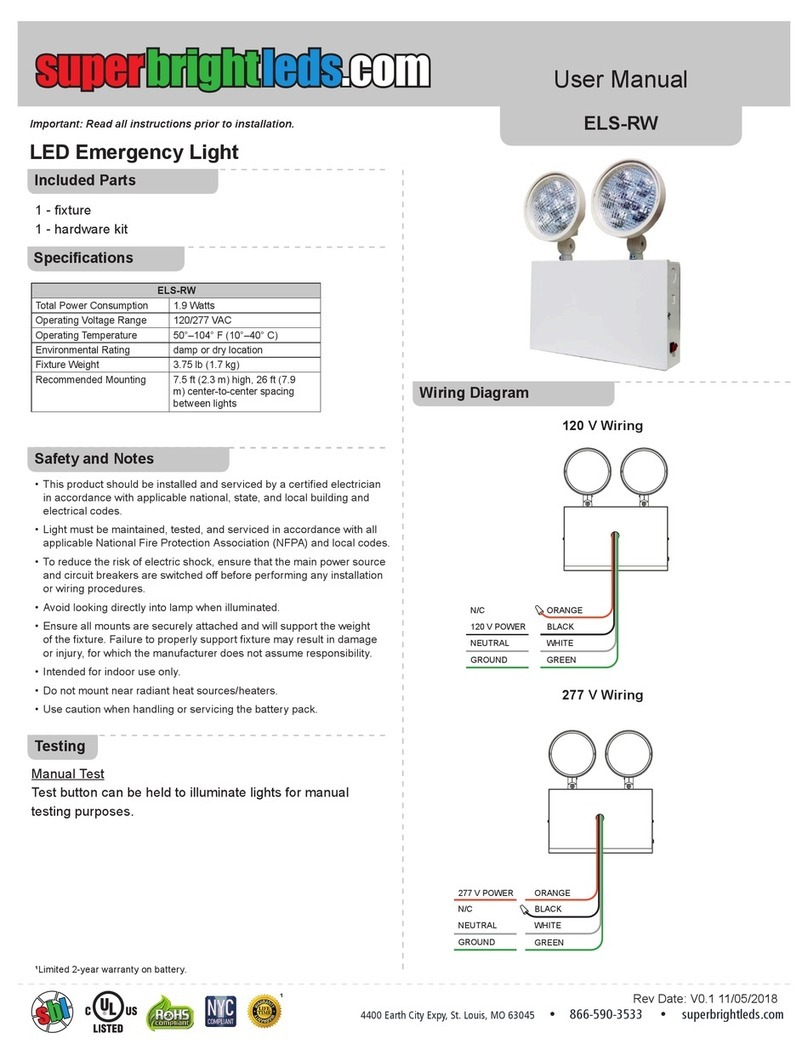
superbrightleds ELS-RW User manual

superbrightleds

superbrightleds ELS-RW User manual
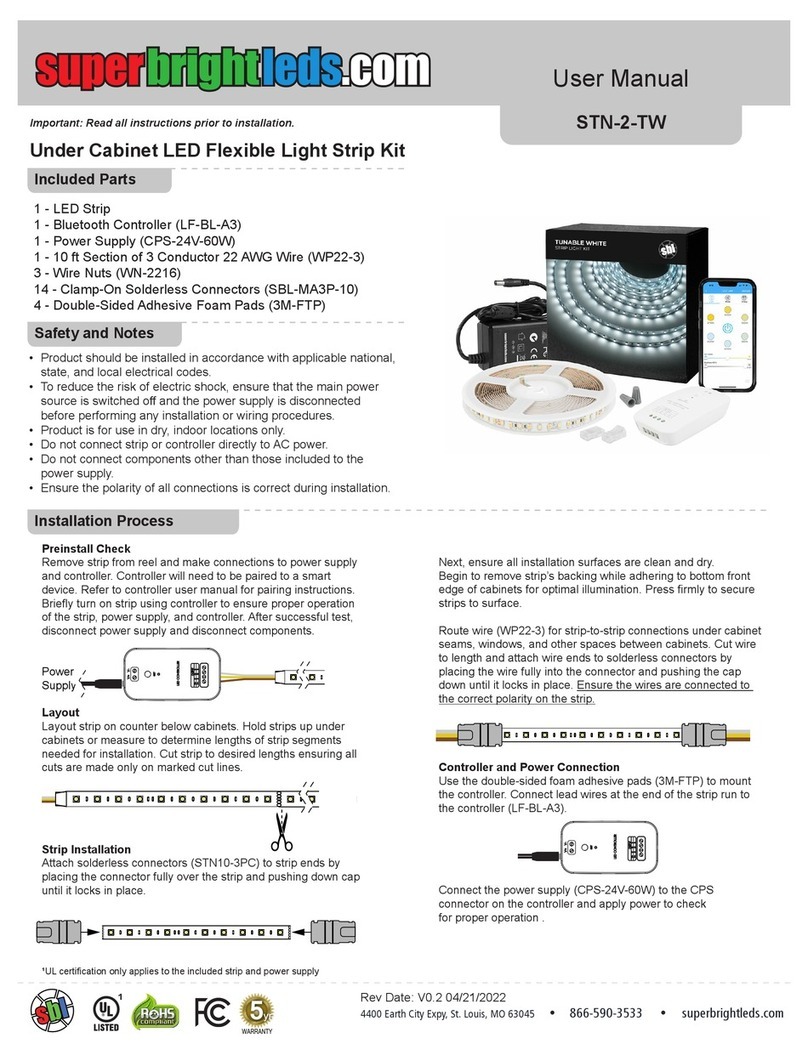
superbrightleds STN-2-TW User manual

superbrightleds

superbrightleds STN-2-TW User manual

superbrightleds HLV5 Series User manual
superbrightleds

superbrightleds HLV5 Series User manual

superbrightleds STN-1-RGB User manual

superbrightleds

superbrightleds STN-1-RGB User manual
superbrightleds FLCKM2 Series User manual
superbrightleds

superbrightleds FLCKM2 Series User manual

superbrightleds STAC Series User manual

superbrightleds

superbrightleds STAC Series User manual

superbrightleds STN-2-COB User manual

superbrightleds

superbrightleds STN-2-COB User manual
superbrightleds EL-S Series User manual
superbrightleds

superbrightleds EL-S Series User manual

superbrightleds User Manual User manual

superbrightleds

superbrightleds User Manual User manual

superbrightleds WP Series User manual

superbrightleds

superbrightleds WP Series User manual

superbrightleds STN-2-UC User manual

superbrightleds

superbrightleds STN-2-UC User manual
superbrightleds XS-RG User manual

superbrightleds

superbrightleds XS-RG User manual
superbrightleds DS-DMX125 User manual

superbrightleds

superbrightleds DS-DMX125 User manual
superbrightleds STN-1-UC User manual

superbrightleds

superbrightleds STN-1-UC User manual
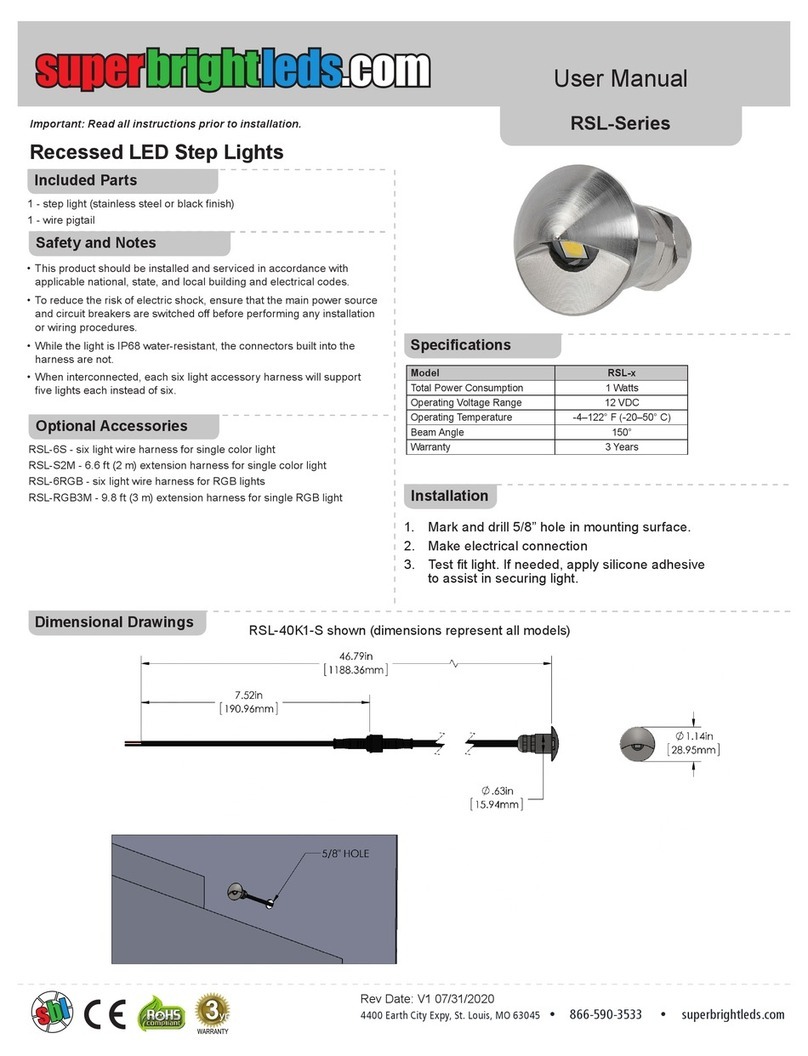
superbrightleds RSL Series User manual
superbrightleds

superbrightleds RSL Series User manual

superbrightleds EL2-RW User manual

superbrightleds

superbrightleds EL2-RW User manual
superbrightleds HPAL2 Series User manual

superbrightleds

superbrightleds HPAL2 Series User manual

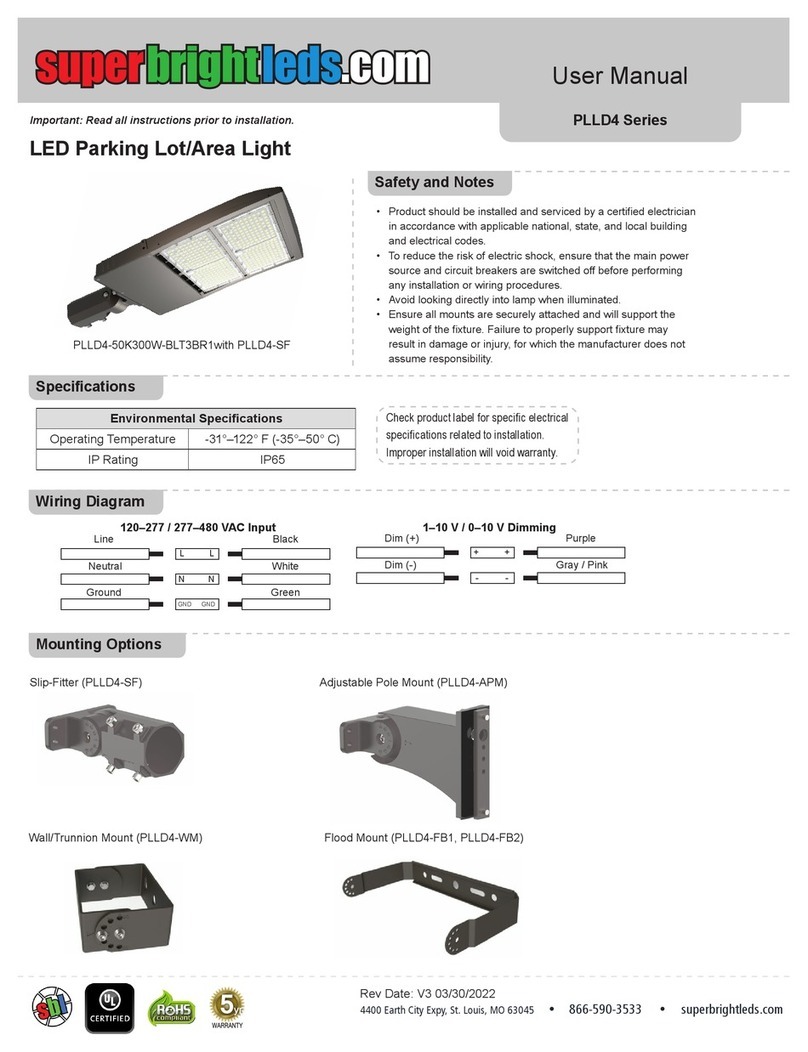
superbrightleds PLLD4 Series User manual

superbrightleds

superbrightleds PLLD4 Series User manual

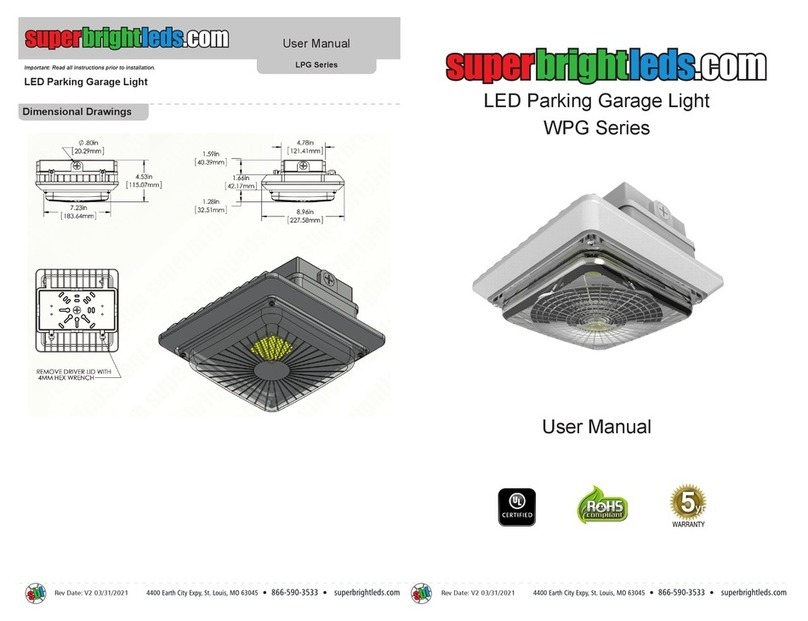
superbrightleds WPG Series User manual

superbrightleds

superbrightleds WPG Series User manual

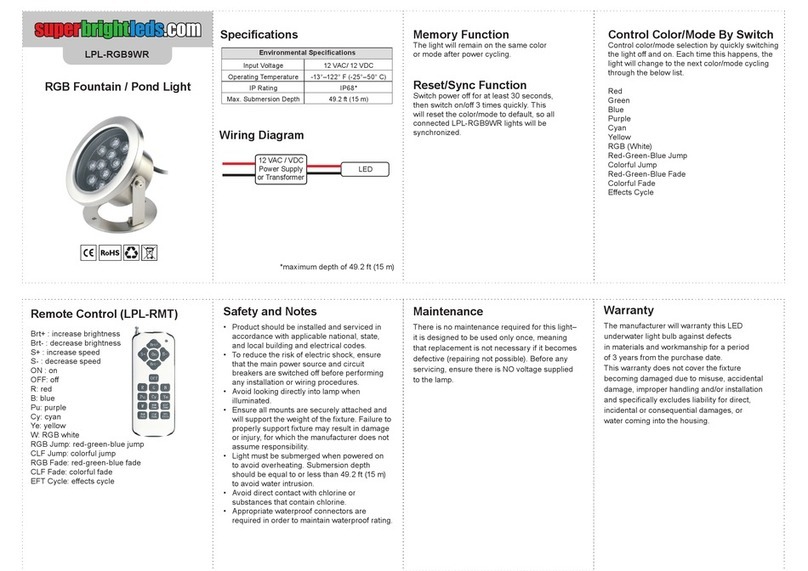
superbrightleds LPL-RGB9WR User manual

superbrightleds

superbrightleds LPL-RGB9WR User manual

Popular Lighting Equipment manuals by other brands

Life 39.9F70020C quick start guide

Life

Life 39.9F70020C quick start guide

EuroLite LED ML-20 user manual

EuroLite

EuroLite LED ML-20 user manual

LIGMAN OD-50141 installation manual

LIGMAN

LIGMAN OD-50141 installation manual

Home Accents Holiday 1002461144 instructions

Home Accents Holiday

Home Accents Holiday 1002461144 instructions

Experia IRiS Ripple Light instruction manual

Experia

Experia IRiS Ripple Light instruction manual

Erco Gecko Mounting instructions

Erco

Erco Gecko Mounting instructions

Inter-lux ZTA.100.Surface Installation and maintenance instructions

Inter-lux

Inter-lux ZTA.100.Surface Installation and maintenance instructions

Whelen Engineering Company TN Series installation guide

Whelen Engineering Company

Whelen Engineering Company TN Series installation guide

IKEA BJÖRKSPIREA manual

IKEA

IKEA BJÖRKSPIREA manual

Toolland PM 6640 instruction manual

Toolland

Toolland PM 6640 instruction manual

GTD GTD-LP200 user manual

GTD

GTD GTD-LP200 user manual

LIVARNO home 1105-W-UK manual

LIVARNO home

LIVARNO home 1105-W-UK manual

ProLights EclPar IPMFC user manual

ProLights

ProLights EclPar IPMFC user manual

Velvet EVO Series user manual

Velvet

Velvet EVO Series user manual

IDTOLIGHT GENT installation instructions

IDTOLIGHT

IDTOLIGHT GENT installation instructions

MAYTONI S35 installation manual

MAYTONI

MAYTONI S35 installation manual

MaxLite MLFP14DP4535 user manual

MaxLite

MaxLite MLFP14DP4535 user manual

SLV Elektronik 550621 instruction manual

SLV Elektronik

SLV Elektronik 550621 instruction manual

manuals.online logo
manuals.online logoBrands
  • About & Mission
  • Contact us
  • Privacy Policy
  • Terms and Conditions

Copyright 2025 Manuals.Online. All Rights Reserved.

Universal Switch Panel Kit
Important: Read all instructions prior to installation. USP Series
4400 Earth City Expy, St. Louis, MO 63045 866-590-3533 superbrightleds.com
Rev Date: V1 12/14/2021
User Manual
Safety and Notes
Layout / Wiring
Button Settings
Environmental Specications
Operating Temperature -40°–221° F(-40°–105° C)
• To reduce the risk of electric shock, ensure the
main power source (battery) is disconnected before
performing any installation or wiring procedures.
• Do not exceed the maximum of 60 A combined
across all output channels.
Specications
When the fuse/switch box and switch control panel are connected and powered
on, the default setting for each button will be to function as a simple on/o󰀨 switch
for the connected light or accessory.
Buttons on the switch panel can also be set to a momentary setting or a strobe
setting. This can be done by rst holding down the master on/o󰀨 button, then
holding any button until the light above that button illuminates. This process can
be repeated to cycle through the three settings as needed.
1
30 A ground (-)
positive (+)
30 A
20 A20 A
10 A10 A
5 A5 A
to momentary switch for dimming
whitered
to switched / ignition on power
master on/off
(turns all connected lights
and accessories on/off)
switch button
Switch Control Panel
Fuse/Switch Box
Circuit Breaker
1
5
2
6
3
7
4
8
2345678
Universal Switch Panel Kit
Important: Read all instructions prior to installation. USP Series
4400 Earth City Expy, St. Louis, MO 63045 866-590-3533 superbrightleds.com
Rev Date: V1 12/14/2021
User Manual
Installation
1. Disconnect vehicle battery.
2. Mount fuse/switch box to mounting bracket and mount assembly.
Note: Make sure to allow space for wiring and removal of box
cover when installing.
3. Mount circuit breaker near battery.
4. With battery disconnected, connect fuse/switch box to ground
and to circuit breaker, then connect circuit breaker to battery.
5. Connect the red power on / illumination wire to switched
(ignition on) battery power.
6. The white wire from the power on / illumination harness can
be hooked to an external momentary switch or to the positive
terminal on one of the switches on the switch panel that is set
to the momentary setting.
Note: Using switch 8 or the switch following all other connected
lights and accessories.
7. Attach either xed surface mount bracket or adjustable bracket
to switch panel and mount the panel.
8. Connect panel to wiring harness from fuse/switch box.
9. Connect lights and other accessories, starting with the highest
power rated on switch 1, then moving down the line with the
lowest power rated last.
10. Apply decals to buttons as desired.
11. Reconnect battery.