manuals.online logo
Brands
  1. Home
  2. •
  3. Brands
  4. •
  5. Kimball Office
  6. •
  7. Indoor Furnishing
  8. •
  9. Kimball Office Cetra/Interworks EQ Panel Attachment Brackets to Lunar... User manual

Kimball Office Cetra/Interworks EQ Panel Attachment Brackets to Lunar... User manual

Other Kimball Office Indoor Furnishing manuals
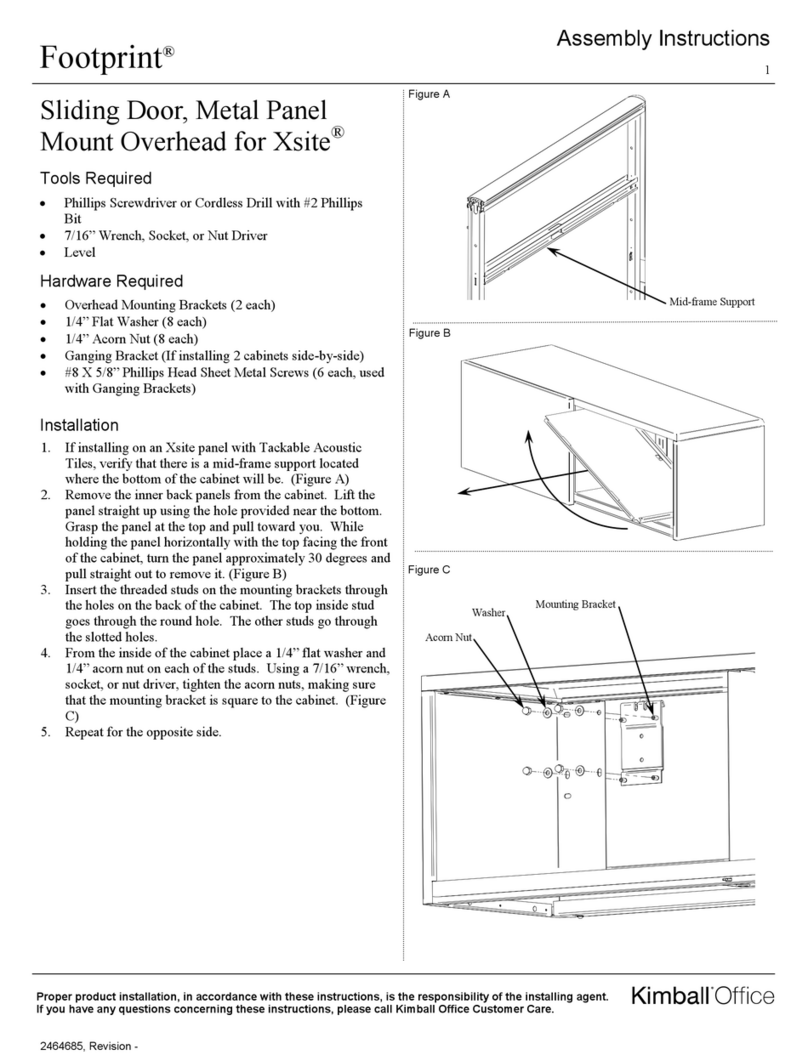
Kimball Office Footprint User manual

Kimball Office

Kimball Office Footprint User manual
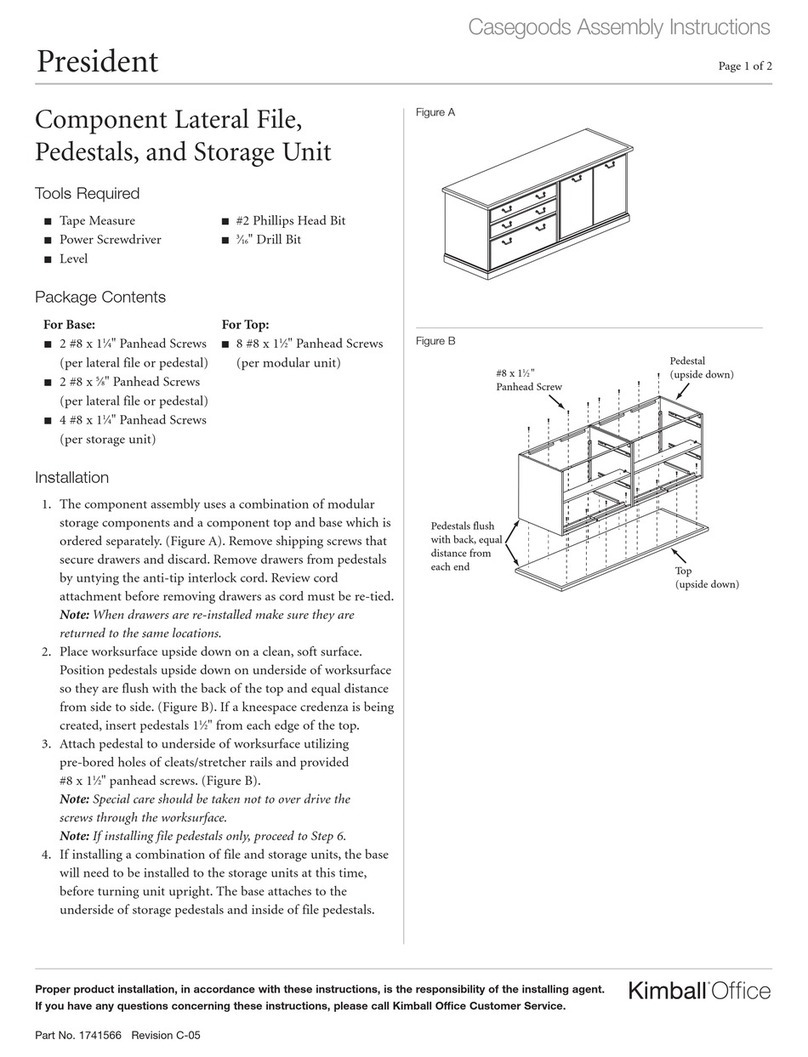
Kimball Office President User manual

Kimball Office

Kimball Office President User manual
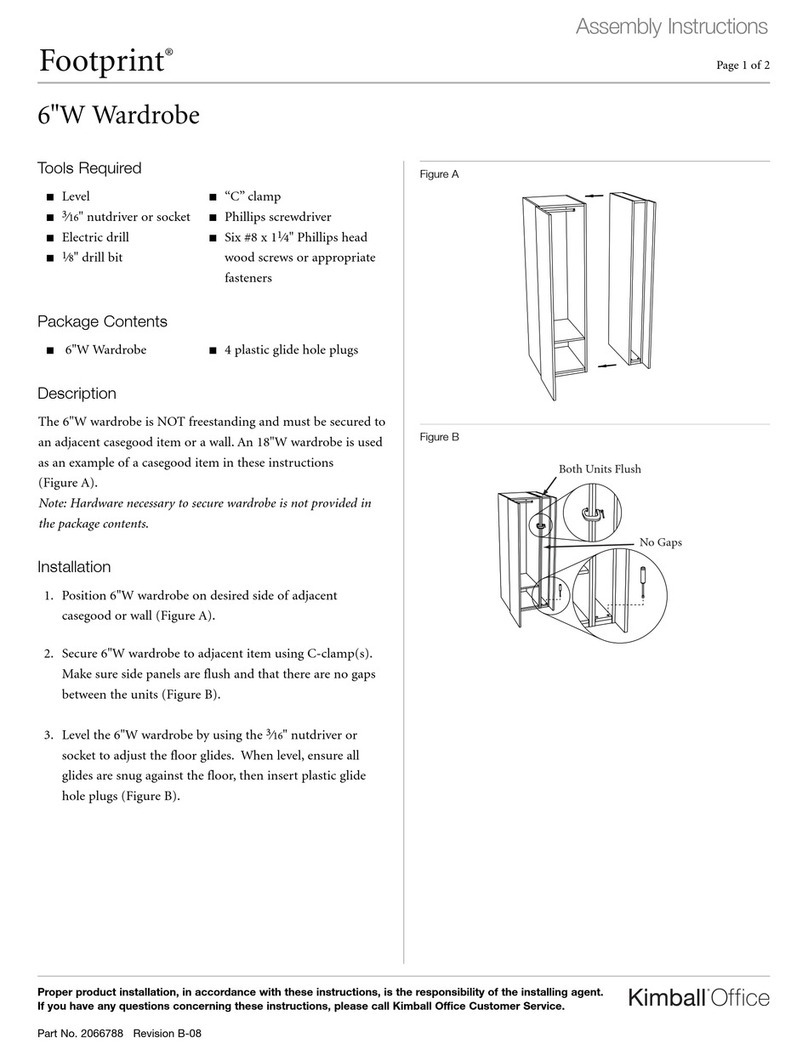
Kimball Office Footprint 6"W Wardrobe User manual
Kimball Office

Kimball Office Footprint 6"W Wardrobe User manual

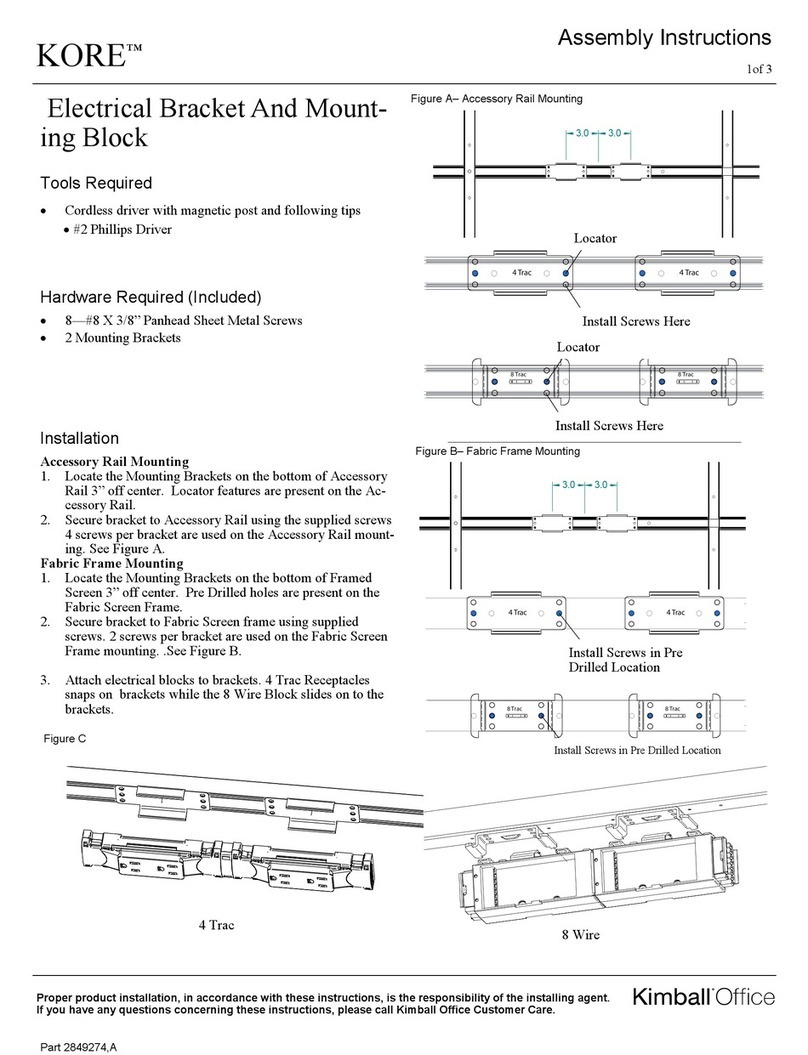
Kimball Office KORE User manual

Kimball Office

Kimball Office KORE User manual

Kimball Office Aspire User manual

Kimball Office

Kimball Office Aspire User manual

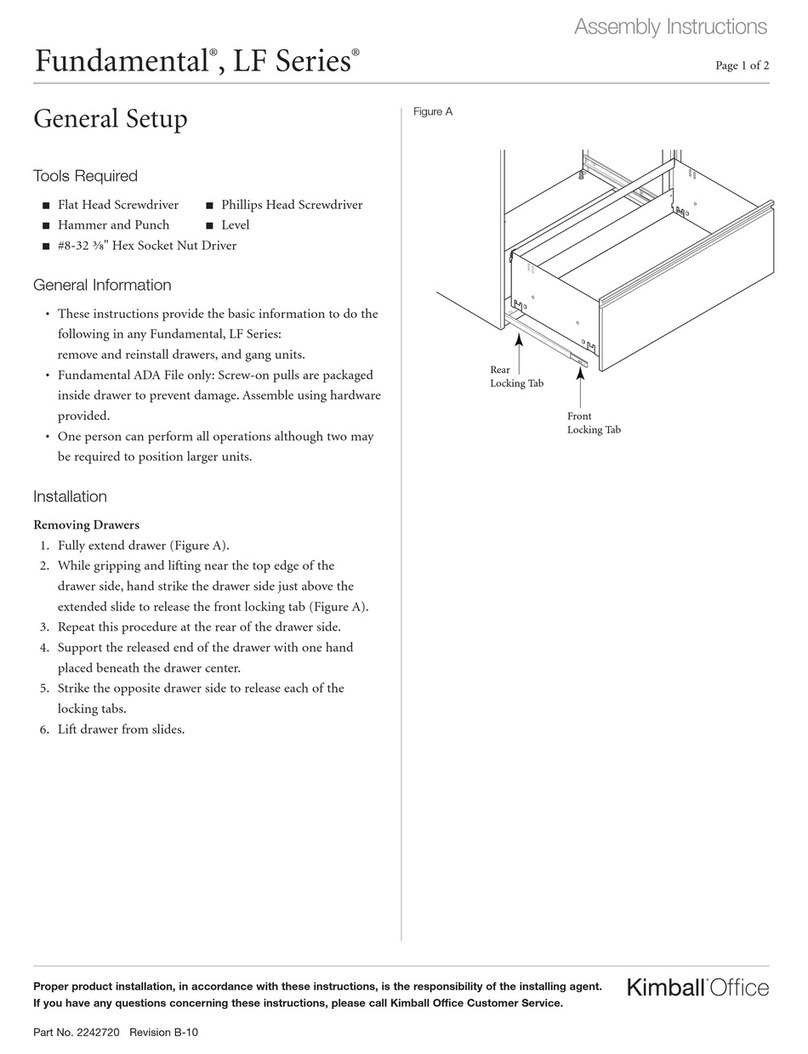
Kimball Office Interworks EQ User manual
Kimball Office

Kimball Office Interworks EQ User manual

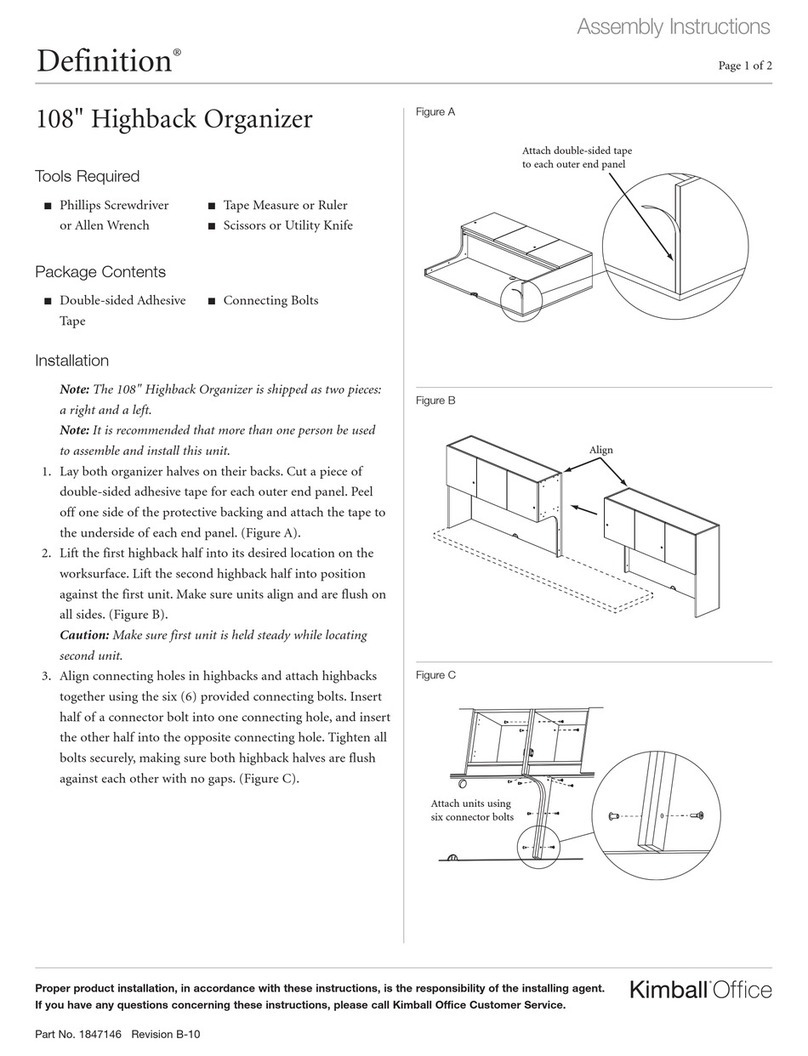
Kimball Office Fundamental LF Series User manual
Kimball Office

Kimball Office Fundamental LF Series User manual

Kimball Office Definition 108 Highback Organizer User manual
Kimball Office

Kimball Office Definition 108 Highback Organizer User manual

Kimball Office President User manual

Kimball Office

Kimball Office President User manual

Kimball Office 2824569 User manual

Kimball Office

Kimball Office 2824569 User manual
Kimball Office Footprint Xsite User manual

Kimball Office

Kimball Office Footprint Xsite User manual

Kimball Office Fundamental User manual
Kimball Office

Kimball Office Fundamental User manual

Kimball Office Aspire User manual

Kimball Office

Kimball Office Aspire User manual

Kimball Office Xsede Height Adjustable User manual
Kimball Office

Kimball Office Xsede Height Adjustable User manual

Kimball Office KORE User manual

Kimball Office

Kimball Office KORE User manual
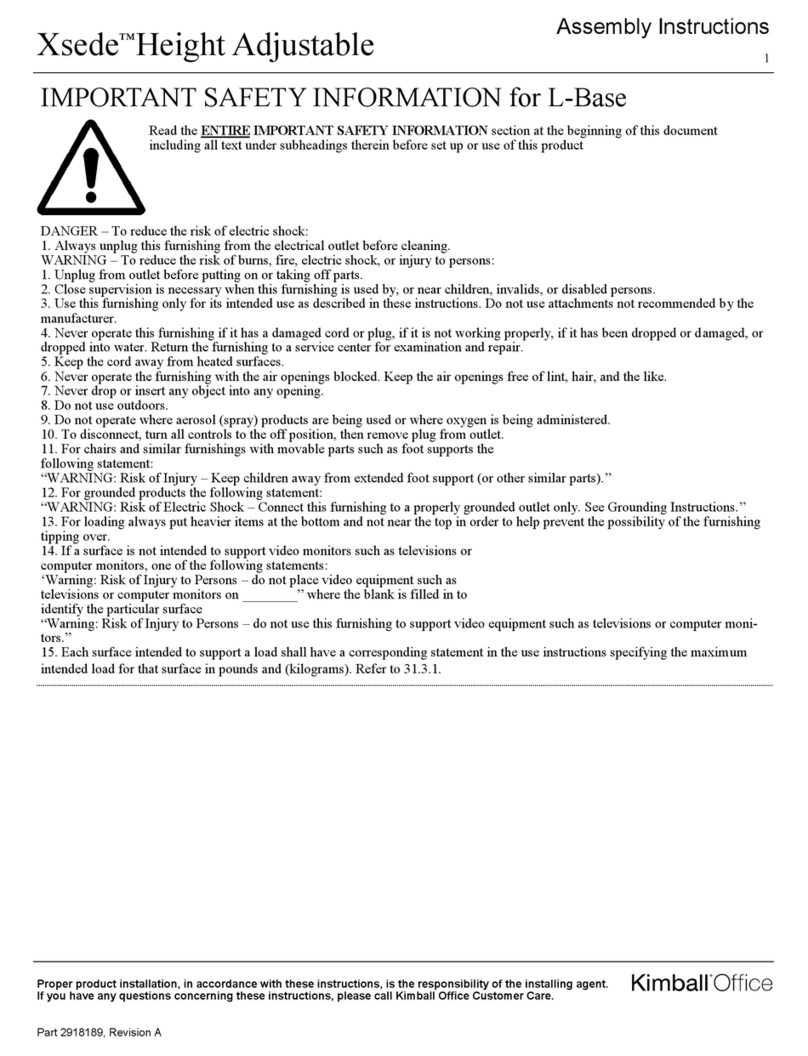
Kimball Office Xsede Height Adjustable User manual
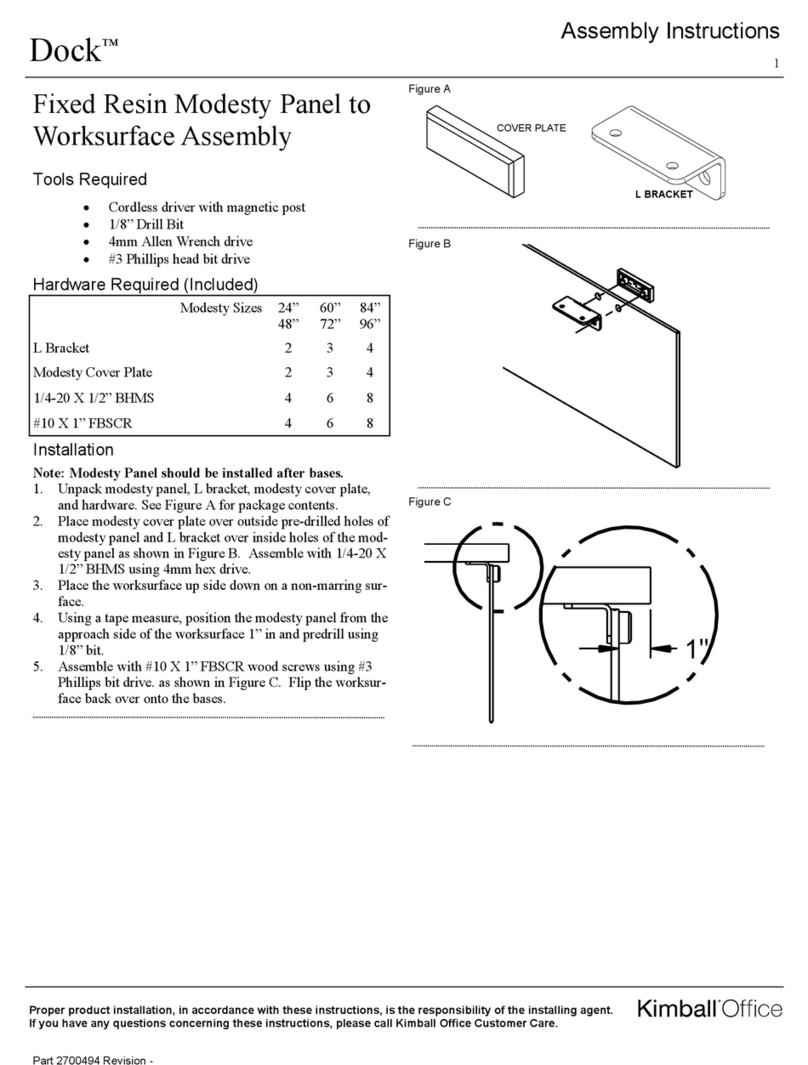
Kimball Office

Kimball Office Xsede Height Adjustable User manual

Kimball Office Dock User manual

Kimball Office

Kimball Office Dock User manual
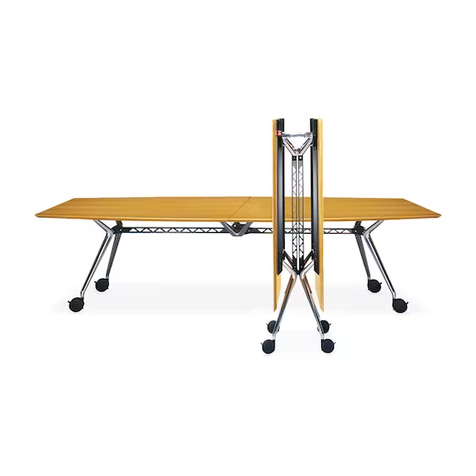
Kimball Office Aspire User manual

Kimball Office

Kimball Office Aspire User manual
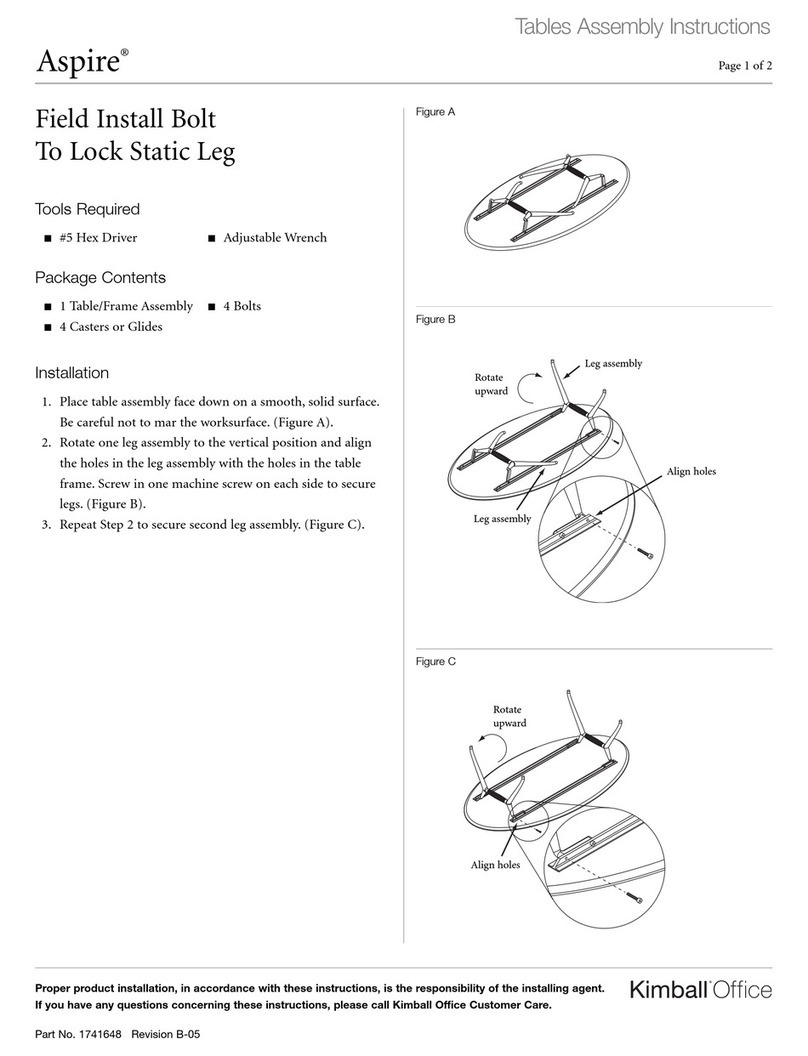
Kimball Office Aspire User manual

Kimball Office

Kimball Office Aspire User manual
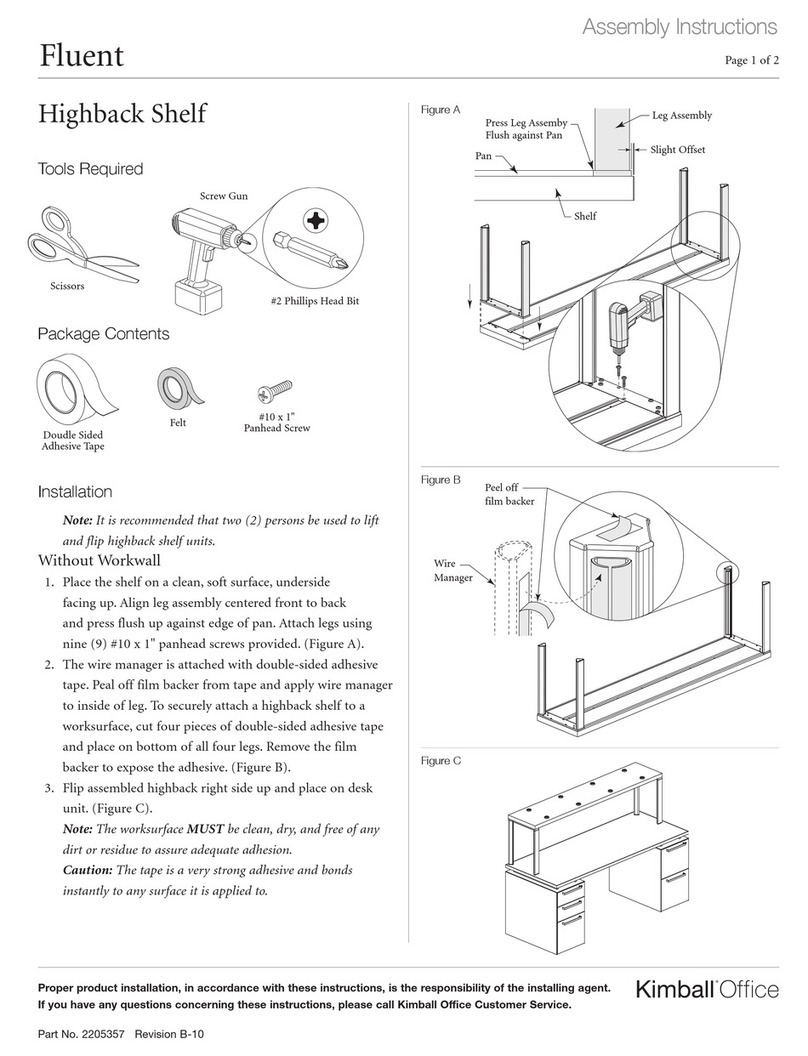
Kimball Office Fluent User manual

Kimball Office

Kimball Office Fluent User manual
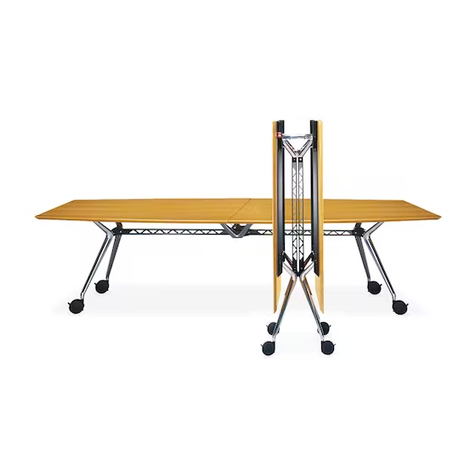
Kimball Office Aspire Table User manual

Kimball Office

Kimball Office Aspire Table User manual

Kimball Office Fluent User manual

Kimball Office

Kimball Office Fluent User manual
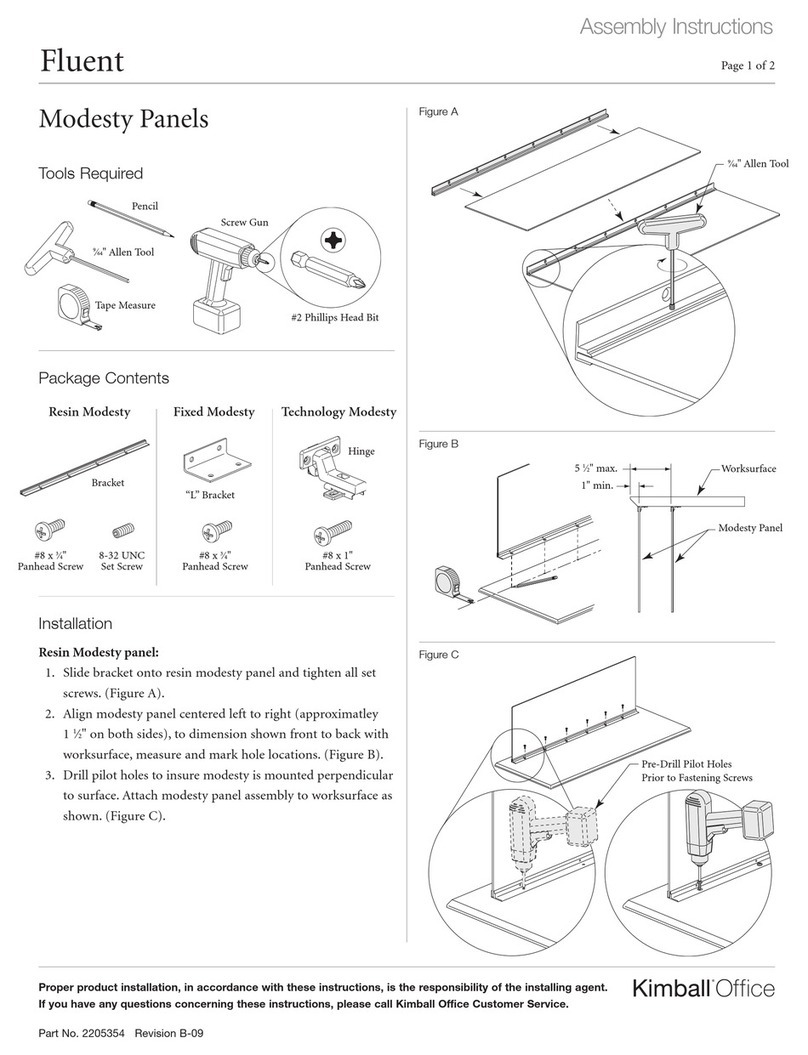
Kimball Office Aspire User manual

Kimball Office

Kimball Office Aspire User manual

Kimball Office Dock Folding Base User manual

Kimball Office

Kimball Office Dock Folding Base User manual

Popular Indoor Furnishing manuals by other brands

Regency LWMS3015 Assembly instructions

Regency

Regency LWMS3015 Assembly instructions

Furniture of America CM7751C Assembly instructions

Furniture of America

Furniture of America CM7751C Assembly instructions

Safavieh Furniture Estella CNS5731 manual

Safavieh Furniture

Safavieh Furniture Estella CNS5731 manual

PLACES OF STYLE Ovalfuss Assembly instruction

PLACES OF STYLE

PLACES OF STYLE Ovalfuss Assembly instruction

Trasman 1138 Bo1 Assembly manual

Trasman

Trasman 1138 Bo1 Assembly manual

Costway JV10856 manual

Costway

Costway JV10856 manual

moss DESIGN Caisson Credenza Assembly instructions

moss DESIGN

moss DESIGN Caisson Credenza Assembly instructions

Aquaglide FULL DECK 15.0 owner's manual

Aquaglide

Aquaglide FULL DECK 15.0 owner's manual

AREBOS AR-HE-SW30 user manual

AREBOS

AREBOS AR-HE-SW30 user manual

Till-Hilft Fulda 87005.330 Assembly instructions

Till-Hilft

Till-Hilft Fulda 87005.330 Assembly instructions

Twoey Outside 2010 quick start guide

Twoey Outside

Twoey Outside 2010 quick start guide

Hettich Easys 200 operating instructions

Hettich

Hettich Easys 200 operating instructions

The bedboss RELAX 404 Series owner's manual

The bedboss

The bedboss RELAX 404 Series owner's manual

Oeseder Möbelindustrie Bern 991 720 Assembly instructions

Oeseder Möbelindustrie

Oeseder Möbelindustrie Bern 991 720 Assembly instructions

Costway HW68469 user manual

Costway

Costway HW68469 user manual

Next ALIX A27743 Assembly instructions

Next

Next ALIX A27743 Assembly instructions

BROSA Hans Assembly guide

BROSA

BROSA Hans Assembly guide

Prodigg MINIKA PBA015T-FUR installation manual

Prodigg

Prodigg MINIKA PBA015T-FUR installation manual

manuals.online logo
manuals.online logoBrands
  • About & Mission
  • Contact us
  • Privacy Policy
  • Terms and Conditions

Copyright 2025 Manuals.Online. All Rights Reserved.

Systems Assembly Instructions
Footprint®
Proper product installation, in accordance with these instructions, is the responsibility of the installing agent.
If you have any questions concerning these instructions, please call Kimball Office Customer Service.
Part No. 1699194 Revision B-07
Page 1 of 3
Installing Cetra®/Interworks®EQ
Panel Attachment Brackets to
Lunar Overheads
Tools Required
■#2 Phillips Screwdriver ■7⁄16" Hex Socket
■1⁄4" or 3⁄8" Socket Driver ■7⁄16" Open End Wrench
Package Contents
■Cetra/Interworks EQ Panel ■Cetra/Interworks EQ Panel
Attachment Bracket (LH) Attachment Bracket (RH)
■Doubler Bracket ■1⁄4" Bolt, washer and nut
Note: This instruction covers installation of panel attachment
brackets to Lunar overheads that will be mounted on Cetra or
Interworks EQ panels. All operations to assemble the bracketry
can be done by one person, but it is recommended that a two
person team assemble and install the units to the panel system.
Important: Reference the assembly instruction “Lunar
Overhead Storage, Flipper Door Cabinet” for assembly of
the Lunar Overhead. The units are assembled in the inverted
position. Moving the units without the bracketry attached can
cause damage, therefore all bracketry in this instruction is
installed with the overhead unit in the inverted position.
1. The assembled overhead unit is in the inverted position.
(Figure A).
2. For Lunar overhead to be mounted on Cetra panel:
The hook-type attachment brackets are right-handed and
left-handed. The flange sides with the hooks orient toward
the outer end of the overhead. Additionally, the doubler
bracket mounts over the inboard face of the main bracket.
The elongated end hook (rhino horn) is oriented towards
the top of the case. All brackets are attached using ¹⁄₄" bolts,
nuts, and washers. Take note of location of mounting holes
and attach bracket and doubler bracket to unit as shown
using three (3) bolts, three (3) washers, and three (3) nuts
per bracket. Loosely secure the fasteners. (Figure B).
Figure A
Doubler Bracket
(Cetra only)
Figure B
Panel Attachment
Bracket
Top
Bottom Shelf
Rhino Horn
Systems Assembly Instructions
Footprint
Proper product installation, in accordance with these instructions, is the responsibility of the installing agent.
If you have any questions concerning these instructions, please call Kimball Office Customer Service.
Part No. 1699194 Revision B-07
Page 2 of 3
Installation
3. Slide the attachment bracket OUTWARD to the extent of
the slots. Slide the doubler bracket towards the top of the
case. Hold brackets in position and tighten all fasteners
securely. (Figure C).
4. Repeat Steps 2 and 3 to attach brackets to the opposite end
of the case. (Figure D).
5. For Lunar overhead to be mounted on Interworks panel:
Follow Step 2 but DO NOT attach the doubler bracket.
6. Slide the attachment bracket INWARD to the extent of the
slots. Hold bracket in position and tighten all fasteners
securely. (Figure E).
Remember: Doubler brackets are NOT USED for Interworks
panel mount.
7. Repeat Steps 5 and 6 to attach bracket to the opposite end of
the case.
Figure D Figure E
Doubler Bracket
(Cetra only)
Panel
Attachment
Bracket
Figure C
Top
Slide Doubler Bracket
towards top as far as
possible
For Cetra,
brackets mount
at outer extent
of slots
Slide Attachment
Bracket outward
to extent of slots
For Interworks,
brackets mount
at inner extent
of slots
Bottom Shelf
Systems Assembly Instructions
Footprint
Printed in U.S.A. © 2007 Kimball International, Inc. T 800.482.1818 F 812.482.8300
Proper product installation, in accordance with these instructions, is the responsibility of the installing agent.
If you have any questions concerning these instructions, please call Kimball Office Customer Service.
Part No. 1699194 Revision B-07
Page 3 of 3
Installation
8. To mount completed unit to Cetra: Carefully turn unit
upright. It is recommended that two persons be used to
lift the unit to its final position. Lift unit and tilt slightly
backwards. Engage rhino hooks on attachment brackets
into vertical panel slots on Cetra panel. Rotate unit down,
making sure all other hooks on attachment brackets engage
panel slots. Press down on unit to lock all hooks into
position. (Figure F).
9. To mount completed unit to Interworks EQ: Carefully turn
unit upright. It is recommended that two persons be used
to lift the unit to its final position. Lift unit and tilt slightly
backwards. Engage rhino hooks on attachment brackets
into vertical panel slots on Interworks panel. Significant
pressure may be required to install unit as a rubber slot
mask is being forced aside with the action of the hooks
going into the slots. Rotate unit down, making sure all
other hooks on attachment brackets engage panel slots.
Press down on unit to lock all hooks into panel. (Figure G).
Figure F
Figure G
Panel slots