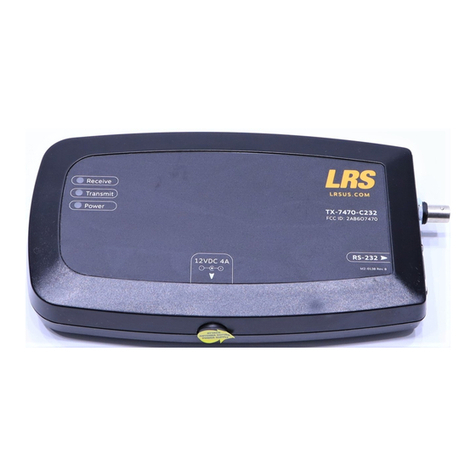
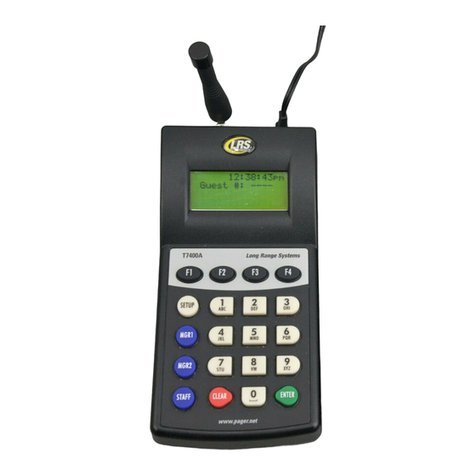
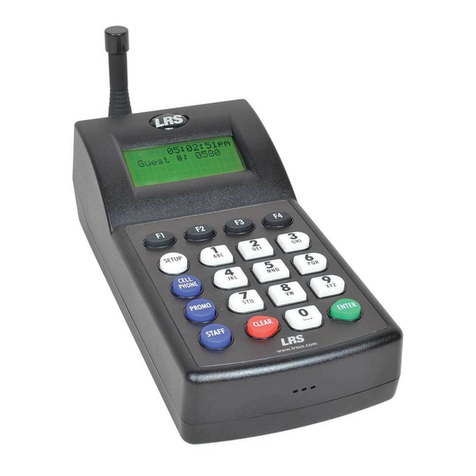
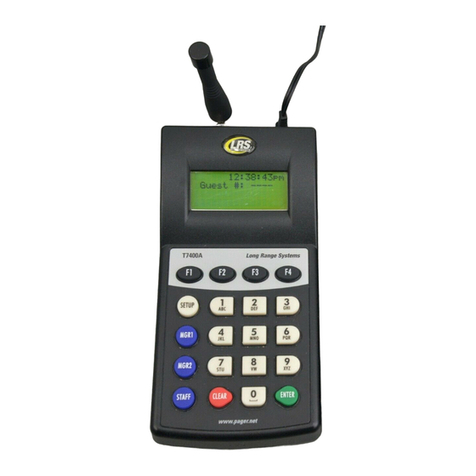
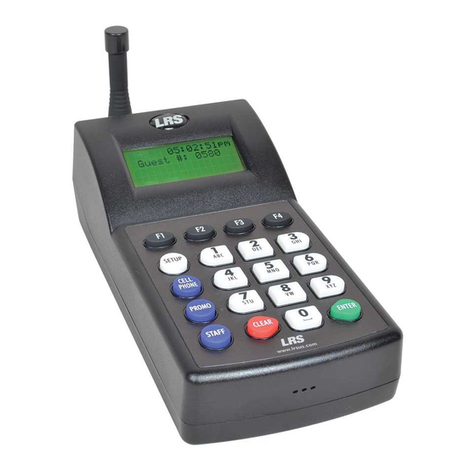
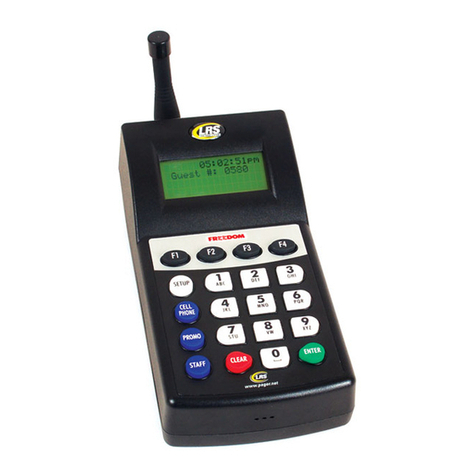
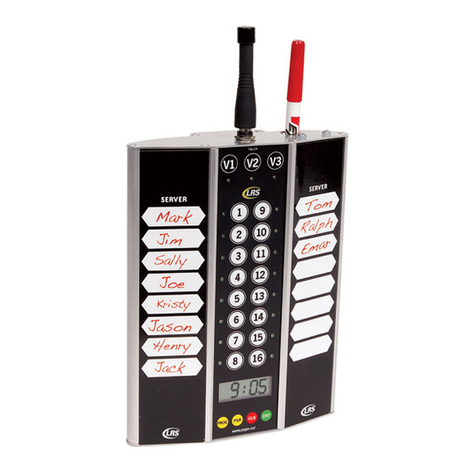
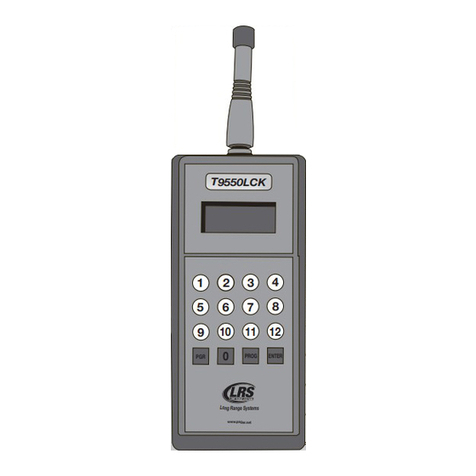
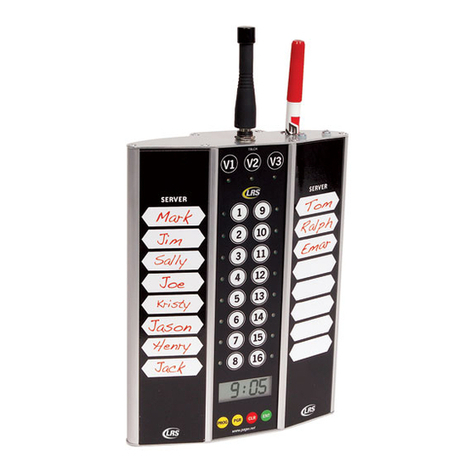
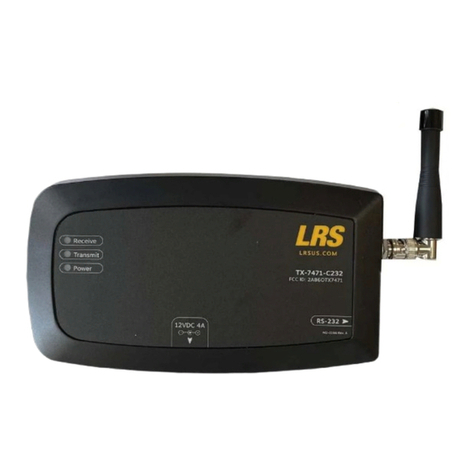
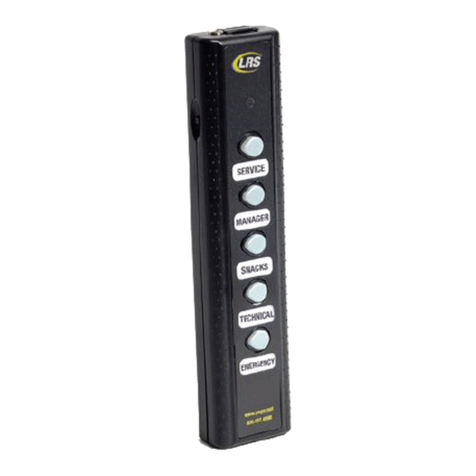
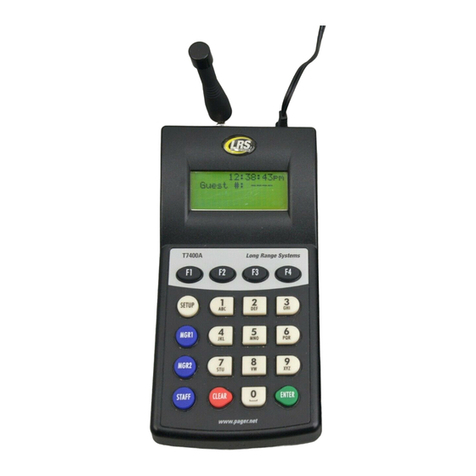
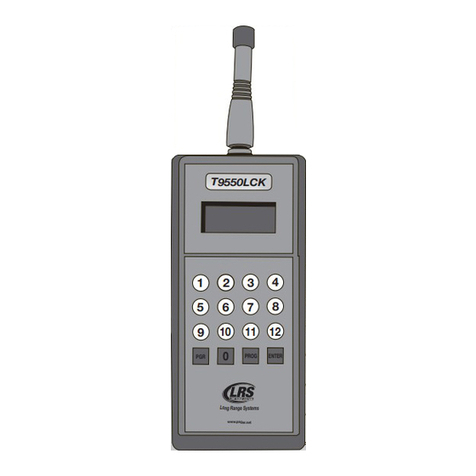
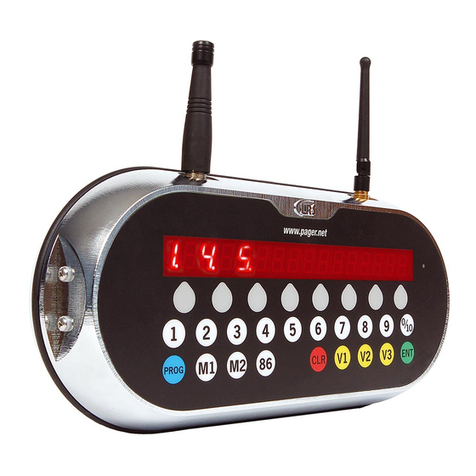
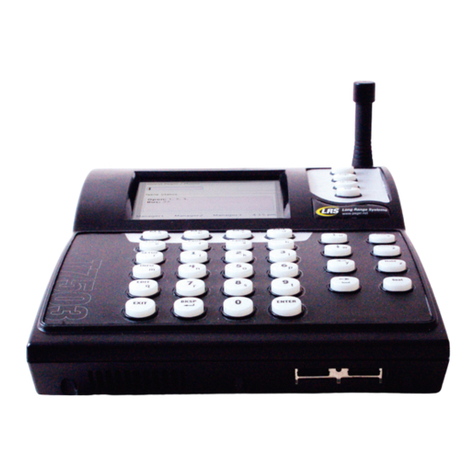
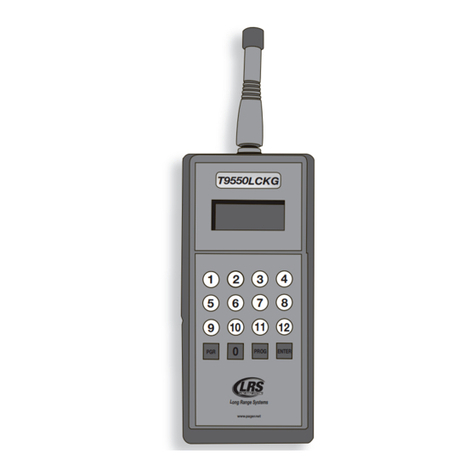
The TX-9561EZ has the ability to program groups into the LRS Alphanumeric Staff only. Up to 5 groups can be programmed into the transmitter and pager.Please note that when the Groups Setting is enabled, Groups are numbered 1-9, and paged using 001 through 009.Any Alphanumeric Staff Pager with a programmed pager number 1-9 matching a specific de-fined group number, will be programmed higher than 100 for that pager’s number.Example: If Group 1 is defined and a pager is programmed as Pager #1, the pager will display Pager #101 for the individual pager number and 1 for Group Number.To turn ON Group Paging, press PROG-9-9-1-Enter.To turn OFF Group Paging, press PROG-9-9-0-Enter.When Group Paging is enabled, select up to 5 Group Numbers to set and define in the transmit-ter. Please follow these steps to setup Groups:Turn ON Group Paging, press 9-9-1-Prog-ProgTo set Group Number, press G-0-0-#-Prog-Prog (# is a number from 1 to 9)Program each individual pager that will belong to this Group (see Pager Programming section)a. While the pager is programmed, the red LED on the transmitter will blink one additional time for each group to programb. The pager will beep an additional time for each group programmed. (Exam-ple: If 3 groups are set, the red LED will blink 6 times on the TX-9561EZ, and the pager will beep 6 times.)Turn OFF Group Paging, press 9-9-0-Prog-ProgRepeat Steps 1-4 for each Group to be setup (be sure to turn Group Paging ON for each Group and then OFF after each Group is setup and individual pagers are programmed for that Group) When all Groups are setup and programmed, be sure that Group Paging is turned OFFTo Page a group, press the 3 digit group number. Example: To Page Group 2, press PGR-0-0-2-Enter. System IDSystem IDTo change the system ID, press PROG-9-0-x-ENTER (x = sys ID from 0 to 49)GROUP PAGING AND PROGRAMMING6