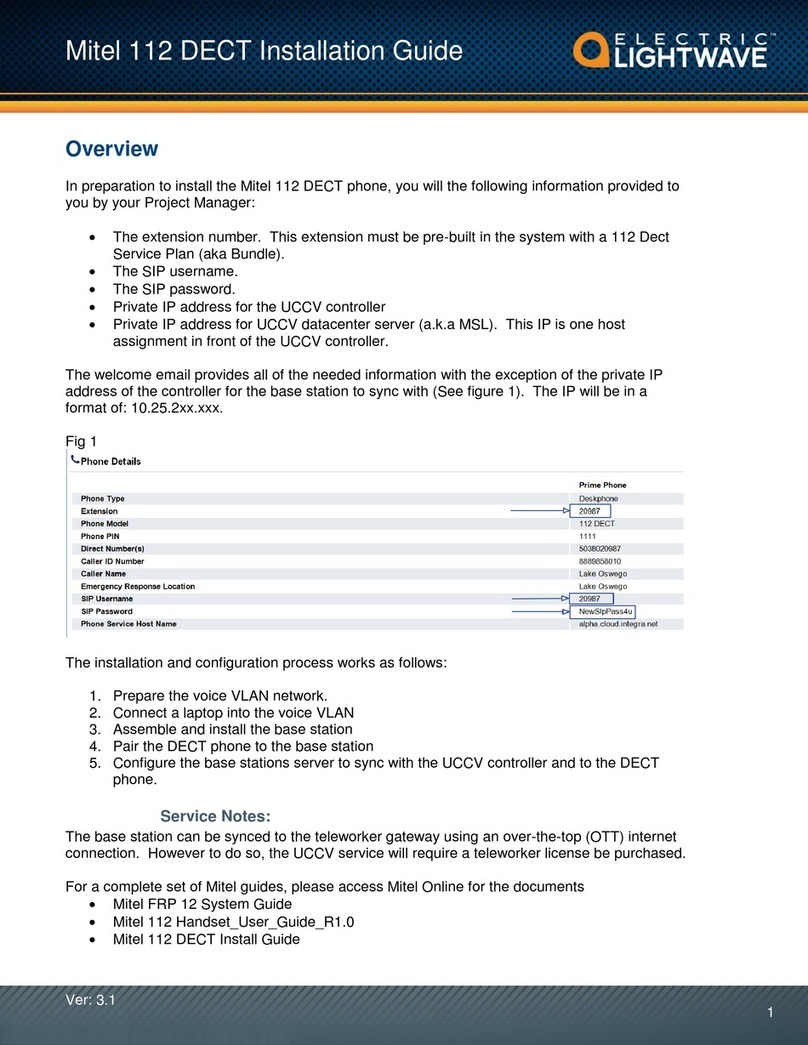
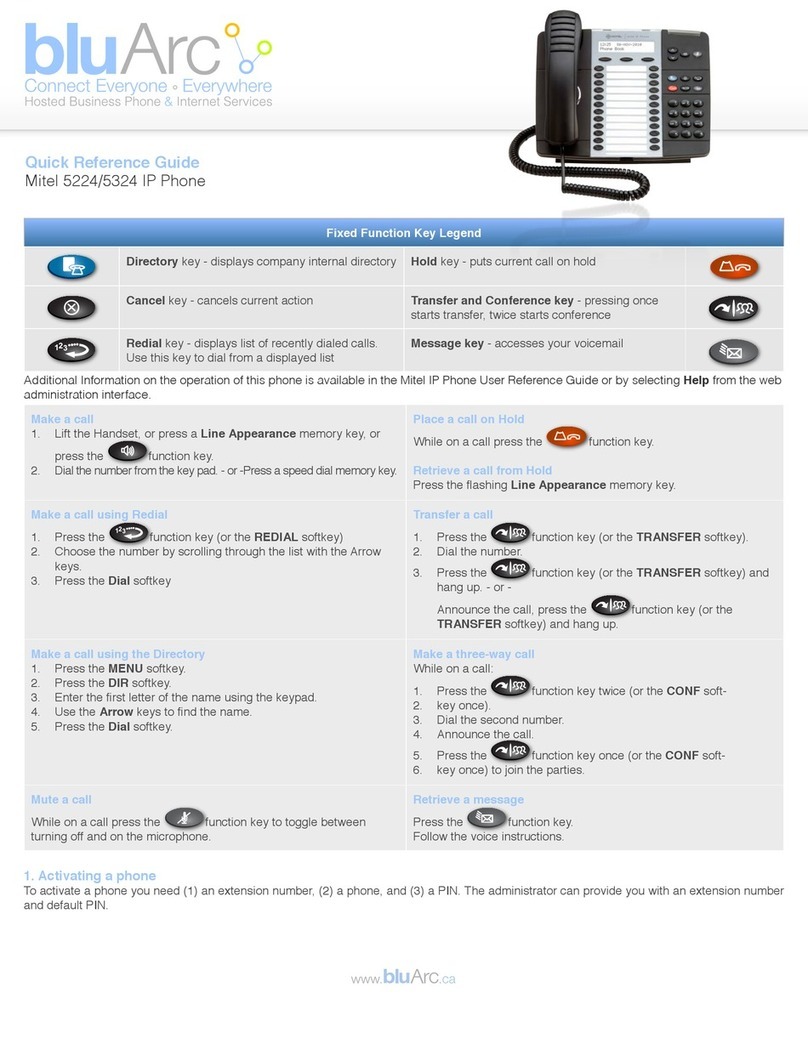
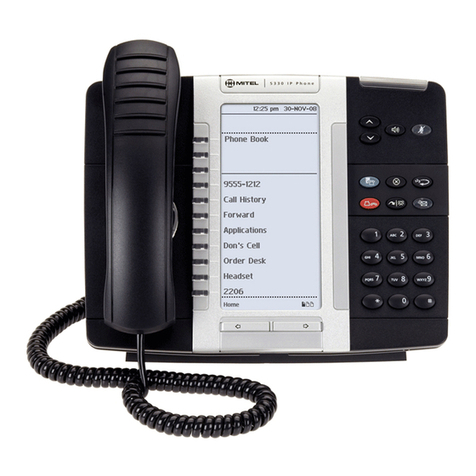
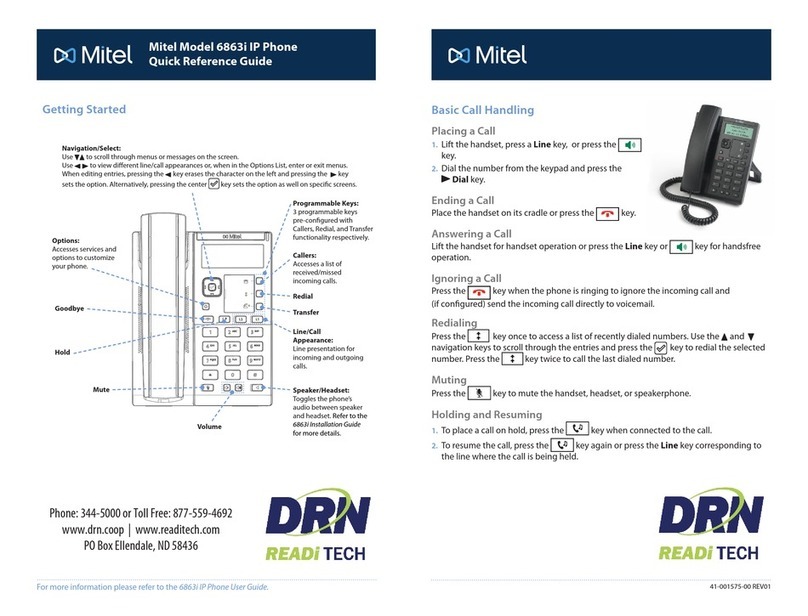
3-Way Conferencing
1. While on an active call with one of the
contacts with whom you want to create
a conference, press the Conference
softkey. The active call is placed on
hold.
2. Enter the conference target’s number and press the
Consult softkey.
3. Wait for an answer and then press the Conference
softkey to complete the 3-way conference call.
Hold/Resume a Call
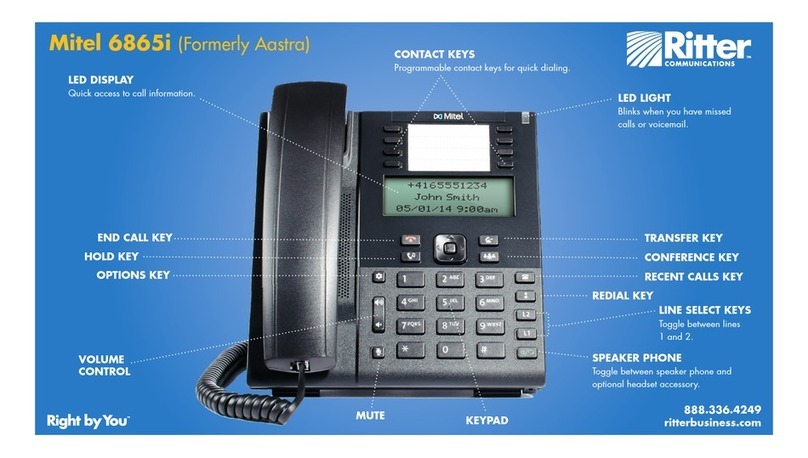
• To place an active call on hold, press
the key. The LED flashes on
the respective Call Appearance
programmable key.
• To resume the call, press the key again or press
the respective Call Appearance programmable key.
Redial
• Press the key twice in quick
succession to redial the last dialed
number.
• Press the key once to access a list of recently
dialed numbers. Use the up and down navigation
keys to scroll through the entries and select a
number. Press either the Select button or the Dial
softkey to redial the selected number.
Voicemail
Contact your System Administrator to
configure voicemail.
When voicemail is enabled, the Message
Waiting Indicator (MWI) LED on the phone flashes red
and the icon displays on the status bar indicating
that voicemail messages are available.
You can access your voicemail service by pressing the
key.
Transfer a Call
1. While on an active call with the party you
wish to transfer, press the Transfer softkey.
The active call is placed on hold.
2. Enter the transfer recipient’s number and press the
Transfer softkey.
Picking Up a Call
With appropriate permissions (set by your
Mitel administrator), you can pick up a call
that is ringing on another extension.
1. Press the Pickup softkey.
2. Dial the extension number.
The call is now an active call on your extension.
Parking/Unparking a Call
With appropriate permissions (set by
your Mitel administrator), you can park a
connected call on another extension and
you can unpark that call and return it to
your extension.
To Park a call:
1. While the call is active, press the Park softkey.
2. Dial the extension number.
The call is now parked on the designated extension.
To Unpark a call:
1. Press the Unpark softkey.
2. Dial the extension number.
The call is now returned to your extension.
End a Call
• Place the handset back in its cradle.
• Press the Drop softkey.
• Press the key.