manuals.online logo
Brands
  1. Home
  2. •
  3. Brands
  4. •
  5. Qlight
  6. •
  7. Lighting Equipment
  8. •
  9. Qlight S80S User manual

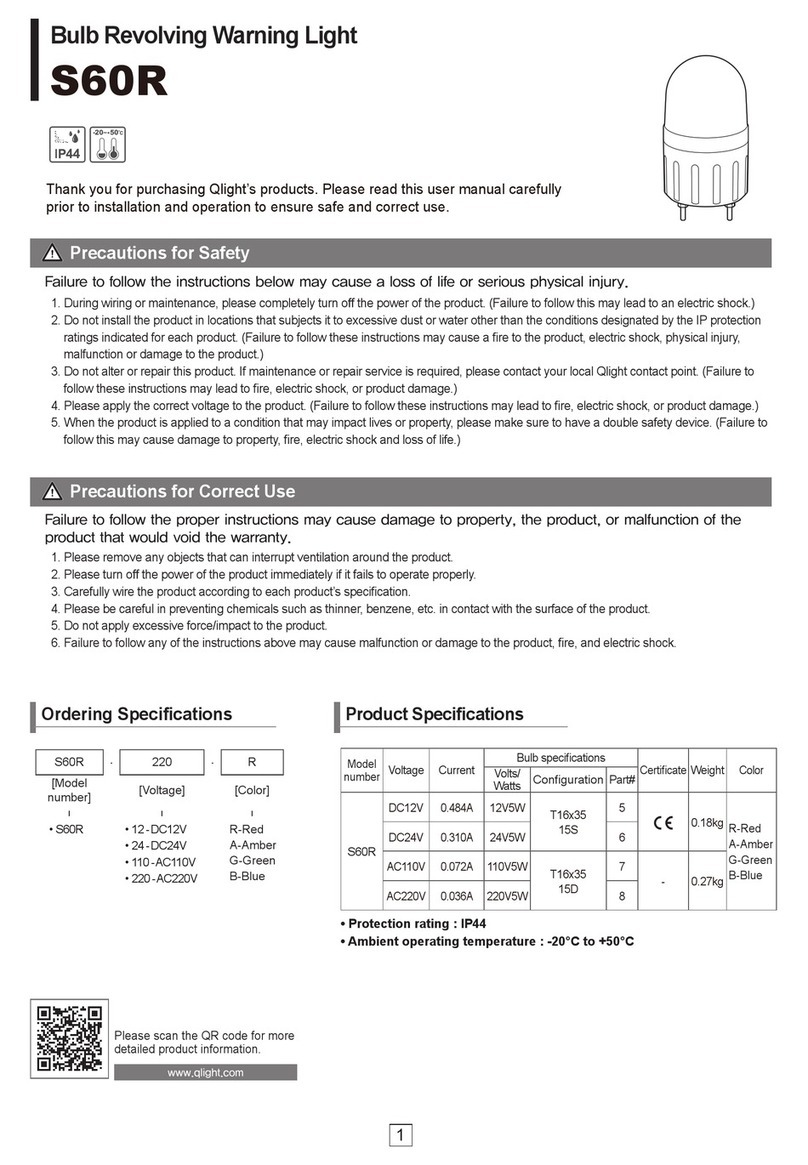
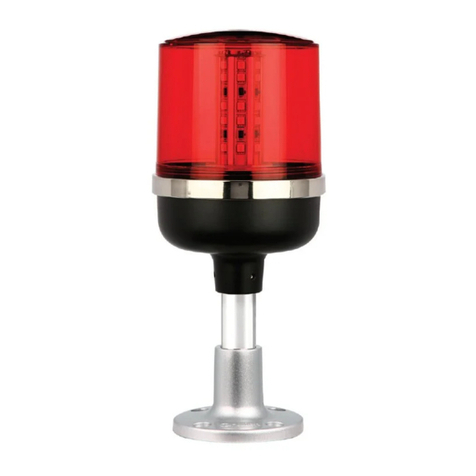
Qlight S80S User manual

This manual suits for next models

1

Other Qlight Lighting Equipment manuals

Qlight QMHL-150 User manual

Qlight

Qlight QMHL-150 User manual

Qlight S80L User manual

Qlight

Qlight S80L User manual

Qlight STDL User manual

Qlight

Qlight STDL User manual

Qlight Q125L User manual

Qlight

Qlight Q125L User manual

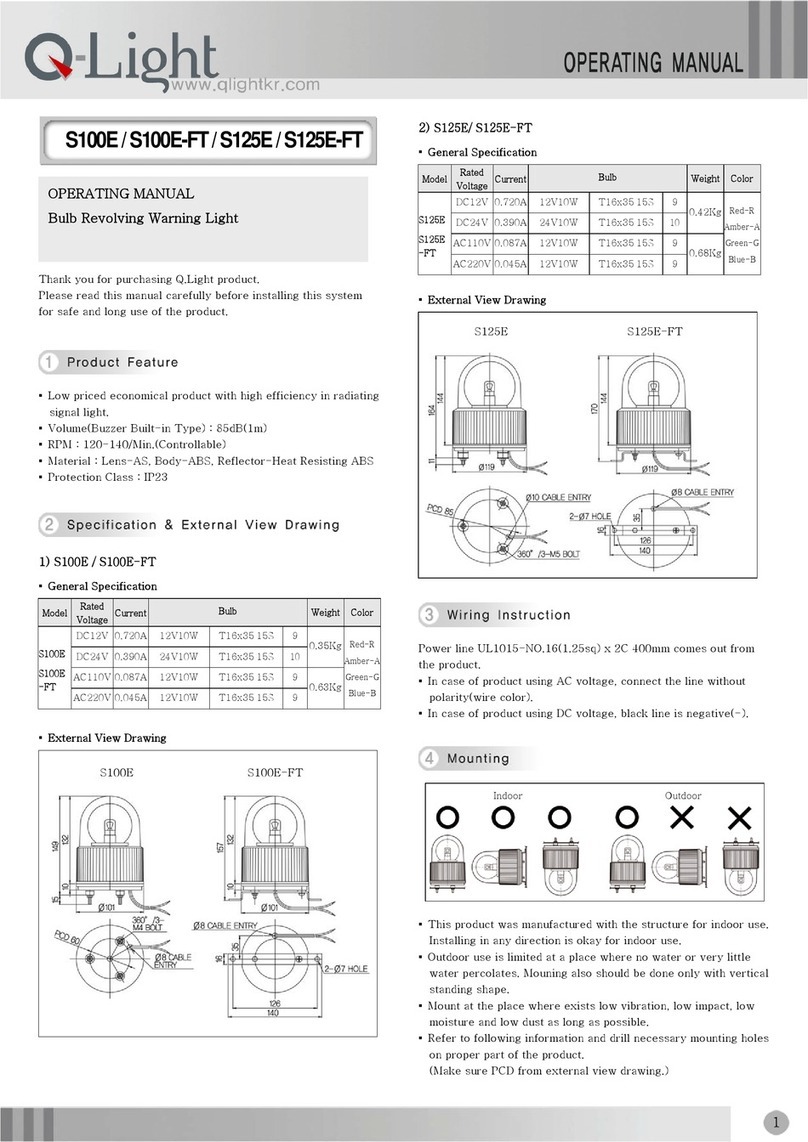
Qlight S100E User manual

Qlight

Qlight S100E User manual

Qlight ST45ML Series User manual

Qlight

Qlight ST45ML Series User manual

Qlight SAOL1 User manual

Qlight

Qlight SAOL1 User manual

Qlight Microlectra QTG50 User manual

Qlight

Qlight Microlectra QTG50 User manual

Qlight S150US User manual

Qlight

Qlight S150US User manual

Qlight SWTCL User manual

Qlight

Qlight SWTCL User manual

Qlight SNE-TI User manual

Qlight

Qlight SNE-TI User manual

Qlight S100D Series User manual

Qlight

Qlight S100D Series User manual

Qlight ST45ML-Ex User manual

Qlight

Qlight ST45ML-Ex User manual

Qlight QTG50ML User manual

Qlight

Qlight QTG50ML User manual

Qlight SH1S User manual

Qlight

Qlight SH1S User manual

Qlight QTG-WIZ User manual

Qlight

Qlight QTG-WIZ User manual

Qlight S50B User manual

Qlight

Qlight S50B User manual

Qlight S60LR User manual

Qlight

Qlight S60LR User manual

Qlight S80AR User manual

Qlight

Qlight S80AR User manual

Qlight SMCL80 User manual

Qlight

Qlight SMCL80 User manual

Qlight S100M User manual

Qlight

Qlight S100M User manual

Qlight SAMP User manual

Qlight

Qlight SAMP User manual

Qlight S80RK User manual

Qlight

Qlight S80RK User manual

Qlight QT56MCL User manual

Qlight

Qlight QT56MCL User manual

Popular Lighting Equipment manuals by other brands

Life 39.9F70020C quick start guide

Life

Life 39.9F70020C quick start guide

EuroLite LED ML-20 user manual

EuroLite

EuroLite LED ML-20 user manual

LIGMAN OD-50141 installation manual

LIGMAN

LIGMAN OD-50141 installation manual

Home Accents Holiday 1002461144 instructions

Home Accents Holiday

Home Accents Holiday 1002461144 instructions

Experia IRiS Ripple Light instruction manual

Experia

Experia IRiS Ripple Light instruction manual

Erco Gecko Mounting instructions

Erco

Erco Gecko Mounting instructions

Inter-lux ZTA.100.Surface Installation and maintenance instructions

Inter-lux

Inter-lux ZTA.100.Surface Installation and maintenance instructions

Whelen Engineering Company TN Series installation guide

Whelen Engineering Company

Whelen Engineering Company TN Series installation guide

IKEA BJÖRKSPIREA manual

IKEA

IKEA BJÖRKSPIREA manual

Toolland PM 6640 instruction manual

Toolland

Toolland PM 6640 instruction manual

GTD GTD-LP200 user manual

GTD

GTD GTD-LP200 user manual

LIVARNO home 1105-W-UK manual

LIVARNO home

LIVARNO home 1105-W-UK manual

ProLights EclPar IPMFC user manual

ProLights

ProLights EclPar IPMFC user manual

Velvet EVO Series user manual

Velvet

Velvet EVO Series user manual

IDTOLIGHT GENT installation instructions

IDTOLIGHT

IDTOLIGHT GENT installation instructions

MAYTONI S35 installation manual

MAYTONI

MAYTONI S35 installation manual

MaxLite MLFP14DP4535 user manual

MaxLite

MaxLite MLFP14DP4535 user manual

SLV Elektronik 550621 instruction manual

SLV Elektronik

SLV Elektronik 550621 instruction manual

manuals.online logo
manuals.online logoBrands
  • About & Mission
  • Contact us
  • Privacy Policy
  • Terms and Conditions

Copyright 2025 Manuals.Online. All Rights Reserved.

S80S / S80AS
Thank you for purchasing Q.Light product.
Please read this manual carefully before installing this system
for safe and long use of the product.
▪ A product radiating strong strobe signal by xenon lamp and it is
suitable for a bright place and for the transmission of signal from
a distance.
▪ Lamp of connector type whose replacement is easy and simple.
▪ Material : Lens-AS, Body-ABS
▪ Flashes : 65-95/Min.
▪ Protection Class : S80S-IP23, S80AS-IP44
1)
S80S
▪ General Specification
Model Rated
Voltage Current Weight Flashes Color
DC12V 0.550A 0.22Kg
DC24V 0.480A 0.22Kg
AC110V 0.065A 0.20Kg
S80S
AC220V 0.056A 0.20Kg
60-80/Min.
Red-R
Amber-A
Green-G
Amber-B
▪ External View Drawing
S80S
1)
S80AS
▪ General Specification
Model Rated
Voltage Current Weight Flashes Color
DC12V 0.550A 0.49Kg
DC24V 0.480A 0.49Kg
AC110V 0.065A 0.68Kg
S80AS
AC220V 0.056A 0.68Kg
60-80/Min.
Red-R
Amber-A
Green-G
Blue-B
▪ External View Drawing
Power line UL1015-NO.16(1.25sq) x 2C 400mm comes out from
the product.
▪ In case of product using AC voltage, connect the line without
polarity(wire color).
▪ In case of product using DC voltage, black line is negative(-).
▪ If mounting is completed,power is supplied to body③ through
terminal plate② on mounting bracket①.
▪ This product was manufactured with the structure for indoor use.
Installing in any direction is okay for indoor use.
▪ Outdoor use is limited at a place where no water or very little
water percolates. Mounting also should be done only with
vertical standing shape.
indoor
outdoor
OPERATING MANUAL
Xenon Lamp Strobe Light
▪ This product was manufactured with the structure for indoor use.
Installing in any direction is okay for indoor use.
▪ Outdoor use is limited at a place where no water or very little
water percolates. Mounting also should be done only with
vertical standing shape.
▪ Mount at the place where exists low vibration, low impact, low
moisture and low dust as long as possible.
▪ Refer to below information and drill necessary mounting holes on
profitable part of the product.
(Make sure PCD from external view drawing.)
1) S80S
▪ Fix the product by using nuts(M4-3EA) originally equipped on
mounting bolt on bottom of the product.
2) S80AS
▪ Stick the bracket① by using another extra bolt(M4-4EA).
▪ Refer to wiring instruction and connect power line.
▪ Hang the upper projecting part② of mounting surface of the
product on the groove③ of the bracket. Then, push it until
“click” is heard.
▪ Lock the bracket by fastening bolt④(M4 1EA) at the element’s
base of the body.
1) Warning ! Turn off Power
Must turn off power supply and change the bulb after at least
1 minute.
▪ Xenon lamp emits superheat while it is operating. Do not touch
the lamp until it gets fully cool. Earlier touch can cause burns on
hand or body. Be careful !
▪ Xenon lamp is operating with high voltage. Do not touch lamp or
assembling board without turning off power. It can cause an
electrical shock.
2) Lens Removal
Remove lens by turning it counterclockwise and make sure lamp
and flashing selection switch on assembling board.
3) Lamp Change
▪ Xenon lamp is a connector type. Pull up the lamp for removal.
▪ Insert the connector pin correctly into the groove for
assembling by referring following drawing.
Bulb Removing Bulb Fitting
4) Lens Assembling
Assemble the product in reverse order of separating.
▪ If using voltage is seriously higher or lower than rated voltage, it
can reduce the self-life of the product or can cause a problem
on product operating. Make sure the using voltage does not
exceed +/- 5% of the rated voltage.
▪ If lens or body of the product is contaminated by chemicals such
as thinner, benzene, the product can be damaged, discolored
or deformed. Please be careful.
▪ Do not give strong impact to the product. It can be a reason of
wire disconnection or short circuit.
▪ Do not strongly pull the wire out from the product. It can cause a
disorder.

Situation Main Cause Solution
Damage on Lamp Change Lamp
Untied Lamp Connector Re-join Lamp Connector
Non Lighting
No Power Supply Make Sure Power Supply
Irregular Strobe
Operating
Supplying Voltage Lower
than Rated Voltage Make Sure Using Voltage
Q-LIGHT CO., LTD.
http://www.qlightkr.com
E-mail : [email protected]
Seoul Office (Domestic Sales & A/S)
Tel) 02-2679-6152
Ansung BD A-312, 410-13 Sindorim-Dong, Guro-Gu, Seoul
Overseas Marketing Team / Plant
Tel) 055-328-4082 Fax) 055-328-4083
Plant #1 : 178-1 Woogye-Ri, Sangdong-Myun, Kimhae-Si,
KyungNam, Korea
Plant #2 : 417-1 Geumsa-Dong, Geumjung-Gu, Busan