8 INT-TSG SATEL
Signaling troubles in partially arm [Trbl. in p.arm.] – with this option enabled, the keypad
signals troubles by means of the LED, if some of the operated partitions are armed
(the troubles are not signaled if all partitions are armed).
Signal new trouble [New trbl. sign.] – with this option enabled, the keypad can audibly signal
the occurrence of a new trouble (if the T
ROUBLE MEMORY UNTIL REVIEW
system option is
enabled).
Show code entering [Show code ent.] – with this option enabled, entering the code is
presented on the keypad display by asterisks.
Exit delay clearing enable [Fin. exit time.] – with this option enabled, the exit delay time in
partitions with the E
XIT DELAY CLEARING
option enabled can be shortened by means of:
– macro command;
– terminal (after pressing in turn the and keys).
Show violated zones [Zone violation] – with this option enabled, violating the CHIME signal
triggering zone result additionally in the zone name being displayed.
Auto-Arm delay countdown signaling [Auto-arm delay] – with this option enabled, the
auto-arm delay countdown in partition is signaled acoustically.
Show disarm messages [Show disarming] – if this option is enabled, the keypad will inform
about disarming with a displayed message at all times. If the option is disabled – only in
case of disarming from the given keypad.
Show arm messages [Show arm] – if this option is enabled, the keypad will inform about
arming with a displayed message (irrespective of how the system was armed).
Quick control [Control (8#)] – if this option is enabled, the O
UTS CONTROL
user function can
be started without entering the user code:
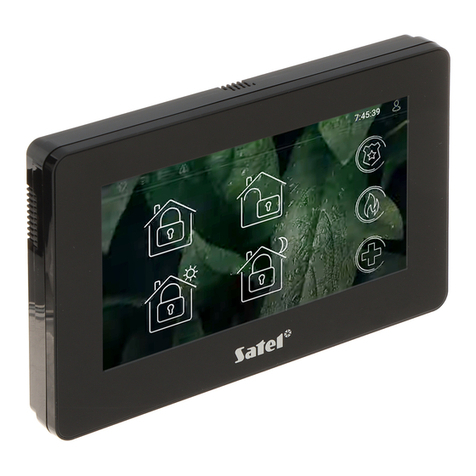
– after touching the icon on the main screen, if no macro command is assigned to
the group;
– after touching the icon on the main screen for about 3 seconds, if at least one
macro command is assigned to the group;
– from the terminal, after you touch in turn the and keys.
Keypad zones – for each of the keypad zones can be defined whether it will be used or not.
Auto-backlight – the backlight can go on optionally after a specific event in the system, e.g.
starting the entry delay countdown in a selected partition, or violating a selected zone.
Tamper signaled in partition [Tamper in part.] – selection of the partition in which alarm will
be signaled if the keypad tamper contact is opened or the keypad is disconnected from the
control panel.
6.2 Volume
Volume – volume level of the beeps generated on touching the screen.
Volume – chime – volume level of the beeps generated after zone violation (CHIME).
Volume – entry delay – volume level of the entry delay beeps.
Volume – exit delay – volume level of the exit delay beeps.
Volume – fire – volume level of the fire alarm beeps.
Volume – alarm – volume level of the burglary, panic and medical alarms beeps.