manuals.online logo
Brands
  1. Home
  2. •
  3. Brands
  4. •
  5. teko
  6. •
  7. Security Sensor
  8. •
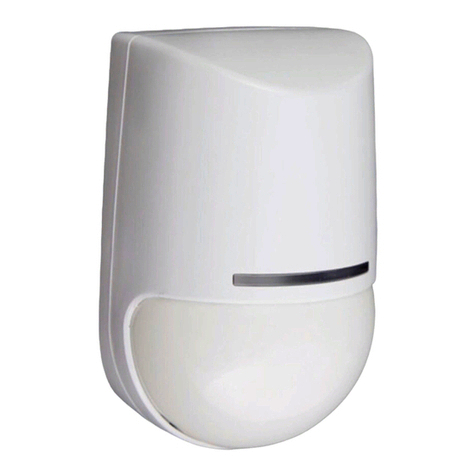
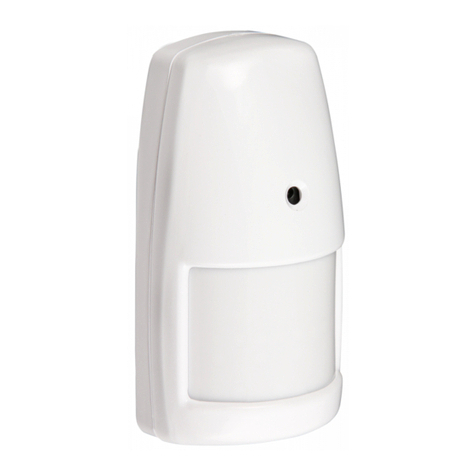
  9. teko Astra-5131 User manual

teko Astra-5131 User manual

Other teko Security Sensor manuals

teko Astra-531 DC Installation instructions

teko

teko Astra-531 DC Installation instructions

teko Astra-531 Ver.PIR User manual

teko

teko Astra-531 Ver.PIR User manual

teko Astra-551 User manual

teko

teko Astra-551 User manual

teko Astra-5131 User manual

teko

teko Astra-5131 User manual

teko Astra-6131 User manual

teko

teko Astra-6131 User manual

teko User guide User manual

teko

teko User guide User manual

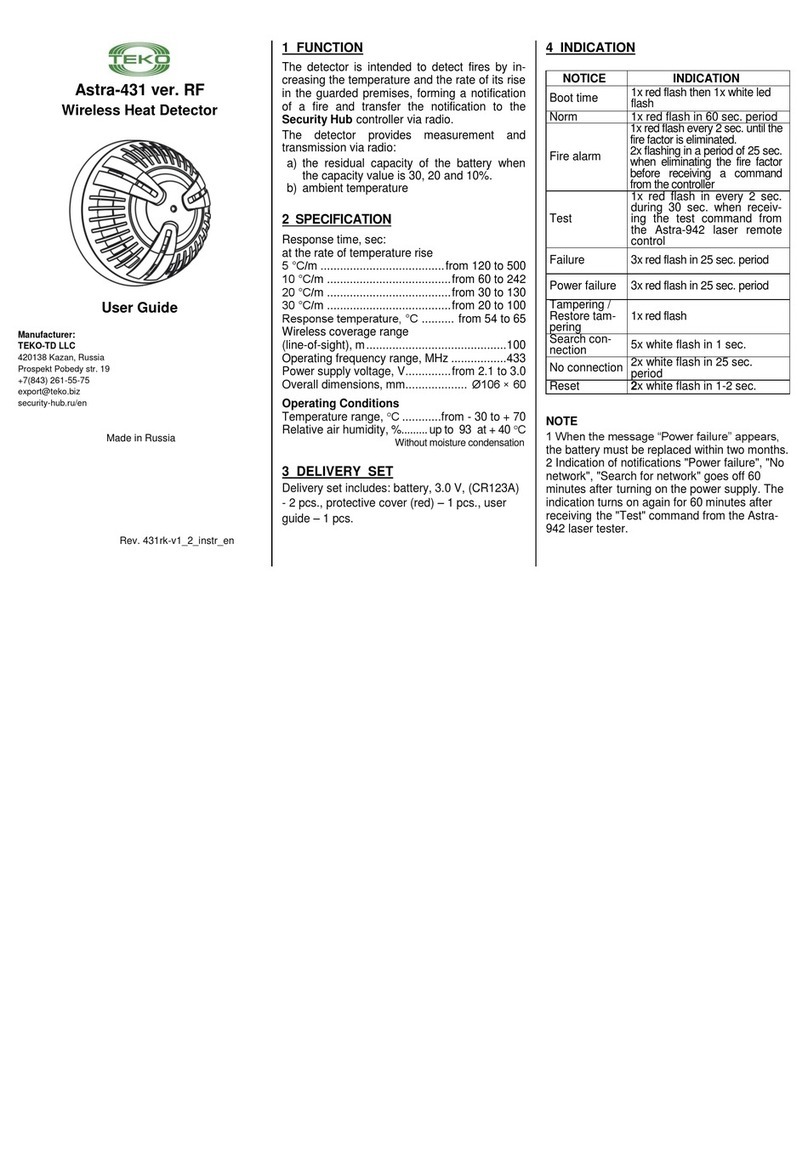
teko Astra-431 ver. RF User manual

teko

teko Astra-431 ver. RF User manual

teko Astra-517 User manual

teko

teko Astra-517 User manual

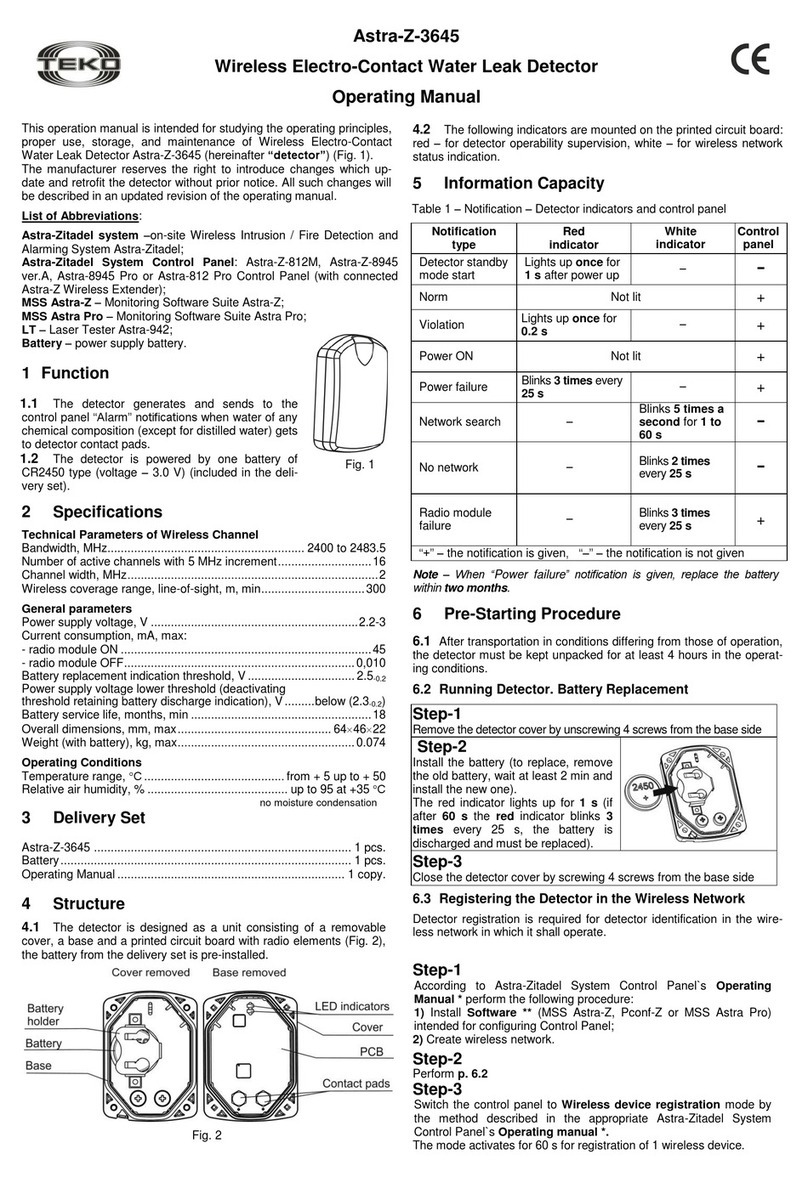
teko Astra-Z-3645 User manual

teko

teko Astra-Z-3645 User manual

teko Astra-361 User manual

teko

teko Astra-361 User manual

teko Astra-515 ver.A User manual

teko

teko Astra-515 ver.A User manual

teko Astra-7 ver.A User manual

teko

teko Astra-7 ver.A User manual

teko Astra-621 User manual

teko

teko Astra-621 User manual

teko Astra-3221 User manual

teko

teko Astra-3221 User manual

teko Astra-531 PIR Installation instructions

teko

teko Astra-531 PIR Installation instructions

teko Astra-7 User manual

teko

teko Astra-7 User manual

teko Astra-621 User manual

teko

teko Astra-621 User manual

teko Astra-531 User manual

teko

teko Astra-531 User manual

teko Astra-431 User manual

teko

teko Astra-431 User manual

teko Astra-612 User manual

teko

teko Astra-612 User manual

teko Astra-5 ver.A User manual

teko

teko Astra-5 ver.A User manual

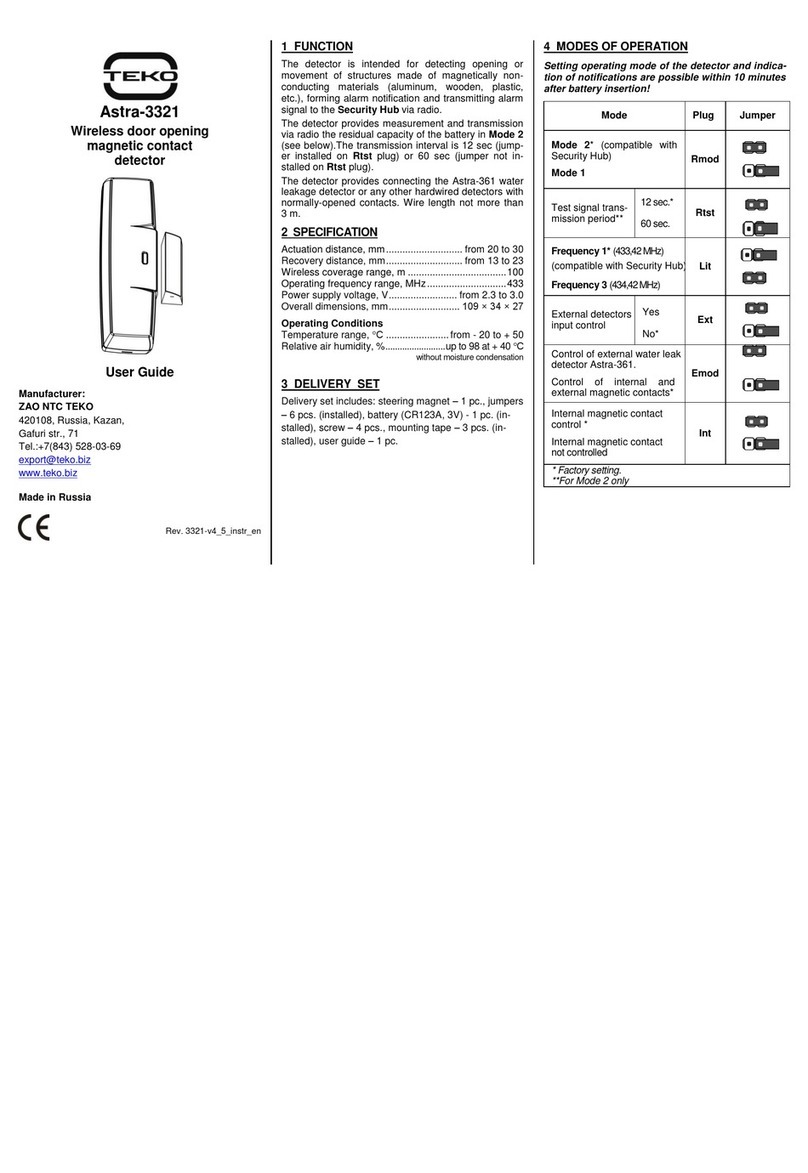
teko Astra-3321 User manual

teko

teko Astra-3321 User manual

teko Astra-A ILS User manual

teko

teko Astra-A ILS User manual

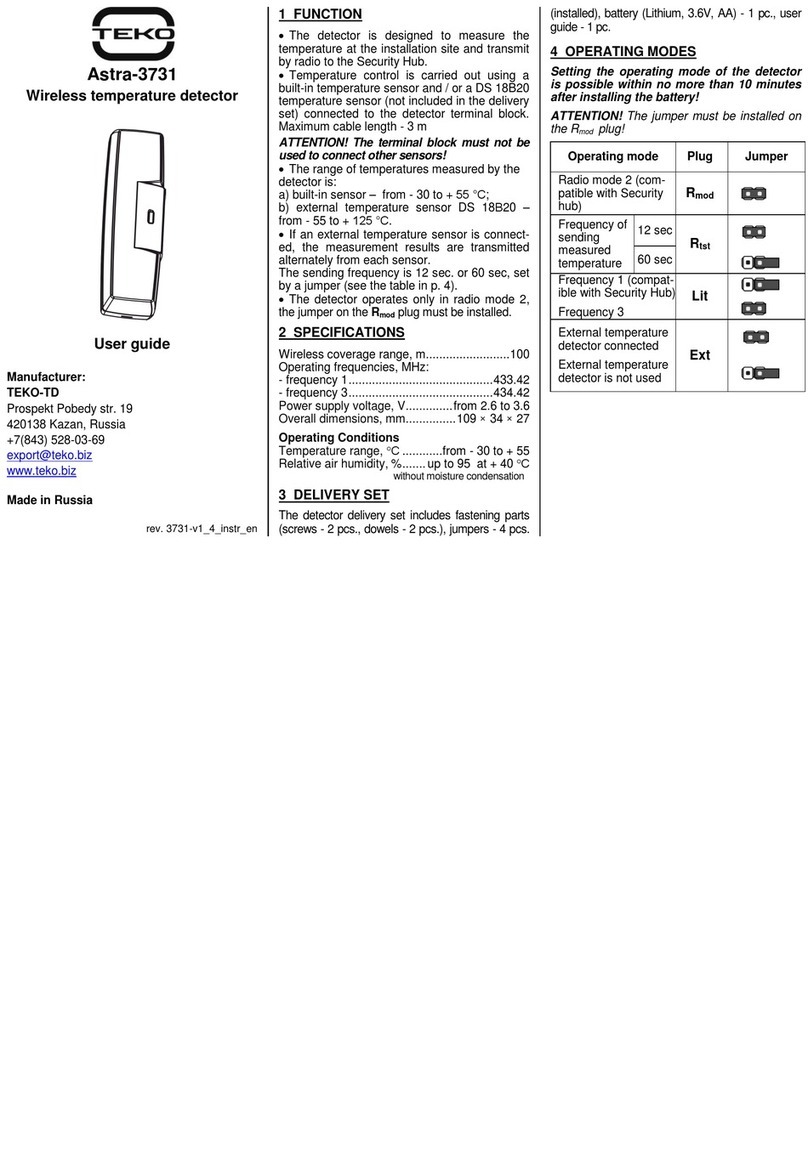
teko Astra-3731 User manual

teko

teko Astra-3731 User manual

Popular Security Sensor manuals by other brands

Honeywell Home PROSiXCOCN Installation and setup guide

Honeywell Home

Honeywell Home PROSiXCOCN Installation and setup guide

Duevi SIRPZ-RB-868 Operation

Duevi

Duevi SIRPZ-RB-868 Operation

RKI 65-2483RK Operator's manual

RKI

RKI 65-2483RK Operator's manual

Nortech PD160 Enhanced Series user manual

Nortech

Nortech PD160 Enhanced Series user manual

Omron K8AC-H2 manual

Omron

Omron K8AC-H2 manual

Agilent Technologies G8610 Series Quick reference card

Agilent Technologies

Agilent Technologies G8610 Series Quick reference card

Shinko SE2EA-1-0-0 instruction manual

Shinko

Shinko SE2EA-1-0-0 instruction manual

Det-Tronics X Series instructions

Det-Tronics

Det-Tronics X Series instructions

ACR Electronics COBHAM RCL-300A Product support manual

ACR Electronics

ACR Electronics COBHAM RCL-300A Product support manual

TOOLCRAFT 1712612 operating instructions

TOOLCRAFT

TOOLCRAFT 1712612 operating instructions

Elkron IM600 Installation, programming and functions manual

Elkron

Elkron IM600 Installation, programming and functions manual

Bosch WEU PDO 6 Original instructions

Bosch

Bosch WEU PDO 6 Original instructions

THORLABS PDA10JT user guide

THORLABS

THORLABS PDA10JT user guide

Waeco UV-DETECT operating manual

Waeco

Waeco UV-DETECT operating manual

Intermatic IOS-DSIMF manual

Intermatic

Intermatic IOS-DSIMF manual

Siemens AZL66 Series manual

Siemens

Siemens AZL66 Series manual

BTI Profiline Multi Finder operating instructions

BTI

BTI Profiline Multi Finder operating instructions

Challenger SL01 instruction manual

Challenger

Challenger SL01 instruction manual

manuals.online logo
manuals.online logoBrands
  • About & Mission
  • Contact us
  • Privacy Policy
  • Terms and Conditions

Copyright 2025 Manuals.Online. All Rights Reserved.

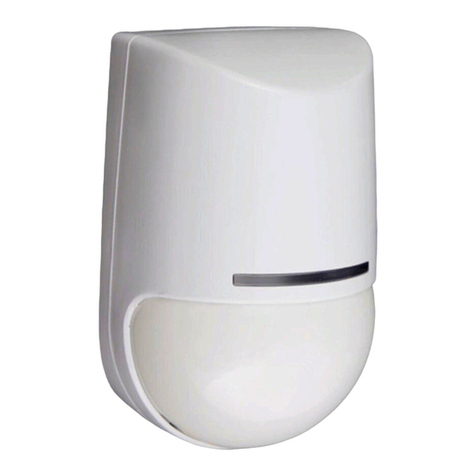
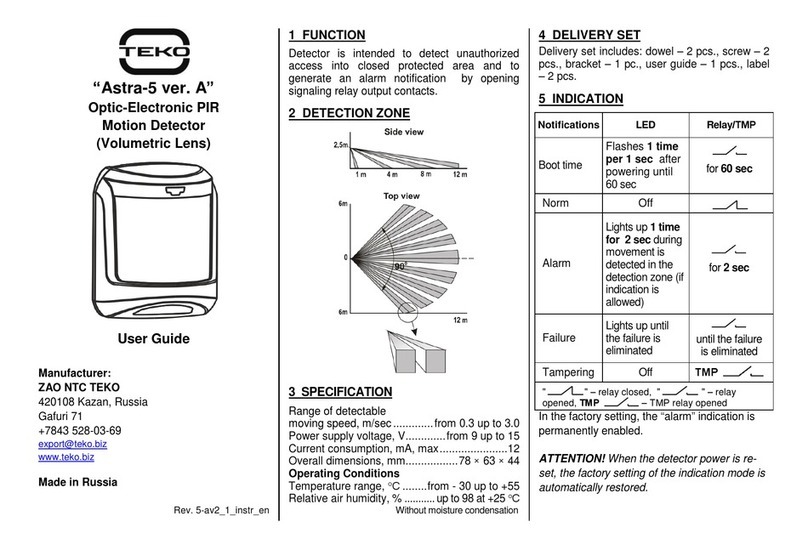
Astra-5131 ver. A
Wireless Optic-Electronic
PIR Motion Detector
User Guide
Manufacturer:
TEKO-TD
420138 Kazan, Russia
Prospekt Pobedy str. 19
Tel.:+7(843) 528-03-69
[email protected]
security-hub.ru/en
Made in Russia
Rev. 5131-av4_0_instr_en
1 FUNCTION
The detector is intended for detection of an intrusion
into a secure space of an enclosed area, forming an
alarm notification and transmitting alarm signal to the
Security Hub via radio.
The detector provides measurement and transmission
via radio:
a) the residual capacity of the battery when the
capacity value is 30, 20 and 10%.
b) ambient temperature
2 DETECTION ZONES
3SPECIFICATION
Range of detectable
moving speed, m/sec ............................. from 0.3 to 3.0
Wireless coverage range
(line-of-sight), m .......................................................100
Operating frequency range, MHz.............................433
Power supply voltage, V......................... from 2.2 to 3.0
Overall dimensions, mm...........................70 × 51 × 42
Operating Conditions
Temperature range, °С.......................from - 20 to + 50
Relative air humidity, %.......................up to 98 at+ 40°С
without moisture condensation
3 DELIVERY SET
Detector delivery set includes: dowel –2 pcs., screw –
2 pcs., bracket - 1 pcs., 3.0 V battery (CR123A) - 1
pcs., jumpers –2 pcs.(1 installed), user guide –1
copy.
5 MODES OF OPERATION
Operation
mode
Plug
Jumper
Mode 2* (compatible
with Sec. hub)
Mode 1
Rmod
Freq. letter 1*
Freq. letter 2
Lit
* factory setting
Setting an operating mode of the detector and
indication of notifications is possible within 10
minutes after battery insertion!
6 ASSIGNING TO THE SYSTEM
1) Open cover of detector
2) Start assigning on the mobile or desktop app Secu-
rity Hub. Assigning starts for 45-60 sec.
3) Insert the battery into the detector
Make sure that the assigning is successful on the
Security Hub mobile app or desktop app. If assigning
is unsuccessful, repeat the procedure.

7INSTALLATION PLACE
1) Recommended installation heightis 2.3-2.5 m.
2) Install the detector on bearing walls and
carriers.
3) The detector must be installed strictly
vertical, without tilting forward.
To eliminate false alarms
It is recommended to close all doors,
air-vents, switch off fans, air-conditioners and other
sources of intense air flows in premises during
protection period.
Not recommended installation places
8 INSTALLATION PROCEDURE
1) Remove cover
2) Remove PCB
3a) Installation on the wall
3b) Installation in the corner
3c) Installation with the bracket (in the
delivery set)
Attention! For safe removing of the caps fix the
detector base on a hard flat surface.

4) Seal all holes on the base with a sealing material
5) Insert PCB
6) Close the cover.

9WARRANTY
The operation warranty period is 5 years from the date
of operation start-up but no longer than 5 years 6
months from the date of manufacturing subject to the
requirements of Operating Manual.
c
b
а
Hooks
Remove
mounting
caps
Remove
mounting
caps
40°
Ledges
Ball
Groove
Locking
screw
Screw 3х12