manuals.online logo
Brands
  1. Home
  2. •
  3. Brands
  4. •
  5. Zamel
  6. •
  7. Relay
  8. •
  9. Zamel PBM-01 User manual

Zamel PBM-01 User manual

Other Zamel Relay manuals

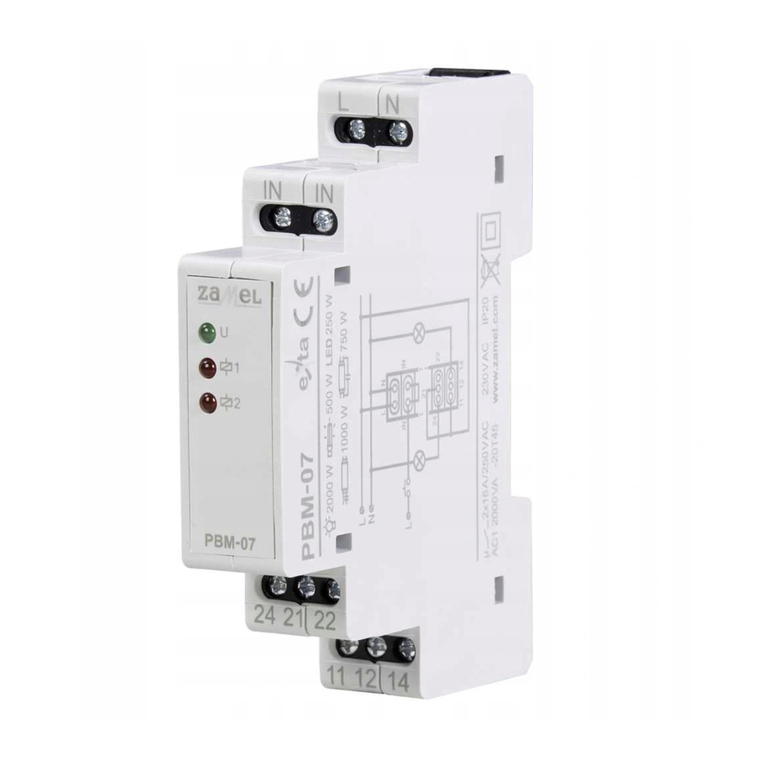
Zamel Exta PBM-07 User manual

Zamel

Zamel Exta PBM-07 User manual

Zamel Exta PBM-03 User manual

Zamel

Zamel Exta PBM-03 User manual

Zamel exta PCM-01 User manual

Zamel

Zamel exta PCM-01 User manual

Zamel exta PBM-07 User manual

Zamel

Zamel exta PBM-07 User manual

Zamel PCM-02/24V User manual

Zamel

Zamel PCM-02/24V User manual

Zamel PCM-04/24V User manual

Zamel

Zamel PCM-04/24V User manual

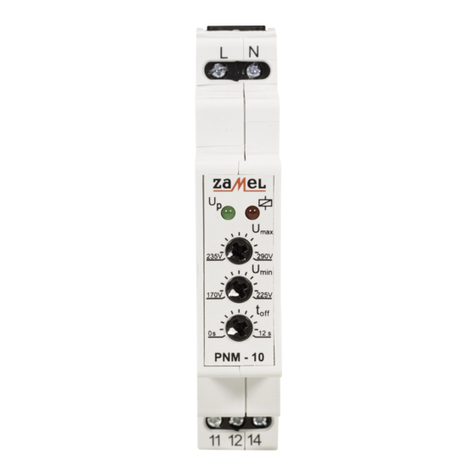
Zamel PNM-10 User manual

Zamel

Zamel PNM-10 User manual

Zamel EXTA PCP-06 User manual

Zamel

Zamel EXTA PCP-06 User manual

Zamel EXT10000084 User manual

Zamel

Zamel EXT10000084 User manual

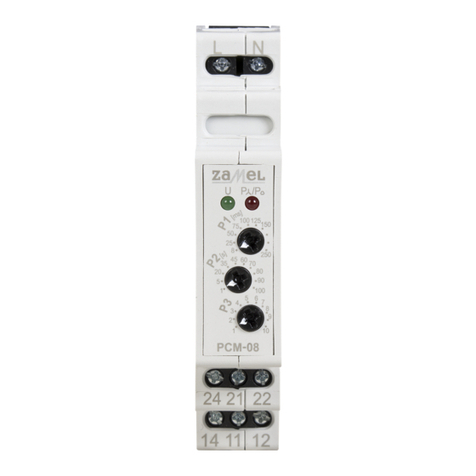
Zamel PCM-08 User manual

Zamel

Zamel PCM-08 User manual

Zamel PNM-32 User manual

Zamel

Zamel PNM-32 User manual

Zamel Exta PBM-04/U User manual

Zamel

Zamel Exta PBM-04/U User manual

Zamel EXTA PBM-02 User manual

Zamel

Zamel EXTA PBM-02 User manual

Zamel exta PPM - 05 User manual

Zamel

Zamel exta PPM - 05 User manual

Zamel EXTA PCM-11 User manual

Zamel

Zamel EXTA PCM-11 User manual

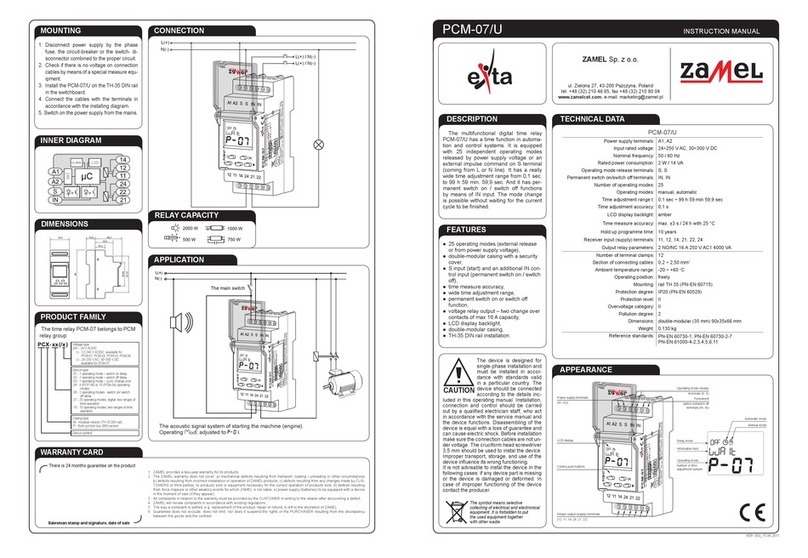
Zamel PCM-07/U User manual

Zamel

Zamel PCM-07/U User manual

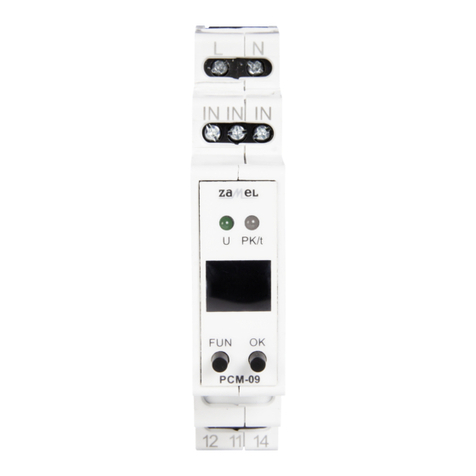
Zamel exta PCM-09 User manual

Zamel

Zamel exta PCM-09 User manual

Zamel Exta PCM-02/U User manual

Zamel

Zamel Exta PCM-02/U User manual

Zamel exta PNM-10 User manual

Zamel

Zamel exta PNM-10 User manual

Zamel EXTA PBP-01 User manual

Zamel

Zamel EXTA PBP-01 User manual

Zamel exta PB Series User manual

Zamel

Zamel exta PB Series User manual

Zamel EXTA PBM-03 User manual

Zamel

Zamel EXTA PBM-03 User manual

Zamel EXTA PCP-04 User manual

Zamel

Zamel EXTA PCP-04 User manual

Popular Relay manuals by other brands

Woodward BU1-DC2 manual

Woodward

Woodward BU1-DC2 manual

ABB SSR32 product manual

ABB

ABB SSR32 product manual

Siemens SIRIUS 3UG4633 operating instructions

Siemens

Siemens SIRIUS 3UG4633 operating instructions

Siemens SIRIUS 3TK2824 A.20 Series Original operating instructions

Siemens

Siemens SIRIUS 3TK2824 A.20 Series Original operating instructions

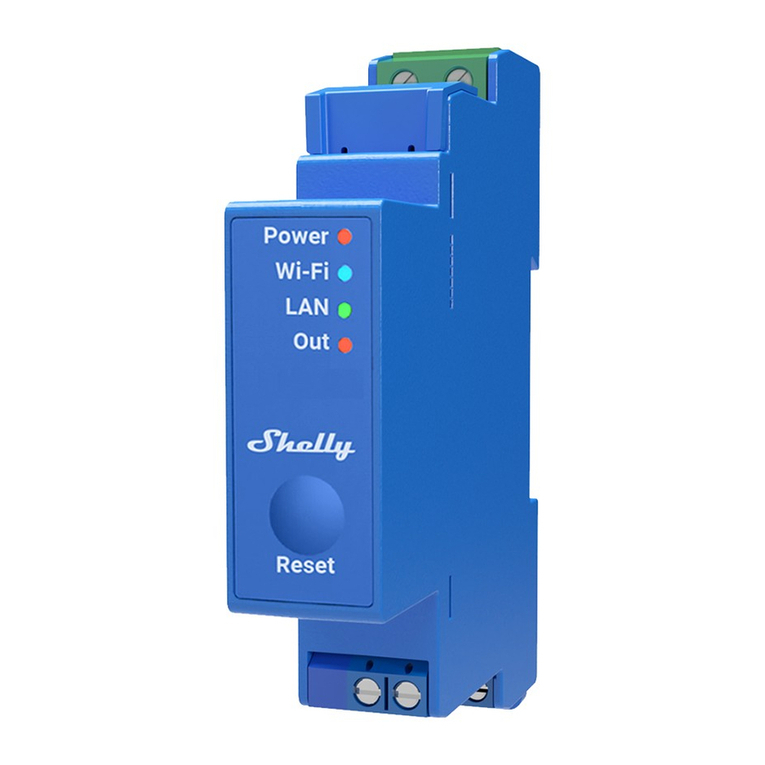
Shelly Pro Series user manual

Shelly

Shelly Pro Series user manual

GE MVAX 11 Technical manual

GE

GE MVAX 11 Technical manual

ABB RELION REF615R manual

ABB

ABB RELION REF615R manual

Kemo Electronic B197 quick guide

Kemo Electronic

Kemo Electronic B197 quick guide

Seg MRM3 manual

Seg

Seg MRM3 manual

Basler BE1-700C manual

Basler

Basler BE1-700C manual

CD Automation REVEX 2PH 280A user manual

CD Automation

CD Automation REVEX 2PH 280A user manual

ABB SPAJ 142 C User manual and technical description

ABB

ABB SPAJ 142 C User manual and technical description

Ruelco 1S04 Operation manual

Ruelco

Ruelco 1S04 Operation manual

Basler V3E Z1P B2C1F instruction manual

Basler

Basler V3E Z1P B2C1F instruction manual

GE DGP instruction manual

GE

GE DGP instruction manual

Kyongbo Electronics GDR-D01 user manual

Kyongbo Electronics

Kyongbo Electronics GDR-D01 user manual

Eaton easyE4 series Application note

Eaton

Eaton easyE4 series Application note

Siemens BD2-AK03X/FS Series installation instructions

Siemens

Siemens BD2-AK03X/FS Series installation instructions

manuals.online logo
manuals.online logoBrands
  • About & Mission
  • Contact us
  • Privacy Policy
  • Terms and Conditions

Copyright 2025 Manuals.Online. All Rights Reserved.

BISTABLE RELAY PBM-01 INSTRUCTION MANUAL
Zakład Mechaniki i Elektroniki
ZAMEL sp.j.
J.W. Dzida, K. Łodzińska
ul. Zielona 27, 43-200 Pszczyna, Poland
Tel. +48 (32) 210 46 65, Fax +48 (32) 210 80 04
www.zamelcet.com, e-mail: [email protected]
VER. 001_03.11.2009
APPEARANCE
The device is designed for
single-phase installation and
must be installed in accor-
dance with standards valid
in a particular country. The
device should be connected
according to the details inc-
luded in this operating manual. Installation,
connection and control should be carried
out by a qualified electrician staff, who act
in accordance with the service manual and
the device functions. Disassembling of the
device is equal with a loss of guarantee
and can cause electric shock. Before in-
stallation make sure the connection cables
are not under voltage. The cruciform head
screwdriver 3,5 mm should be used to in-
stal the device. Improper transport, storage,
and use of the device influence its wrong
functioning.
It is not advisable to instal the device in the
following cases: if any device part is missing
or the device is damaged or deformed. In
case of improper functioning of the device
contact the producer.
CAUTION
FEATURES
TECHNICAL DATA
DESCRIPTION
PBM-01
Input (supply) terminals: L, N
Input rated voltage: 230 V~
Input voltage tolerance: -15 ÷ +10 %
Nominal frequency: 50 / 60 Hz
Rated power consumption: 24 mA
Supply voltage control indicator: LED green
Release terminals: IN, IN, IN
Release control current: 930 μA
Power/relay supply indicator: LED red
Relay operating indicator: TEST button
Output relay parameters: 1NO - 16 A / 250 V AC1 4000 VA
Number of terminal clamps: 8
Section of connecting cables: 0,2 ÷ 2,50 mm2
Ambient temperature range: -20 ÷+45 oC
Operating position: freely
Mounting: rail TH 35 (PN-EN 60715)
Protection degree: IP20 (PN-EN 60529)
Protection level: II
Overvoltage category: II
Pollution degree: 2
Napięcie udarowe: 1 kV (PN-EN 61000-4-5)
Dimensions: monomodular (17,5 mm) 90x17,5x66 mm
Weight: 78 g
Reference standards: PN-EN 60669-1; PN-EN 60669-2-1
PN-EN 61000-4-2,3,4,5,6,11
●Bistable lighting control Input rated in-
dicator – LED green,
●relay mode indicator – LED red,
●system releasing from the L or N ca-
ble,
●cooperation with monostable push-
buttons equipped with illumination
lamps,
●TEST function,
●double-wire controll installation,
●voltage relay output - one NO (normal
closed) contact max 16 A capacity
●monomodular casing TH-35 DIN rail
installation.
The bistable relay PBM-01 is used to
control lighting or other devices by me-
ans of monomodular pushbuttons con-
nected in a parallel way. Pushing any
button causes switching on or switching
off the devices connected to output termi-
nals. Using this system gives the possibi-
lity of creating “intelligent” lighting control
systems.
The symbol means selective
collecting of electrical and electronical
equipment. It is forbidden to put
the used equipment together
with other waste
Supply voltage control indicator
Input supply terminal (L) Input supply terminal (N)
Relay test
Power/relay supply indicator
relay terminals (11, 11, 14)
Output (load)
Release terminals
(IN, IN, IN)

VER. 001_03.11.2009
MOUNTING, FUNCTIONING
1. Disconnect the power supply from the
mains by the phase fuse, the circuit-
breaker or the switch-disconnector
that are joined to the proper circuit,
2. Check if there is no voltage on con-
nection cables by means of a spe-
cial measure equipment,
3. Install PBM-01 device in the switch-
board on TH-35 DIN rail,
4. Connect the cables with the terminals
according to installing diagram,
5. Switch on the power supply from the
mains,
6. Push the TEST button several times
to check the relay operation correct-
ness.
The device is ready to work after
switching on power supply. The relay
operation correctness can be checked
by pushing the TEST button placed
on the front panel. The system should
switch on and off the load connected to
its output terminals. Mono modular pu-
shbuttons can be connected in a paralell
way which enables the lighting control
from different places. Lighted pushbut-
tons version is possible.
APPLICATION
CONNECTION
DIMENSIONS
PRODUCT FAMILY
Typical use:
The bistable relay operating the stair-
case lighting (e.g. indoor lighting) are con-
trolled by means of mono modular push-
buttons that can be connected in a parallel
way. The buttons can be placed in different places which gives the possibility of creating universal
lighting systems control. The bistable relay cooperates with time relay PCM-04 (with set-ups:
MODE=F, TIME=3, RANGE=2) and the same gives additional function of the central bistable
relay switch off (reset) by momentary power cut.
Signal separator coordination SEM-01:
In the bistable control systems signal separators can be used to divide control signals into
particular relay groups.
WARRANTY CARD
There is 24 months guarantee on the product
Salesman stamp and signature, date of sale
1. ZMIE ZAMEL SP. J. assures 24 months guarantee for the product.
2. The manufacturer’s guarantee does not cover any of the following actions:
a) mechanical damage during transport, loading / unloading or under other circumstances,
b) damage caused by incorrect product mounting or misuse,
c) damage caused by unauthorised modifications made by the PURCHASER or any third parties to the product or any other devices
needed for the product functioning,
d) damage caused by Act of God or any other incidents independent of the manufacturer.
3. The PURCHASER shall lay any claims in writing to the dealer or ZMIE ZAMEL SP. J.
4. ZMIE ZAMEL SP. J. is liable for processing any claim according to current Polish legislation.
5. ZMIE ZAMEL SP. J. shall process the claim at its own discretion: product repair, replacement or money return.
6. The manufacturer’s guarantee is valid in the Republic of Poland.
7. The PURCHASER’s statutory rights in any applicable legislation whether against the retailer arising from the purchase contract or
otherwise are not affected by this warranty.
TIME COURSE
RELAY CAPACITY
INNER DIAGRAM
The time relay PBM-01 belongs to PBM
time relay product family.
t
IN
t
t
U
L N
T
11 1411
IN
IN
IN
Supply version:
24V - 24V AC/DC available for
PBM-01, PBM-02, PBM-03,
12-24V- 12÷24V AC/DC available for
PBM-05
U - universal supplying voltage
12÷230V AC/DC
Device version:
01 - basic
02 - extended: SET, RESET functions
and state storage
03 - with time limit function
04 - zero current consumption with
time limit function
05 - zero current consumption, SET,
RESET functions and time limit
function
Casing type:
M - modular version (TH 35 DIN rail)
P - flush junction box Ø60 version
Device type
CENTRAL RESET
BISTABLE RELAYS
LOCAL
CONTROL