Table of Contents
1. USER MANUAL............................................................................................................................................. 5
1.1. SPECIFICATIONS .....................................................................................................................................................5
1.1 IMPORTANT SAFETY INSTRUCTIONS.....................................................................................................................................6
1.2. WARNINGS...........................................................................................................................................................7
1.2.1. Read all the instructions...............................................................................................................................7
1.2.2. Keep these instructions in a safe place ........................................................................................................7
1.2.3. Take heed of warnings .................................................................................................................................7
1.2.4. Cleaning........................................................................................................................................................7
1.2.5. Water & Moisture ........................................................................................................................................7
1.2.6. Storage .........................................................................................................................................................7
1.2.7. Usage............................................................................................................................................................7
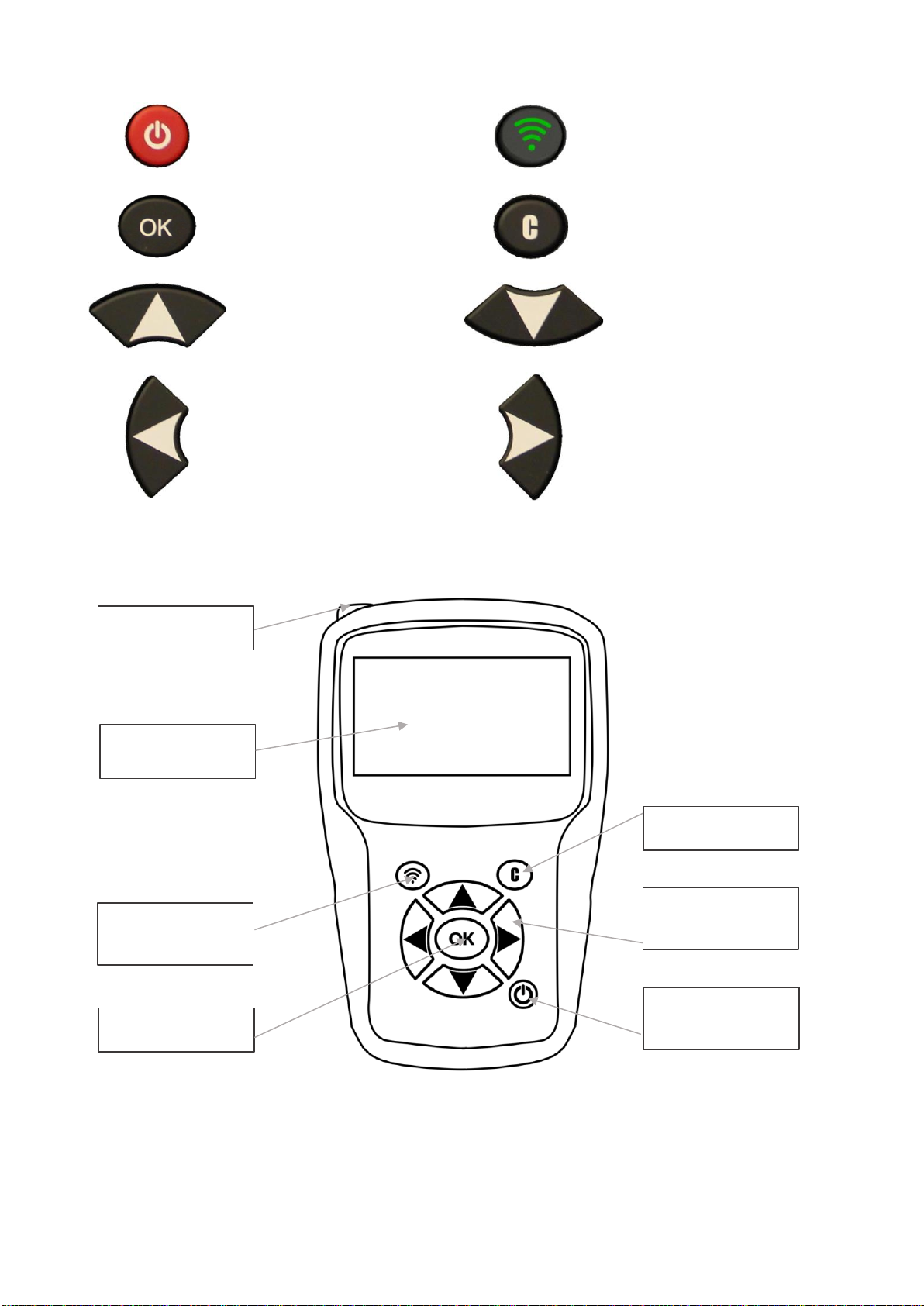
1.3. KEY FUNCTIONS .....................................................................................................................................................8
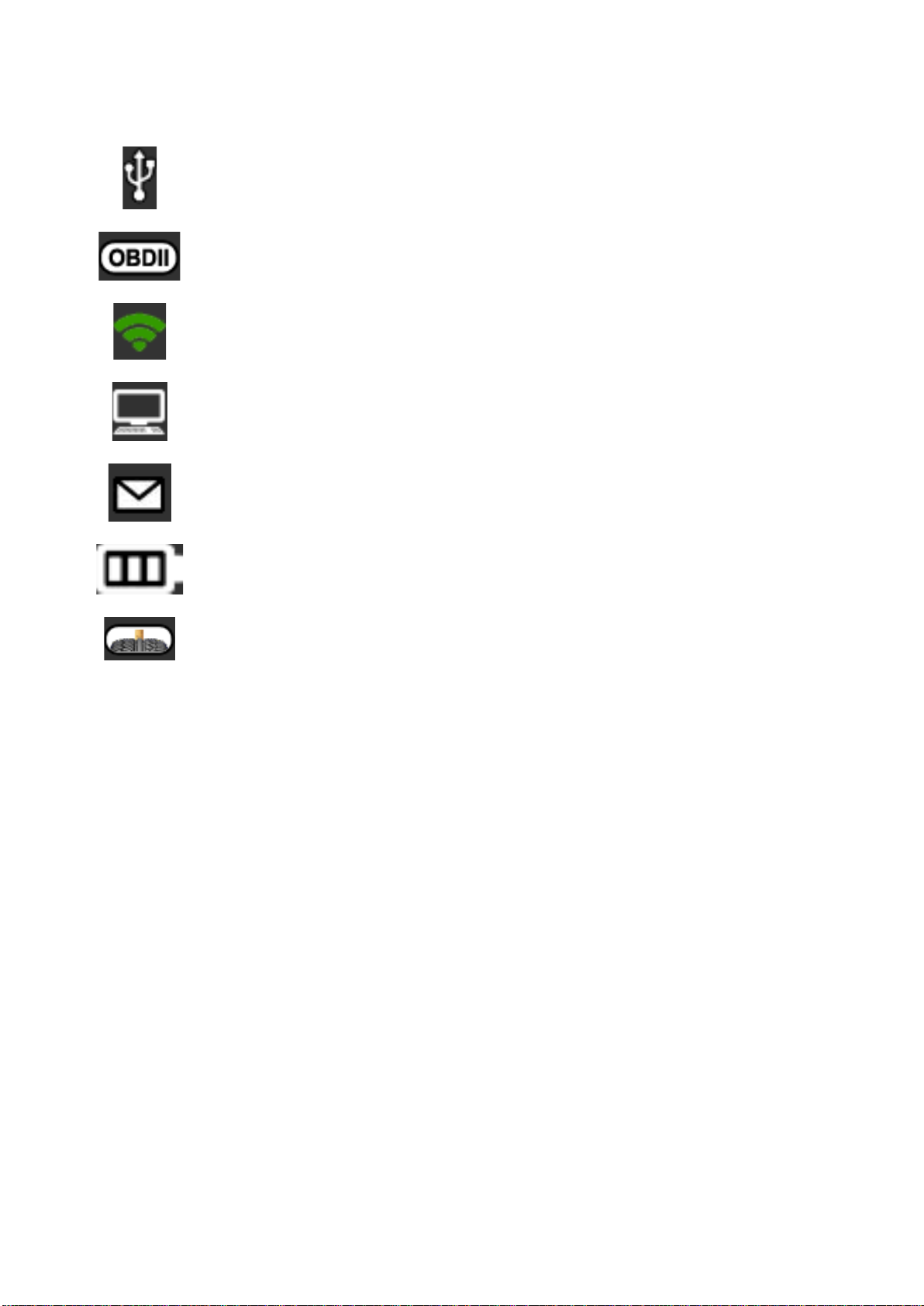
1.3.1. Status bar icons (at the top of the screen) ...................................................................................................9
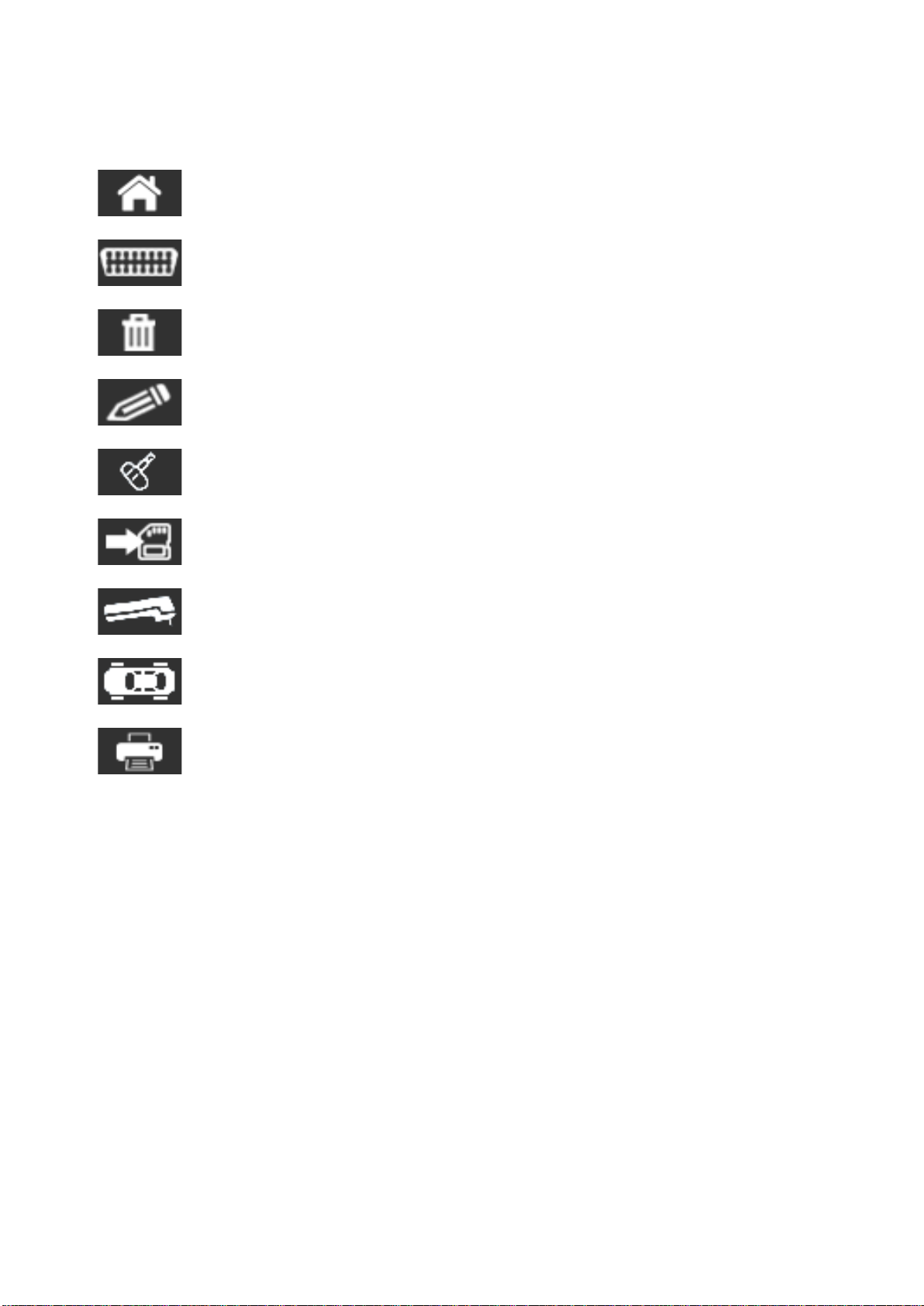
1.3.2. Action bar icons (at the bottom of the screen) ..........................................................................................10
1.4. TURNING THE TOOL ON .........................................................................................................................................11
1.5. OPERATING INSTRUCTIONS ....................................................................................................................................12
1.5.1. Positioning the tool ....................................................................................................................................12
1.5.2. Service procedures......................................................................................................................................12
1.5.2.1. Check sensors .....................................................................................................................................................12
1.5.2.2. Relearning TPMS sensors ...................................................................................................................................13
2. USING THE TOOL.........................................................................................................................................14
2.1. CHECK TPM .......................................................................................................................................................14
2.1.1. Selecting the vehicle model........................................................................................................................14
2.1.2. Specific case for vehicles fitted with indirect TPMS ...................................................................................18
2.1.3. Reading sensors..........................................................................................................................................19
2.1.4. Reprogramming the ECU using the OBD-II module ...................................................................................21
2.1.4.1. OBD-II errors: descriptions and resolution ........................................................................................................23
2.1.5. Personalization and saving vehicle data ....................................................................................................24
2.2. TPMS SERVICE....................................................................................................................................................26
2.2.1. Vehicle make, model, year selection mode................................................................................................26
2.2.2. Select vehicle manufacturer.......................................................................................................................27
2.2.3. Select vehicle model ...................................................................................................................................27
2.2.4. Select year of construction .........................................................................................................................28
2.3. SELECT A SERVICE .................................................................................................................................................28
2.3.1. Relearning ..................................................................................................................................................29
2.3.2. Reading TPMS DTC error codes..................................................................................................................33
2.3.3. Unlocking TPMS ECU..................................................................................................................................34
2.3.4. Key fob test.................................................................................................................................................35
2.3.5. Spare parts .................................................................................................................................................37
2.3.6. Help ............................................................................................................................................................39
2.3.7. Placard Adjustment....................................................................................................................................40
2.4. PROGRAMMING A BLANK SENSOR............................................................................................................................44
2.4.1. Select by sensor make ................................................................................................................................44
2.4.2. Select by vehicle make................................................................................................................................46
2.4.3. Select by history..........................................................................................................................................48
2.4.4. Creating a TPMS sensor..............................................................................................................................49
2.4.5. Copying a TPMS sensor ..............................................................................................................................51
2.4.6. Copying all TPMS sensors...........................................................................................................................53
2.4.7. Programming fault.....................................................................................................................................55
2.4.8. Retrieving the ID of a TPMS sensor ............................................................................................................56
2.4.9. Manual ID entry..........................................................................................................................................58
2.5. SEARCH..............................................................................................................................................................62
2.5.1. Search by VIN .............................................................................................................................................64
2.6. TRAILER TPMS....................................................................................................................................................66
2.7. HISTORY.............................................................................................................................................................70
2.7.1. Recent history.............................................................................................................................................70
2.7.2. Statistics history .........................................................................................................................................72