EN EN
9
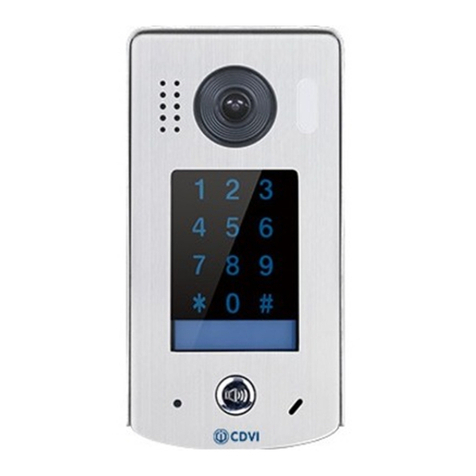
CDV-91S
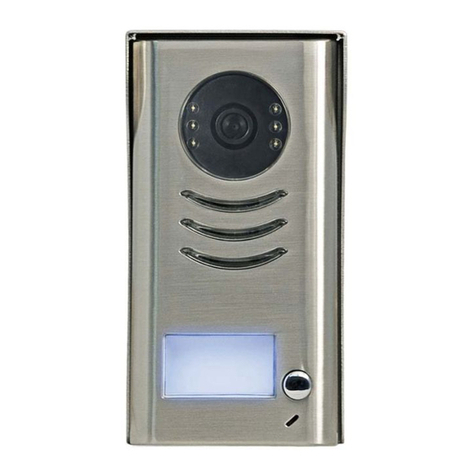
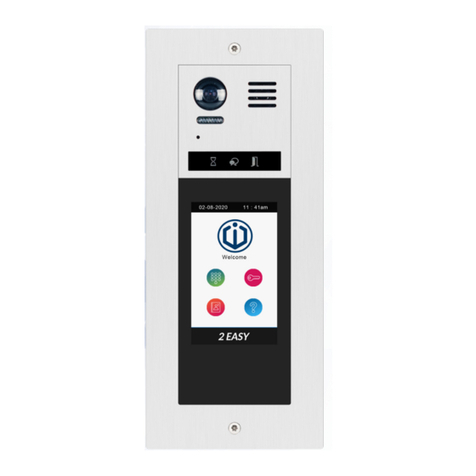
2EASY 2-wire 1-button Video Door Station
8] SETTINGS
Door station address settings
2 bits on the DIP switches can be congured. The switches
can be modied either before or after installation.
Bit State Description
Default setting, ID = 0(00), set to the rst
Door Station.
ID = 1(10), set to the second Door
Station.
ID = 2(01), set to the third Door Station.
ID = 3(11), set to the fourth Door Station.
Unlock time settings
Bit State Description
Default setting, unlock time is Xs
Set the unlock time to 3s
Set the unlock time to 5s
Set the unlock time to 10s
Switch language voice
Set bit 6 to ON or connect power and within 10 secs, press and hold KEY_CALL to enter
the settings mode.
Press KEY_CALL to switch
language voice prompt mode
LED_UNLOCK: ON
LED_KEY: ON
Buzzer --> No language voice
Press KEY_CALL to switch
language voice prompt mode
LED_UNLOCK: ON
LED_KEY: ON
Buzzer --> Language voice 1
Press KEY_CALL to switch
language voice prompt mode
LED_UNLOCK:ON
LED_KEY:ON
Buzzer --> Language voice X
...
Note: If no operations are completed for 10 seconds, the panel will exit the settings
mode automatically.