EN EN
6
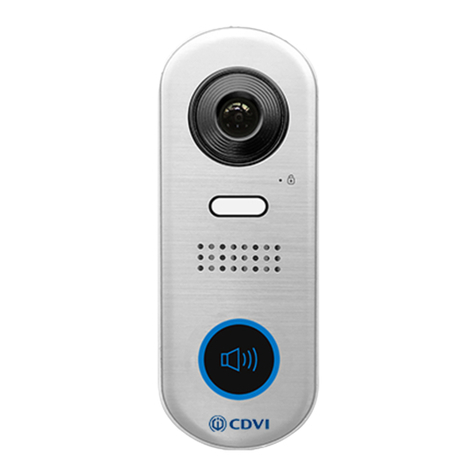
CDV-91IP
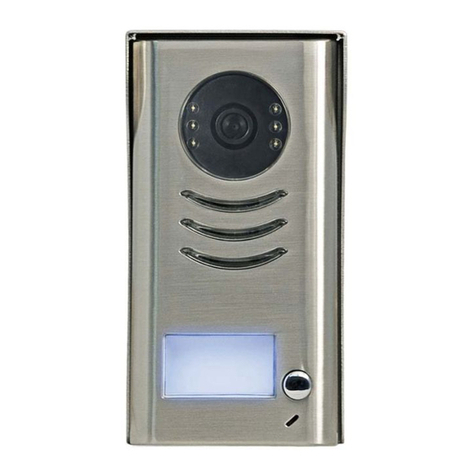
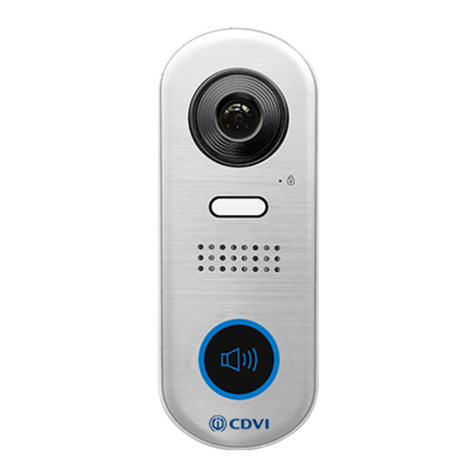
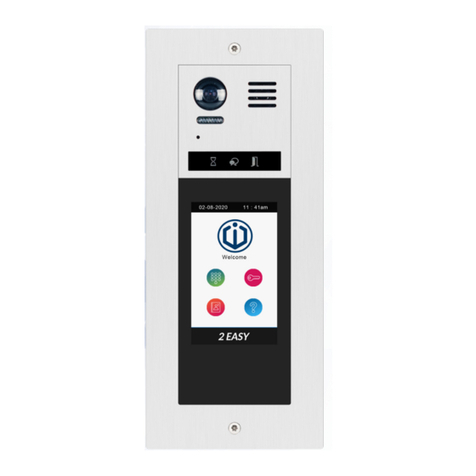
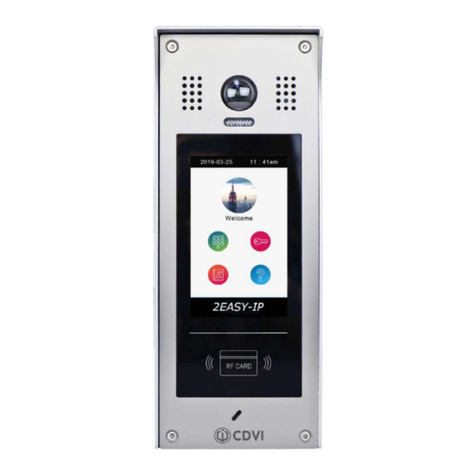
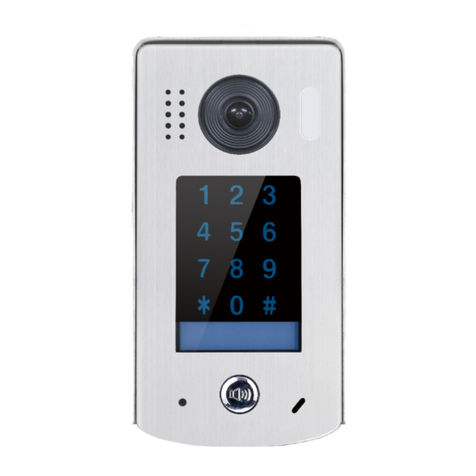
2EASY IP, 1-Button Video Door Station
6] DOOR STATION OPERATIONS
Call button linked in Apartment mode
Call button linked in Villa mode
Press the Call Button to call.
Press and hold the Call Button for 5s.
LED_CAM will ash once.
Connect all the devices and power them on.
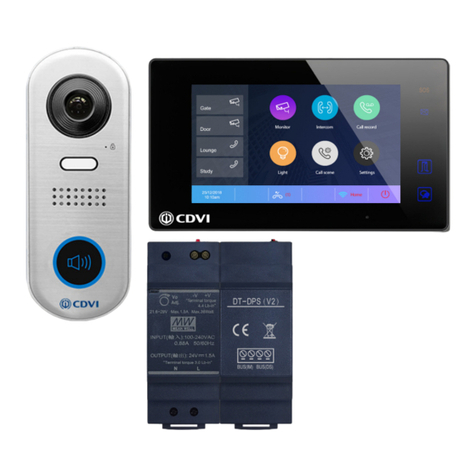
On the indoor monitor (CDV-471IP):
1. From the main menu, tap the Setting icon.
2. Select Ext.Unit, and then tap Enter OS binding.
Connect all the devices and power them on.
On the indoor monitor (CDV-471IP):
1. From the main menu, tap the Setting icon.
2. Select Ext.Unit, and then tap Auto Setup Wizard.
The door station will be renamed and the call button will be linked to this monitor.
On the door station:
1. Power on the door station.
2. Press and hold the Call Button for 10s. LED_CAM will ash once in the 5th second,
and then again in the 10th second.
3. This indicates that the link has been successful.
Calling a resident
Status check
LED_LOCK LED_KEY
SIP registered OK Fast ashing
SIP registered error Normal ashing
SIP disabled/Not connected Off
My Master IM found Fast ashing
Other IX devices online, but
Master ofine Normal ashing
No other IX device detected Off