EN EN
9
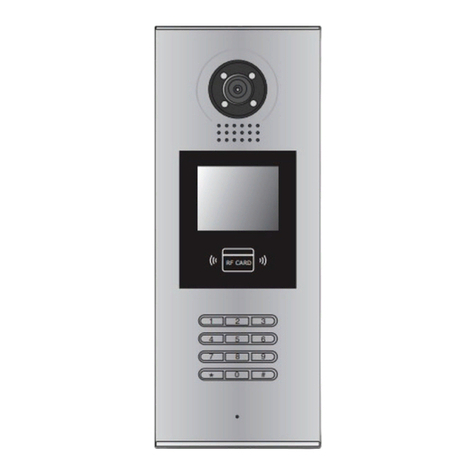
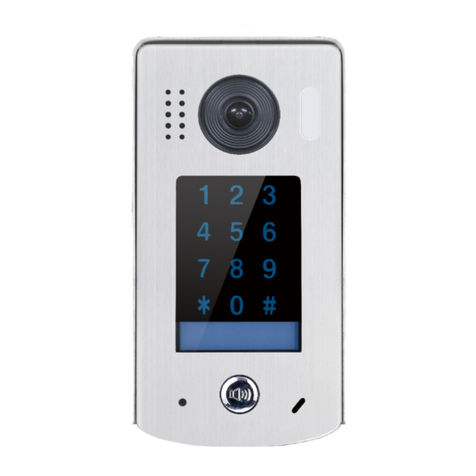
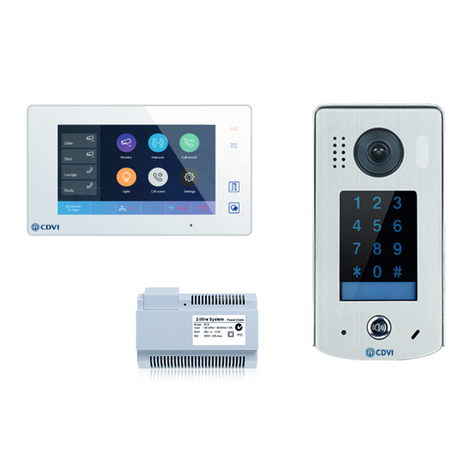
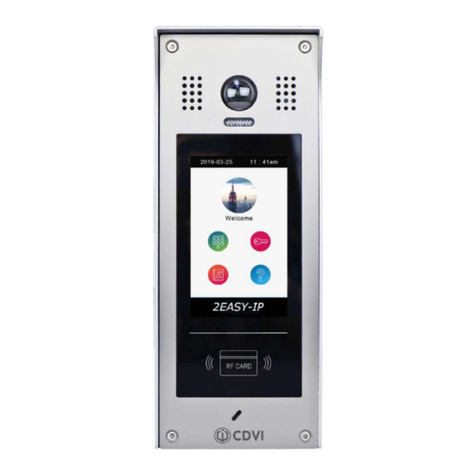
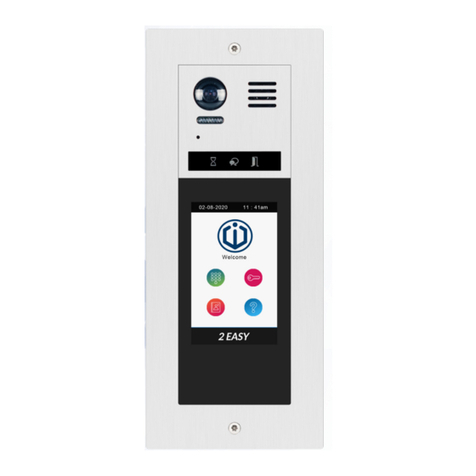
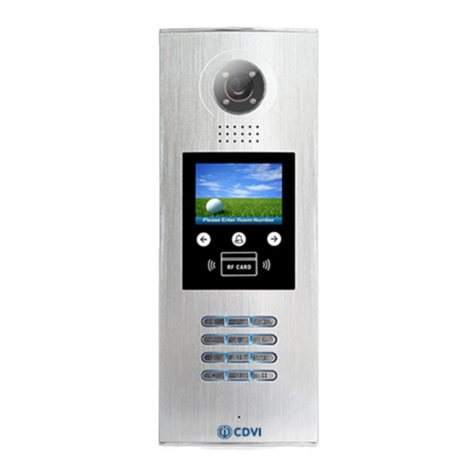
CDV-96KP
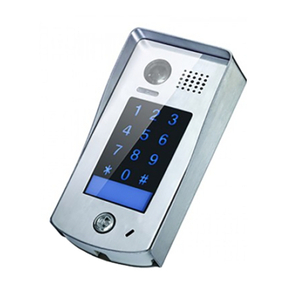
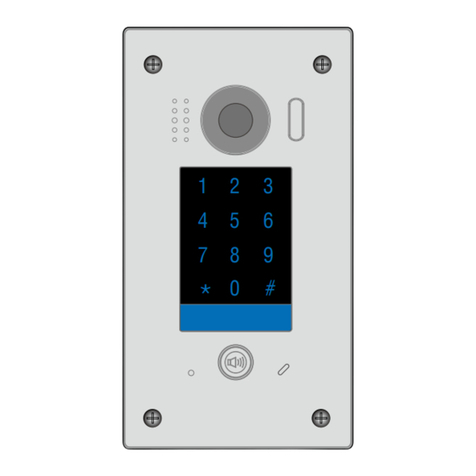
2EASY 2-wire Video Door Station with Keypad
• The default setting is * as the cancel button and # as conrm button,
please refer to */# function (8) setting below for detailed information.
• Sliding a nger to touch the digital keypad may cause erroneous key
selection, use a direct nger press to select the digit required.
• The “conrm” button # must be used after inputting the code number
each time otherwise the operation will be cancelled automatically in 10s.
Order Setting item Setting range Default value Setting code
1Reset all settings -1, 2, 3, 4 00
2Setting the master code 1 - 12 digits
Valid keys: 0-9 1234 01
3Setting the key illumination
time
10 to 99 seconds/
(00 = continually lit) 10 seconds 02
4Setting the unlock time 1 to 99 seconds 1 second 03
5Setting the unlock mode 0 = NO / 1 = NC NO 04
6Operation tone settings 0 = on / 1 = off on 05
7Reset code settings -1, 2, 3, 4 06
8* & # function settings 0 = Normal / 1 = Reverse Normal 07
9Language Valid keys: 0-9 Enable 08
10 Voice Volume Valid keys: 0-9 5 09
11 MIC Volume Adjust
(microphone) Valid keys: 0-9 7 10
12 SPK Volume Adjust Valid keys: 0-9 4 11
13 Device Address Valid keys: 0-3 0 12
14 Night Light Level Valid keys: 0-5 4 13
15 Reserved (not used) Reserved Reserved 14-17
16 Temporary code (single use
only) Password for relay 1
1-12 digits
Valid keys: 0-9 - 18
17 Temporary code (single use
only) Password for relay 2
1-12 digits
Valid keys: 0-9 - 19
18 Setting the code for user
group 1
1-12 digits
Valid keys: 0-9 - 20-59
19 Setting the code for user
group 2
1-12 digits
Valid keys: 0-9 - 60-99
20 Work Mode 0: Apartment /
1: Villa 1 (villa) 100
21 Call Address Valid keys: 0-9 Villa: 00,16
Apartment: 00-31 101
22 Display Scene Valid keys: 0-1 0 102
23 TS_Sensitivity (Touch
Screen) Valid keys: 0-5 3 103