5
Note: When the Transmitter is in multicast mode the IR signal is sent
to all associated Receivers.
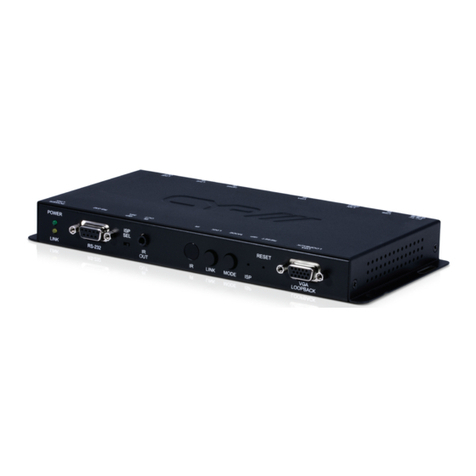
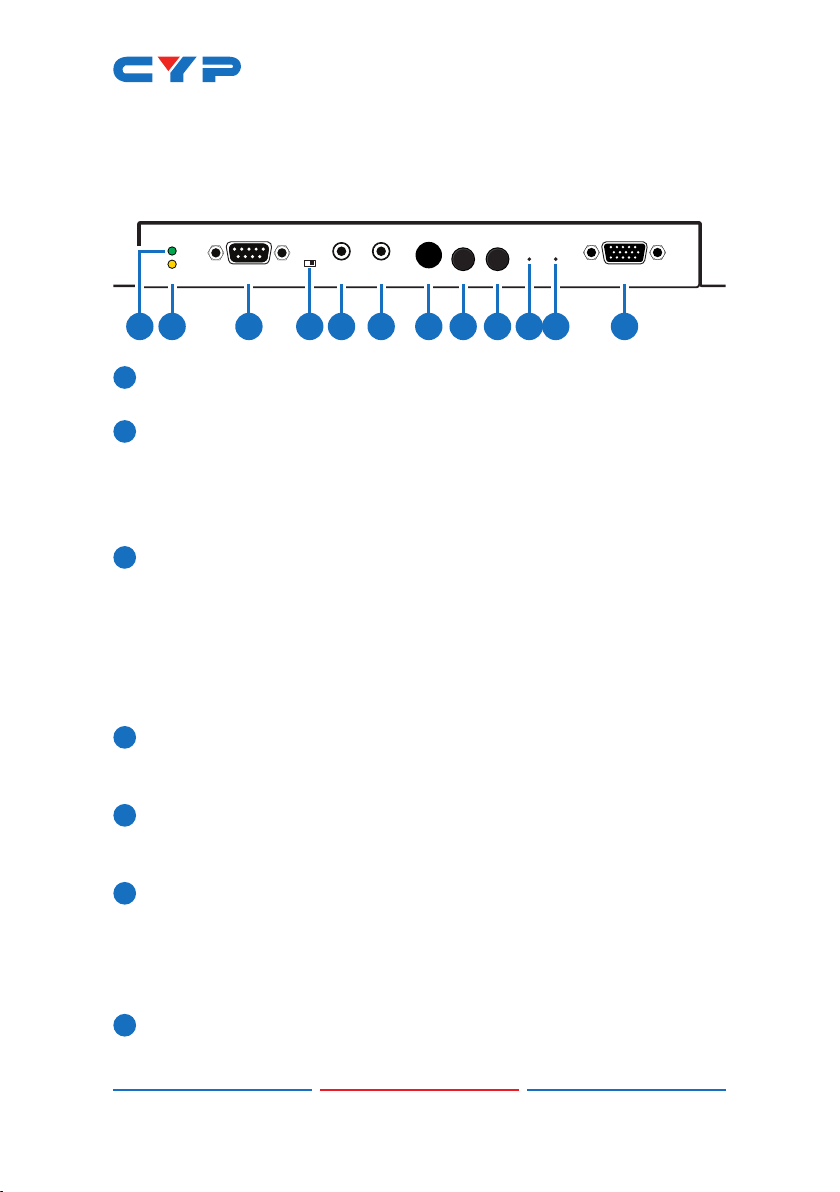
8LOOPBACK/LINK: This button controls multiple functions:
aLoopback: Press this button momentarily to toggle the VGA
Loopback function on and off, allowing you to locally monitor non-
HDCP HDMI sources (1080p or below) for troubleshooting purposes.
bVideo Link: Press and hold the button for 3 seconds to enable or
disable the Video Link. When the link is disabled and the Receiver
is connected to a display it will show the system’s current IP and
rmware information.
cReset to Factory Defaults: Press and hold this button when
powering the unit on until both the POWER and LINK lights are
blinking. Once both lights are blinking you can reboot the unit
and all settings will be returned to the factory defaults (Including
resetting the IP mode to auto, broadcast channel to 0, and the
streaming mode to multicast). A new IP address will be assigned
automatically within the 169.254.xxx.xxx address range.
9MODE/Anti-DITHER: This button controls multiple functions:
aVideo Mode: Press this button momentarily to toggle the video
data streaming method between “Graphic” and “Video” modes.
“Graphic” mode is optimized for high-detail static displays and
“Video” mode is optimized for full motion video.
bAnti-Dither: Press and hold this button for 3 seconds to enable
and switch between the three “Anti-Dither” modes (1-bit, 2-bit
and off). Certain graphics cards use dithering to emulate a larger
color palette, but dithering causes difculty for maintaining low-
bandwidth during real-time video compression, so these Anti-
Dithering modes are designed to remove the dithering prior to
compression and transmission of the signal. If the source is not
using dithering, please leave this feature disabled as it may cause
a blocking effect with non-dithered content.
Note: This feature is set to “off” by default.
10 ISP: For factory use only.
11 RESET: Press this recessed button to reboot the unit (Settings will not
be reset).
12 VGA LOOPBACK OUT: Connect to an analog VGA monitor to
locally view the connected VGA or HDMI (non-HDCP, 1080p or