manuals.online logo
Brands
  1. Home
  2. •
  3. Brands
  4. •
  5. Denali
  6. •
  7. Motorcycle Accessories
  8. •
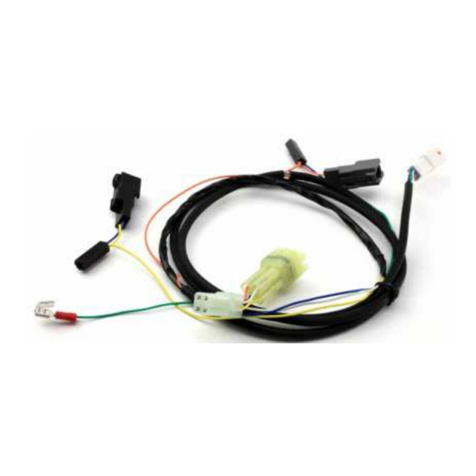
  9. Denali DialDim DNL.WHS.23900 User manual

Denali DialDim DNL.WHS.23900 User manual

Other Denali Motorcycle Accessories manuals

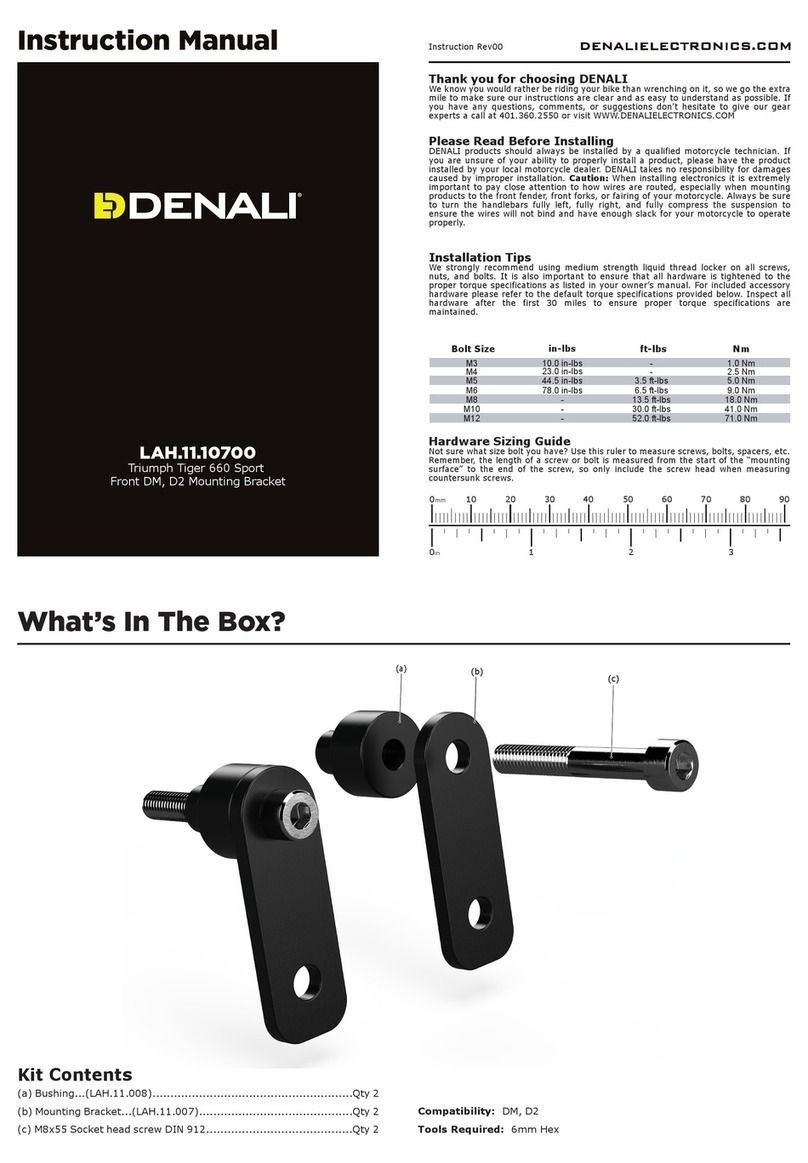
Denali LAH.04.10700 User manual

Denali

Denali LAH.04.10700 User manual

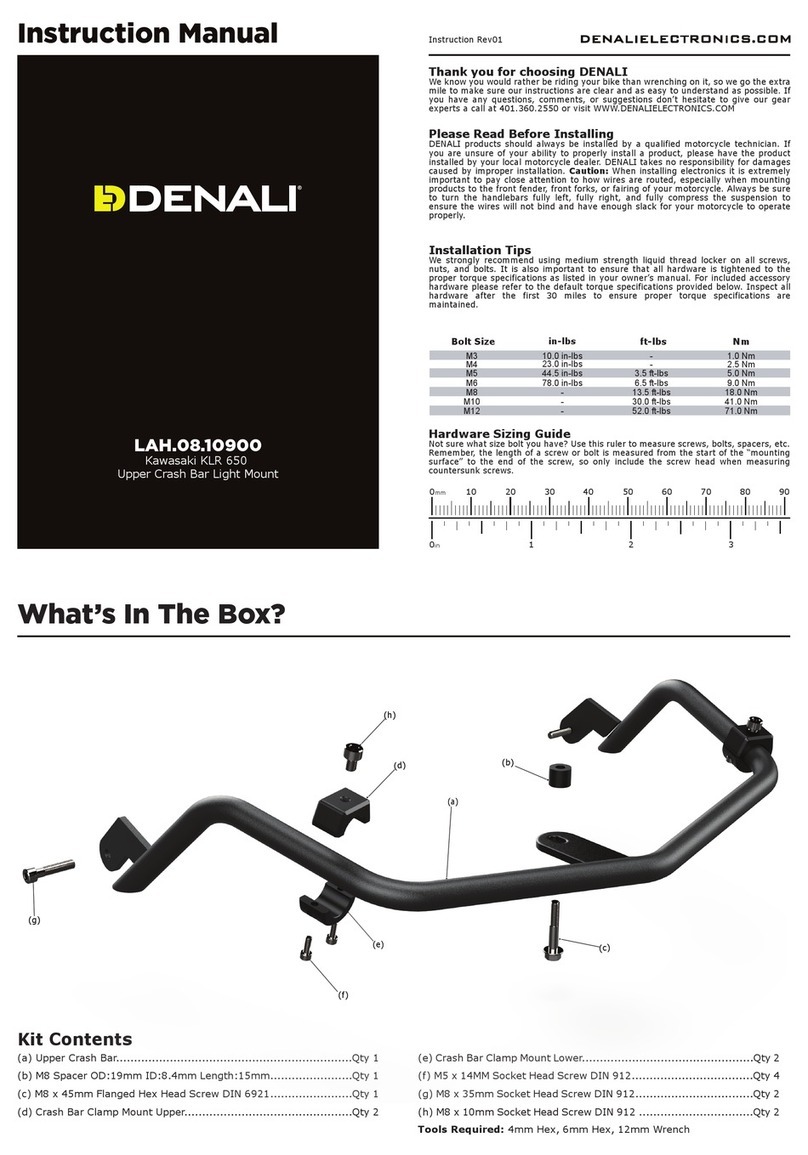
Denali LAH.08.10900 User manual

Denali

Denali LAH.08.10900 User manual

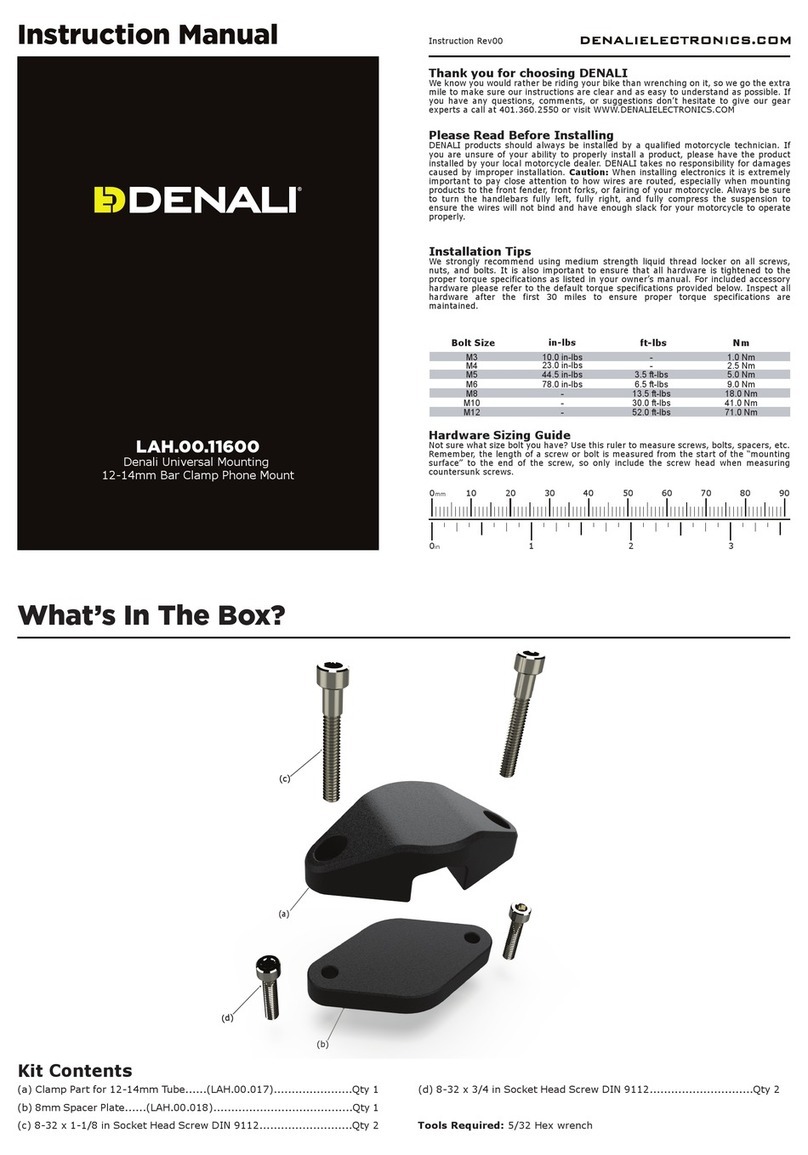
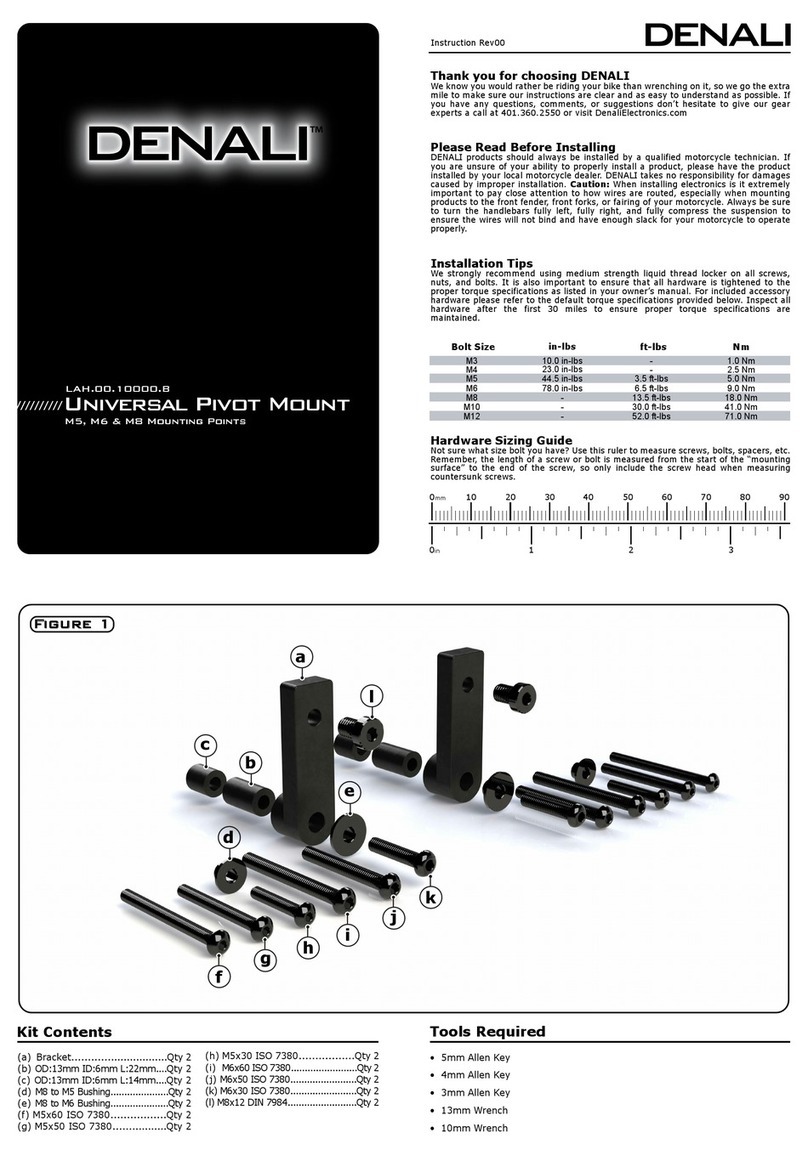
Denali LAH.00.11600 User manual

Denali

Denali LAH.00.11600 User manual

Denali DNL.WHS.12700 User manual

Denali

Denali DNL.WHS.12700 User manual

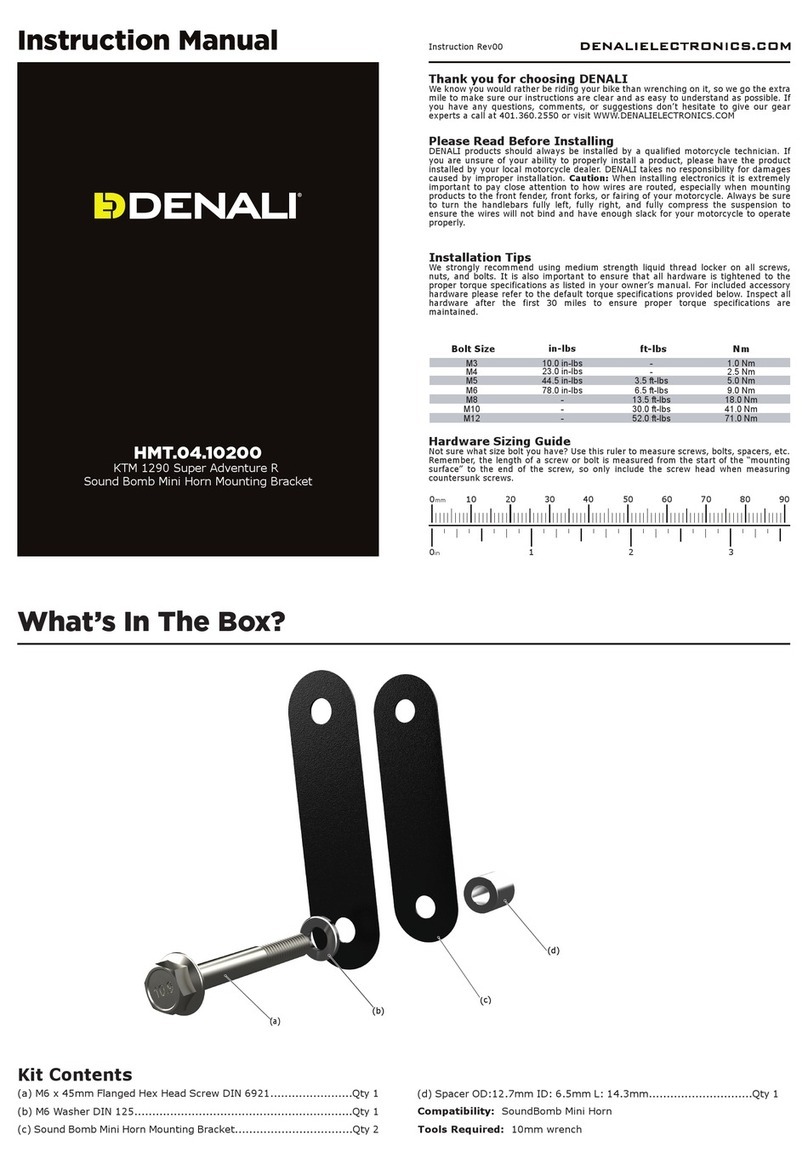
Denali HMT.04.10200 User manual

Denali

Denali HMT.04.10200 User manual

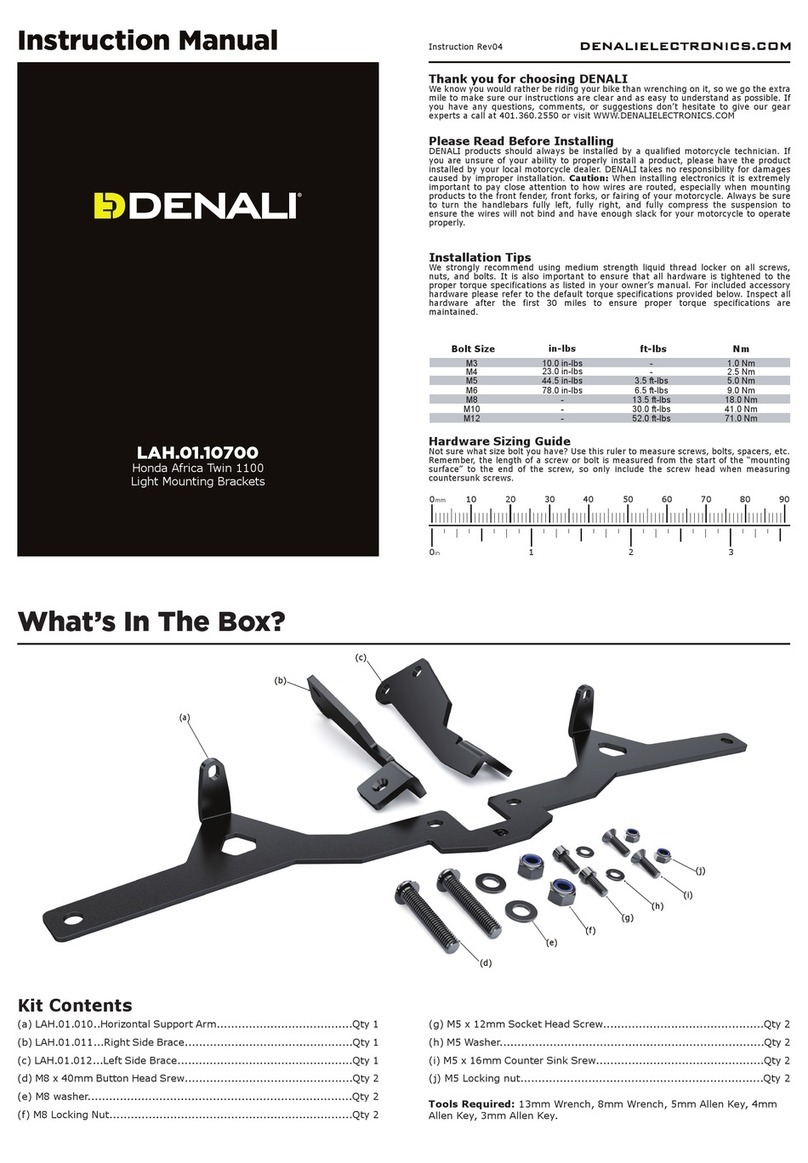
Denali DialDim DNL.WHS.22800 User manual

Denali

Denali DialDim DNL.WHS.22800 User manual

Denali T3 User manual

Denali

Denali T3 User manual

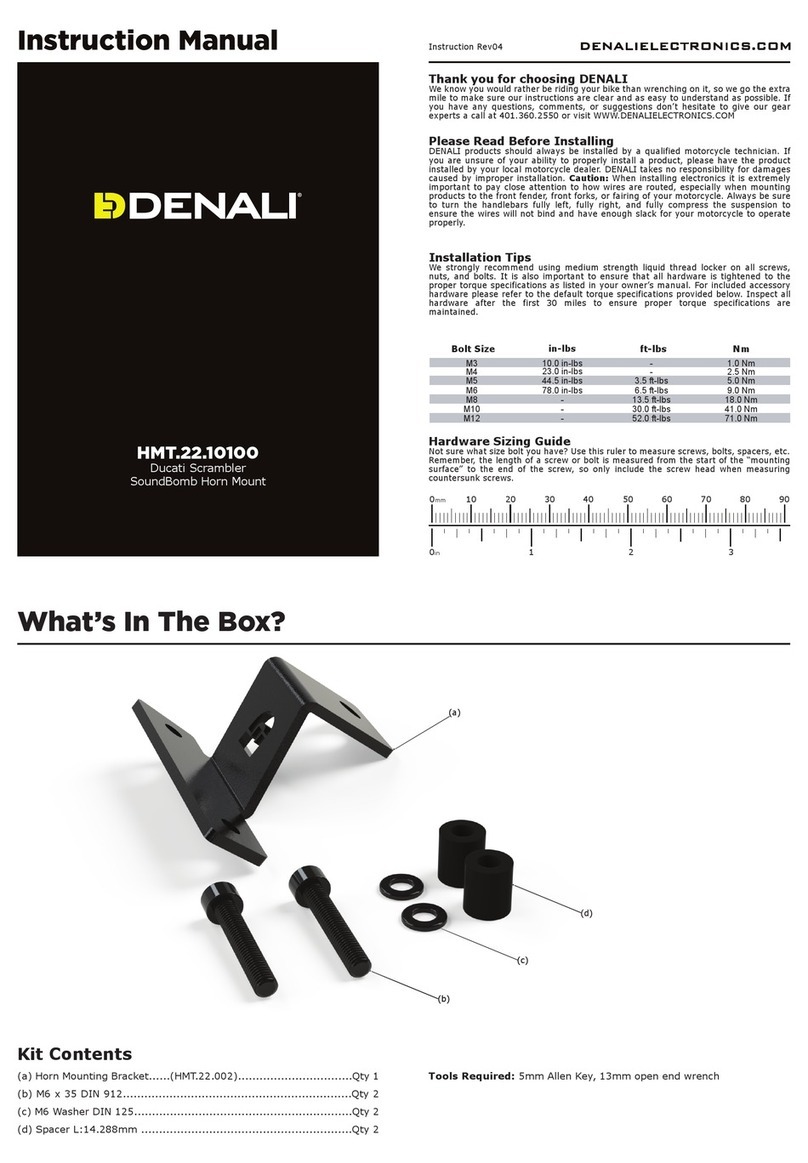
Denali HMT.22.10100 User manual

Denali

Denali HMT.22.10100 User manual

Denali LAH.23.10200 User manual

Denali

Denali LAH.23.10200 User manual

Denali LAH.11.10700 User manual

Denali

Denali LAH.11.10700 User manual

Denali KLR650 User manual

Denali

Denali KLR650 User manual

Denali LAH.07.11000 User manual

Denali

Denali LAH.07.11000 User manual

Denali MBK.22.10000 User manual

Denali

Denali MBK.22.10000 User manual

Denali LAH.08.10700 User manual

Denali

Denali LAH.08.10700 User manual

Denali T3 User manual

Denali

Denali T3 User manual

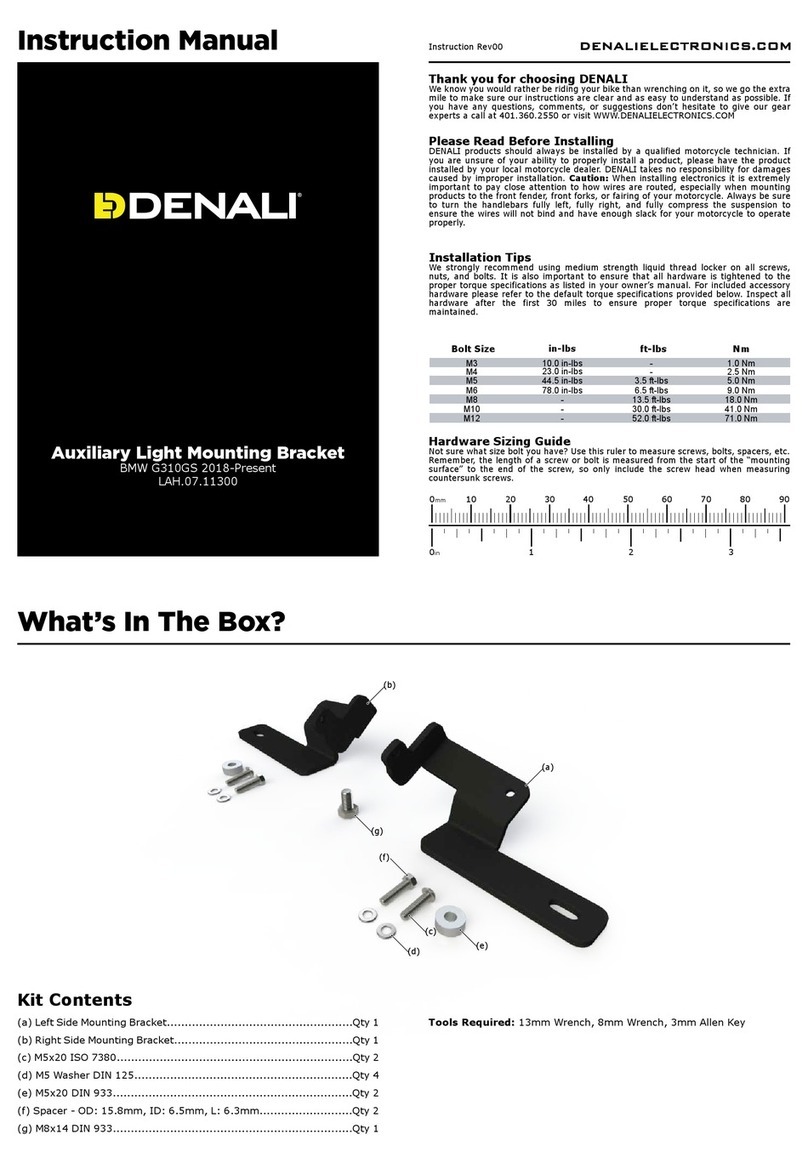
Denali LAH.07.11300 User manual

Denali

Denali LAH.07.11300 User manual

Denali B6 User manual

Denali

Denali B6 User manual

Denali LAH.07.10401 User manual

Denali

Denali LAH.07.10401 User manual

Denali LAH.23.10000 User manual

Denali

Denali LAH.23.10000 User manual

Denali ALG.003 User manual

Denali

Denali ALG.003 User manual

Denali DNL.WHS.084 User manual

Denali

Denali DNL.WHS.084 User manual

Denali D2 User manual

Denali

Denali D2 User manual

Denali HMT.07.11001 User manual

Denali

Denali HMT.07.11001 User manual

Denali CANsmart Controller GEN II User manual

Denali

Denali CANsmart Controller GEN II User manual

Popular Motorcycle Accessories manuals by other brands

SRC B-TRK502-01-01-SL quick start guide

SRC

SRC B-TRK502-01-01-SL quick start guide

hepco & becker 6307520 00 01 manual

hepco & becker

hepco & becker 6307520 00 01 manual

HOMCOM AA0-077 user manual

HOMCOM

HOMCOM AA0-077 user manual

hepco & becker 6307558 00 01 manual

hepco & becker

hepco & becker 6307558 00 01 manual

Wunderkind Custom 106503-F15 Installation and safety

Wunderkind Custom

Wunderkind Custom 106503-F15 Installation and safety

Dräger HPS 3500 Instructions for use

Dräger

Dräger HPS 3500 Instructions for use

M-WAVE SKI manual

M-WAVE

M-WAVE SKI manual

Kuryakyn 6212 installation instructions

Kuryakyn

Kuryakyn 6212 installation instructions

hepco & becker 6507504 00 01 installation instructions

hepco & becker

hepco & becker 6507504 00 01 installation instructions

Tool it PROMAX LCD 9.13G manual

Tool it

Tool it PROMAX LCD 9.13G manual

Custom Dynamics TruWrapz installation instructions

Custom Dynamics

Custom Dynamics TruWrapz installation instructions

Roof RO200 CARBON How to use and maintain

Roof

Roof RO200 CARBON How to use and maintain

Kabuto Japan IBUKI instruction manual

Kabuto

Kabuto Japan IBUKI instruction manual

PUIG 5051 Mounting instructions

PUIG

PUIG 5051 Mounting instructions

rizoma ZTH050 user manual

rizoma

rizoma ZTH050 user manual

Joubert 10001711 instruction manual

Joubert

Joubert 10001711 instruction manual

SW-Motech SBL.01.971.10000/B Mounting instructions

SW-Motech

SW-Motech SBL.01.971.10000/B Mounting instructions

GÜDE GSH 180-TC-2 Translation of the original instructions

GÜDE

GÜDE GSH 180-TC-2 Translation of the original instructions

manuals.online logo
manuals.online logoBrands
  • About & Mission
  • Contact us
  • Privacy Policy
  • Terms and Conditions

Copyright 2025 Manuals.Online. All Rights Reserved.

Instruction Rev00
0mm 10 20 30 40 50 60 70 80 90
Thank you for choosing DENALI
We know you would rather be riding your bike than wrenching on it, so we go the extra
mile to make sure our instructions are clear and as easy to understand as possible. If
you have any questions, comments, or suggestions don’t hesitate to give our experts
a call at 401.360.2550 or visit WWW.DENALIELECTRONICS.COM
Please Read Before Installing
DENALI products should always be installed by a qualified motorcycle technician. If
you are unsure of your ability to properly install a product, please have the product
installed by your local motorcycle dealer. DENALI takes no responsibility for damages
caused by improper installation. Caution: When installing electronics it is extremely
important to pay close attention to how wires are routed, especially when mounting
products to the front fender, front fork, or fairing of your motorcycle. Always be sure
to turn the handlebars fully left, fully right, and fully compress the suspension to
ensure the wires will not bind and have enough slack for your motorcycle to operate
properly.
Installation Tips
We strongly recommend using medium strength liquid thread locker on all screws and
bolts. It is also important to ensure that all hardware is tightened to the proper torque
specifications as listed in your owner’s manual. For included accessory hardware
please refer to the default torque specifications provided below. Inspect all hardware
after the first 30 miles to ensure that proper torque specifications are maintained.
Hardware Sizing Guide
Not sure what size bolt you have? Use this ruler to measure screws, bolts, spacers, etc.
Remember, the length of a screw or bolt is measured from the start of the “mounting
surface” to the end of the screw, so only include the screw head when measuring
countersunk screws.
M3 10.0 in-lbs - 1.0 Nm
M4 23.0 in-lbs -2.5Nm
M5 44.5 in-lbs 3.5 ft-lbs 5.0 Nm
M6 78.0 in-lbs 6.5 ft-lbs 9.0 Nm
M8 - 13.5 ft-lbs 18.0 Nm
M10 - 30.0 ft-lbs 41.0 Nm
M12 - 52.0 ft-lbs 71.0 Nm
in-lbs
ft-lbs NmBolt Size
0in 123
What’s In The Box?
DENALIELECTRONICS.COM
Instruction Manual
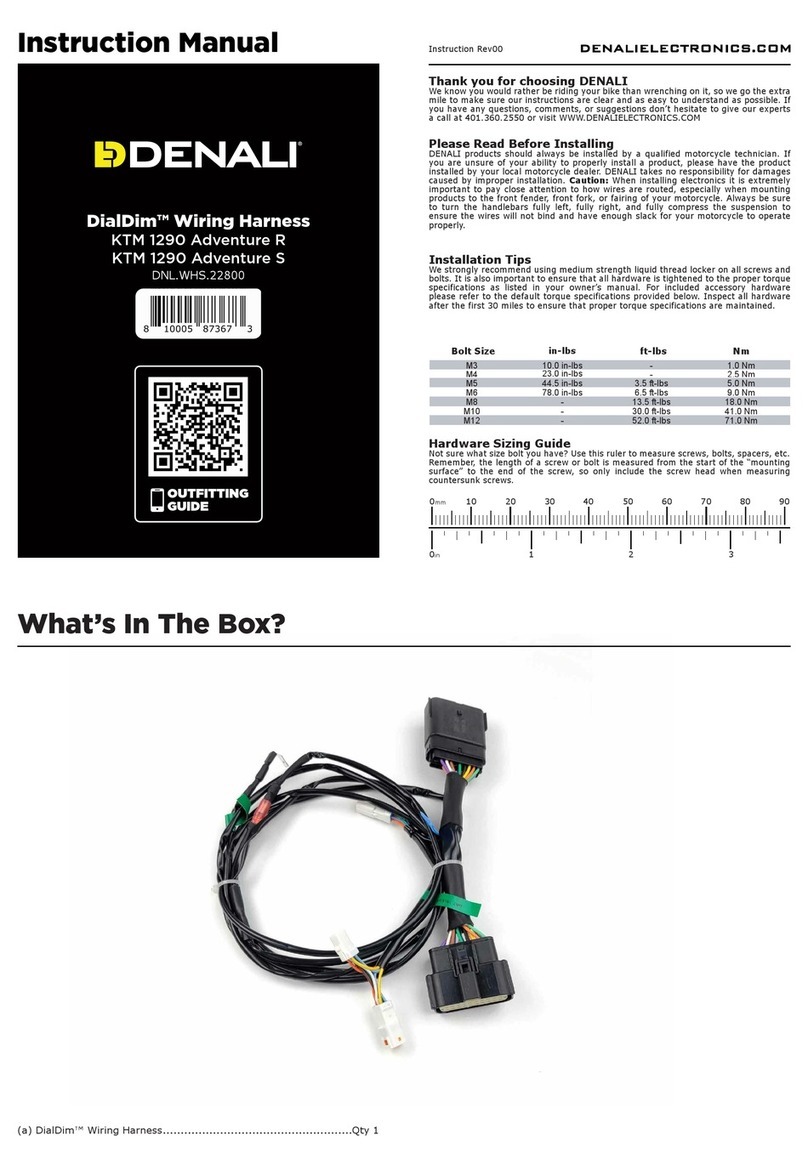
(a) DialDim™ Wiring Harness (Ducati DesertX).............................Qty 1
(a)
DialDim™ Wiring Harness
Ducati DesertX
DNL.WHS.23900
OUTFITTING
GUIDE
Kit Contents

This DialDim Wiring Harness enables plug-&-play connection between our
standard DialDim Lighting Controller and the Ducati DesertX. The harness
replaces the universal posi-tap style input harness that is included with the
universal DialDim Controller, enabling you to simply connect in-line at the
factory headlight, horn, and turn signal connectors.
The DesertX’s battery is located underneath the rider seat.
Step One: To gain access to the battery, remove the Seat.
Step Two: Remove both of the terminals from the battery, starting with
the positive +(Red Terminal).
Step Three: Position the DialDim Controller underneath the rider’s seat,
behind the battery, against the left (clutch) side of the battery box.
Step Four: Remove the fuse from the DialDim fuse holder, then connect
both of the battery leads to the battery, starting with the ground -(Black
Terminal). Then re-install the fuse to the DialDim Fuse holder.
Step Five: Use double-stick tape and/or zip-ties to securely mount the
DialDim Controller to the splash guard. Be sure there is enough clearance
for the seat to be re-installed.
2.2 - Positioning The Controller
1. Harness Overview
1.1 - Overview of Harness
2.1 - Locating the Battery
DENALIELECTRONICS.COM
2. Installing The DialDim Controller
DialDim Controller
(Under Rider Seat)
Headlight
Pass-Through Left Turn
Pass-Through
Right Turn
Pass-Through
Horn
Pass-Through
Output to
DialDim Controller
Battery
(Under Rider Seat)
DENALIELECTRONICS.COM
The DesertX DialDim Harness will be connected in-line to four factory
harness connectors: Headlight, Right Turn Signal, Left Turn Signal, & Horn
Step One: To gain access to the Head Light and Turn Signal connectors,
remove the windscreen. They are all located within a cavity on the front
side of the dash.
Step Two: The headlight connector is located on the back of the factory
headlight housing, it is a black 6-pin connector. Disconnect the factory
headlight connector from the headlight housing, then connect the
“Headlight Pass-Through Connector” of the DialDim Harness in-line.
Step Three: The Left and Right Turn Signal Connectors are located beside
the Head Light Connector. They are both white, 2-Pin connectors that are
labled “L” and “R”. Disconnect the factory Turn Signal Connectors from the
indicators, and connect the respective “Left Turn” and “Right Turn” Pass
Through Connectors of the DialDim Harness in-line.
Step Four: The horn connector is located directly on the factory horn,
which is located at the center of the motorcycle, just above the radiator.
Disconnect the factory horn connector with the RED wire then, connect the
“Horn Pass-Through Connector” of the DialDim Harness in-line.
3.1 - Locating Connectors & Installing the Harness
3. Installing The DialDim Harness
DialDim
Controller
OEM Headlight
Connector
(Molded into Housing)
Battery
Headlight Pass-Through
Connectors
OEM Headlight
Harness
OEM Horn
Connector
Left Turn
Pass-Through
Right Turn
Pass-Through
OEM Turn Signal
Connectors located
behind windscreen