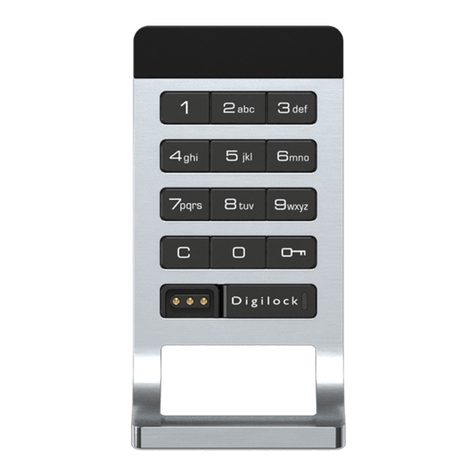
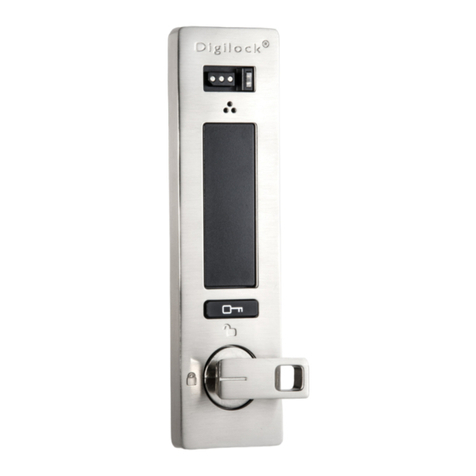
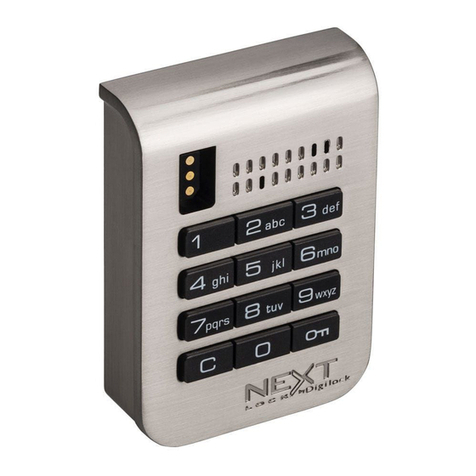
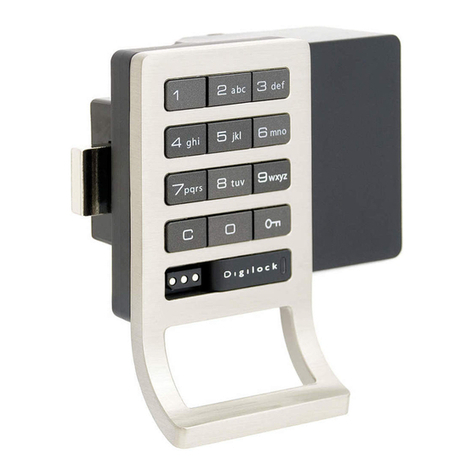
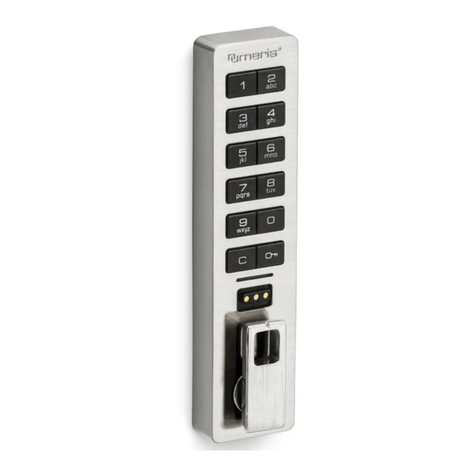
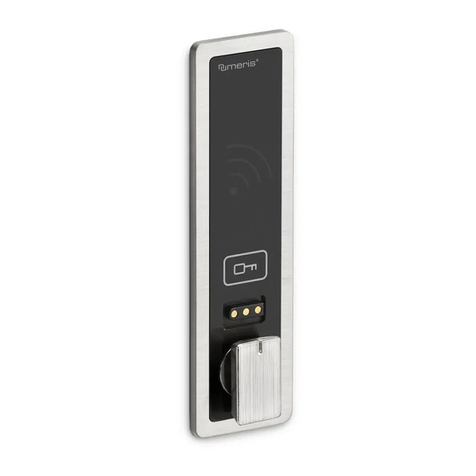
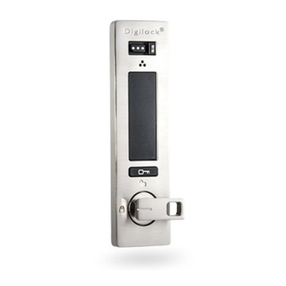
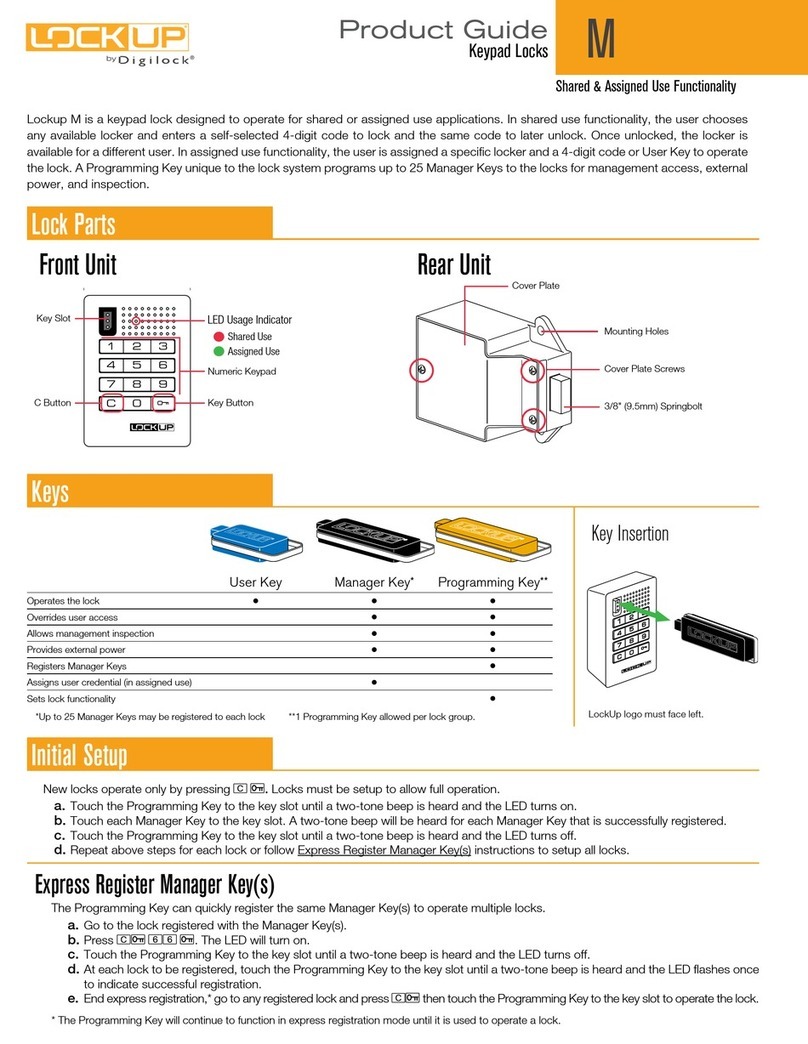
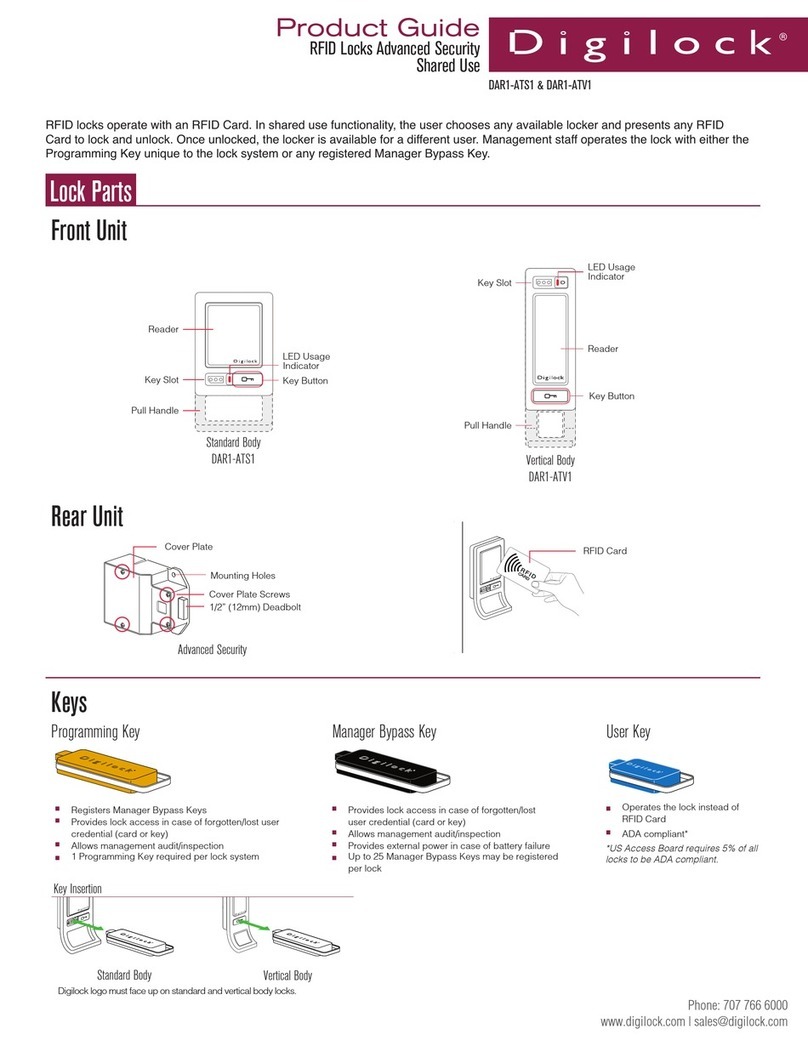
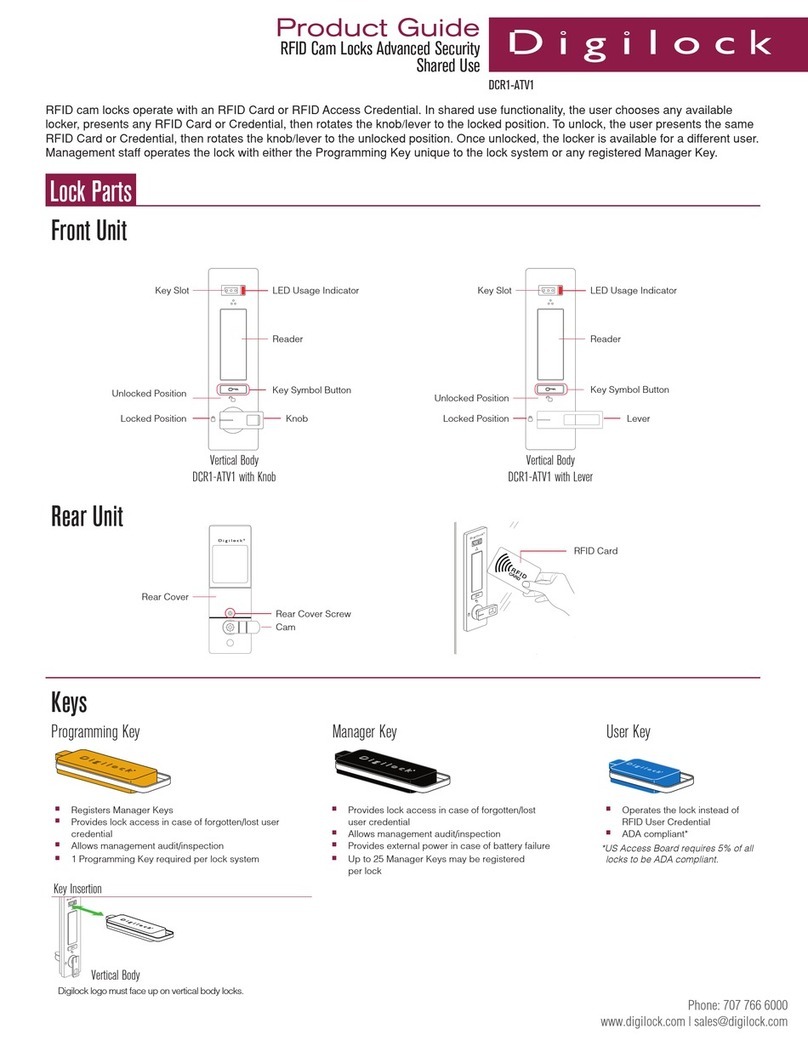
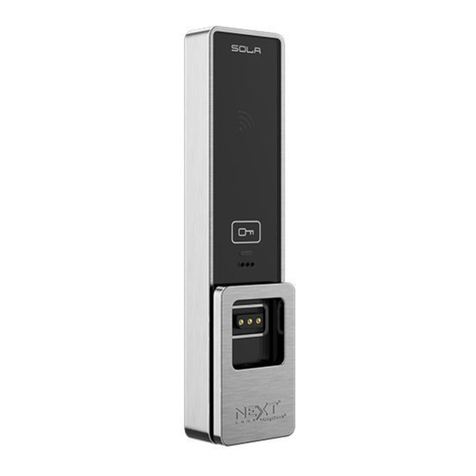
To Change the User Code
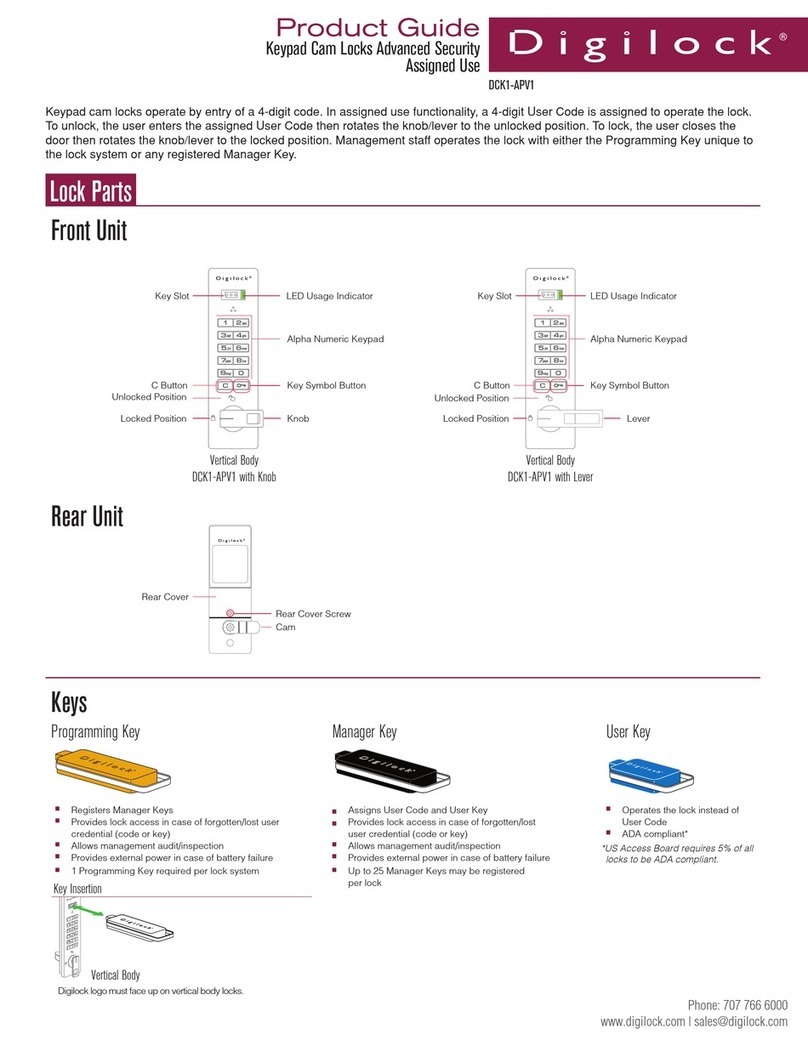
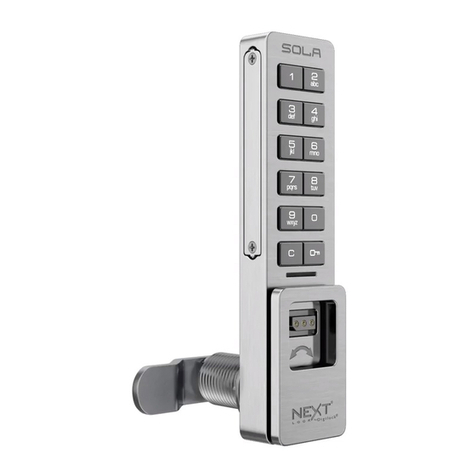
1) Press: = `
2) Insert a registered Manager Bypass Key to key slot.
The LED will turn on.
3) Press = ____ ` (New User Code)
4) Press = ____ ` (Repeat User Code)
The LED will turn off.
To Operate with a User Code
To Unlock: Press: = ____ `
(registered four-digit code)
(Default four-digit user code is 1 2 3 4)
To Lock: Close the door.
To Operate with a User Key
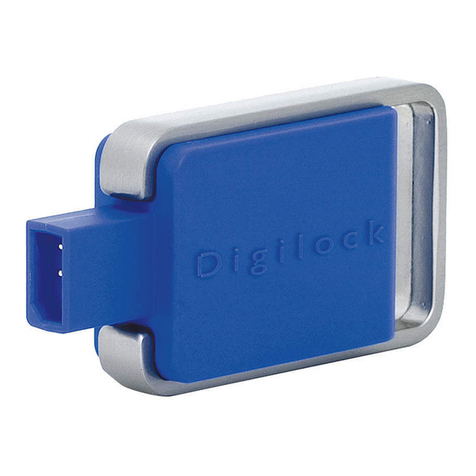
To Unlock: Touch the ADA User Key (blue) to key slot.
To Lock: Close the door.
To Operate with a Manager Bypass Key
To Unlock: Touch the Manager Bypass Key
to key slot.
To Lock: Close the door.
To Operate with a Programming Key
To Unlock:
1) Press: = `.
2) Insert Programming Key to key slot.
To Lock: Close the door.
For Additional Product and/or Product Information:
Contact: Digilock Product Representative
9 Willowbrook Court, Petaluma, CA 94954
Phone: (800) 989.0201 • (707) 766.6000
Fax: (800) 989.4221 • (707) 766.6226
To Register an ADA User Key
1) Press: = `
2) Insert a registered Manager Bypass Key to key slot.
The LED will turn on.
3) Insert an ADA User Key to the key slot. The LED will turn off.
*Note: The lock will accept one user code or one
ADA User Key.
For lost or stolen keys
For a lost Programming Key: Contact your Digilock Product Representative to order a replacement Programming Key.
For a lost Manager Bypass Key(s):
1) Collect all remaining manager keys or order additional keys from your Digilock Product Representative.
2) At one lock press = ` 55 `.TheLEDwillash.
3) Touch the Programming Key to the key slot again for one full second.
The LED is solid.
4) Touch the Programming Key to the key slot again for one full second. The LED will turn off and all registered Manager Key(s)
will be erased on the one lock.
5) Follow instructions “To add additional Manager Bypass Key(s).
Troubleshooting
1) No Audible feedback when =is pressed:
a) The batteries have failed- replace batteries located in the rear unit.
b) Poor connection on door- remove lock from door and reinstall.
c) The lock is in “sleep state.” Try again after one minute or use a registered Manager Bypass Key for lock access.
2) Lock does not unlock:
a) Listen for additional audible feedback for an indicator as to what is going on.
b) Try operating with Manager Bypass Key or Programming Key
c) Contact Digilock Customer Support.
3) Lock emits 2 sets of three beeps during operation:
a) Low battery indicator- replace batteries located in the rear unit.
4) Lock emits 10 rapid beeps during operation:
a) Bindingindicator-thelockisbindingwiththestrikeplate.Pressrmlyonthedoorwhileoperating.Ifbindingisafrequent
occurrence, the strike plate and/or door hinges need to be aligned with the lock.