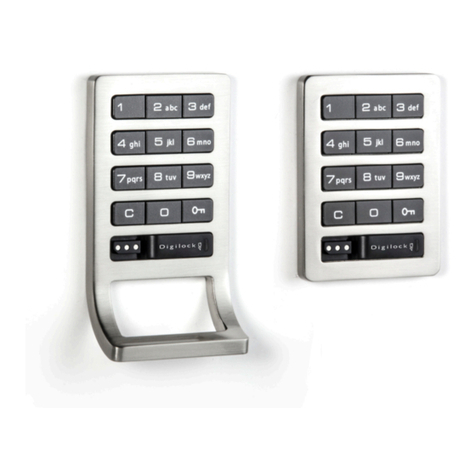
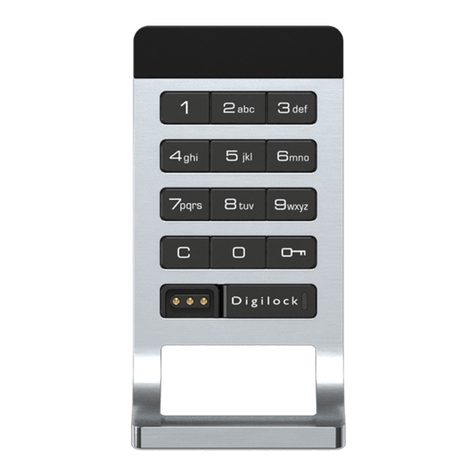
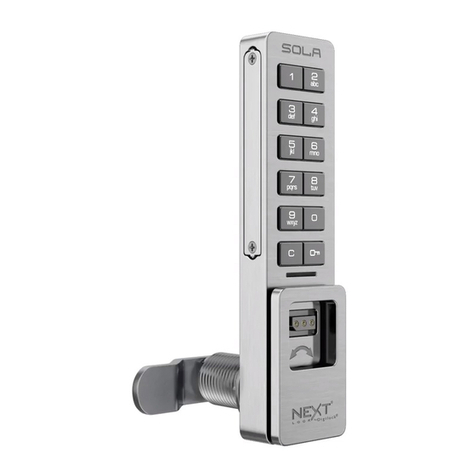
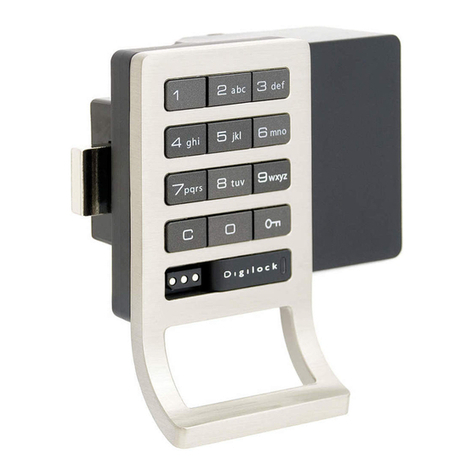
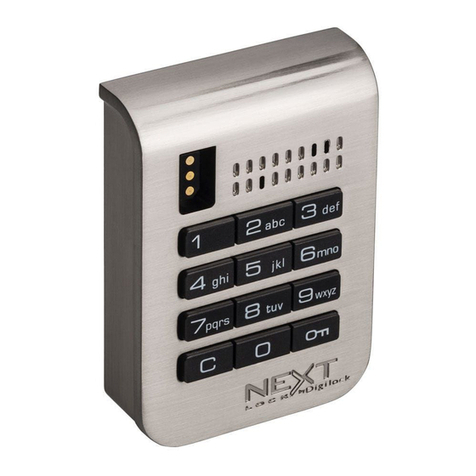
Keypad
Code Managed
Shared & Assigned Use Functionality
Product Guide
2
Programming Instructions
Default Settings
INSTALL THE LOCK OR DETERMINE CONFIGURATION PRIOR TO
PROGRAMMING AND OPERATING.
Functionality = Shared Use Owner Code (6-digit code) =1 2 3 4 5 6 Manager Code (5-digit code) =1 2 3 4 5
New locks operate with the default Owner and Manager Codes. A new Owner and Manager Code must be programmed on the lock to
prevent the default codes from operating the lock.
Initial Setup
Program a New Owner Code
The Owner Code can only be programmed using the current Owner Code.
a. Press = ` [current Owner Code] `. A two-tone beep will be heard and the LED will turn on.
b. Press =[new Owner Code] `. A two-tone beep will be heard.
c. To confirm, press =[the same new Owner Code] `. Two sets of two-tone beeps will be heard and the LED will turn off.
Program a New Manager Code
To Program the Manager Code using the Owner Code:
a. Press = ` [Owner Code] `. A two-tone beep will be heard and the LED will turn on.
b. Press =[new Manager Code] `. A two-tone beep will be heard.
c. To confirm, press =[the same new Manager Code] `. Two sets of two-tone beeps will be heard and the LED will turn off.
To Program the Manager Code using the current Manager Code:
a. Press = ` [current Manager Code] `. A two-tone beep will be heard and the LED will turn on.
b. Press =[new Manager Code] `.A two-tone beep will be heard.
c. To confirm, press =[the same new Manager Code] `. Two sets of two-tone beeps will be heard and the LED will turn off.
Set lock for assigned use functionality:
a. Press = ` [Owner Code] `. A two-tone beep will be heard and the LED will turn on.
b. Press = 65 `. Two sets of two-tone beeps will be heard and a GREEN LED will flash twice.
c. Assign a User Code to the lock. Follow Assign a New User Code instructions.
d. Make sure the lock is in the locked position. Use the Owner or Manager Code to lock.
Set lock for shared use functionality:
a. Press = ` [Owner Code] `. A two-tone beep will be heard and the LED will turn on.
b. Press = 56 `. Two sets of two-tone beeps will be heard and a RED LED will flash twice.
c. Make sure the lock is unlocked and available for use. Use the Owner or Manager Code to unlock.
Each lock can be set for either shared or assigned use functionality. In shared use functionality, the user enters a self-selected 4-digit
code to lock and later unlock. Once unlocked, the lock is available to be used by a different user. In assigned use functionality, the lock
is programmed with an assigned 4-digit User Code. The user enters the assigned 4-digit User Code and turns the handle to unlock and
turns the handle again to relock.
Set Lock Functionality
Press = to check functionality. If in shared use, LED is RED. If in assigned use, LED is GREEN.