SOPA-...
Festo – SOPA-... – 2017-09b English 3
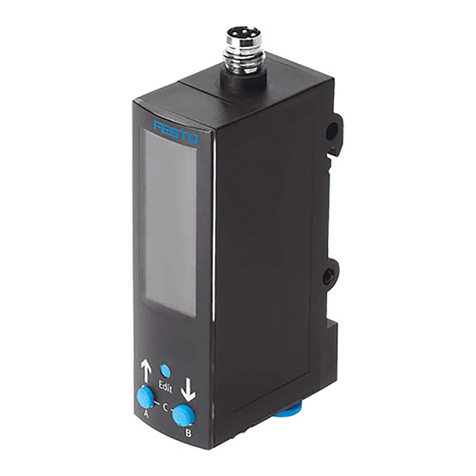
English – Air gap sensor SOPA-...
Table of contents
1 Product description 5.......................................................
1.1 Overview 5................................................................
1.2 Features 7................................................................
1.3 Factory settings 8...........................................................
2 Function and application 9...................................................
2.1 Design 9..................................................................
2.2 Operating statuses 10........................................................
2.3 Function range 11...........................................................
2.3.1 Binary signals and switching signals 11..................................
2.3.2 Graphic distance monitoring 13........................................
2.3.3 Spurious pulse suppression – parameter options 14........................
2.3.4 Switching off the display 14...........................................
2.3.5 Security code 14....................................................
2.3.6 Min/max values 14..................................................
3 Requirements for product use 15...............................................
4 Installation 18..............................................................
4.1 Mechanical system 18........................................................
4.2 Pneumatic system 20.........................................................
4.3 Electrical connection 21.......................................................
5 Commissioning 23...........................................................
5.1 Symbols on the display 23.....................................................
5.2 Bar graph on the display 24....................................................
5.3 Symbols for representing the menu structure 25...................................
5.4 RUN mode 25...............................................................
5.5 INFO/SHOW mode 26........................................................
5.6 Edit mode 28...............................................................
5.6.1 Start EDIT mode 28..................................................
5.6.2 Setting the switching characteristic of binary signals 29.....................
5.6.3 Setting special menu [SPEC] 31........................................
5.7 TEACH mode 32.............................................................