manuals.online logo
Brands
  1. Home
  2. •
  3. Brands
  4. •
  5. hager
  6. •
  7. Control Unit
  8. •
  9. hager RCBO-AFDD User manual

hager RCBO-AFDD User manual

This manual suits for next models

1

Other hager Control Unit manuals
hager EE100 User manual

hager

hager EE100 User manual

hager ZZ45WAN2PP User manual

hager

hager ZZ45WAN2PP User manual

hager RTN300X User manual

hager

hager RTN300X User manual

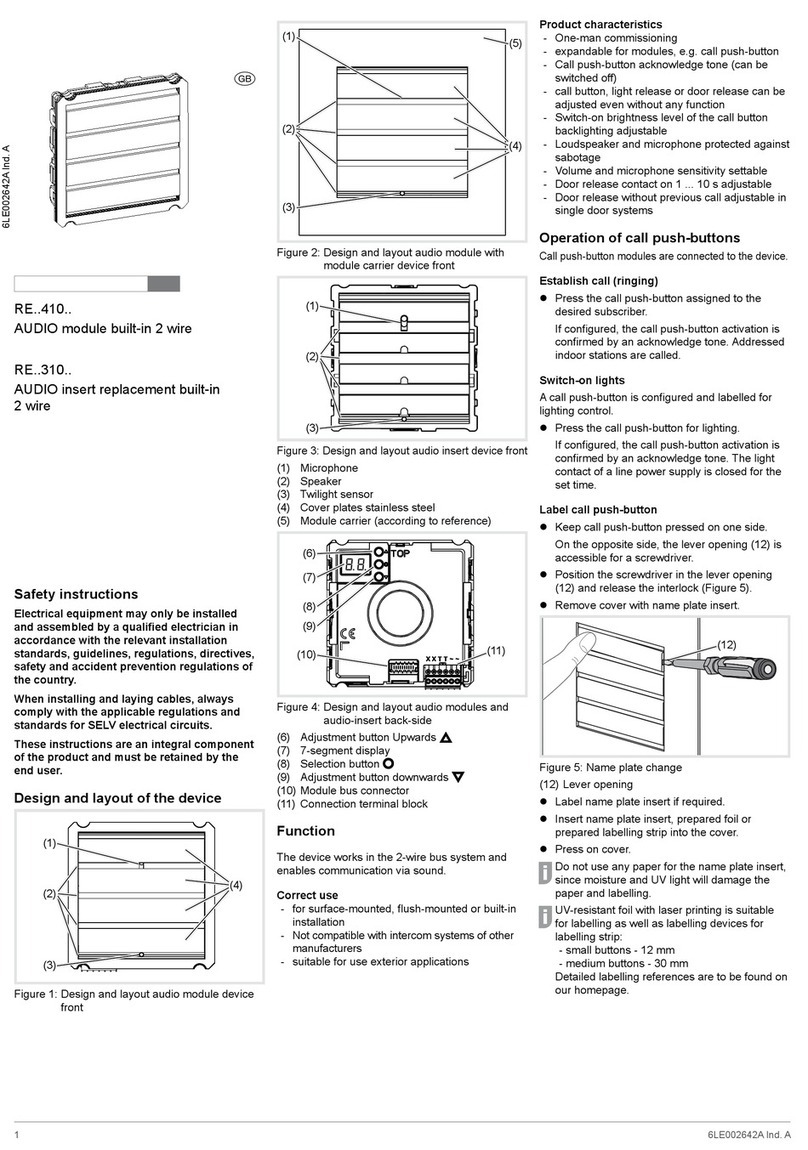
hager RE 310 Series User manual

hager

hager RE 310 Series User manual

hager TYM632C User manual

hager

hager TYM632C User manual

hager NH00 User manual

hager

hager NH00 User manual

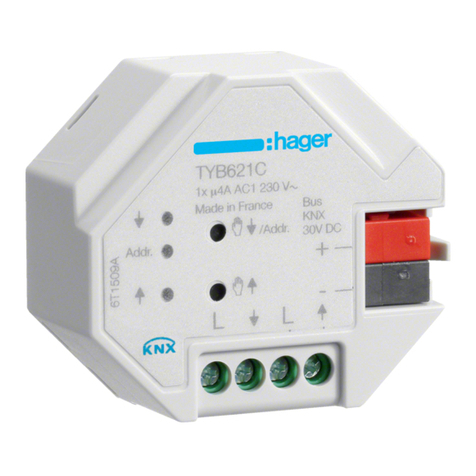
hager TYB621C User manual

hager

hager TYB621C User manual

hager TRB221A-5A User manual

hager

hager TRB221A-5A User manual

hager tebis TX100 User manual

hager

hager tebis TX100 User manual

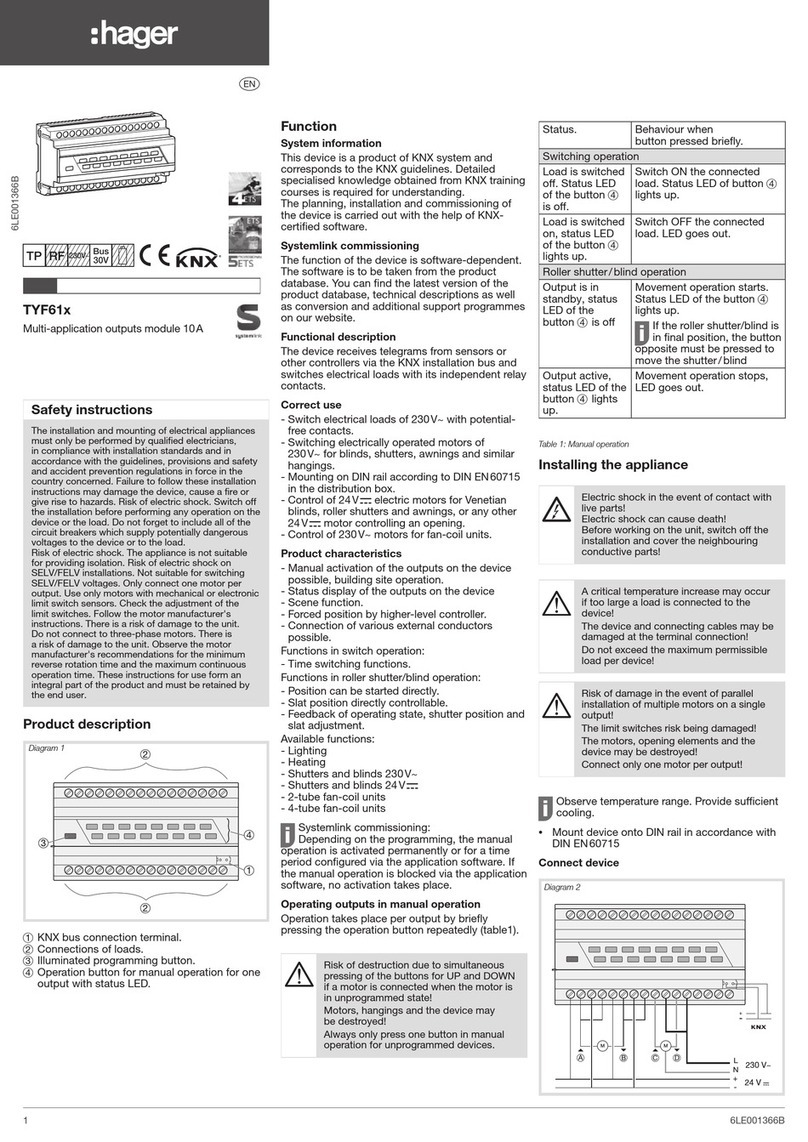
hager TYF61 Series User manual

hager

hager TYF61 Series User manual

hager TRM600AU User manual

hager

hager TRM600AU User manual

hager WK305 User manual

hager

hager WK305 User manual

hager Klik LCM User manual

hager

hager Klik LCM User manual

hager RTN710X User manual

hager

hager RTN710X User manual
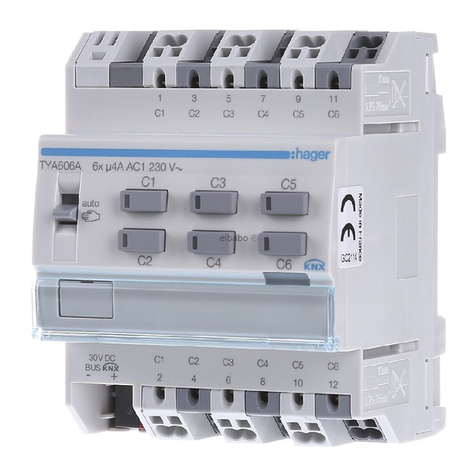
hager TYA610A User manual

hager

hager TYA610A User manual

hager RTN100X User manual

hager

hager RTN100X User manual

hager tebis TXA204A User manual

hager

hager tebis TXA204A User manual

hager TXA101 User manual

hager

hager TXA101 User manual

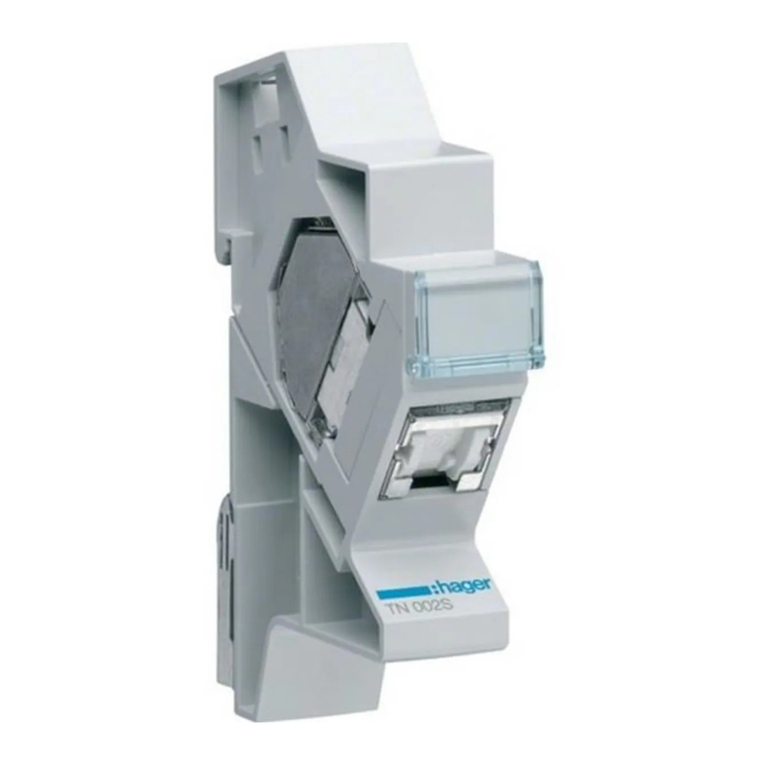
hager TN002S User manual

hager

hager TN002S User manual

hager h3 h400 User manual

hager

hager h3 h400 User manual

hager H3 x250 User manual

hager

hager H3 x250 User manual

hager Vega D FD Series User manual

hager

hager Vega D FD Series User manual

hager TYB601A User manual

hager

hager TYB601A User manual

hager TYA606A User manual

hager

hager TYA606A User manual
Popular Control Unit manuals by other brands

Seitz 14A80 user manual

Seitz

Seitz 14A80 user manual

Wilo RS485 Installation and operating instructions

Wilo

Wilo RS485 Installation and operating instructions

Becker CentralControl CC41 Commissioning Instruction

Becker

Becker CentralControl CC41 Commissioning Instruction

SICK CDB650 operating instructions

SICK

SICK CDB650 operating instructions

Panduit NetKey NKP5E88M Series installation instructions

Panduit

Panduit NetKey NKP5E88M Series installation instructions

MX Options Concentric Petite Fitting instructions

MX

MX Options Concentric Petite Fitting instructions

Clean Water Systems Fleck 2510 Installation & start?up guide

Clean Water Systems

Clean Water Systems Fleck 2510 Installation & start?up guide

Fairchild FSB44104A user guide

Fairchild

Fairchild FSB44104A user guide

LEGRAND Wattstopper LMIN-104 installation instructions

LEGRAND

LEGRAND Wattstopper LMIN-104 installation instructions

PMK ATT10BNCS instruction manual

PMK

PMK ATT10BNCS instruction manual

Tektronix TDS3FFT user manual

Tektronix

Tektronix TDS3FFT user manual

Woodward easYgen Technical manual

Woodward

Woodward easYgen Technical manual

Balluff BNI EIP-502-105-R015 user guide

Balluff

Balluff BNI EIP-502-105-R015 user guide

NXP Semiconductors TWR-LS1021A Getting started

NXP Semiconductors

NXP Semiconductors TWR-LS1021A Getting started

Advantech PCM-3117 Startup manual

Advantech

Advantech PCM-3117 Startup manual

Danfoss MCO 101 manual

Danfoss

Danfoss MCO 101 manual

Moons' Lin Engineering R701P user manual

Moons'

Moons' Lin Engineering R701P user manual

Aventics RV1 operating instructions

Aventics

Aventics RV1 operating instructions

manuals.online logo
manuals.online logoBrands
  • About & Mission
  • Contact us
  • Privacy Policy
  • Terms and Conditions

Copyright 2025 Manuals.Online. All Rights Reserved.

01
Customer:
Date:
Circuit:
Connected load:
What to do if the AFDD
has tripped?
The outgoing lines may only be
connected or disconnected in a
de-energized state.
01
6LE008001Aa
Press the test button.
1
2Check the status of
the LED (Table 1)
To test the product:
AFDD is switched off.
Perform a diagnostic
RCBO-AFDD
LED color-codes
12
Indicator LED Status
LED OFF AFDD is OFF or internal failure
Blinking RED/GREEN + yellow 󰘱ag absence AFDD manually tripped
Blinking RED/GREEN + yellow 󰘱ag presence Overload or Short-Circuit
Steady RED Residual current fault
Only for RCBO-AFDD
Blinking RED/YELLOW Series arc fault
Blinking RED Parallel arc fault
Steady YELLOW Overvoltage
Blinking YELLOW Internal failure
Contact the technical support
MCB-AFDD
Table 1: LED 󰘵atus display for a 󰘵andard troubleshooting
3
3
Check the status of the
yellow flag.
02
02 AFDD troubleshooting
LED is OFF.
Measure voltage of
device.
Voltage is below
216V or above 253V
Voltage between
216V (-6%) and
253V (+10%)
Check the power supply
voltage and/or connection
to the AFDD.
Voltage ok.
Replace the AFDD.
Hager LTD, Hortonwood 50, Telford-TF1 7FT, United Kingdom
Handle is ON.
Replace the AFDD.
Assumption:
Internal AFDD error
LED blinking YELLOW
Contact the Technical
support.
03 Standard electrical troubleshooting
Handle is OFF.
AFDD manually
tripped
LED blinking RED/GREEN
Short-circuit
Overload
Do standard electrical
troubleshooting and check
the appearance of short-
circuit or overload.
or
Assumption:
Overvoltage
Check the electrical
installation and/or the
power supply.
LED steady YELLOW
Yellow flag absence
Yellow flag presence
1. Switch off load.
2. Do standard electrical
troubleshooting.
Assumption:
Residual current fault
Only for RCBO-AFDD
LED steady RED
Handle is ON or OFF.
Disconnect all appliances
that can be damaged during
the insulation test.
Parallel Arc Fault
If the measured value
bigger than 1 MΩ.
If the measured value
smaller than 1 MΩ.
Identify the fault and
repair the circuit.
LED blinking RED/YELLOW
Series Arc Fault
1.Disconnect the appliances of
the protected circuit.
2.Connect and switch ON a
resistive load of 1000W to the
different sockets of the circuit
one by one.
Check the fixed cables of
the installation.
AFDD trips. AFDD doesn’t trip.
Check the appliances.
Tripping circumstances are identified.
03
1. Measure the insulation resistance. 2. Measure the insulation resistance.
Hager technical support: +441952675689 technical@hager.co.uk
LED blinking RED
Fixed wiring is OK. Check the appliances.
Make sure that the
handle is OFF.
04 Arc fault troubleshooting
Handle is OFF.
Appliances are OK. Appliance(s) is/are not OK.
Connect and activate applicances
one by one, then all together.
Trying to repeat the tripping
circumstances.
Replace the appliance(s).
Tripping circumstances are not clearly identified.
Replace one (several) involved
appliance(s), or move it (them) to
another circuit temporary.
Check firmware update
No firmware update avaible.
A firmware update avaible.
Perform the firmware update. Contact Hager technical support
service as deeper investigation is
needed.
If necessary