CONTENTS
Questions?
Call Hunter Douglas Consumer Support at (800) 789-0331.
© 2022 Hunter Douglas. All rights reserved. All trademarks used herein are the property of Hunter Douglas or
their respective owners.
GETTING STARTED..............................................................................................1
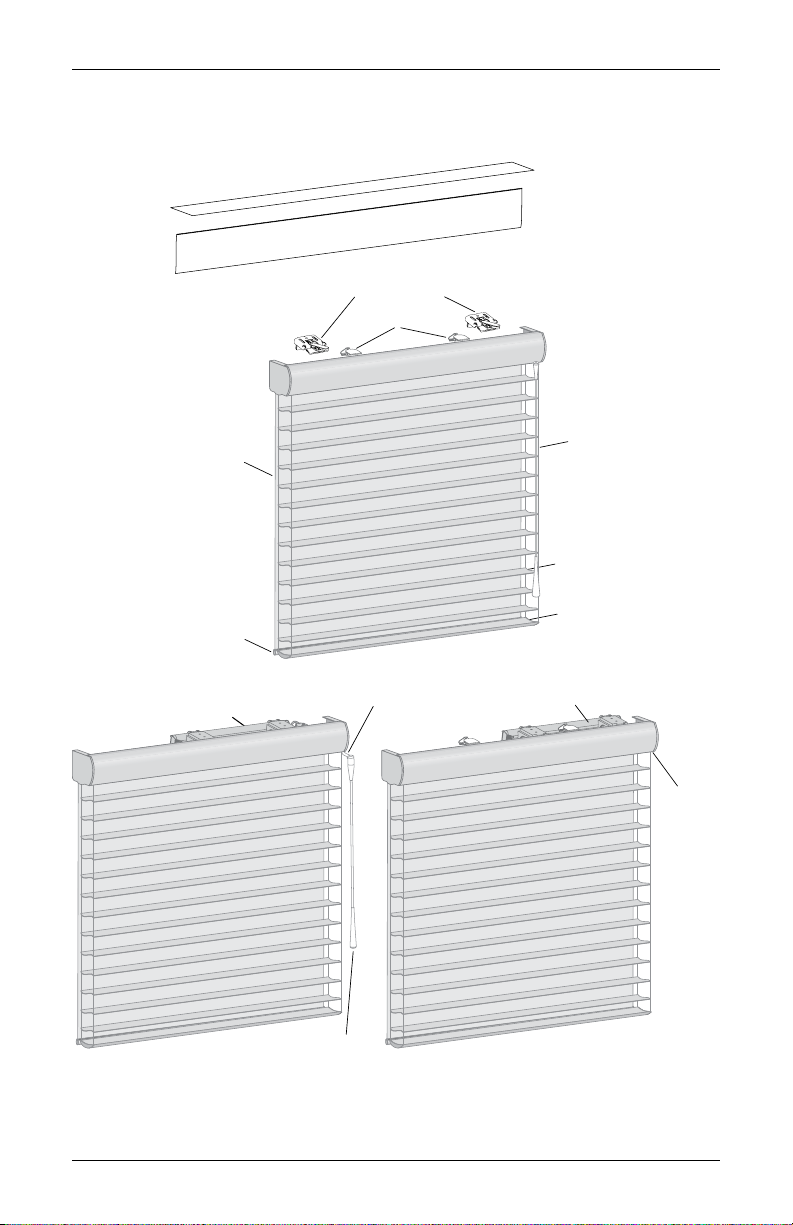
Product Views.......................................................................................................... 1
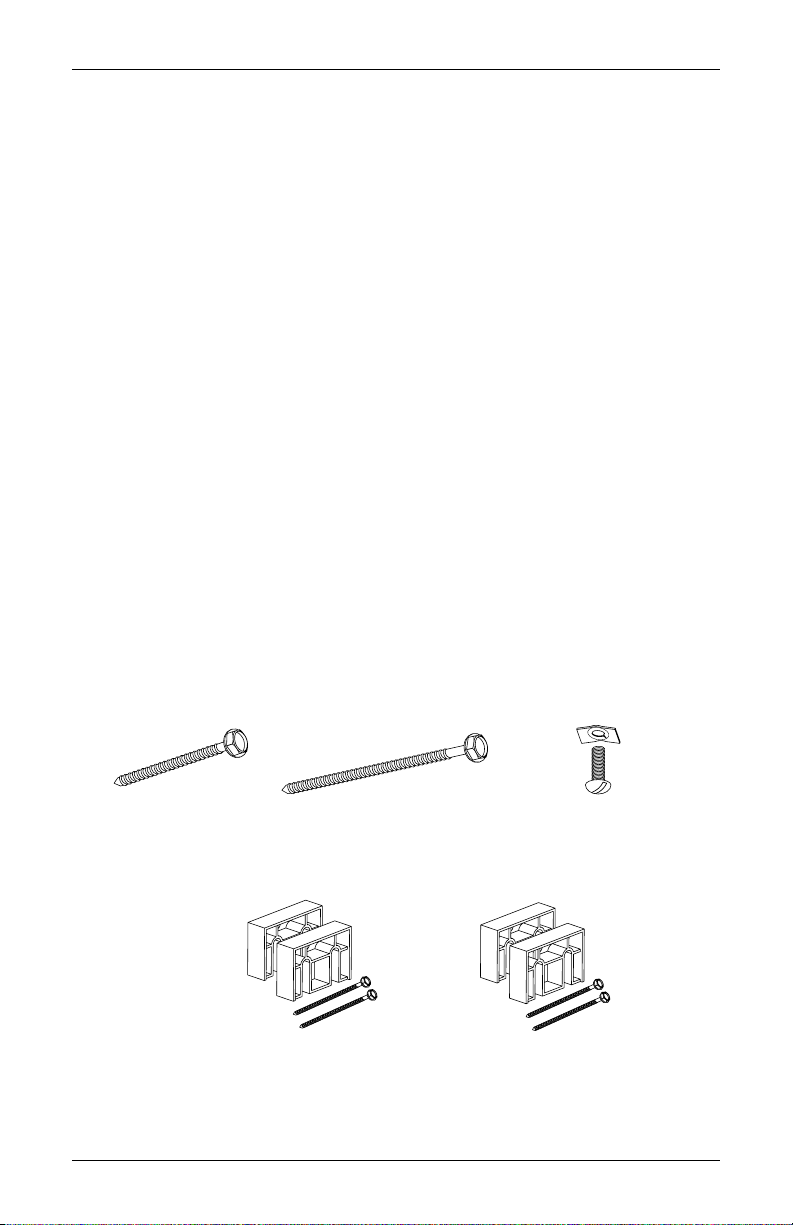
Tools and Fasteners Needed ................................................................................... 2
INSTALLATION .....................................................................................................3
Installation Overview............................................................................................... 3
STEP 1: Mount the Installation Brackets................................................................ 3
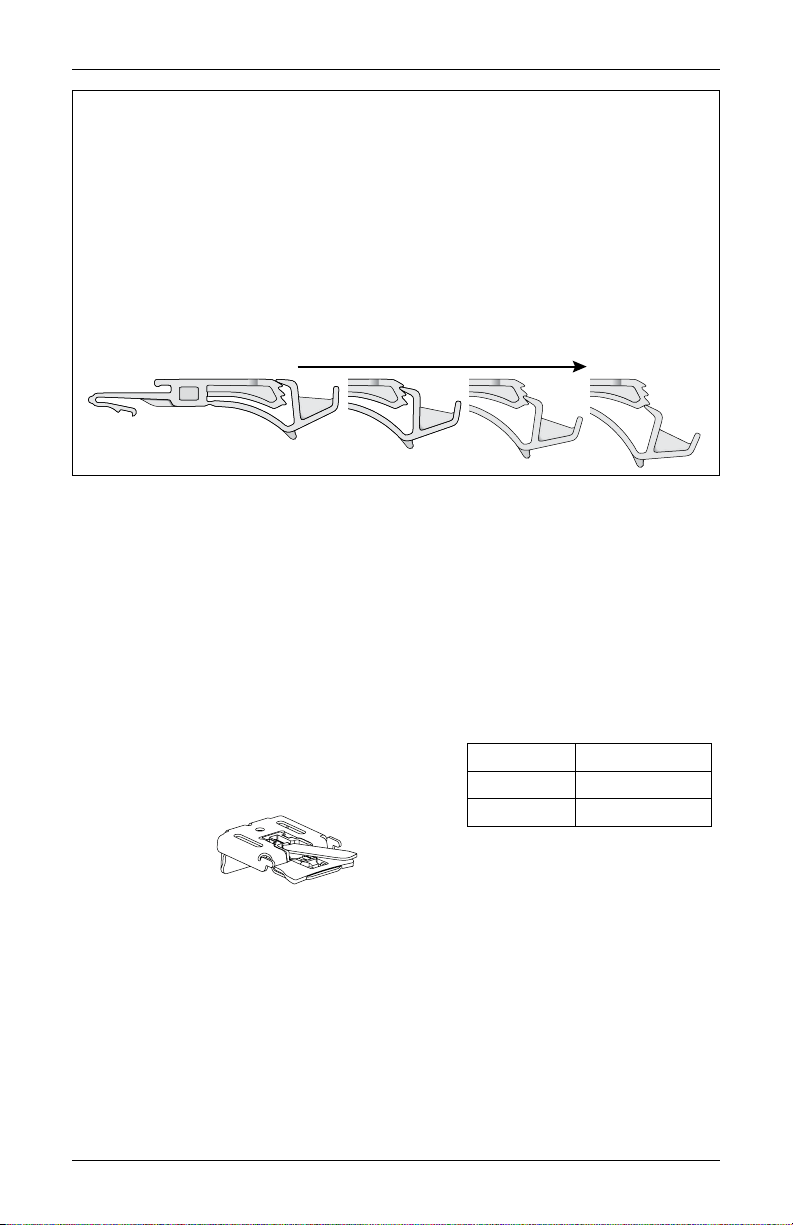
Importance of Limit Stops on Silhouette Window Shadings.................................. 3
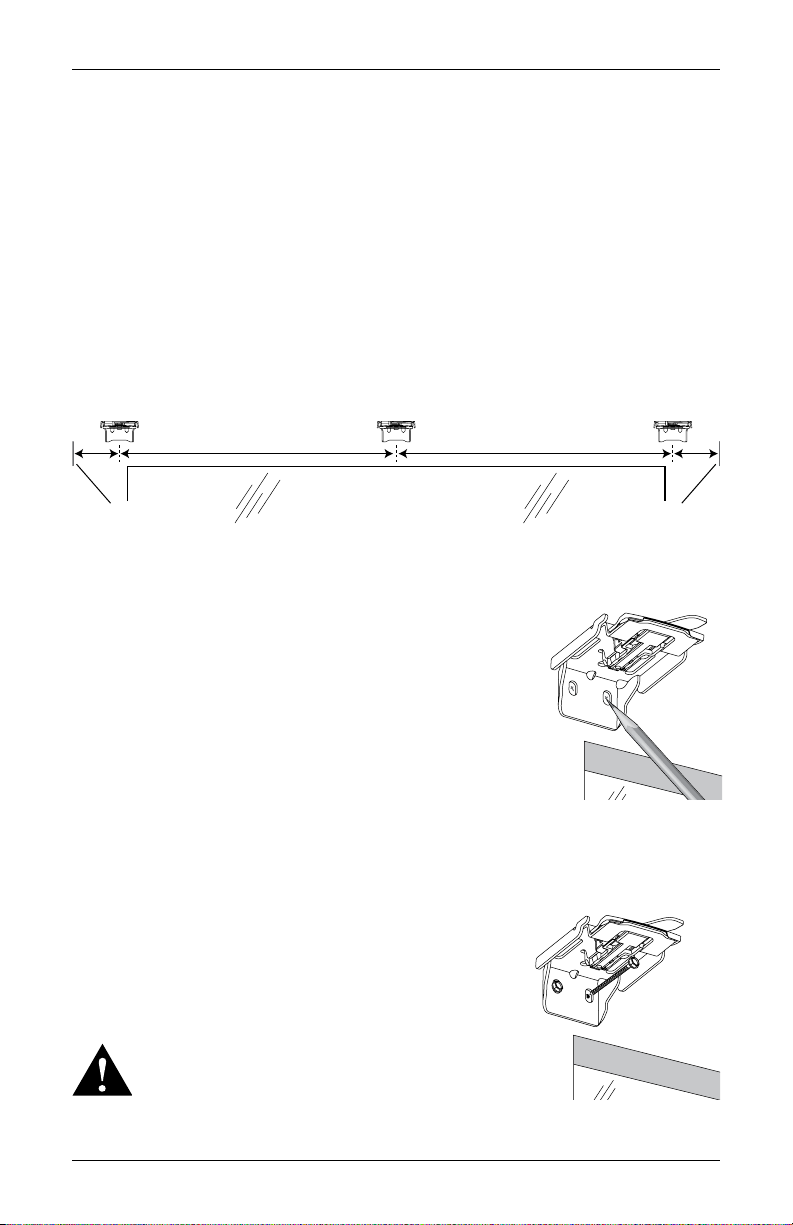
Mount the Installation Brackets — Inside Mount.................................................. 4
Mount the Installation Brackets — Outside Mount ............................................... 7
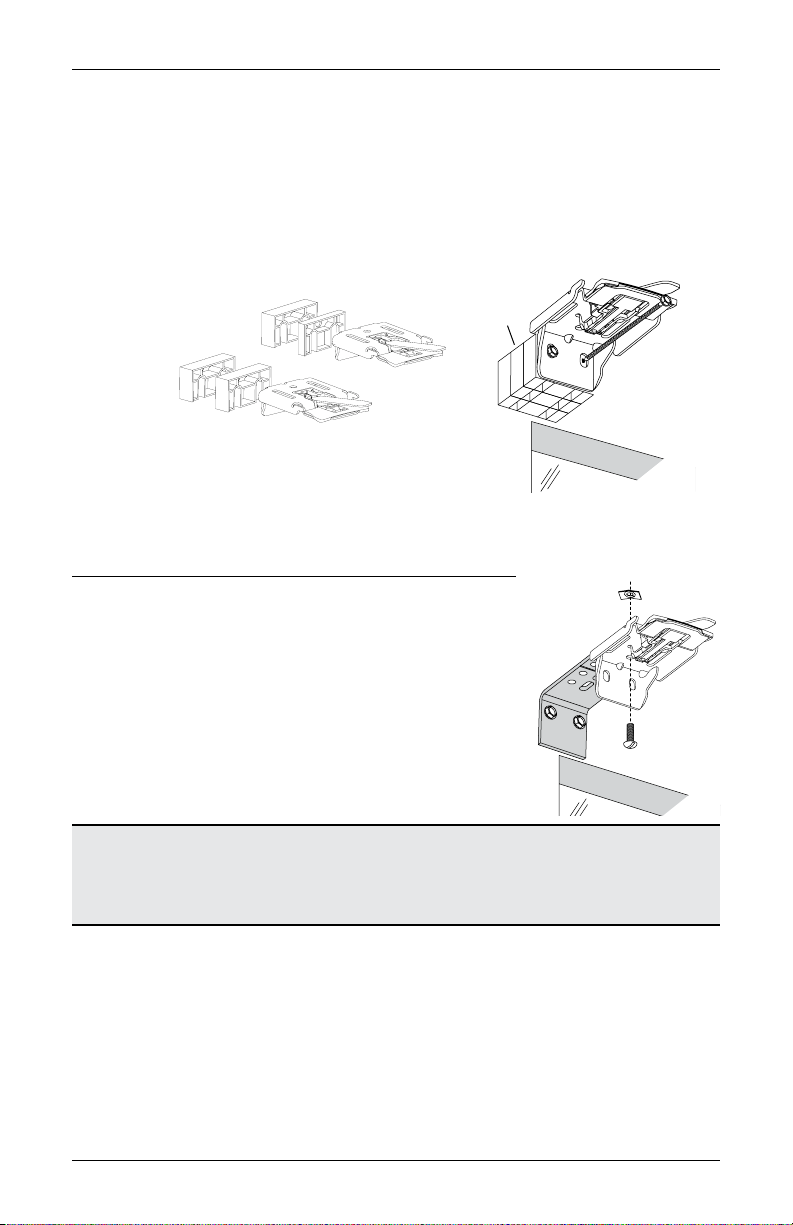
Additional Clearance with Spacer Blocks ............................................................... 8
STEP 2: PowerView®Gen 3 and SoftTouch®Only: Install the Battery Wand ........ 9
STEP 3: Install the Shading...................................................................................11
STEP 4: PowerView®Gen 3 and SoftTouch®Only: Connect the Power Source ... 12
SoftTouch®Only — Unpack the Wand and Attach to Activation Arm ................. 17
Final Adjustment.................................................................................................... 17
PowerView®Gen 3 Only – Testing the Shading.................................................... 19
OPERATION.........................................................................................................20
Operate the Shading.............................................................................................. 20
UltraGlide®Shadings............................................................................................. 21
SoftTouch®Motorization........................................................................................ 22
Operating the PowerView®App and Gen 3 Remote ............................................. 24
Resetting the Shading (If Necessary).................................................................... 25
TROUBLESHOOTING .........................................................................................26
CARE.....................................................................................................................37
Removing the Shading........................................................................................... 37
Cleaning Procedures.............................................................................................. 37
CHILD SAFETY....................................................................................................39
POWERVIEW DECLARATIONS ........................................................................40
WARRANTY ........................................................................................................41