manuals.online logo
Brands
  1. Home
  2. •
  3. Brands
  4. •
  5. Lee & Plumpton
  6. •
  7. Indoor Furnishing
  8. •
  9. Lee & Plumpton InMotion Single User manual

Lee & Plumpton InMotion Single User manual

Other Lee & Plumpton Indoor Furnishing manuals
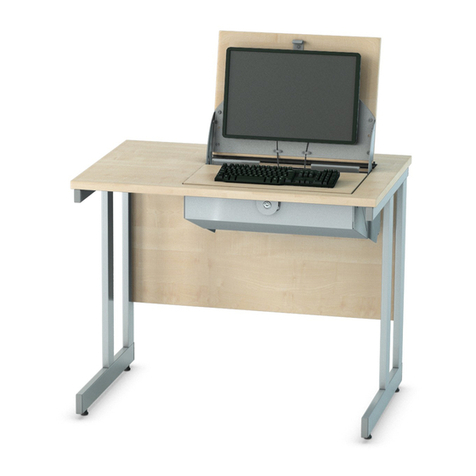
Lee & Plumpton SmartTop Series User manual

Lee & Plumpton

Lee & Plumpton SmartTop Series User manual

Lee & Plumpton DOMINOBEAM User manual

Lee & Plumpton

Lee & Plumpton DOMINOBEAM User manual
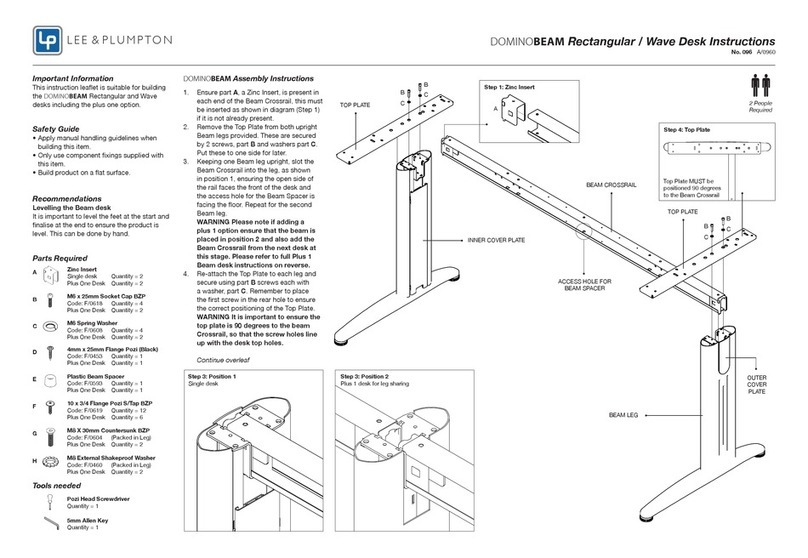
Lee & Plumpton DOMINOBEAM User manual

Lee & Plumpton

Lee & Plumpton DOMINOBEAM User manual
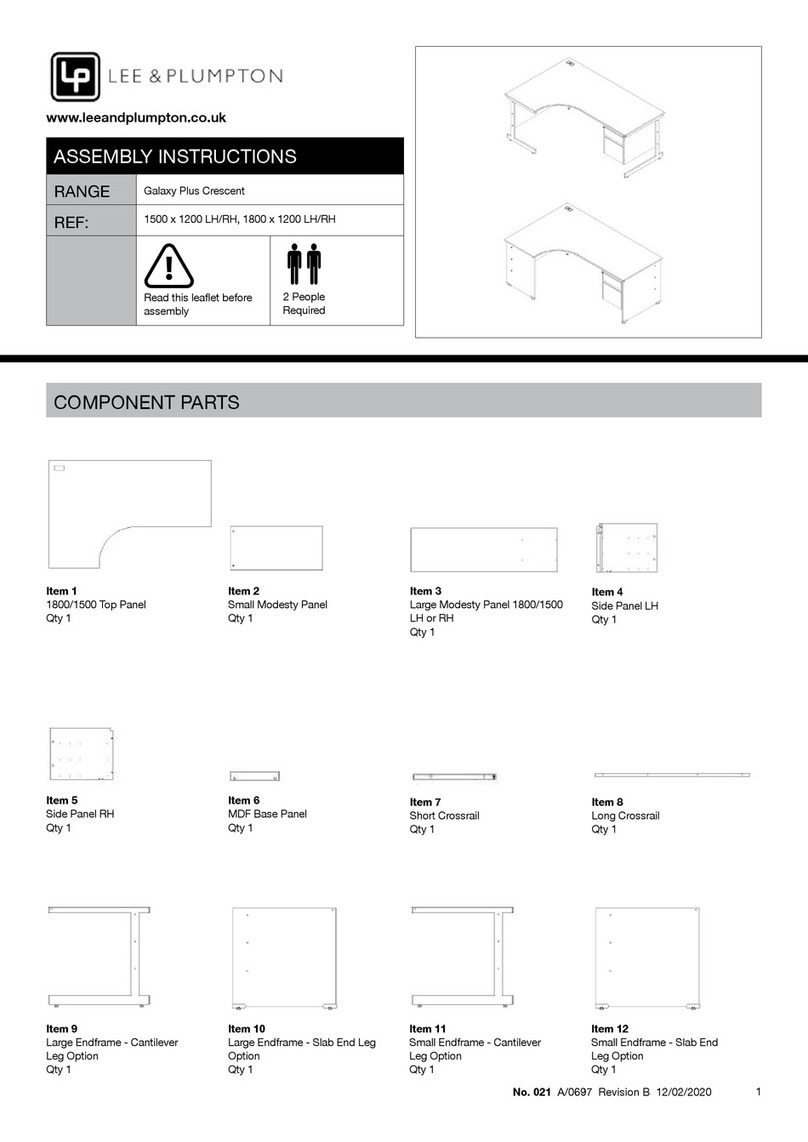
Lee & Plumpton Galaxy Plus Crescent 1500x1200 LH User manual
Lee & Plumpton

Lee & Plumpton Galaxy Plus Crescent 1500x1200 LH User manual

Lee & Plumpton Signature Tambour User manual
Lee & Plumpton

Lee & Plumpton Signature Tambour User manual

Lee & Plumpton Libra User manual

Lee & Plumpton

Lee & Plumpton Libra User manual
Lee & Plumpton Spire Rectangular User manual
Lee & Plumpton

Lee & Plumpton Spire Rectangular User manual

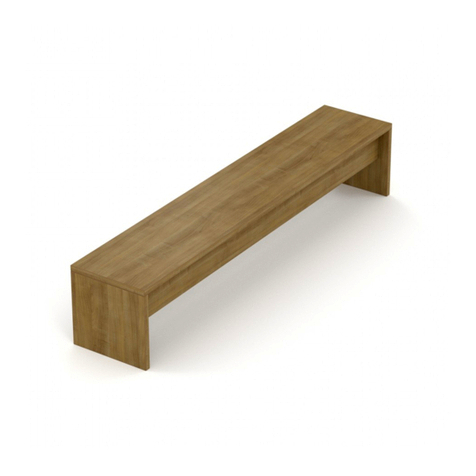
Lee & Plumpton Planar Bench User manual
Lee & Plumpton

Lee & Plumpton Planar Bench User manual

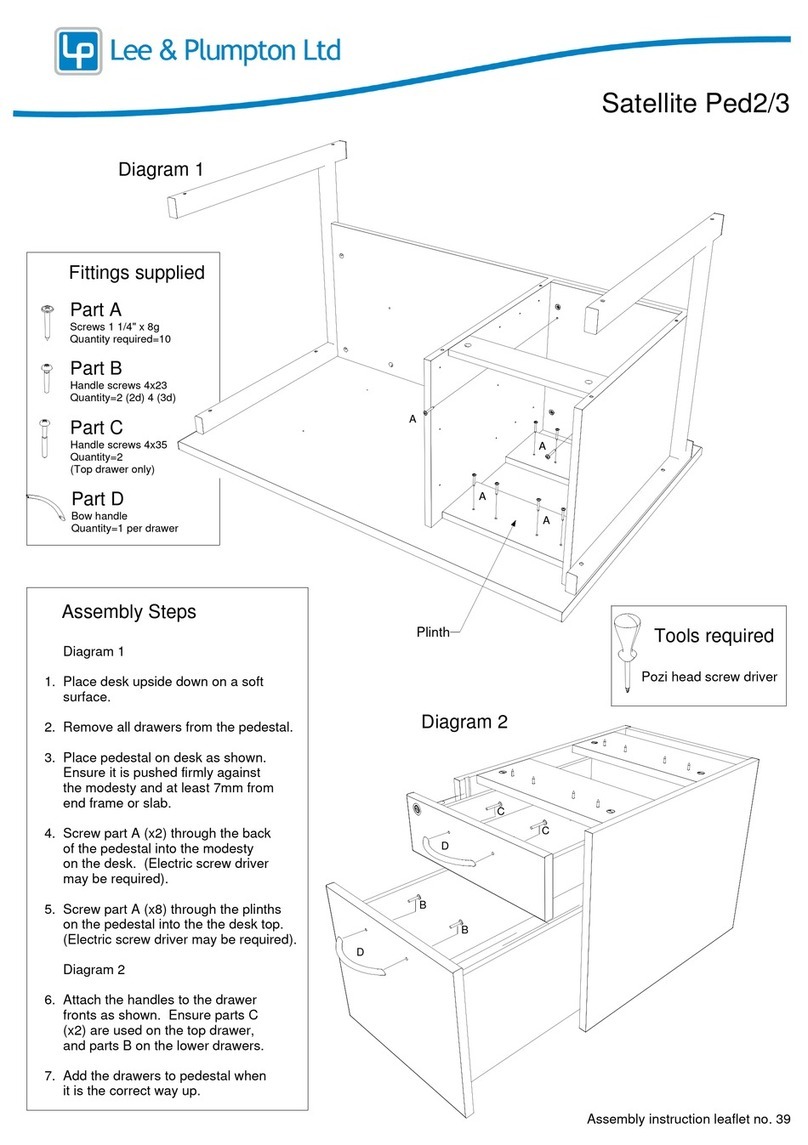
Lee & Plumpton Satellite Ped2 User manual
Lee & Plumpton

Lee & Plumpton Satellite Ped2 User manual

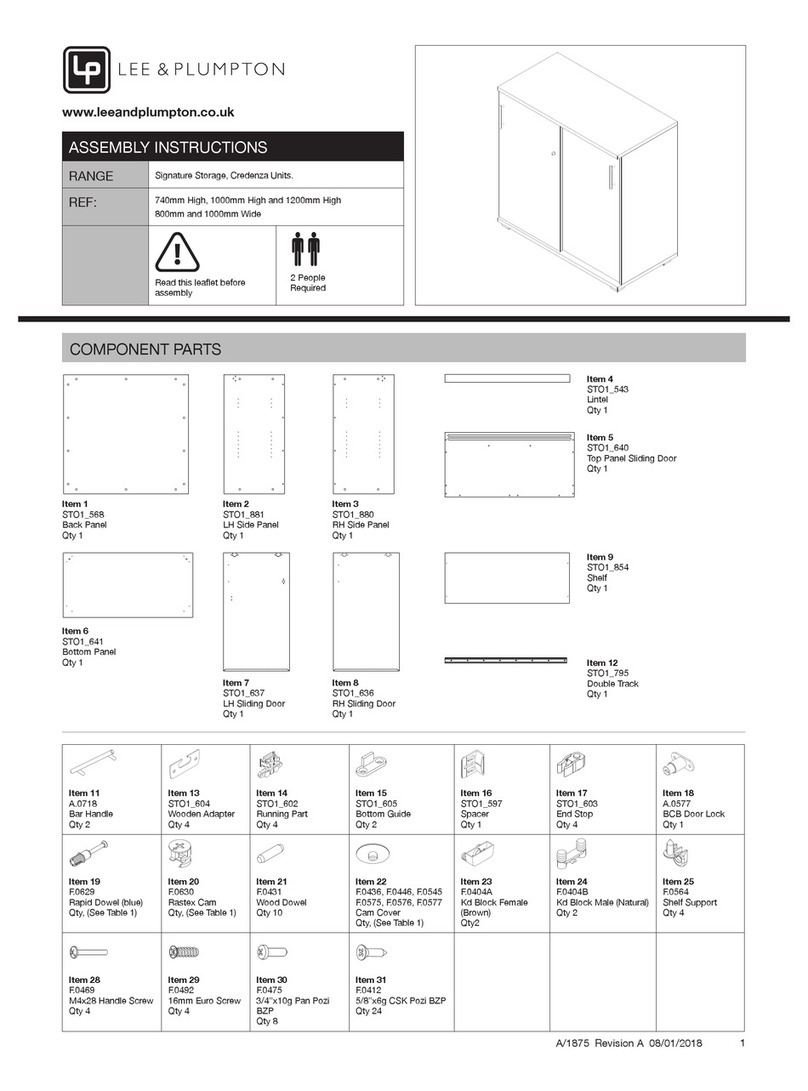
Lee & Plumpton Signature Storage Credenza User manual
Lee & Plumpton

Lee & Plumpton Signature Storage Credenza User manual

Lee & Plumpton DOMINOBEAM User manual

Lee & Plumpton

Lee & Plumpton DOMINOBEAM User manual

Lee & Plumpton Satellite MP Cant Bracket Pack User manual
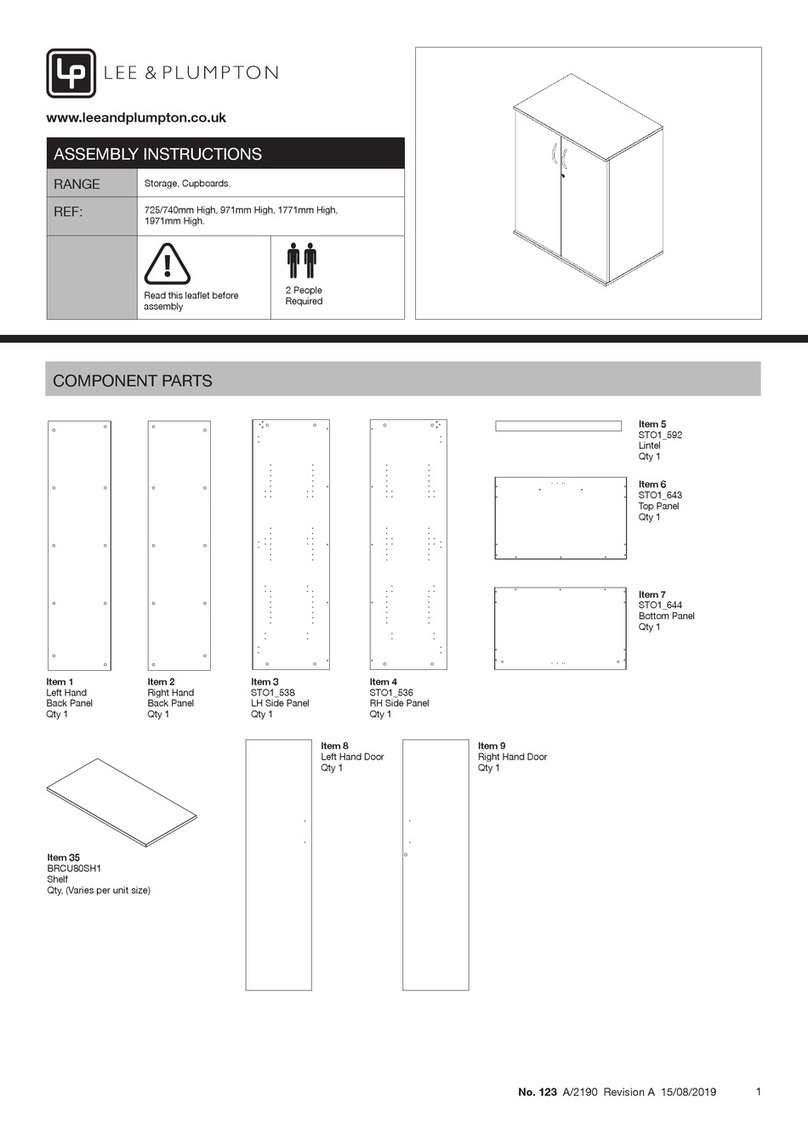
Lee & Plumpton

Lee & Plumpton Satellite MP Cant Bracket Pack User manual

Lee & Plumpton 123 User manual

Lee & Plumpton

Lee & Plumpton 123 User manual
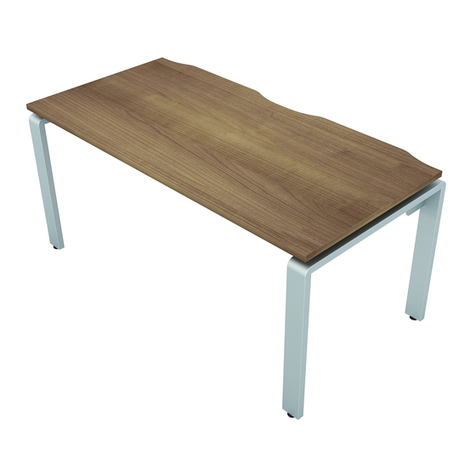
Lee & Plumpton AURABENCH User manual

Lee & Plumpton

Lee & Plumpton AURABENCH User manual
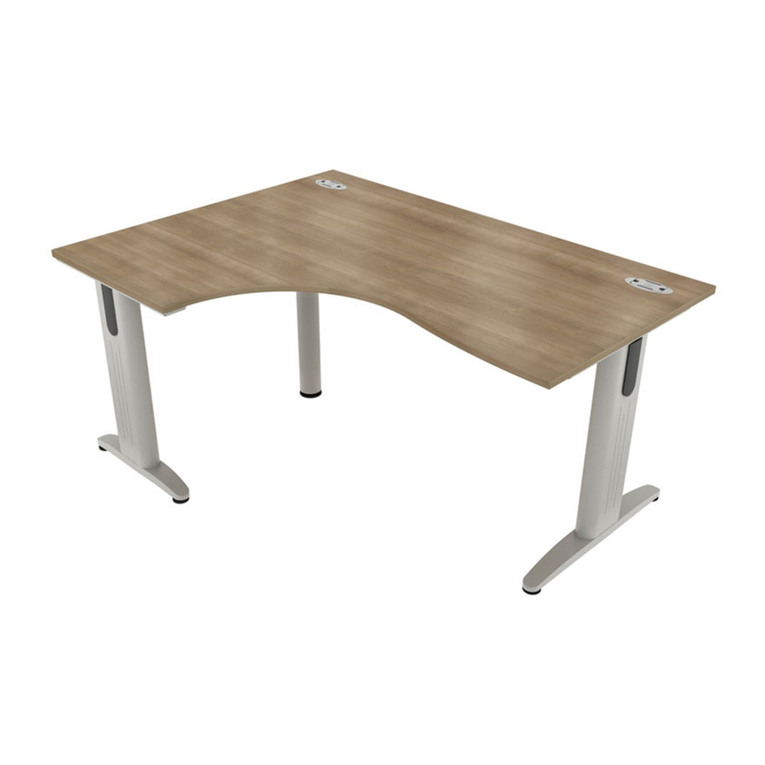
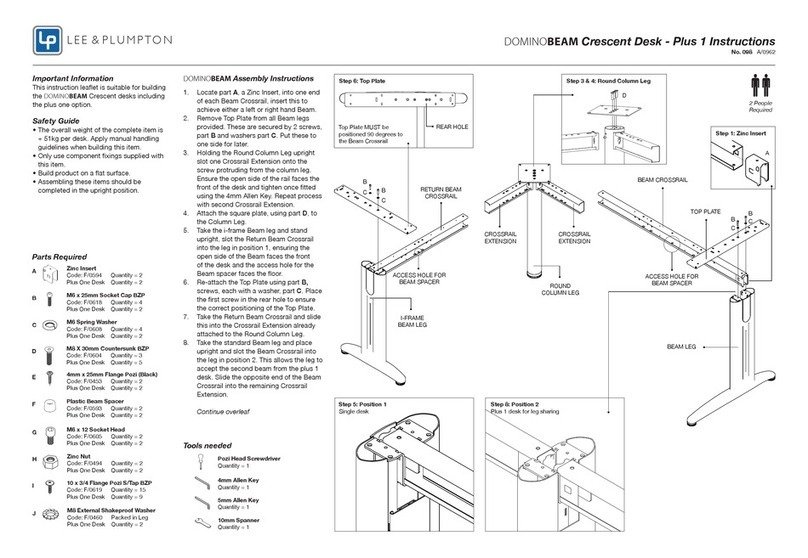
Lee & Plumpton DOMINOBEAM Crescent User manual

Lee & Plumpton

Lee & Plumpton DOMINOBEAM Crescent User manual

Lee & Plumpton Atmosphere Conference Round Column Base User manual
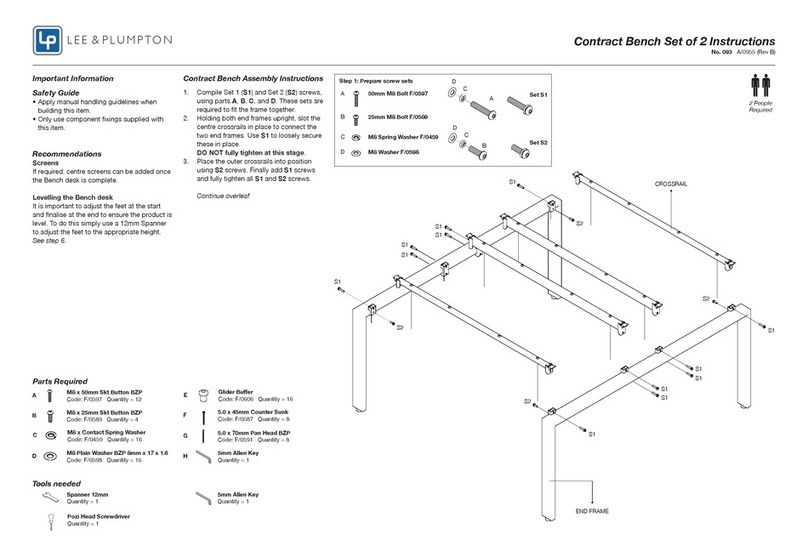
Lee & Plumpton

Lee & Plumpton Atmosphere Conference Round Column Base User manual

Lee & Plumpton 093 User manual

Lee & Plumpton

Lee & Plumpton 093 User manual

Lee & Plumpton Atmosphere Quad User manual
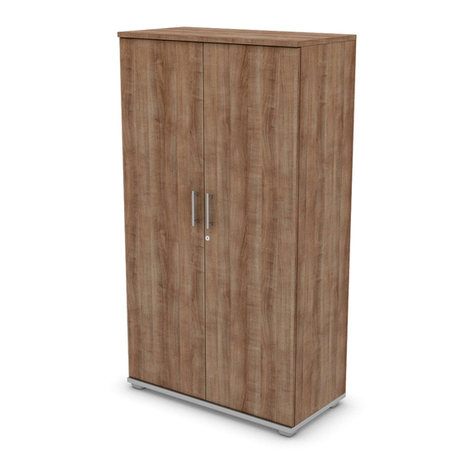
Lee & Plumpton

Lee & Plumpton Atmosphere Quad User manual

Lee & Plumpton Signature Storage Series Installation guide

Lee & Plumpton

Lee & Plumpton Signature Storage Series Installation guide

Lee & Plumpton InMotion Double Electric 1200 User manual
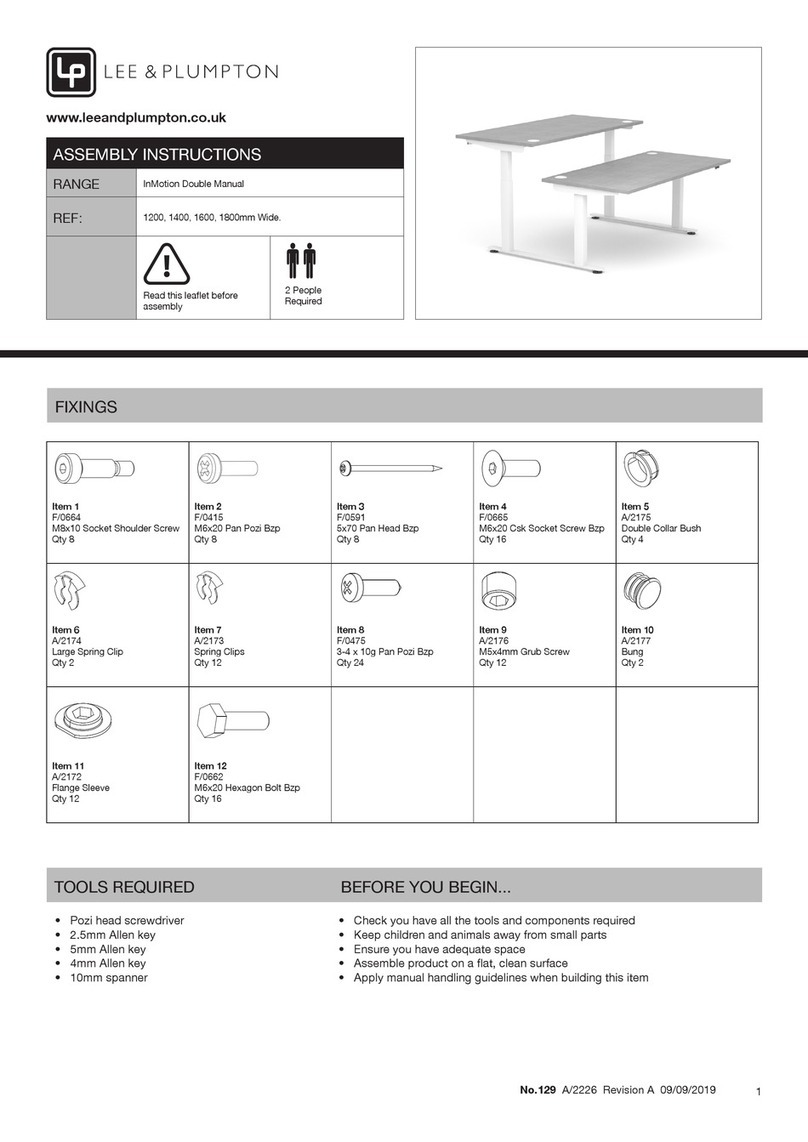
Lee & Plumpton

Lee & Plumpton InMotion Double Electric 1200 User manual

Lee & Plumpton InMotion Double Manual Series User manual

Lee & Plumpton

Lee & Plumpton InMotion Double Manual Series User manual

Lee & Plumpton Duty 1200mm User manual

Lee & Plumpton

Lee & Plumpton Duty 1200mm User manual

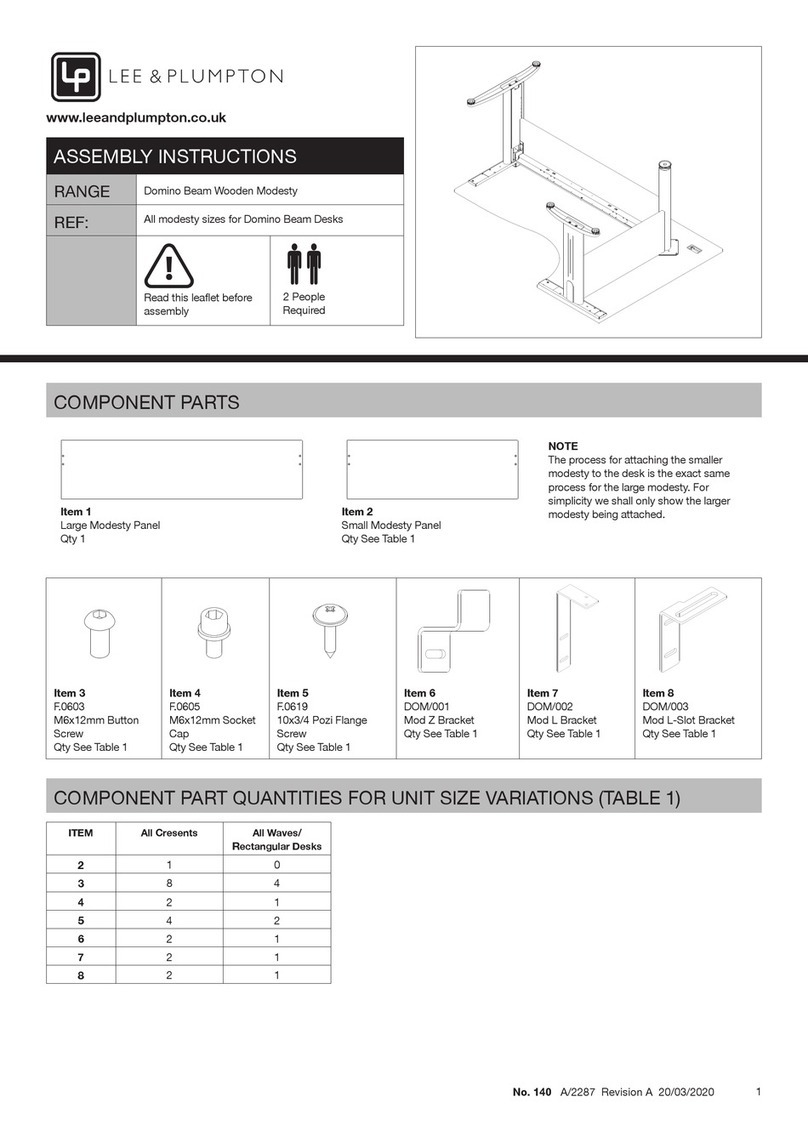
Lee & Plumpton Domino Beam Wooden Modesty User manual

Lee & Plumpton

Lee & Plumpton Domino Beam Wooden Modesty User manual

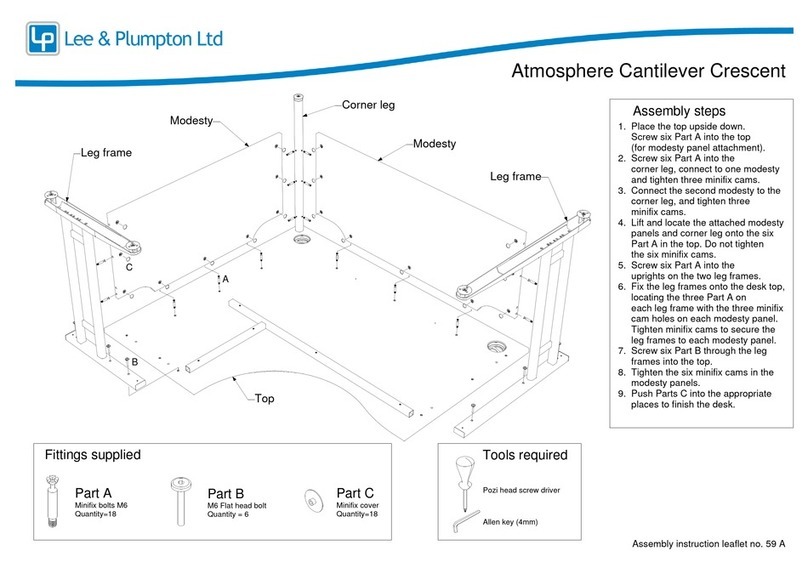
Lee & Plumpton Atmosphere Cantilever Crescent User manual

Lee & Plumpton

Lee & Plumpton Atmosphere Cantilever Crescent User manual

Popular Indoor Furnishing manuals by other brands

Regency LWMS3015 Assembly instructions

Regency

Regency LWMS3015 Assembly instructions

Furniture of America CM7751C Assembly instructions

Furniture of America

Furniture of America CM7751C Assembly instructions

Safavieh Furniture Estella CNS5731 manual

Safavieh Furniture

Safavieh Furniture Estella CNS5731 manual

PLACES OF STYLE Ovalfuss Assembly instruction

PLACES OF STYLE

PLACES OF STYLE Ovalfuss Assembly instruction

Trasman 1138 Bo1 Assembly manual

Trasman

Trasman 1138 Bo1 Assembly manual

Costway JV10856 manual

Costway

Costway JV10856 manual

moss DESIGN Caisson Credenza Assembly instructions

moss DESIGN

moss DESIGN Caisson Credenza Assembly instructions

Aquaglide FULL DECK 15.0 owner's manual

Aquaglide

Aquaglide FULL DECK 15.0 owner's manual

AREBOS AR-HE-SW30 user manual

AREBOS

AREBOS AR-HE-SW30 user manual

Till-Hilft Fulda 87005.330 Assembly instructions

Till-Hilft

Till-Hilft Fulda 87005.330 Assembly instructions

Twoey Outside 2010 quick start guide

Twoey Outside

Twoey Outside 2010 quick start guide

Hettich Easys 200 operating instructions

Hettich

Hettich Easys 200 operating instructions

The bedboss RELAX 404 Series owner's manual

The bedboss

The bedboss RELAX 404 Series owner's manual

Oeseder Möbelindustrie Bern 991 720 Assembly instructions

Oeseder Möbelindustrie

Oeseder Möbelindustrie Bern 991 720 Assembly instructions

Costway HW68469 user manual

Costway

Costway HW68469 user manual

Next ALIX A27743 Assembly instructions

Next

Next ALIX A27743 Assembly instructions

BROSA Hans Assembly guide

BROSA

BROSA Hans Assembly guide

Prodigg MINIKA PBA015T-FUR installation manual

Prodigg

Prodigg MINIKA PBA015T-FUR installation manual

manuals.online logo
manuals.online logoBrands
  • About & Mission
  • Contact us
  • Privacy Policy
  • Terms and Conditions

Copyright 2025 Manuals.Online. All Rights Reserved.

1
No.128 A/2225 Revision A 09/09/2019
www.leeandplumpton.co.uk
ASSEMBLY INSTRUCTIONS
RANGE InMotion Single Manual
REF: 1200, 1400, 1600, 1800mm Wide.
Read this leaet before
assembly
2 People
Required
FIXINGS
TOOLS REQUIRED BEFORE YOU BEGIN...
• Check you have all the tools and components required
• Keep children and animals away from small parts
• Ensure you have adequate space
• Assemble product on a at, clean surface
• Apply manual handling guidelines when building this item
• Pozi head screwdriver
• 2.5mm Allen key
• 4mm Allen key
• 5mm Allen key
• 10mm spanner
Item 1
F/0664
M8x10 Socket Shoulder Screw
Qty 4
Item 2
F/0415
M6x20 Pan Pozi Bzp
Qty 4
Item 3
F/0591
5x70 Pan Head Bzp
Qty 4
Item 4
F/0665
M6x20 Csk Socket Screw Bzp
Qty 8
Item 5
A/2175
Double Collar Bush
Qty 2
Item 6
A/2174
Large Spring Clip
Qty 1
Item 7
A/2173
Spring Clips
Qty 6
Item 8
F/0475
3-4 x 10g Pan Pozi Bzp
Qty 12
Item 9
A/2176
M5x4mm Grub Screw
Qty 6
Item 10
A/2177
Bung
Qty 1
Item 11
A/2172
Flange Sleeve
Qty 6
Item 12
F/0662
M6x20 Hexagon Bolt Bzp
Qty 8
2
No.128 A/2225 Revision A 09/09/2019
STEP 2
ASSEMBLY INSTRUCTIONS
STEP 3
STEP 4
STEP 1
Use the shoulder screws (1) to
attach the crank brackets to the
rail, but leave the bolts loose until
the next step has been completed.
Use screws (2) to x the crank
brackets directly to the desk top.
Tighten the screws into place and
then tighten the shoulder screws
from step 2, ensuring that all the
components are in alignment.
Note: Ensure one of the holes in
the leg column is facing as shown.
When attaching the column leg
to the bracket the sticker on both
legs should face towards the bar
at the back of the desk.
Secure the rail into position using
the four long screws (3).
IMPORTANT: There are screw
holes in the rails for cable trays
and these holes must face towards
the back of the desk top. Please
also ensure that the holes are
positioned as far away from the
underside of the desk top as
possible.
1
2
3
Screw holes in the rails for cable
trays should point towards the
back of the desk.
Lay the desktop upside down
on a at, clean and soft surface.
Attach the crank brackets to the
leg columns using screws (4).
Place the leg columns to the left
and right of the desk so the crank
brackets are positioned as shown.
4 Crank brackets
Leg columns
Ensure one of the holes in
the leg column is facing
towards you (as if you were
sitting at the desk).
When attaching
the column leg
to the bracket
the sticker on
both legs should
face towards the
bar at the back
of the desk.
3
No.128 A/2225 Revision A 09/09/2019
STEP 6
ASSEMBLY INSTRUCTIONS
STEP 7
STEP 8
STEP 5
Clip the two smaller spring
clips (7) to the medium hex rod.
The spring clip lugs must face
one another. Then slide a plastic
washer (11) on to each rod,
ensuring the at sides face the
spring clip.
Insert the hex bar into the
InMotion leg mechanism via
the hole (on the left or right as
required) then screw the handle
assembly into position using
screws (8).
Attach spring clips (7) and
washers (11) to the longest hex
rods and insert them into the holes
in the leg columns. Slide the two
aluminium tubes over the rods.
Each tube should be placed
so the hole closest to its end is
positioned near the centre of the
desk top.
11
7
11
7Aluminium tubes
Clip the two collars (5) to the
handle bracket as shown. Insert
the handle and then clip the
largest of the spring clips (6) into
the groove.
6
5
4
No.128 A/2225 Revision A 09/09/2019
STEP 10
ASSEMBLY INSTRUCTIONS
CARE AND MAINTENANCE
STEP 9
Insert the bung (10) into place
on the leg column that is not
being used for the InMotion crank
mechanism.
Attach the side plates to the desk
top in the position shown using
(8). Fasten the bolts (12) on the
footplates.
Using two people, carefully rotate
the desk on to its feet.
Clean using a damp cloth and mild detergent – do not use abrasive cleaners or bleach.
10
Side plates
12
Place the small hex rod between
the two aluminium tubes and
tighten into position using the
two grub screws (9). Then, use
the four remaining grub screws
to tighten the completed bar
assembly in place.
Aluminium tubes
Aluminium tubes Small hex rods