STEP 2B
STEP 2A
STEP 2C
STEP2: A. WITH WORK SURFACE UPSIDE DOWN ON A PROTECTIVE SURFACE
INSTALL THE CONTROL BOX WITH HK-92
B. ATTACH THE CONTROL SWITCH WITH HK-83 (USE REMAINING SCREWS
IN KIT TO SECURE WIRES AT THE END OF THE ASSEMBLY PROCESS)
C. LOCATE RUNOFF BASE ASSEMBLY OVER PRE-BORED HOLE LOCATIONS
IN TOP AND ATTACH USING HK-71(ONLY 4 HOLES WILL BE ACCESIBLE
DURING THIS STEP).
2552INS - Page 2 Rev:
Part # - 2 Pages
STEP 3: A. FLIPOVER PREVIOUSLY ASSEMBLED TOP & RUNOFF BASE AND PLACE ON WALL CABINET MOUNTING
PLATE AS SHOWN BELOW. (WILL NOT BE FASTENED UNTIL STEP 3 D).
B. CONNECT RUNOFF BASE LIFT COLUMN WITH THE LONG CONTROL CABLE TO THE CONTROL BOX
AND THE WALL CABINET LIFT COLUMN TO THE CONTROL BOX WITH SHORT CONTROL CABLE.
THEN CONNECT THE CONTROL SWITCH TO THE CONTROL BOX. NEXT CONNECT THE MAINS (POWER)
CABLE TO THE CONTROL BOX AND PLUG INTO A POWER SOURCE.
C. SYNCRONIZE THE LIFT COLUMNS BY PRESSING THE DOWN ARROW BUTTON ON THE CONTROL SWITCH UNTIL
THEY BOTTOM OUT. ONCE RESET PRESS THE UP ARROW BUTTON TO RAISE THE WORKSURFACE APPROX
10" TO ACCESS THE LIFT COLUMN MOUNTING PLATES.
D. ONCE THE WORSURFACE IS RAISED FINISH INSTALLING THE REMAINING SCREWS FROM HK-71
ALIGNING THE HOLES IN THE MOUNT PLATES WITH PRE-BORED HOLESIN THE TOP.
E. USE REMAINING SCREWS FROM HK-83 ALONG WITH WIRE CLIPS & ONE WRAPS TO CLEAN UP
WIRES UNDERNEATH THE TOP AS DESIRED.
F. USE THE DOWN ARROW BUTTON ON THE CONTROL SWITCH TO LOWER THE TOP BACK TO THE
LOWEST POSITION AND LEVEL THE RUNOFF BASE AS NEEDED TO LEVEL THE WORKSURFACE.
PA RT # 1711255
INSTRUCTION SHEET # 2552INS
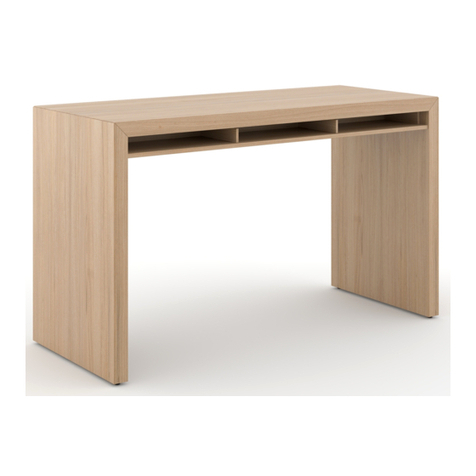
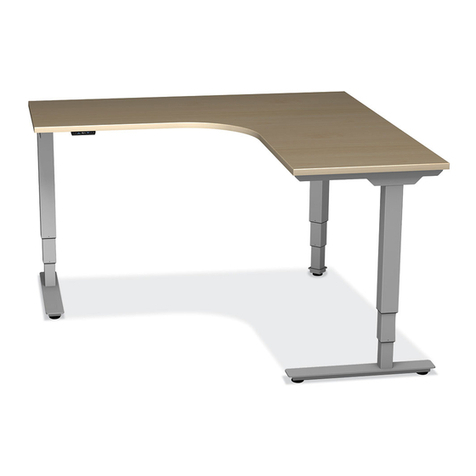
HEIGHT ADJUSTABLE PENINSULA DESK
INSTALLATION INSTRUCTIONS
APTOS
STEP 3
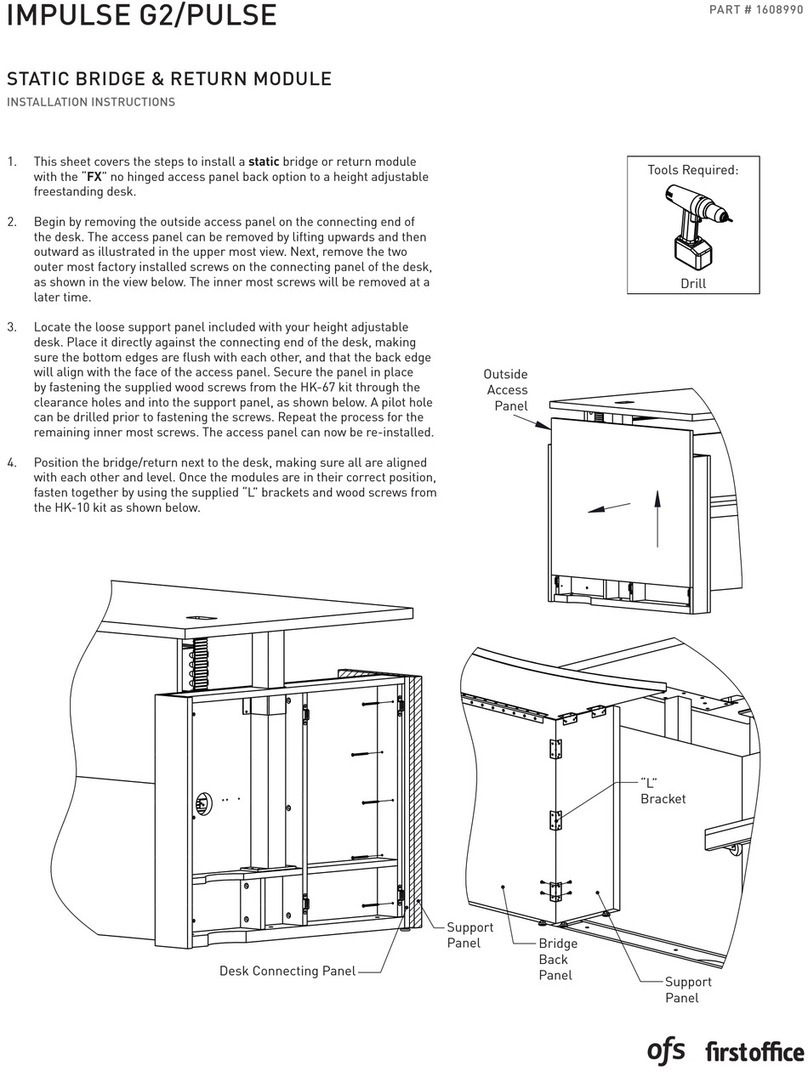
3. With worksurface upside down on a protective surface,
install the control box with HK-92.
4. Attach the control switch with HK-83. (Use remaining screws
in kit to secure wires at the end of the assembly process.)
5. Locate runoff base assembly over pre-bored hole locations
in top and attach using HK-71. (Only 4 holes will be accesible
during this step.)
STEP 4
STEP 5
9. Once the worksurface is raised, finish installing the
remaining screws from HK-71, aligning the holes in the
mount plates with pre-bored holes in the top.
10. Use remaing screws from HK-83, along with wire clips and
one wraps to clean up wires underneath the top as desired.
11. Use the DOWN arrow button on the control switch to lower
the top back to the lowest position and level the runoff base
as needed to level the worksurface.
6. Flip over previously assembled top and runoff base and
place on wall cabinet mounting plate as shown below. (Will
not be fastened until Step 9.)
7. Connect the runoff base and wall cabinet lift columns to the
control box using the supplied motor cables. Then connect
the control switch to the control box. Next, connect the
Mains (power) cable to the control box and plug into a
power source.
8. Syncronize the lift columns by pressing the DOWN arrow
button on the control switch until they bottom out. Once
reset, press the UP arrow button to raise the worksurface
approx. 10" to access the lift column mounting plates.