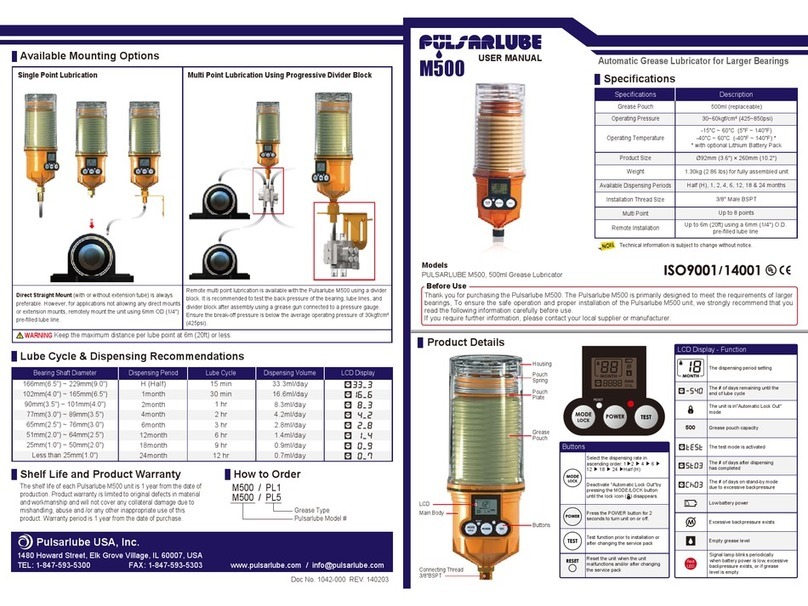
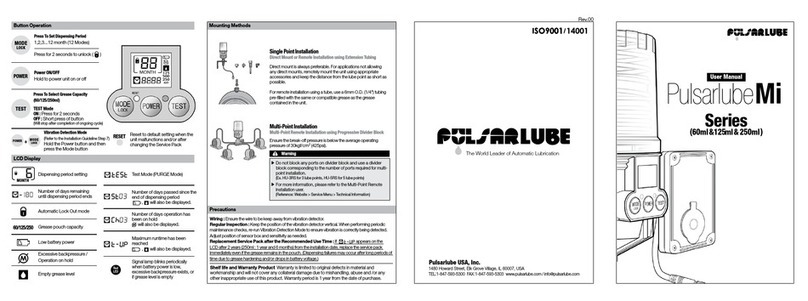
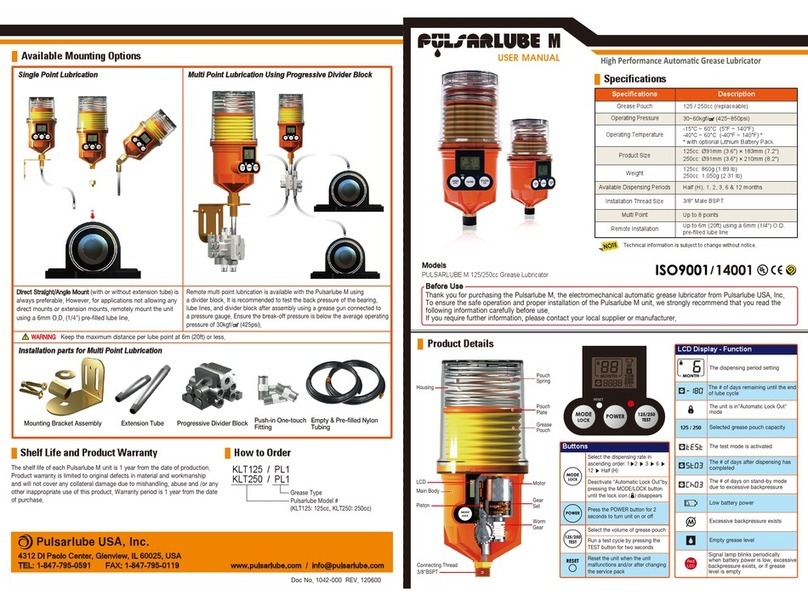
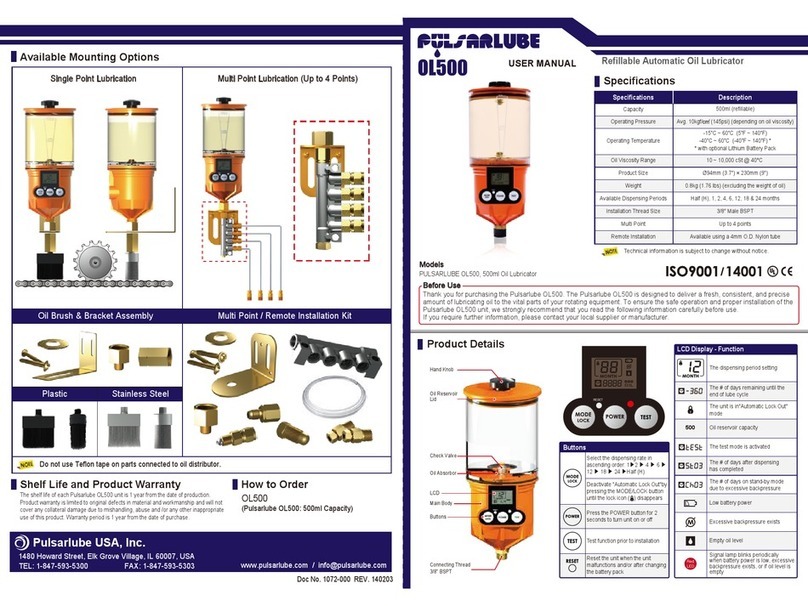
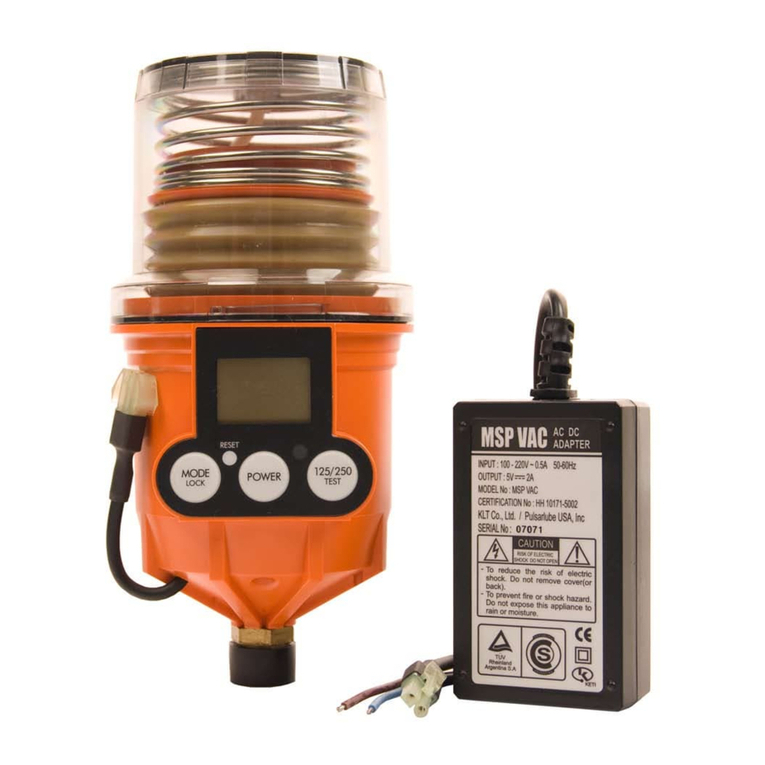
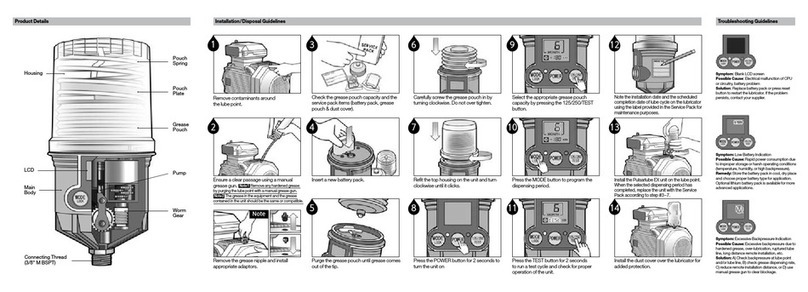
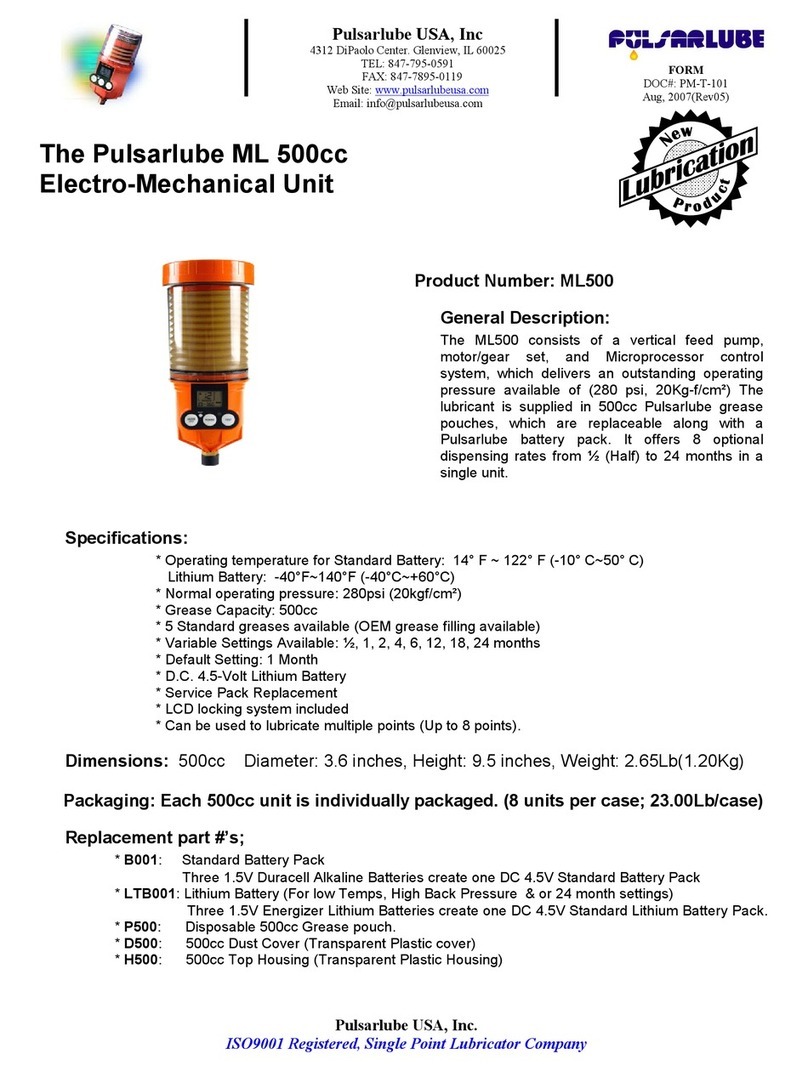
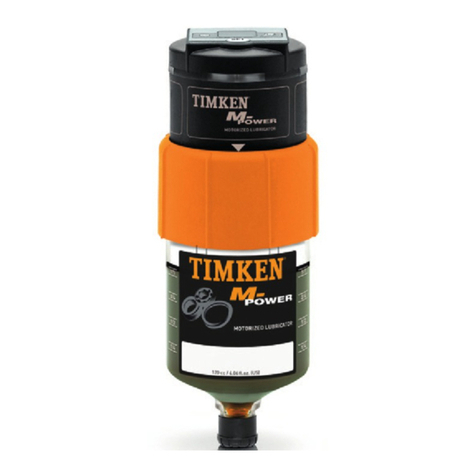
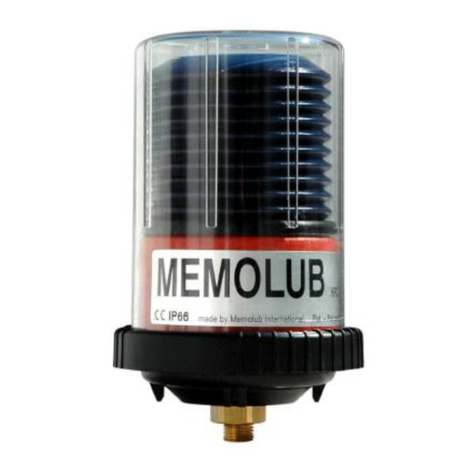
Buttons
Display FunctionName
Set Dispensing Period
Mode
&
Locking
Select one of the eight different dispensing rates
(1/2, 1, 2, 4, 6, 12, 18 and 24 Month)
The dispensing rate can be changed during operation.
Auto Locking Mode is provided to confirm that the unit MUST
operate as per user setting in full period of service. It prevents a
possible mode change by unintended (or erroneous) pressing
keypad when the unit is still operating. When all modes are
completely set, ML500 unit automatically locks keypad within 60
seconds and a “Lock Icon ( )” will pop-up on LCD.
Once activated, the unit will not accept any input by pressing
keypad. To unlock the keypad and go back to installation mode,
simply press the “mode” button for 2 seconds until Lock Icon
disappears.
Power ON/OFF
Depress the button for 2 seconds
- To turn unit on and off.
- To go stand by mode
Test
The test function is provided to confirm that the unit works prior to
installation or after replacement of service pack.
IMPORTANT:
To activate test mode, depress the button for 2 seconds. “test”
should start blinking and an audible gear mesh sound will confirm
unit operation and a grease discharge should be observed. If the
unit does not operate in Test Mode, it should be returned to your
supplier. To deactivate test mode, depress the test button again.
The unit will then stop functioning in test mode within 20 seconds.
Otherwise, the unit will automatically stop test mode after 2 minutes
and be back to previous mode set.
Reset
Use when service pack is replaced.
Use to reset unit back to its default setting following;
- Abnormal display on LCD screen.
-A unit malfunctions or when the Power ON/OFF button is not
available.
CAUTION!
Depressing reset will eliminate all previous settings and records.