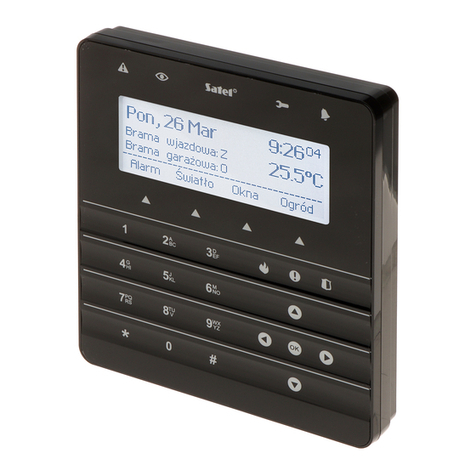
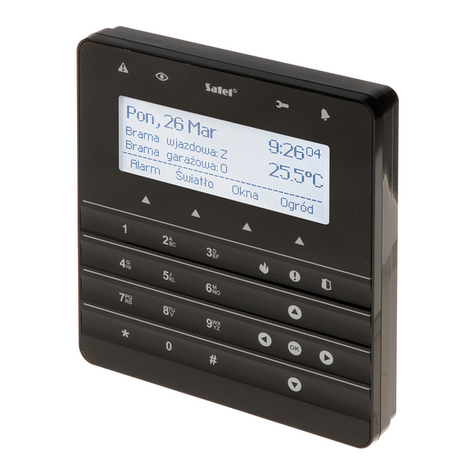
SATEL INT-TSI 7
5.2 Programming address without entering the service mode
This method is useful when – due to repeating addresses – the keypad support has been
disabled and entering the service mode is impossible.
1. Turn off keypad power supply.
2. Disconnect wires from the keypad terminals CKM and DTM.
3. Short the keypad terminals CKM and DTM.
4. Turn on keypad power supply. A window will be displayed where you can set the address.
5. Using the and keys, set the address and then tap the icon.
6. Turn off keypad power supply.
7. Open the keypad terminals CKM and DTM.
8. Connect wires, as required, to the keypad terminals CKM and DTM.
9. Turn on keypad power supply.
6. Keypad identification
The alarm system can only be programmed and operated from keypads that have been
identified by the control panel. The keypad identification function should be executed at the
first start-up of the control panel, and then each time when adding a new keypad or changing
address in a keypad supported by the control panel. Disconnecting an identified keypad from
the bus will trigger the tamper alarm.
The identification function can be run by using:
the keypad (S
ERVICE MODE
S
TRUCTURE
H
ARDWARE
I
DENTIFICATION
LCD
KEYPADS
ID
.);
D
LOAD
X program (”Structure” window ”Hardware” tab ”Keypads” item ”Keypads
identification” button).
The procedure of entering the service mode by means of the INT-TSI keypad is described in
section „Programming keypad address by means of service function” (p. 6).
7. Synchronizing event memory
After the keypad start-up, a window will be displayed to inform you that synchronization of the
event memory is in progress. During that time, the keypad is downloading events from the
control panel. The events read from the control panel memory are saved to the microSD
memory card in the keypad. After synchronization of the event memory, the keypad will be
automatically downloading new events from the control panel. The keypad event memory is
unlimited, which means that a greater number of events may be saved to the memory card
than to the memory of the control panel.
The D
LOAD
X program makes it possible to export the system data file, containing e.g.
the event log (see "Exporting system data by means of the DloadX program" p. 13).
You can read in this file when creating a user interface project in the TSI
B
UILDER
program (see p. 16). As a result, when synchronizing the event memory, the keypad
will only have to download the events which took place after the file was exported. This
solution significantly reduces the synchronization procedure in the case of those
control panels in the memory of which a large number of events is saved.
If the whole event memory of the control panel is to be available in the keypad, the
synchronization procedure must not be interrupted.