SATEL INT-KSG2R 3
Information about the armed status may be hidden after a time period defined by the
installer.
The trouble information is hidden after arming. The installer defines if the trouble
information is hidden after just one of the partitions is armed in any mode or after all
partitions are armed in full mode.
If the Grade 2 (INTEGRA) / Grade 3 (INTEGRA Plus) option is enabled by the
installer:
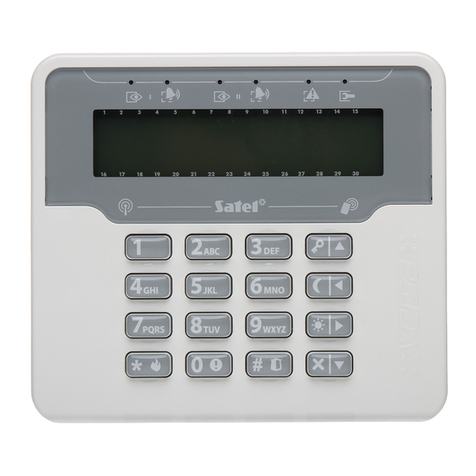
the LED indicates alarms only after entering the code,
flashing of the LED means that there is a trouble in the system, some zones
are bypassed, or there has been an alarm.
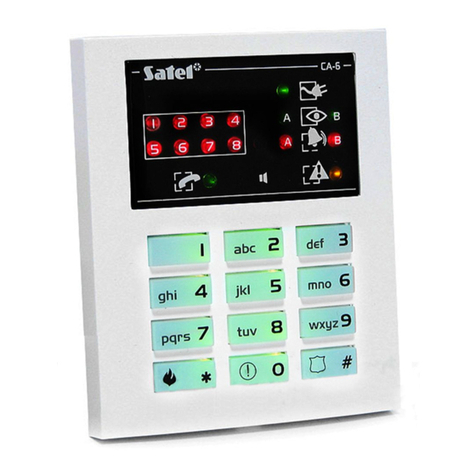
3. Display
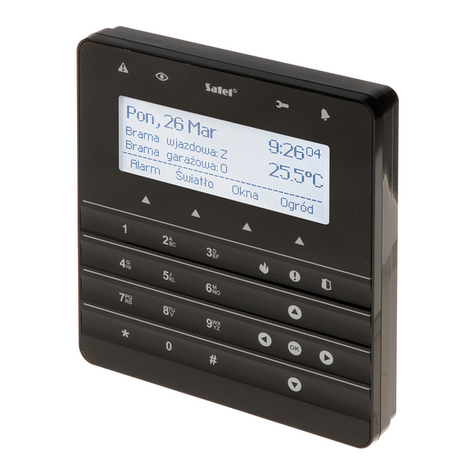
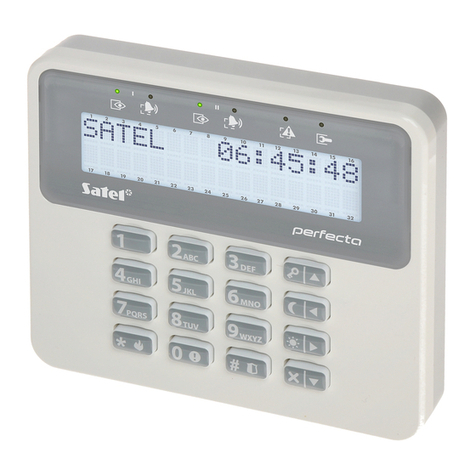
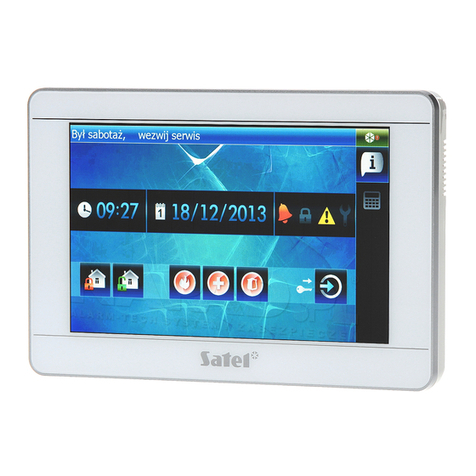
The display provides information on the system state and allows you to operate and program
the alarm system. The installer defines the display backlight settings.
The display can operate in one the following modes:
standby mode (primary operating mode),
partition state presentation mode,
screensaver mode.
The installer decides if the partition state presentation mode and the screensaver mode are
available.
The messages about events that occurred in the alarm system are displayed regardless of
the operating mode.
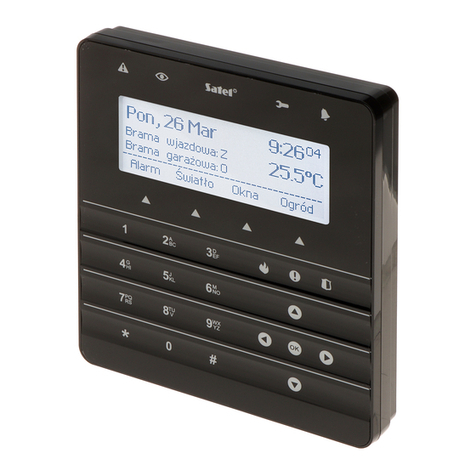
Enter the code and press to open the menu. The functions are presented in four lines.
The currently selected function is highlighted.
Standby mode
The following items are displayed:
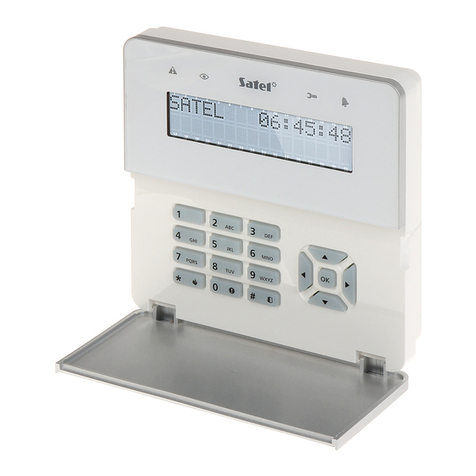
date and time in format selected by the installer (upper line),
keypad name or state of partitions selected by the installer (bottom line),
names of macro command groups above the keys (if the installer configured macro
commands).
Hold for 3 seconds to switch to the partition state presentation mode.
Touch to start the screensaver.
Partition state presentation mode
The following items are displayed:
symbols that indicate the state of partitions operated by the keypad,
names of macro command groups above the keys (if the installer configured macro
commands).
Hold for 3 seconds to switch to the standby mode.
When the keypad operates in the partition state presentation mode, the screensaver is not
available (it cannot be started manually or automatically).