logo
Brands
  1. Home
  2. •
  3. Brands
  4. •
  5. V-TAC
  6. •
  7. Lighting Equipment
  8. •
  9. V-TAC VT-10-R User manual

V-TAC VT-10-R User manual

Other V-TAC Lighting Equipment manuals

V-TAC VT-511S User manual

V-TAC

V-TAC VT-511S User manual

V-TAC 7817 User manual

V-TAC

V-TAC 7817 User manual

V-TAC VT-522-S User manual

V-TAC

V-TAC VT-522-S User manual

V-TAC VT-559 User manual

V-TAC

V-TAC VT-559 User manual

V-TAC VT-519 User manual

V-TAC

V-TAC VT-519 User manual

V-TAC VT-403 User manual

V-TAC

V-TAC VT-403 User manual

V-TAC VT-8061 User manual

V-TAC

V-TAC VT-8061 User manual

V-TAC 8604 User manual

V-TAC

V-TAC 8604 User manual

V-TAC VT-781 RD User manual

V-TAC

V-TAC VT-781 RD User manual

V-TAC Neon Flex VT-554 User manual

V-TAC

V-TAC Neon Flex VT-554 User manual

V-TAC VT-3528-60 User manual

V-TAC

V-TAC VT-3528-60 User manual

V-TAC VT-035 User manual

V-TAC

V-TAC VT-035 User manual

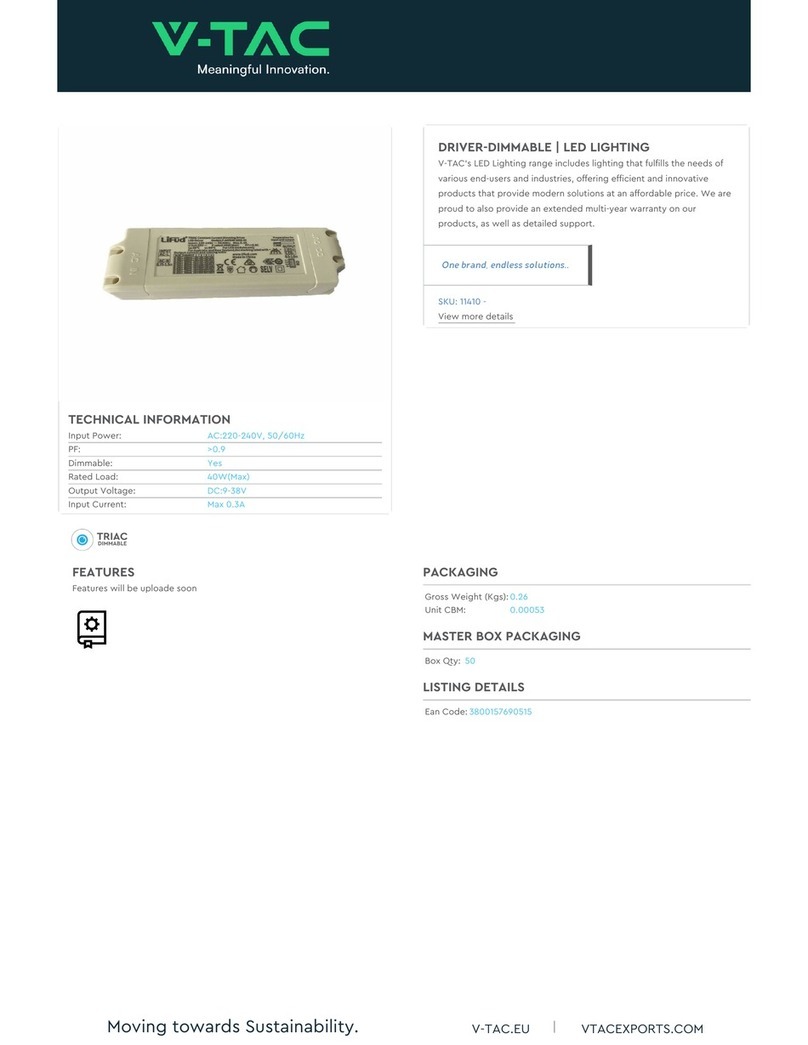
V-TAC 11410 User manual

V-TAC

V-TAC 11410 User manual

V-TAC VT-5009 User manual

V-TAC

V-TAC VT-5009 User manual

V-TAC VT-91100 User manual

V-TAC

V-TAC VT-91100 User manual

V-TAC VT-061 User manual

V-TAC

V-TAC VT-061 User manual

V-TAC VT-768 User manual

V-TAC

V-TAC VT-768 User manual

V-TAC VT-45010 User manual

V-TAC

V-TAC VT-45010 User manual

V-TAC VT-967 User manual

V-TAC

V-TAC VT-967 User manual

V-TAC VT-4225 User manual

V-TAC

V-TAC VT-4225 User manual

V-TAC VT-7573 User manual

V-TAC

V-TAC VT-7573 User manual

V-TAC VT-519-S User manual

V-TAC

V-TAC VT-519-S User manual

V-TAC VT-519-S User manual

V-TAC

V-TAC VT-519-S User manual

V-TAC 80133970 User manual

V-TAC

V-TAC 80133970 User manual

Popular Lighting Equipment manuals by other brands

Brizo 8SP-MU-4 manual

Brizo

Brizo 8SP-MU-4 manual

LUCE&LIGHT BROM 1.0 installation instructions

LUCE&LIGHT

LUCE&LIGHT BROM 1.0 installation instructions

IKEA BJÖRKSPIREA manual

IKEA

IKEA BJÖRKSPIREA manual

Laserworld Evolution Series ES-400RGB manual

Laserworld

Laserworld Evolution Series ES-400RGB manual

EuroLite LED B-40 user manual

EuroLite

EuroLite LED B-40 user manual

Qazqa Suplux SL 3 Black 103062 instruction manual

Qazqa

Qazqa Suplux SL 3 Black 103062 instruction manual

Commercial Electric 54568141 Use and care guide

Commercial Electric

Commercial Electric 54568141 Use and care guide

CREE LIGHTING 304 Series installation instructions

CREE LIGHTING

CREE LIGHTING 304 Series installation instructions

Goobay 49867 user manual

Goobay

Goobay 49867 user manual

ECOMAN ITALIA LED T8 instruction manual

ECOMAN ITALIA

ECOMAN ITALIA LED T8 instruction manual

Alkalite Krypton KT-81 user manual

Alkalite

Alkalite Krypton KT-81 user manual

Clas Ohlson GU10 manual

Clas Ohlson

Clas Ohlson GU10 manual

DTS DELTA 10 F user manual

DTS

DTS DELTA 10 F user manual

ring Solar Steplight manual

ring

ring Solar Steplight manual

One Stop Gardens 57696 Owner's manual & safety instructions

One Stop Gardens

One Stop Gardens 57696 Owner's manual & safety instructions

SIREM Swimeo A2 instructions

SIREM

SIREM Swimeo A2 instructions

Silvair MESH-CEDRP quick start guide

Silvair

Silvair MESH-CEDRP quick start guide

S&P PCRL80 manual

S&P

S&P PCRL80 manual

https://manuals.online logo
https://manuals.online logoBrands
  • About & Mission
  • Contact us
  • Privacy Policy
  • Terms and Conditions

Copyright 2025 Manuals.Online. All Rights Reserved.

INSTALLATION INSTRUCTION
LED RECHARGEABLE LIGHT
Model VT-10-R
Was 10
Lumens 700
BeamAngle 100
PF >0.9
CRI >80
LED Chip Type SMD
IP Rang IP44
Unit Color Green+Black
On/OCycles >15000
Operaon Temperature -20°C to +45°C
Input Power AC:100-240V
Dimension 175x125mm
SPECIFICATIONS
This marking indicates that this
product should not be disposed
of with other household wastes.
Caution, risk of electric shock.
WARNING
Please make sure to turn off the power before starting the installation.
INTRODUCTION & WARRANTY
Thank you for selecting and buying V-TAC product. V-TAC will serve you the best. Please read these
instructions carefully before starting the installation and keep this manual handy for future
reference. If you have any another query, please contact our dealer or local vendor from whom you
have purchased the product. They are trained and ready to serve you at the best. The warranty is
valid for 2 years from the date of purchase. The warranty does not apply to damage caused by
incorrect installation or abnormal wear and tear. The company gives no warranty against damage to
any surface due to incorrect removal and installation of the product. The products are suitable for
10-12 Hours Daily operation. Usage of product for 24 Hours a day would void the warranty. This
product is warranted for manufacturing defects only.
2
YEARS
WARRANTY
*
Batteries
1. Never attempt to open for any reason.
2. Do not store in locations where the temperature may exceed 40 °C.
3. Charge only at ambient temperatures between 4 °C and 40 °C.
4. Charge only using the charger provided with the tool.
5. When disposing of batteries, follow the instructions given in the section “Protecting the environ-
ment”.
6. Do not cause short circuits. If connection is made between the positive (+) and negative (-)
terminal directly or via accidental contact with metallic objects, the battery is short circuited and an
intense current will flow causing heat generation which may lead to casing rupture or fire.
7. Do not heat. If batteries are heated to above 100 °C, sealing and insulating separators and other
polymer components may be damaged resulting in electrolyte leakage and/or internal short circuiting
leading to heat generation causing rupture or file. Moreover do not dispose of the batteries in fire,
explosion and/or intense burning may result.
8. Under extreme conditions, battery leakage may occur. When you notice liquid on the battery,
proceed as follows:
•- Carefully wipe the liquid off using a cloth. Avoid skin contact.
•- In case of skin or eye contact, follow the instructions below:
i. Immediately rinse with water. Neutralize with a mild acid such as lemon juice or vinegar.
ii. In case of eye contact, rinse abundantly with clean water for at least 10 minutes. Consult a
physician.
Fire hazard! Avoid short-circuiting the contacts of a detached battery. Do not incinerate the battery.
CHARGERS
1. Use the charger provided with the tool only to charge the battery
2. Never attempt to charge non-rechargeable batteries.
3. Have defective cords replaced immediately.
4. Do not expose to water.
5. Do not open the charger.
6. Do not probe the charger.
7. The charger is intended for indoor use only.
This is not a toy; children should not permit to use it.
This is a DIY product, all electronic parts fixed already,
any intention of opening work-light or changing
work-light design is prohibitive unless a professional
electrician.
Do not attempt to replace or change or the diode lights!
If the protective glass is cracked or broken, it must be
replaced before the work light can be used again.
SAFETY INSTRUCTIONS FOR BATTERIES AND CHARGERS
SYMBOLOGY
SAFETY WARNING FOR WORK-LIGHT
Double insulated
Underwriters Labor atories,
Inc.
Volts Alternating Current

Amperes
1. Work light head

2. LED lamp assembly
3. Portable bracket
4. Protective cover
5. Micro socket
6. LED indicator
7. ON/OFF switch with mode
function
The LED work light’s portable bracket (3) is
adjustable (Max. 45°). Adjust the bracket to the
suitable position before using.
NOTE: Do not exceed to adjustable range which
avoid damaging the bracket
ADJUSTMENT THE STAND
MAJOR COMPONENTS
ASSEMBLY INSTRUCTION
Fig. 2
3
5
2
1
Fig. 1
4
7
Fig. 3
1. Open the protective cover (4) and push the micro plug
(a) into micro socket (5).
2. Plug the adapter into a suitable mains outlet. Do not use
an extension cord.
3. When the battery is loaded, three LED indicators (5) all
illumine (Red light, yellow light and green light light up in
sequence).
NOTE: Reset the protective cover after full charge which to
avoid water enter. (Refer to Fig. 2)
NOTE: The LED indicator only will show red that means it‘s
batteries will soon run out and need to recharge.
• To reduce the risk of injury, user must read and understand instruction manual.
• Always make sure the work light is off and complete cool before attempting to clean it.
CHARGING THE WORK LIGHT
SWITCH ON/OFF AND LUMEN ADJUSTMENT (See Fig. 2)
The work light is equipped with an ON/OFF switch with mode function (7) locate on the back side of the
work light.
The LED work light’s brightness is adjustable.
With press ON/OFF switch (7): 1st press: 100% brightness; 2nd press: 50% brightness; 3rd press: SOS
flashing; 4th press: OFF.
Discharging time: About 3 hours for 100% brightness;
About 5 hours for 40% brightness;
OPERATION
WARNING!
Fig. 4
A
In case of any query/issue with the product please reach out to us at [email protected]
V-TAC EUROPE LTD, Bulgaria, Plovdiv 4000, bul.L.Karavelow 9B