manuals.online logo
Brands
  1. Home
  2. •
  3. Brands
  4. •
  5. Dynojet
  6. •
  7. Motorcycle Accessories
  8. •
  9. Dynojet Power Comander III User manual

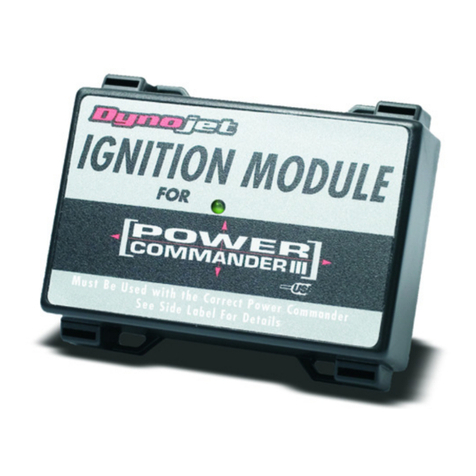
Dynojet Power Comander III User manual

Other Dynojet Motorcycle Accessories manuals
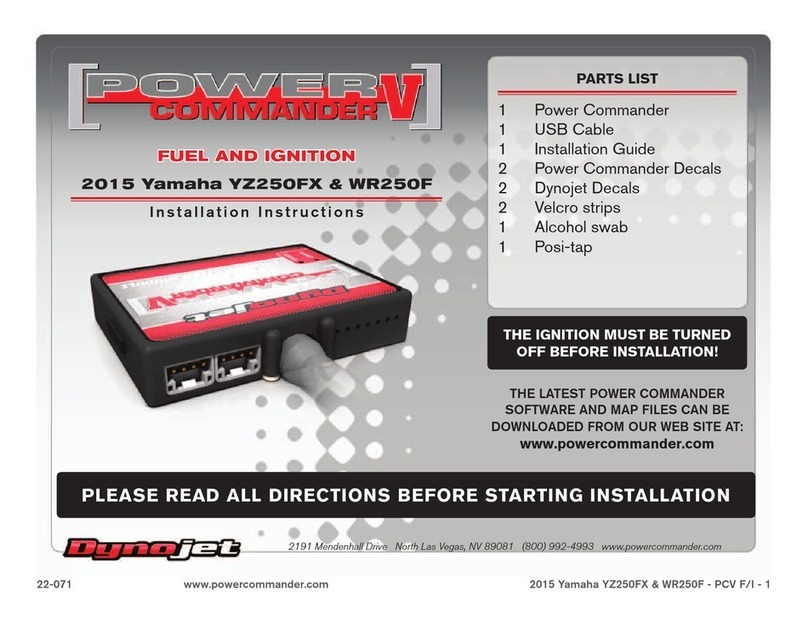
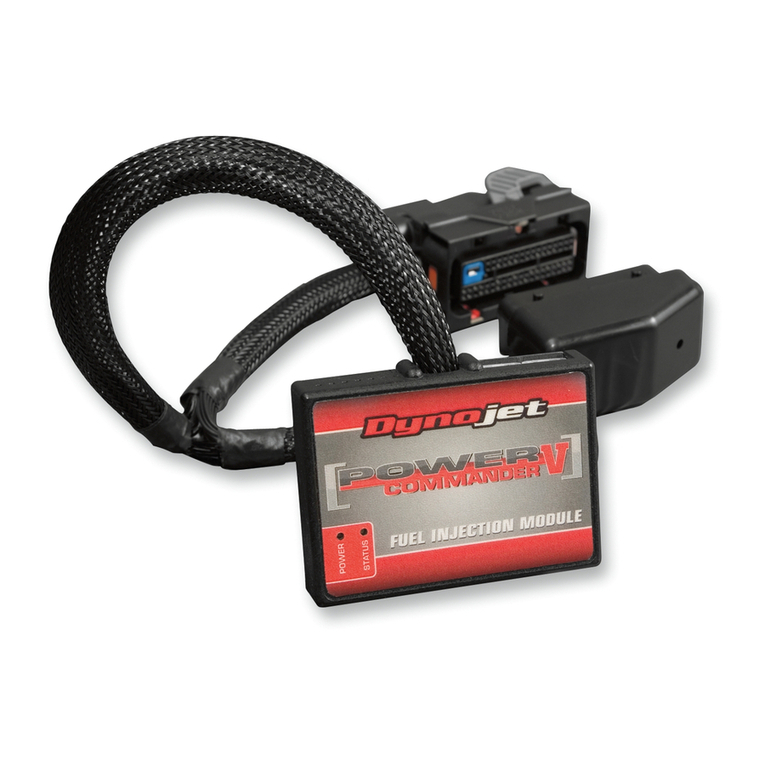
Dynojet Power commander V User manual

Dynojet

Dynojet Power commander V User manual

Dynojet POWER COMMANDER III User manual
Dynojet

Dynojet POWER COMMANDER III User manual

Dynojet Power commander V User manual

Dynojet

Dynojet Power commander V User manual
Dynojet POWER COMMANDER III User manual

Dynojet

Dynojet POWER COMMANDER III User manual

Dynojet Power commander V User manual

Dynojet

Dynojet Power commander V User manual

Dynojet POWER VISION 3 User manual

Dynojet

Dynojet POWER VISION 3 User manual

Dynojet Power Commander III User manual

Dynojet

Dynojet Power Commander III User manual

Dynojet power commander III User manual

Dynojet

Dynojet power commander III User manual

Dynojet Power commander V User manual

Dynojet

Dynojet Power commander V User manual

Dynojet POWER COMMANDER III User manual

Dynojet

Dynojet POWER COMMANDER III User manual

Dynojet Power commander V User manual

Dynojet

Dynojet Power commander V User manual

Dynojet POWER VISION 4 User manual

Dynojet

Dynojet POWER VISION 4 User manual

Dynojet Power commander V User manual

Dynojet

Dynojet Power commander V User manual

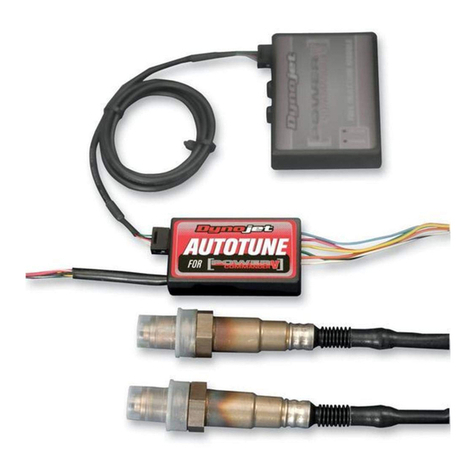
Dynojet Power Commander III 718-411 User manual
Dynojet

Dynojet Power Commander III 718-411 User manual

Dynojet Power commander V User manual

Dynojet

Dynojet Power commander V User manual
Dynojet Power Comander V User manual

Dynojet

Dynojet Power Comander V User manual

Dynojet Power Vision User manual

Dynojet

Dynojet Power Vision User manual

Dynojet Power commander V User manual

Dynojet

Dynojet Power commander V User manual
Dynojet Power commander GSXR750 User manual

Dynojet

Dynojet Power commander GSXR750 User manual

Dynojet Power commander V User manual

Dynojet

Dynojet Power commander V User manual
Dynojet Power commander III User manual

Dynojet

Dynojet Power commander III User manual

Dynojet Power Commander III User manual

Dynojet

Dynojet Power Commander III User manual

Dynojet Power commander V User manual

Dynojet

Dynojet Power commander V User manual
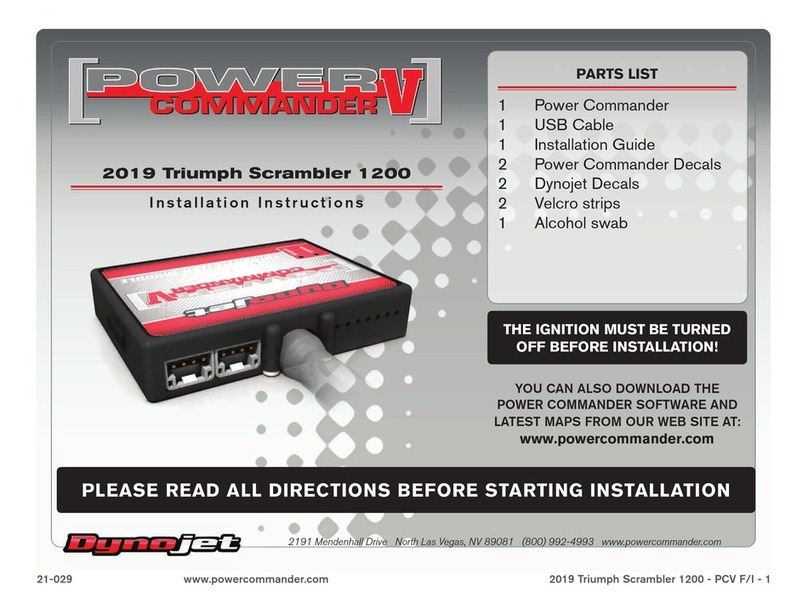
Dynojet Power commander V User manual

Dynojet

Dynojet Power commander V User manual
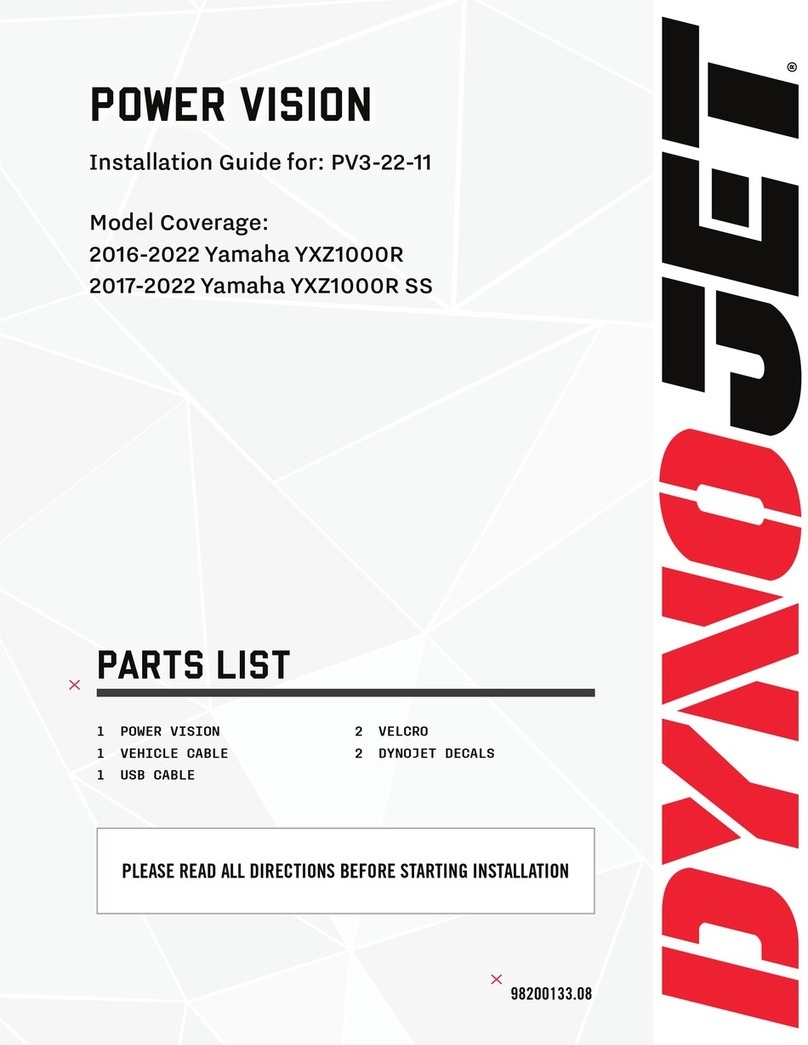
Popular Motorcycle Accessories manuals by other brands

SRC H-ADV150-04-01AL quick start guide

SRC

SRC H-ADV150-04-01AL quick start guide

DMD P1 owner's manual

DMD

DMD P1 owner's manual

GIVI Airflow AF1110 manual

GIVI

GIVI Airflow AF1110 manual

Suzuki 99143-00A1 000 Series installation instructions

Suzuki

Suzuki 99143-00A1 000 Series installation instructions

Cardo Systems FREECOM 4+ Pocket guide

Cardo Systems

Cardo Systems FREECOM 4+ Pocket guide

Shark S 700 user manual

Shark

Shark S 700 user manual

R&G CR0081 Fitting instructions

R&G

R&G CR0081 Fitting instructions

SRC B-TRK502-01-01-SL quick start guide

SRC

SRC B-TRK502-01-01-SL quick start guide

hepco & becker 6307520 00 01 manual

hepco & becker

hepco & becker 6307520 00 01 manual

HOMCOM AA0-077 user manual

HOMCOM

HOMCOM AA0-077 user manual

hepco & becker 6307558 00 01 manual

hepco & becker

hepco & becker 6307558 00 01 manual

SHOEI JO Instructions for use

SHOEI

SHOEI JO Instructions for use

Wunderkind Custom 106503-F15 Installation and safety

Wunderkind Custom

Wunderkind Custom 106503-F15 Installation and safety

Suzuki 57100-05881 installation instructions

Suzuki

Suzuki 57100-05881 installation instructions

SIKH HELMETS Y-61 quick start guide

SIKH HELMETS

SIKH HELMETS Y-61 quick start guide

Dräger HPS 3500 Instructions for use

Dräger

Dräger HPS 3500 Instructions for use

M-WAVE SKI manual

M-WAVE

M-WAVE SKI manual

Kuryakyn 6212 installation instructions

Kuryakyn

Kuryakyn 6212 installation instructions

manuals.online logo
manuals.online logoBrands
  • About & Mission
  • Contact us
  • Privacy Policy
  • Terms and Conditions

Copyright 2025 Manuals.Online. All Rights Reserved.

i215-411EX 2004-2007 Kawasaki Mean Streak - PCIII USB EX - 1
2004-2007 KAWASAKI
MEAN STREAK
I
NSTALLATION
I
NSTRUCTIONS
Dynojet Research • 2191 Mendenhall Drive • North Las Vegas, NV 89081 • (800) 992-4993
DOWNLOAD THE POWER COMMANDER SOFTWARE AND LATEST MAPS FROM OUR WEBSITE:
WWW.POWERCOMMANDER.COM
P
LEASE
R
EAD
A
LL
D
IRECTIONS
B
EFORE
S
TARTING
I
NSTALLATION
P
ARTS
L
IST
quantity description
1 power commander EX
1 USB cable
1cd-rom
1 installation guide
1 power adapter
2 power commander EX decal
2 dynojet decal
2 velcro strip
1 alcohol swab USB port
expansion port
i215-411EX
2004-2007 Kawasaki Mean Streak - PCIII USB EX - 2
The ignition must be turned OFF before
installation.
1 Remove the seat.
2 Remove the left side cover.
3 Remove the indicator light cluster assembly.
4 Unbolt the fuel tank.
Note: It is not necessary to remove the fuel
tank; however, removing the fuel tank makes
the installation easier. If you remove the tank,
pay attention to the vent hose routing.
Pressing the tabs on the black fuel line
connector will allow the fuel line to be
disconnected as shown in Figure A.
5 Route the wiring harness from the
PCIII USB EX through the hole in the left hand
side tray as shown in Figure B.
6 Route the PCIII USB EX harness under the
frame and towards the throttle bodies as
shown in Figure C.
See Figure D for a close view of the
PCIII USB EX harness.
Figure AFigure BFigure C
squeeze this connector
together to remove
remove this clip
to disconnect
PCIII USB EX
harness
PCIII USB EX
harness
i215-411EX
2004-2007 Kawasaki Mean Streak - PCIII USB EX - 3
Closer view of the PCIII USB EX harness.
7 Attach the female PCIII USB EX connector with
the orange/white wire to the front injector as
shown in Figure E.
8 Attach the male PCIII USB EX connector with
the orange wire to the stock injector connector
as shown in Figure E.
9 Attach the female PCIII USB EX connector with
the yellow/white wire to the rear injector as
shown in Figure E.
10 Attach the male PCIII USB EX connector with
the yellow wire to the stock injector connector
as shown in Figure E.
11 Locate the wires coming from the throttle
position sensor as shown in Figure F.
12 Attach the supplied wire tap to the yellow wire
with the white stripe as shown in Figure F.
Firm pressure is required to close the
connector.
13 Attach the grey wire with the spade terminal
from the PCIII USB EX to the wire tap as shown
in Figure F. It is recommended to seal this
connector with dielectric grease.
Figure DFigure EFigure F
wires from
PCIII USB EX
throttle body
stock connectors
PCIII USB EX connectors
wire tap connector attaches
to the yellow wire with the
white stripe
wire from PCIII USB EX
harness
i215-411EX
2004-2007 Kawasaki Mean Streak - PCIII USB EX - 4
14 Reinstall the fuel tank.
15 Plug the ground wire from the PCIII USB EX
into the auxiliary ground from the stock
harness as shown in Figure G. The auxiliary
ground can be found lying next to the battery.
It has a double lead on a black wire with a
yellow tracer.
16 Attach the PCIII USB EX module to the plastic
tray (or the charcoal canister on California
models) under the left side cover as shown in
Figure H.
17 Reinstall the side cover.
18 Reinstall the seat.
19 Insert the cd provided into your computer’s
cd-rom drive.
20 Follow the on-screen instructions to install the
PCIII USB EX software.
Visit www.powercommander.com to download
software tutorials and the latest maps.
Figure GFigure H
ground wire from
PCIII USB EX
auxiliary ground