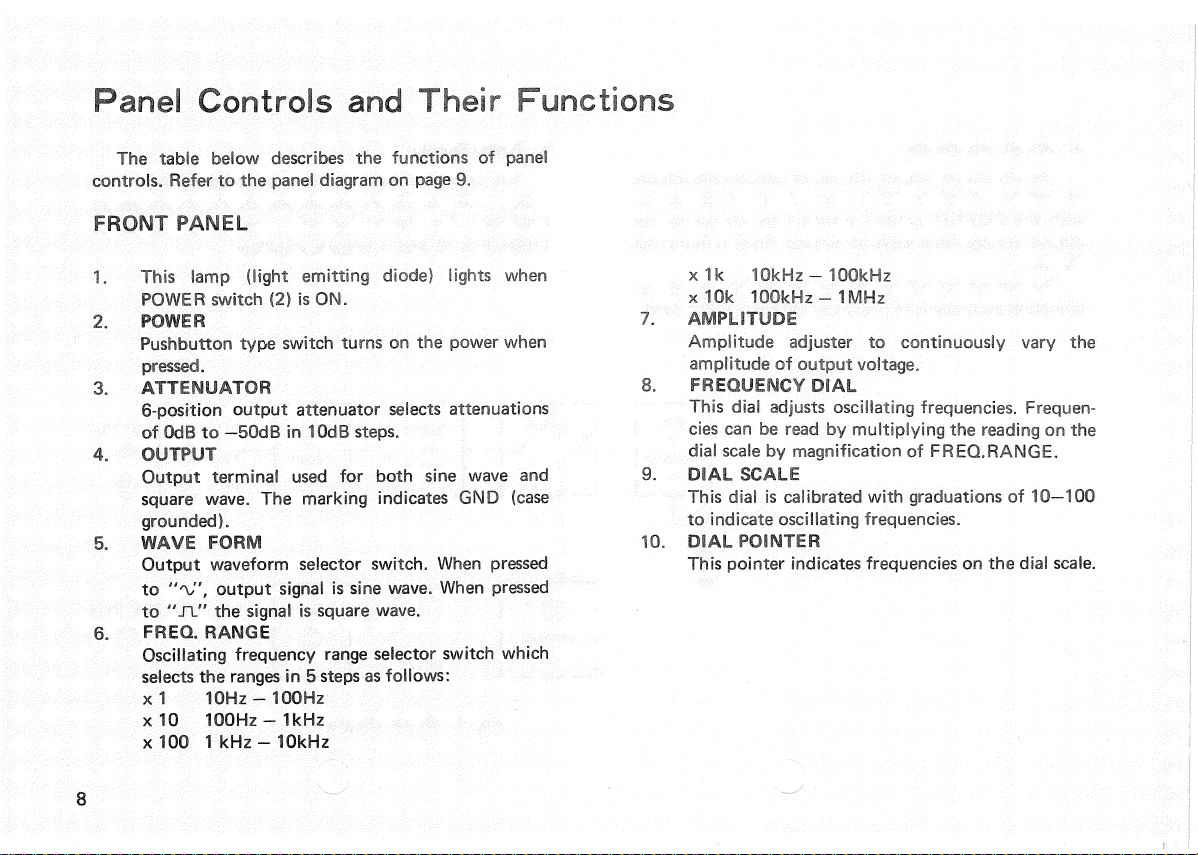
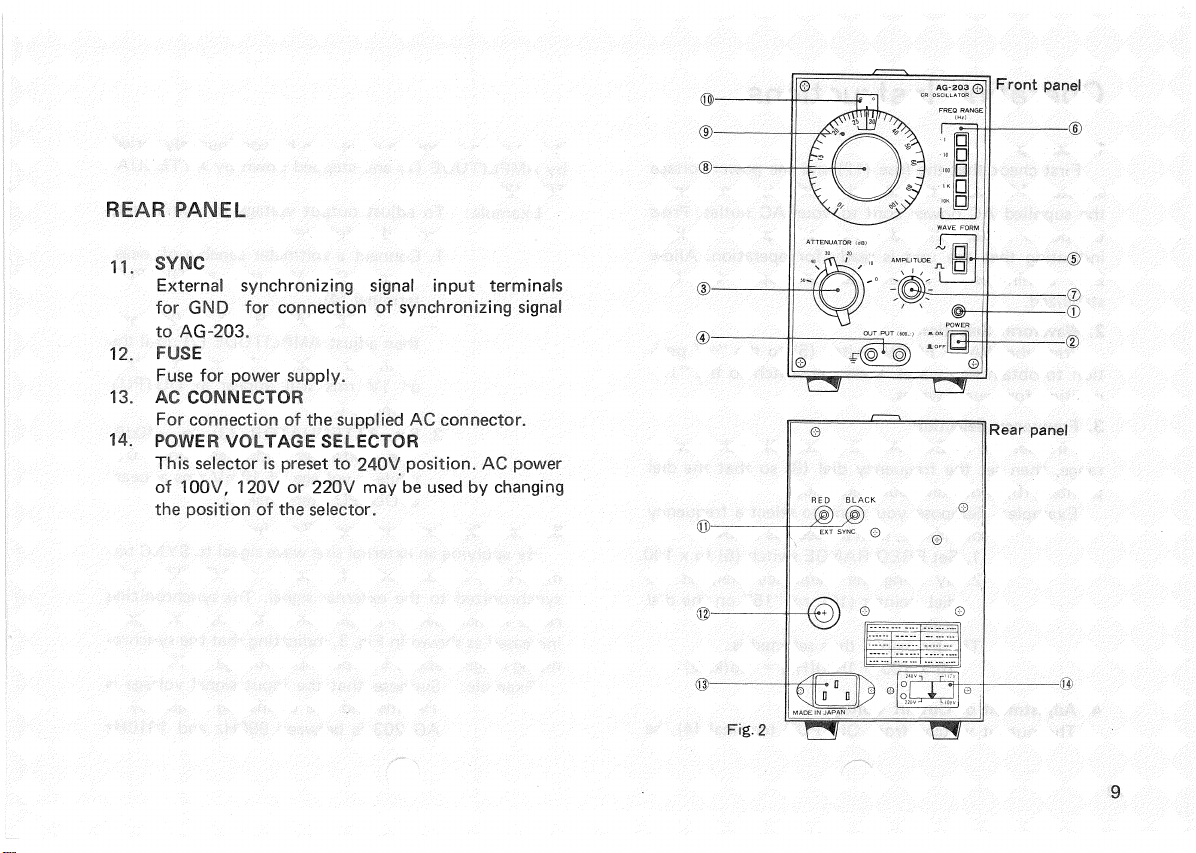
OperatingInstructions
1.
Start-up
First
checkthatthefuse(12)andthepowervoltage
selector
(14)areinthenormalpositions,thenconnect
thesuppliedACpowercordtoyourACoutlet.
Press
thepowerswitch(2)andthe
pilot
lamp(1)will
light
indicatingthattheunitisreadyforoperation.Allow
2
or3 minutesfortheunittowarmupsothatitis
stabilized.
2.WaveformSelection
Press
the
WAVE
FORM
switch(5)tothe"Vposi-
tion
toobtainsine
waves.
Press
theswitchtothe"XL"
positionforsquare
waves.
3.
FrequencySelection
First
setthe
FREQ.RANGE
switch(6)tothedesired
range,
thensetthefrequencydial(8)sothatthedial
pointer(10)indicatesyourfrequency.
Example:
Supposeyouwanttoselecta frequency
of1.5kHz,thenproceedasfollows:
1.
Set
FREQ
RANGE
switch(6)tox 100.
2.
Byusingthefrequencydial,setthe
dialpointer(10)ro"15"onthedial
scale.
The
frequencythusselectedis:
15
x 100= 1500(Hz)= 1.5(kHz)
4.
AdjustmentofOutputVoltage
The
output
voltagefrom
OUTPUT
terminal(4),be
itsinewaveorsquare
wave,
canbecontinuouslyvaried
by
AMPLITUDE
(7)andsteppeddownby
ATTENUA-
TOR
(3).
Example:
Toadjust
output
voltageto10mVrms,
proceedasfollows:
1.
Connecta voltmetercapableof
meas-
uringAC1 V rmsto
OUTPUT
terminal(4).
2.
Set
ATTENUATOR
(3)toOdBand
thenadjust
AMPLITUDE
(7)
until
the
voltmeterindicates1Vrms.A voltage
of1Vrmswillappearat
OUTPUT
terminal(4).
3.
Set
ATTENUATOR
(3)to
-40dB.
The
voltmeterindicatesabout0V,
whilea voltageof10mVrmsappears
at
OUTPUT
terminal(4).
5.
UseofSynchronizingInputTerminal
By
applyinganexternalsinewavesignalto
SYNC
ter-
minal(11),theoscillatingfrequencyof
AG-203
canbe
synchronized
totheexternalsignal.Thesynchronizing
range
isincreasedin
proportion
astheinputvoltageis
increased
asshowninFig.3,indicatingthatthesynchro-
nizingrangeisabout±1%perinputvoltageof1V.
Example:
Supposethattheinputsignalvoltageis
1V
rmsandtheoscillatingfrequencyof
AG-203
isbetween990Hzand1010Hz
10