manuals.online logo
Brands
  1. Home
  2. •
  3. Brands
  4. •
  5. MSA
  6. •
  7. Respiratory Product
  8. •
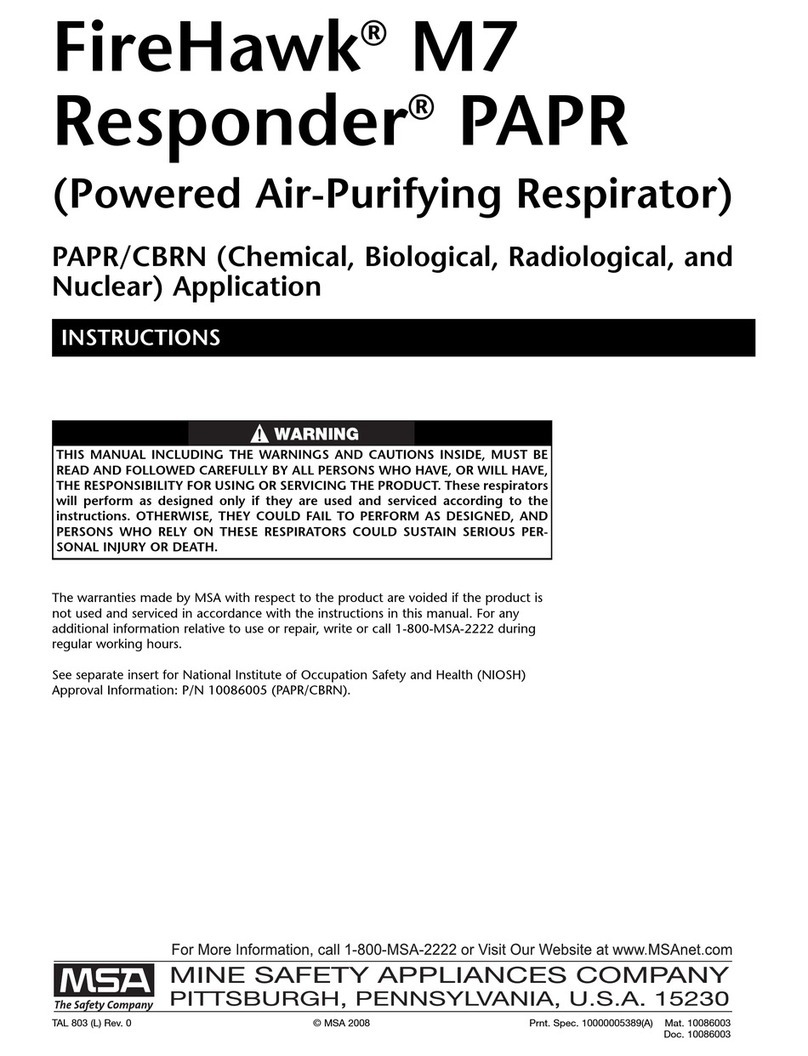
  9. MSA FireHawk M7 User manual

MSA FireHawk M7 User manual

Other manuals for FireHawk M7

7

Other MSA Respiratory Product manuals

MSA Duo-Flo User manual

MSA

MSA Duo-Flo User manual

MSA Advantage 200 LS User manual

MSA

MSA Advantage 200 LS User manual

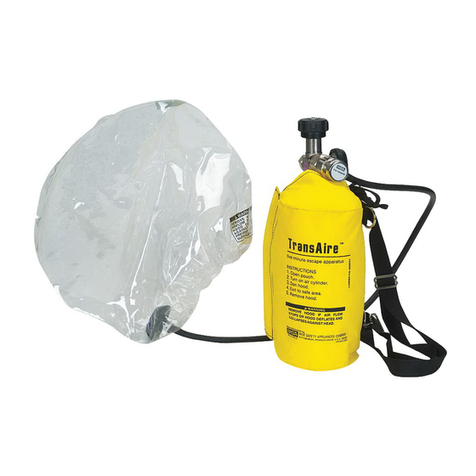
MSA TransAire User manual

MSA

MSA TransAire User manual

MSA 3S-H/F1 User manual

MSA

MSA 3S-H/F1 User manual

MSA FireHawk M7 Quick start guide

MSA

MSA FireHawk M7 Quick start guide

MSA FireHawk M7 I-HUD User manual

MSA

MSA FireHawk M7 I-HUD User manual

MSA OptimAir MM PAPR User manual

MSA

MSA OptimAir MM PAPR User manual

MSA SSR 30/100 User manual

MSA

MSA SSR 30/100 User manual

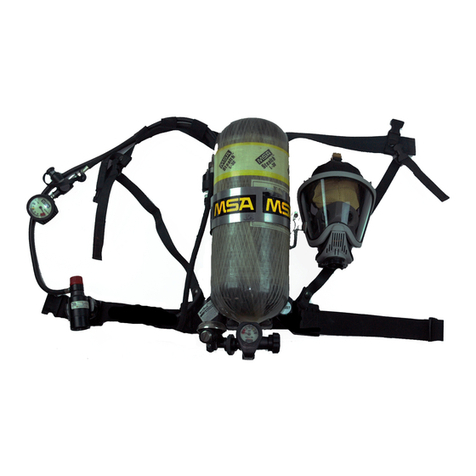
MSA G1 SCBA User manual

MSA

MSA G1 SCBA User manual

MSA AirHawk II User manual

MSA

MSA AirHawk II User manual

MSA 3S-R AirElite Full Face Mask User manual

MSA

MSA 3S-R AirElite Full Face Mask User manual

MSA SSR 90 User manual

MSA

MSA SSR 90 User manual

MSA FireHawk M7 User manual

MSA

MSA FireHawk M7 User manual

MSA advantage 1000 User manual

MSA

MSA advantage 1000 User manual

MSA PremAire Cadet Escape G1 User manual
MSA

MSA PremAire Cadet Escape G1 User manual
MSA G1 APR User manual

MSA

MSA G1 APR User manual

MSA AirHawk MMR User manual

MSA

MSA AirHawk MMR User manual

MSA Safe Escape NIOSH CBRN 15 User manual

MSA

MSA Safe Escape NIOSH CBRN 15 User manual

MSA C420 User manual

MSA

MSA C420 User manual

MSA G1 SCBA User manual

MSA

MSA G1 SCBA User manual

MSA 3S small User manual

MSA

MSA 3S small User manual

MSA 3S small User manual

MSA

MSA 3S small User manual

MSA SavOxCap 60 User manual

MSA

MSA SavOxCap 60 User manual

MSA Phalanx Alpha Operation manual

MSA

MSA Phalanx Alpha Operation manual

Popular Respiratory Product manuals by other brands

Dräger PSS Series Instructions for use

Dräger

Dräger PSS Series Instructions for use

ResMed MIRAGE SWIFT II 60891/1 user guide

ResMed

ResMed MIRAGE SWIFT II 60891/1 user guide

Omron COMP A-I-R NE-C801 instruction manual

Omron

Omron COMP A-I-R NE-C801 instruction manual

Ombra 63506 Instructions for use

Ombra

Ombra 63506 Instructions for use

Lotus M-9520A quick start guide

Lotus

Lotus M-9520A quick start guide

CERES nosko nebulizer kit manual

CERES

CERES nosko nebulizer kit manual

Dr.Frei NE-SM1 user manual

Dr.Frei

Dr.Frei NE-SM1 user manual

North 5400 series instruction manual

North

North 5400 series instruction manual

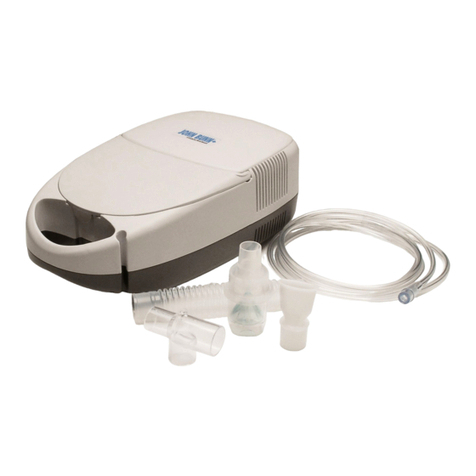
John Bunn Neb-u-Lite LX2 user manual

John Bunn

John Bunn Neb-u-Lite LX2 user manual

Philips Respironics EE Leak 1 AF541 Instructions for use

Philips

Philips Respironics EE Leak 1 AF541 Instructions for use

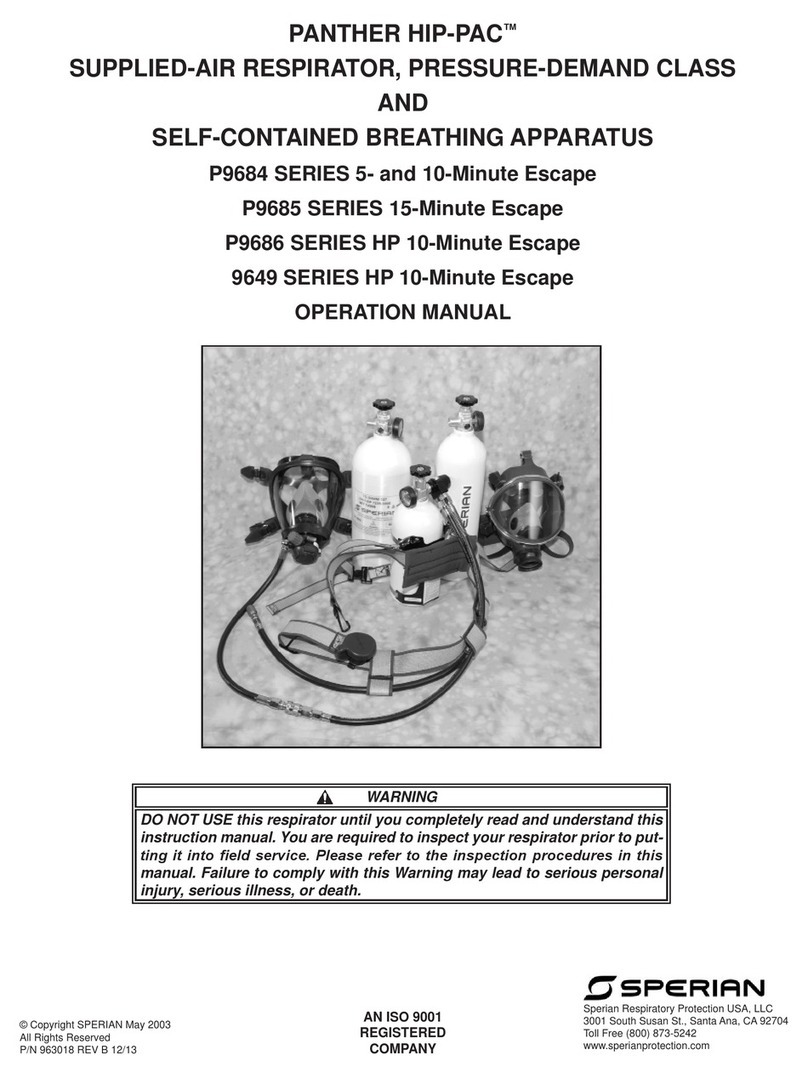
Sperian Panther Hip-Pac P9684 Series Operation manual

Sperian

Sperian Panther Hip-Pac P9684 Series Operation manual

Dräger X-plore 6570 quick start guide

Dräger

Dräger X-plore 6570 quick start guide

3M 8000 Series quick start guide

3M

3M 8000 Series quick start guide

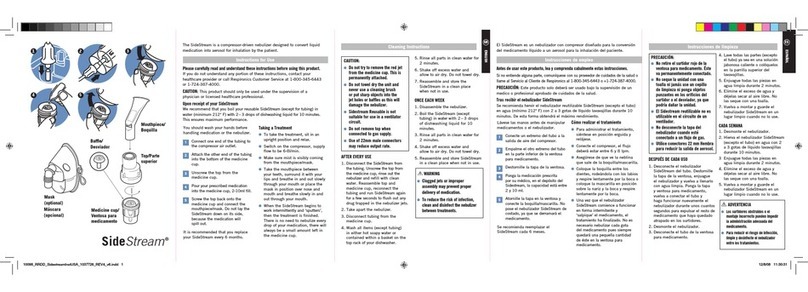
Respironics SideStream HS860 Instructions for use

Respironics

Respironics SideStream HS860 Instructions for use

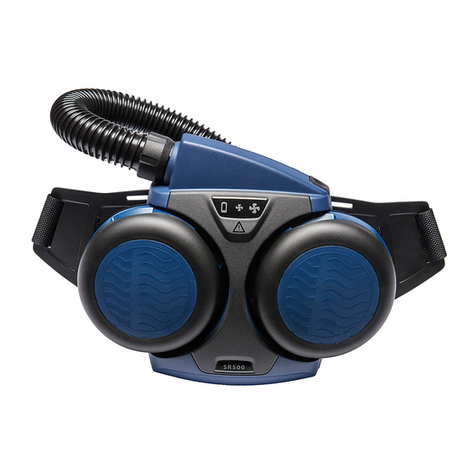
Sundstrom SR 500 Instructions for use

Sundstrom

Sundstrom SR 500 Instructions for use

Ambu SPUR II Instructions for use

Ambu

Ambu SPUR II Instructions for use

BLS 8000 Instructions for the use

BLS

BLS 8000 Instructions for the use

Dräger saver PP Series Instructions for use

Dräger

Dräger saver PP Series Instructions for use

manuals.online logo
manuals.online logoBrands
  • About & Mission
  • Contact us
  • Privacy Policy
  • Terms and Conditions

Copyright 2025 Manuals.Online. All Rights Reserved.

Product Information
News June 13, 2013
INSPECTING SCREWS ON THE FIREHAWK® M7RESPONDER FACEPIECE CLEARCOMMAND® BRACKET
During the next scheduled flow test for each of your FireHawk
M7 Responder SCBA, please perform the following inspection.
NOTE: Access the screws that retain the ClearCommand micro-
phone to the mounting bracket by removing the
ClearCommand mounting bracket from the FireHawk M7
Responder Facepiece.
Removing the Mounting Bracket
1. Using a Phillips screw
driver, remove the lens
ring screw.
2. Using a Phillips screw
driver, remove the
component housing
ring screw.
3. Remove the external
drinking tube assembly
from the retainer.
4. Pull the coupling from
the external drinking
tube.
5. Using a Phillips screw
driver, remove the two
component housing
cover screws.
6. Pull the component housing cover from the facepiece.
a. Grasp the speaking
diaphragm retaining
ring with one hand.
b Grasp the component
housing cover by the
drinking tube flange
` with the other.
NOTE: Be careful not to lose or damage the exhalation valve
spring.
MSA 316 (L) Rev. 0 © MSA 2013 Print Spec. 10000005389 (A) Mat. 10149429
Doc.10149429
INSPECTING SCREWS ON THE CLEARCOMMAND BRACKET
7. Pull the drinking tube
through the component
housing cover.
8. Slide the bracket off the
facepiece.
9. Locate the two screws that hold the microphone
connection to the bracket.
a. Verify the screws are
not loose or missing.
Use fingers to test the
tightness of both
screws.
b. If screws are loose or
missing replace both
screws with MSA P/N
10034748-SP2. Use a
screwdriver to ensure
screws are hand-tight.
Replacing the Mounting Bracket
1. Slide the bracket onto the facepiece.
a. Align the screw holes.
2. Align the upper tab to the screw holes in the upper lens
ring.
a Using a Phillips screw
driver, tighten the lens
ring screw.
3. Pass the external drinking
tube through the
component housing
cover.
NOTE: Verify that the exhalation valve is installed.
4. Carefully insert the tab
into the slot in the lower
lens ring.
2
MSA 136 (L) Rev. 0 - 10149429
INSPECTING SCREWS ON THE CLEARCOMMAND BRACKET
5. With one hand inside the
facepiece firmly press the
component housing and
cover together until they
lock.
a. Install the Phillips head
screws and tighten.
6. Install the drinking tube coupling.
a. Lubricate the barb
with Snoop, P/N
600920.
b. Insert the coupling
into the external
drinking tube ½”.
c. Stow the external
drinking tube
coupling.
NOTE: To reduce snag hazards, stow the tube under the
flange.
7. Use a Phillips screwdriver
to install the component
housing ring screw.
MSA will supply screws at no charge. Order screws by contact-
ing customer service at 1 877-672-3473.
Please provide MSA with the number of screw replacment kits
(2 screws per kit; 2 screws per facepiece) and a physical
address (for US Postal Service delivery).
3MSA 136 (L) Rev. 0 - 10149429
Flange