manuals.online logo
Brands
  1. Home
  2. •
  3. Brands
  4. •
  5. Qlight
  6. •
  7. Lighting Equipment
  8. •
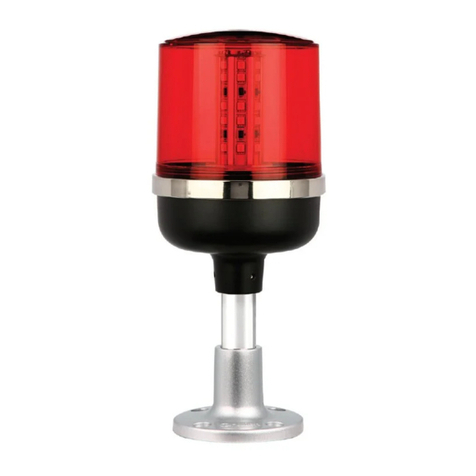
  9. Qlight STA25SLM Series User manual

Qlight STA25SLM Series User manual

This manual suits for next models

5

Other Qlight Lighting Equipment manuals

Qlight S100R User manual

Qlight

Qlight S100R User manual

Qlight S80AR User manual

Qlight

Qlight S80AR User manual

Qlight QWSL150 User manual

Qlight

Qlight QWSL150 User manual

Qlight SNE-TI User manual

Qlight

Qlight SNE-TI User manual

Qlight Q125L User manual

Qlight

Qlight Q125L User manual

Qlight S60LR User manual

Qlight

Qlight S60LR User manual

Qlight ST45ML Series User manual

Qlight

Qlight ST45ML Series User manual

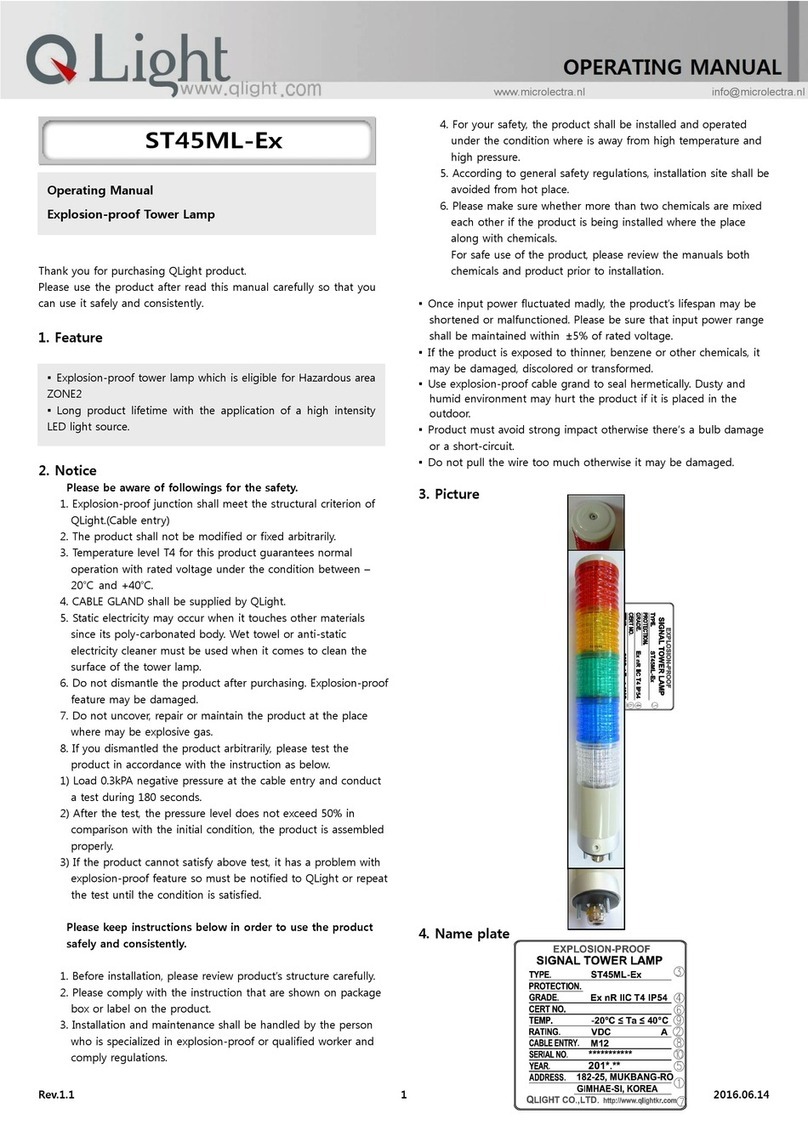
Qlight ST45ML-Ex User manual

Qlight

Qlight ST45ML-Ex User manual

Qlight S100S User manual

Qlight

Qlight S100S User manual

Qlight S80S User manual

Qlight

Qlight S80S User manual

Qlight ST45ML-Ex User manual

Qlight

Qlight ST45ML-Ex User manual

Qlight S100M User manual

Qlight

Qlight S100M User manual

Qlight S100D Series User manual

Qlight

Qlight S100D Series User manual

Qlight SESA User manual

Qlight

Qlight SESA User manual

Qlight STA35SL Series User manual

Qlight

Qlight STA35SL Series User manual

Qlight QT50L-USB-BZ User manual

Qlight

Qlight QT50L-USB-BZ User manual

Qlight CPK-CAN User manual

Qlight

Qlight CPK-CAN User manual

Qlight S80AR User manual

Qlight

Qlight S80AR User manual

Qlight SAOL1 User manual

Qlight

Qlight SAOL1 User manual

Qlight STDL User manual

Qlight

Qlight STDL User manual

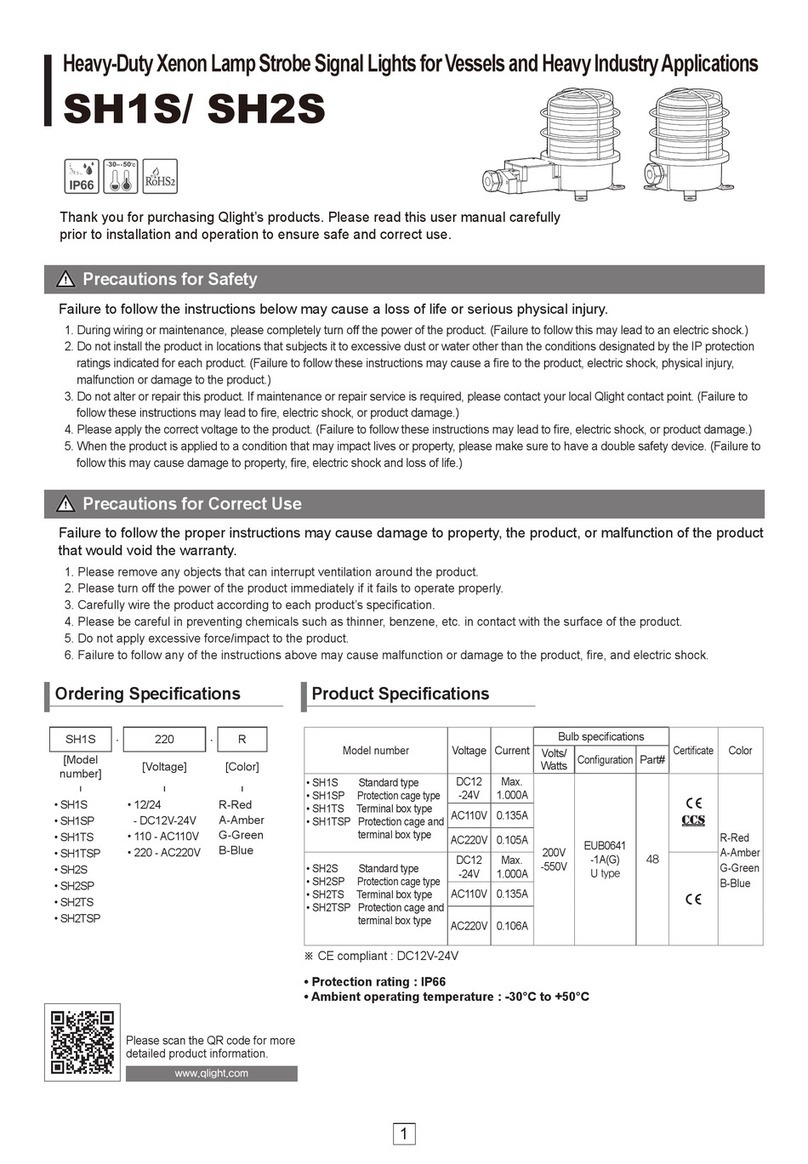
Qlight SH1S User manual

Qlight

Qlight SH1S User manual

Qlight S80L User manual

Qlight

Qlight S80L User manual
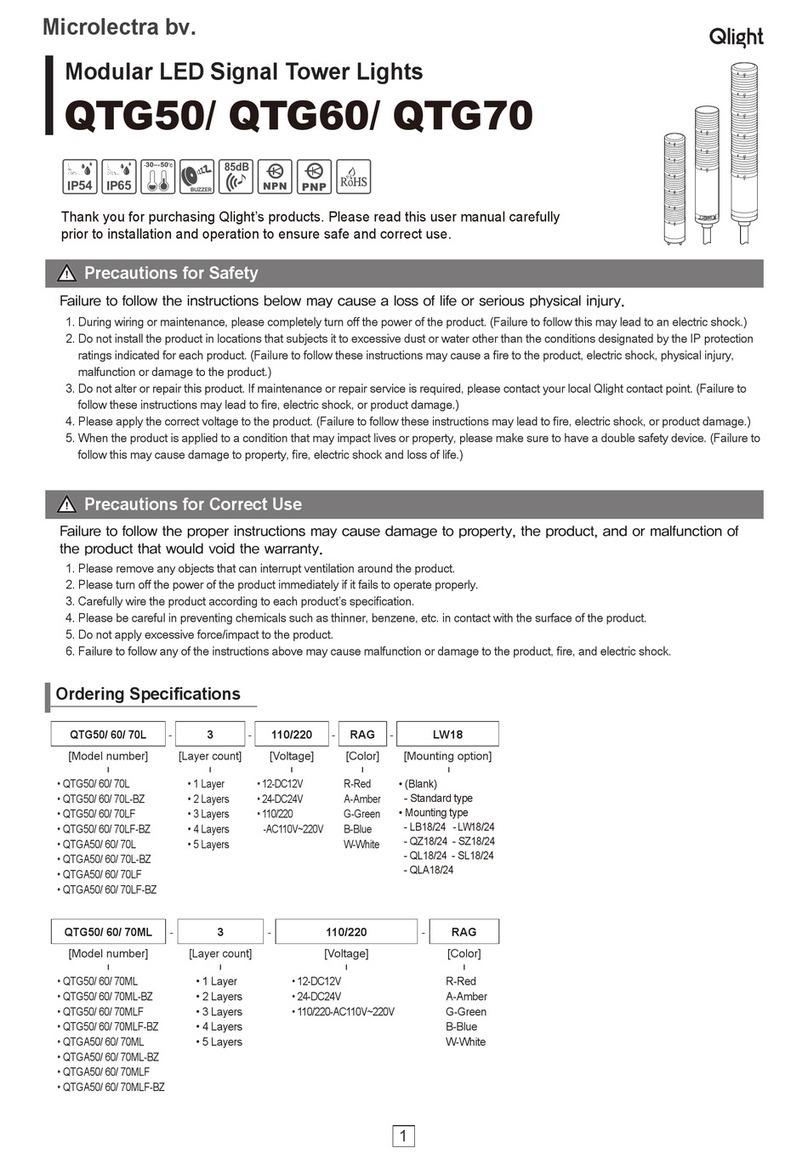
Qlight QTG-WIZ User manual

Qlight

Qlight QTG-WIZ User manual

Qlight S150R User manual

Qlight

Qlight S150R User manual

Popular Lighting Equipment manuals by other brands

Life 39.9F70020C quick start guide

Life

Life 39.9F70020C quick start guide

EuroLite LED ML-20 user manual

EuroLite

EuroLite LED ML-20 user manual

LIGMAN OD-50141 installation manual

LIGMAN

LIGMAN OD-50141 installation manual

Home Accents Holiday 1002461144 instructions

Home Accents Holiday

Home Accents Holiday 1002461144 instructions

Experia IRiS Ripple Light instruction manual

Experia

Experia IRiS Ripple Light instruction manual

Erco Gecko Mounting instructions

Erco

Erco Gecko Mounting instructions

Inter-lux ZTA.100.Surface Installation and maintenance instructions

Inter-lux

Inter-lux ZTA.100.Surface Installation and maintenance instructions

Whelen Engineering Company TN Series installation guide

Whelen Engineering Company

Whelen Engineering Company TN Series installation guide

IKEA BJÖRKSPIREA manual

IKEA

IKEA BJÖRKSPIREA manual

Toolland PM 6640 instruction manual

Toolland

Toolland PM 6640 instruction manual

GTD GTD-LP200 user manual

GTD

GTD GTD-LP200 user manual

LIVARNO home 1105-W-UK manual

LIVARNO home

LIVARNO home 1105-W-UK manual

ProLights EclPar IPMFC user manual

ProLights

ProLights EclPar IPMFC user manual

Velvet EVO Series user manual

Velvet

Velvet EVO Series user manual

IDTOLIGHT GENT installation instructions

IDTOLIGHT

IDTOLIGHT GENT installation instructions

MAYTONI S35 installation manual

MAYTONI

MAYTONI S35 installation manual

MaxLite MLFP14DP4535 user manual

MaxLite

MaxLite MLFP14DP4535 user manual

SLV Elektronik 550621 instruction manual

SLV Elektronik

SLV Elektronik 550621 instruction manual

manuals.online logo
manuals.online logoBrands
  • About & Mission
  • Contact us
  • Privacy Policy
  • Terms and Conditions

Copyright 2025 Manuals.Online. All Rights Reserved.

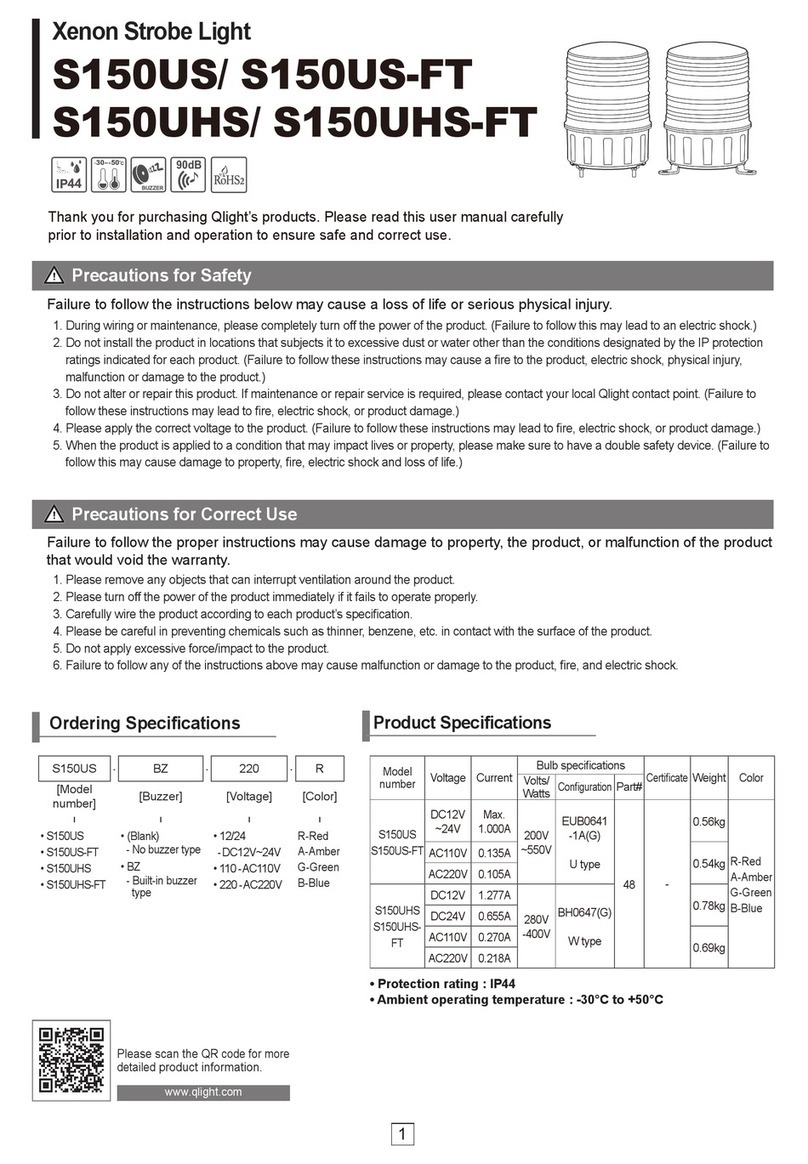
STA25
SLM
SERIES
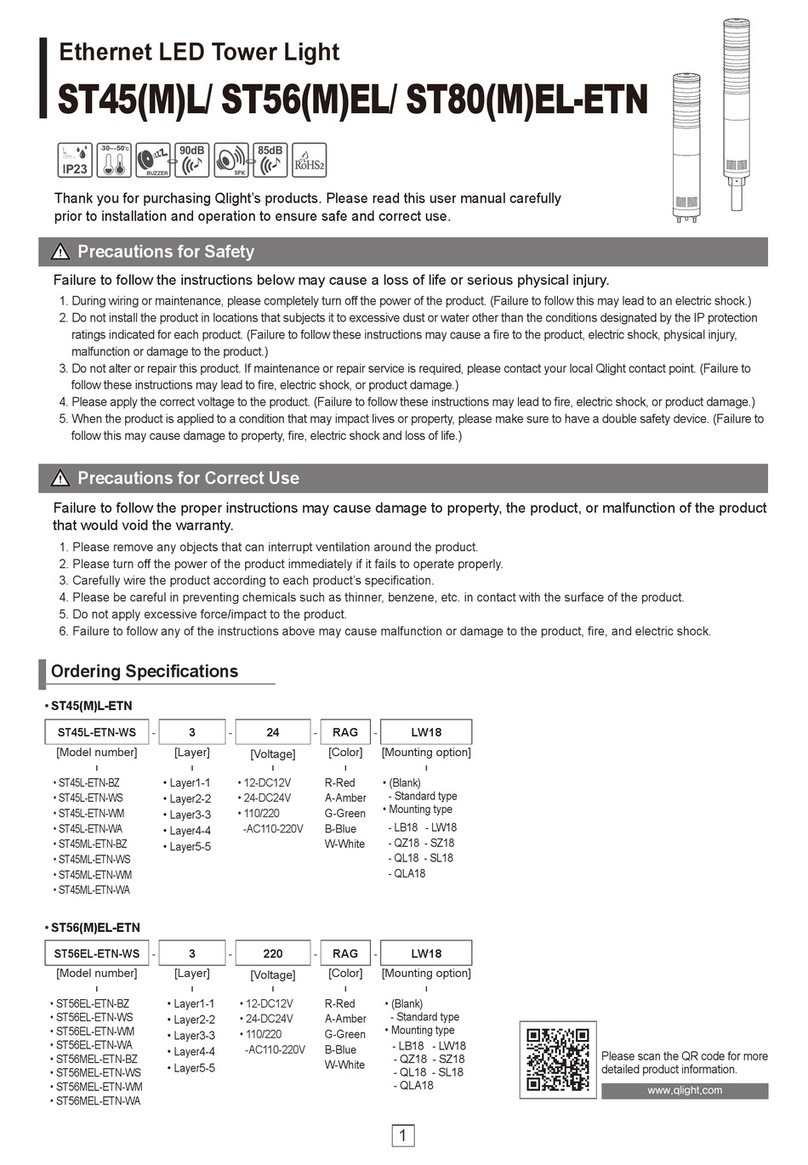
Thank you for purchasing Q.Light product. Please read this
manual carefully before installing this product for safe and long
use.
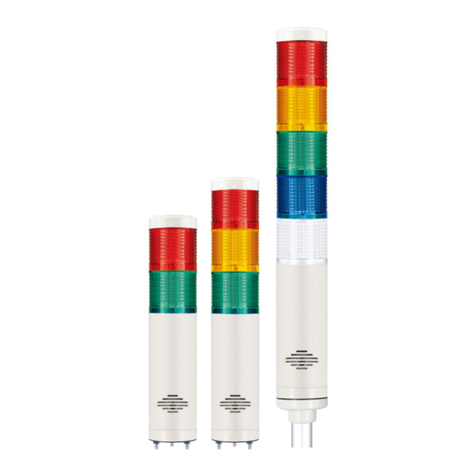
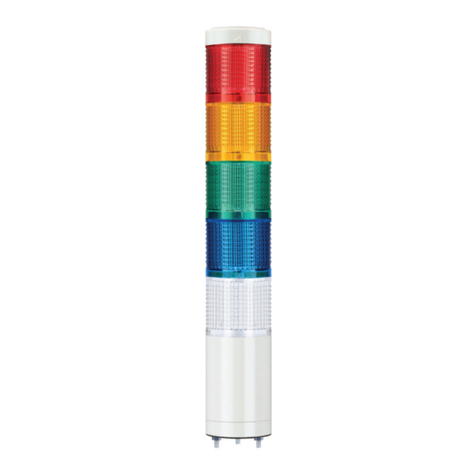
▪Direct mounting types with 25mm diameter.
▪Elegant design product by aluminum body.
▪High visibility by employing LED chip with high luminance and
special dispersing lens.
▪Adjustable aluminum body in length(custom-made)
▪LED Steady type (supporting flashing type by external control)
▪Protection Class : IP44
1) STA25SLM
▪General Specification
Model
Layer
Voltage
Current
Weight
Color
STA25SLM
1
AC/DC12V
0.080A
0.15Kg
Red-R
AC/DC24V
0.040A
0.15Kg
AC110V
0.020A
0.15Kg
AC220V
0.020A
0.15Kg
2
AC/DC12V
0.160A
0.20Kg
Red-R
Green-G
AC/DC24V
0.080A
0.20Kg
AC110V
0.040A
0.20Kg
AC220V
0.040A
0.20Kg
3
AC/DC12V
0.240A
0.25Kg
Red-R
Amber-A
Green-G
AC/DC24V
0.120A
0.25Kg
AC110V
0.060A
0.25Kg
AC220V
0.060A
0.25Kg
4
AC/DC12V
0.320A
0.30Kg
Red-R
Amber-A
Green-G
Blue-B
AC/DC24V
0.160A
0.30Kg
AC110V
0.080A
0.30Kg
AC220V
0.080A
0.30Kg
5
AC/DC12V
0.400A
0.35Kg
Red-R
Amber-A
Green-G
Blue-B
White-w
AC/DC24V
0.200A
0.35Kg
AC110V
0.100A
0.35Kg
AC220V
0.100A
0.35Kg
* Current and contact capacity (by 1 layer)
VLOTAGE
Current
(Signal)
Inrush current
External contact
AC/DC12V
0.080A
Abt.4.80A
Over 5A
AC/DC24V
0.040A
Abt.2.40A
Over 3A
AC110V
0.020A
Abt.0.60A
Over 1A
AC220V
0.020A
Abt.0.40A
Over 1A
■Outline drawing of STA35SL Series
30 10
L
328
LAYER L
1단 368
2단 398
3단 428
458
5단 488
25
4단
1
2
3
4
5
①TOP COVER:ABS ②GLOBE:AS ③BODY:AL④WASHER:SUS
⑤BOLT : SUS
OPERATING MANUAL
LED Steady Tower Lamp
STA25SLM
This product has separate power and signal cable. Please make
sure to connect each cable in accordance with below connection
diagram.
■AC, DC steady type
▪Signal cable(Power cable) : UL1007-NO.22(0.3sq) 400mm
▸AC / DC Steady type
▪This product is designed for indoor use. Do not use them
outdoor.
▪Mount them vertical and upright where there is low vibration
and shock if possible.
▪Drill the suitable holes at place where you want to install in
reference with below table.
▪Fix the product by using nuts(exclusive use) on bottom of the
product.
Model
Hole size
STA25SLM Series
Ø23.5
▪Make sure end of any unused wires are insulated by tape. A
short circuit of signal line can cause a trouble.
▪If using voltage is seriously higher or lower than rated voltage,
it can reduce the self-life of the product or can cause a
problem on product operating. Make sure the using voltage
does not exceed +/-5% of the rated voltage.
▪If lens or body of the product is contaminated by chemicals
such as thinner, benzene, the product can be damaged,
discolored or deformed. Please be careful.
▪Do not make any impact onto product. It causes short curicut
or trouble.
▪Do not strongly pull the wire out from the product. It can
cause a disorder.
Situation
Main reason
Solution
Non- Lighting Partly
LED is partly damaged,
supplying higher
voltage than rated
voltage.
Check the working
Voltage
Feeble Lighting
Supplying Voltage
Lower Than Rated
Voltage
Check the working
Voltage
No light
No Wiring
Check the wiring.
No power source
Check the power supply
Cable connection
Installation
Trouble Shooting
Q-LIGHT CO., LTD.
http://www.qlightkr.com
E-mail : qlightk[email protected]
Overseas Marketing Team /Plant
Tel) 055-328-4082Fax)055-328-4083
178-1 Woogye-Ri, Sangdong-Myun, Kimhae-Si,
KyungNam, Korea