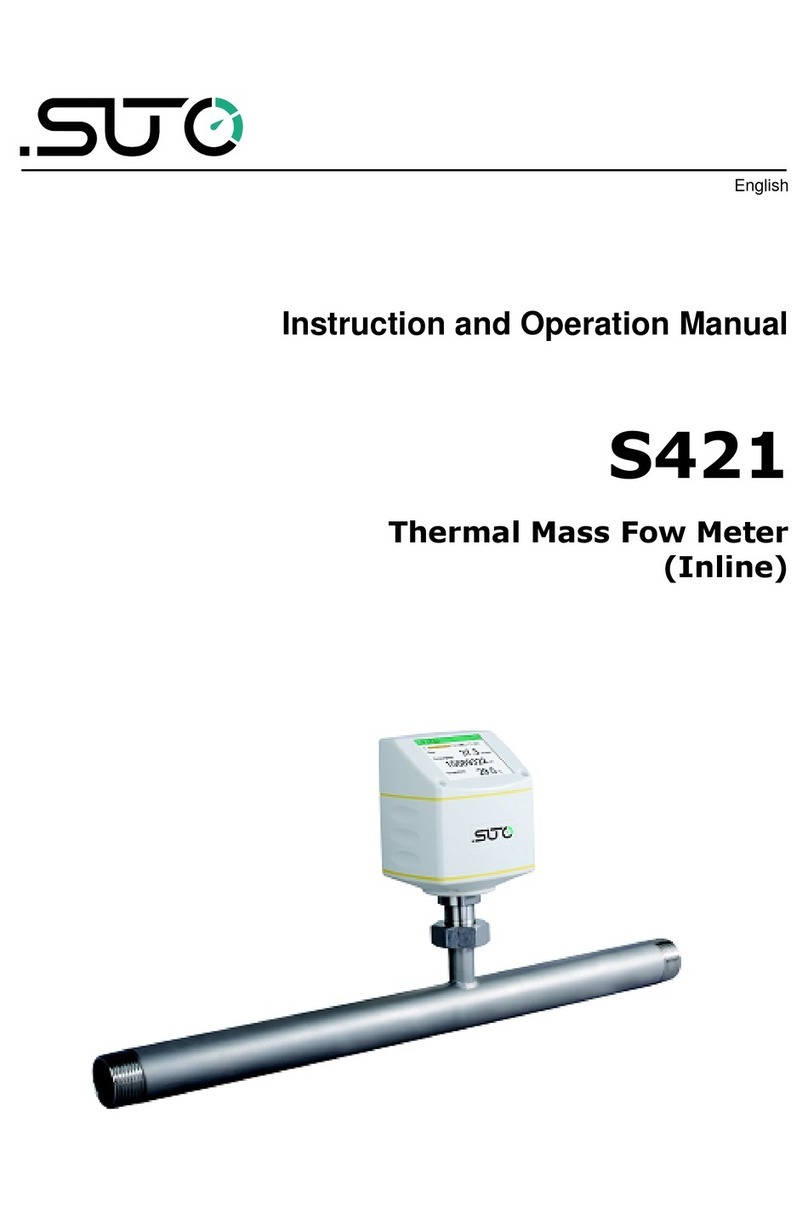
SUTO S 430 Manual

English
Instruction and Operation Manual
S430
Pitot Tube Flow Meter
for Wet Air
(Insertion)

Dear Customer,
Thank you for choosing our product.
Before starting up the device please read this manual in full and
carefully observe the instructions stated. The manufacturer cannot be
held liable for any damage which occurs as a result of non-observance
or non-compliance with this manual.
Should the device be tampered with in any manner other than a
procedure which is described and specified in the manual, the warranty
is void and the manufacturer is e empt from liability.
The device is designed e clusively for the described application.
SUTO offers no guarantee for suitability for any other purpose. SUTO is
also not liable for consequential damage that results from the delivery,
capability, or use of this device.
2 S430

Table of contents
1 Safety Instructions......................................................................5
2 Registered Trademarks................................................................7
3 RF E posure Information and Statement........................................8
4 Application.................................................................................9
5 Features...................................................................................10
6 Technical Data..........................................................................11
6.1 General Data......................................................................11
6.2 Electrical Data.....................................................................12
6.3 Output Signals....................................................................12
6.4 Accuracy ...........................................................................13
7 Dimensional Drawing.................................................................15
8 Installation...............................................................................16
8.1 Installation Requirements.....................................................16
8.2 Installation Considerations....................................................17
8.2.1 Inlet and Outlet Sections..............................................17
8.2.2 Insertion Angles..........................................................19
8.3 Calculating the Insertion Depth.............................................20
8.3.1 Center Installation.......................................................20
8.3.2 100 mm-Depth Installation...........................................21
8.4 Install the Flow Meter...........................................................22
8.5 Perform the Zero Flow Calibration..........................................24
8.5.1 Prerequisites...............................................................24
8.5.2 Use the Service App S4C-FS.........................................24
8.5.3 Use the Display...........................................................25
8.6 Remove the Flow Meter .......................................................26
8.7 Performe Electrical Connection..............................................26
8.7.1 M12 Connectors .........................................................27
8.7.2 Ethernet Connection....................................................28
9 Configuration............................................................................30
9.1 Use Service App S4C-FS.......................................................30
9.2 Use Optional Display............................................................31
9.2.1 Start-up.....................................................................31
9.2.2 Operations Keys..........................................................31
9.2.3 Menu Map..................................................................34
10 Signal Outputs........................................................................36
10.1 Analog Output...................................................................36
10.2 Pulse Output.....................................................................36
10.2.1 Pulse Connection Diagram..........................................38
10.3 Modbus Output .................................................................39
10.3.1 Modbus Parameters...................................................39
10.3.2 Connect Modbus/RTU Devices to a Master.....................41
S430 3

10.4 M-Bus Output....................................................................45
10.5 Connection between S430 Outputs and Customer Equipment. .45
11 Calibration..............................................................................49
12 Maintenance...........................................................................49
13 Disposal or Waste....................................................................49
14 Appendi – Flow Measurement Ranges.......................................50
14.1 Volumetric Flow Ranges......................................................50
14.2 Analog Output...................................................................51
4 S430

1 Safety Instructions
Safety Instructions
Please check if this instruction manual matches the
product type.
Please observe all notes and instructions indicated in this
manual. It contains essential information that must be observed
before and during installation, operation, and maintenance.
Therefore this instruction manual must be read carefully by the
technician and by the responsible user / qualified personnel.
This instruction manual must be available at the operation site of the
flow meter at any time. In case of any obscurities or questions
regarding this manual or the product, please contact the manufacturer.
WARNING!
Compressed air!
Any contact with quickly escaping air or bursting
parts of the compressed air system can lead to
serious injuries or even death!
•Do not e ceed the ma imum permitted pressure range (see
sensors label).
•Only use pressure-tight installation material.
•Avoid that persons get hit by escaping air or bursting parts of the
instrument.
•The system must be pressureless during maintenance work.
WARNING!
Voltage used for supply!
Any contact with energized parts of the product
might lead to an electrical shock which can lead to
serious injuries or even death!
•Consider all regulations for electrical installations.
•The system must be disconnected from any power supply during
maintenance work.
•Any electrical work on the system is only allowed by authorized
qualified personal.
S430 5

1 Safety Instructions
ATTENTION!
Permitted operating parameters!
Observe the permitted operating parameters, any
operation exceeding this parameters can lead to
malfunctions and might lead to damage on the
instrument or the system.
•Do not e ceed the permitted operating parameters.
•Make sure that the product is operated in its permitted limitations.
•Do not e ceed or undercut the permitted storage and operating
temperature and pressure.
•The product should be maintained and calibrated frequently, at
least annually.
General safety instructions
•It is not allowed to use the product in e plosive areas.
•Please observe the national regulations before/during installation
and operation.
Remarks
•It is not allowed to disassemble the product.
•Always use a spanner to mount the product properly.
ATTENTION!
Measurement values can be affected by malfunction!
The product must be installed properly and
frequently maintained. Otherwise it might lead to
wrong measurement values, which can lead to
wrong results.
•Always observe the direction of the flow when installing the flow
meter. The flow direction is indicated on the housing.
•Do not e ceed the ma imum operating temperature at the sensor
tip.
•Avoid condensation on the flow meter element because it will
affect the accuracy enormously.
6 S430

1 Safety Instructions
Storage and transportation
•Make sure that the transportation temperature of the flow meter
without the display is between -30°C ... +70°C and with the
display between -10 ... +60°C.
•For transportation it is recommended to use the packaging which
comes with the flow meter.
•Please make sure that the storage temperature of the flow meter
is between -10 ... +50°C.
•Avoid direct UV and solar radiation during storage.
•For the storage, the humidity must be <90% with no
condensation.
2 Registered Trademarks
Trademark Trademark owner
SUTO®SUTO iTEC
MODBUS®Modbus Organization, Hopkinton, USA
Android™,
Google Play
Google LLC
S430 7

3 RF Exposure Information and Statement
3 RF Exposure Information and Statement
This equipment complies with FCC RF radiation e posure limits set forth
for an uncontrolled environment. This equipment should be installed
and operated with minimum distance of 20 cm between the radiator and
your body.
This device complies with part 15 of the FCC rules. Operation is subject
to the following two conditions: (1) this device might not cause harmful
interference, and (2) this device must accept any interference received,
including interference that might cause undesired operation.
NOTE: The manufacturer is not responsible for any radio or TV
interference caused by unauthorized modifications to this equipment.
Such modifications could void the user’s authority to operate the
equipment.
NOTE: This equipment has been tested and found to comply with the
limits for a Class B digital device, pursuant to part 15 of the FCC Rules.
These limits are designed to provide reasonable protection against
harmful interference in a residential installation. This equipment
generates uses and can radiate radio frequency energy and, if not
installed and used in accordance with the instructions, might cause
harmful interference to radio communications. However, there is no
guarantee that interference will not occur in a particular installation. If
this equipment does cause harmful interference to radio or television
reception, which can be determined by turning the equipment off and
on, the user is encouraged to try to correct the interference by one or
more of the following measures:
•Reorient or relocate the receiving antenna.
•Increase the separation between the equipment and receiver.
•Connect the equipment into an outlet on a circuit different from
that to which the receiver is connected.
•Consult the dealer or an e perienced radio/TV technician for help
•This device and its antenna(s) must not be co-located or operating
in conjunction with any other antenna or transmitter.
8 S430

4 Application
4 Application
The S430 Pitot Flow Meter is designed to measure the consumption of
compressed air and a variety of industrial gases in wet or high mass
flow/velocity applications. The flow meter can even work in wet and
dirty gases such as the outlet of a compressor.
The S430 can measure the following parameters for compressed air or
gases:
Parameter Default unit
Velocity m/s
Volumetric flow m3/h
Pressure bar
Total consumption m3
Temperature °C
Remark: You can change units using the service App S4C-FS or the
optional flow meter display.
The S430 is mainly used in compressed air systems in the industrial
environment. The S430 is not designed for e plosive areas. For the use
in e plosive areas, please consult the manufacturer.
S430 9

5 Features
5 Features
•Flow and consumption measurement in wet or high mass flow or
velocity applications.
•Measurement at the compressor outlet.
•Bi-directional measurement available based on the advanced auto-
direction-detection technology.
•Insertion-type flow meter, facilitating installation under pressure
through a ball valve.
•High-temperature applications up to 230°C.
•Tubes with diameters from 1.25” up to 10” through center
installation. Bigger diameters through non-center installation.
•No mechanical wear parts.
•All parts in contact with the medium are made of stainless steel.
•Various options for the signal output, such as analog and pulse,
Modbus/RTU, Modbus/TCP, or M-Bus.
•Optional Power over Ethernet (PoE) for the Modbus/TCP output.
•Mobile service App S4C-FS for monitoring and configuring flow
sensors on mobile devices.
•Optional display for monitoring and configuring values directly on
the flow meter.
10 S430
Other manuals for S 430
4
Table of contents
Other SUTO Measuring Instrument manuals