MetroVoice 2018 : (805) 548-8000 : [3]
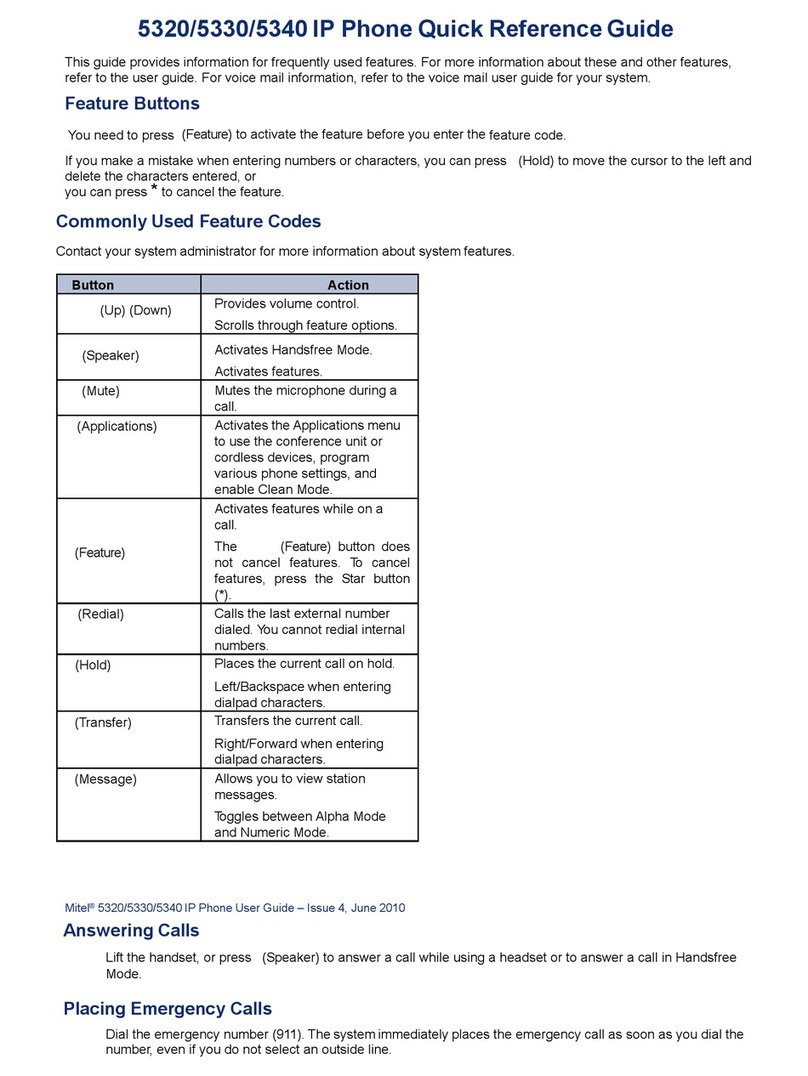
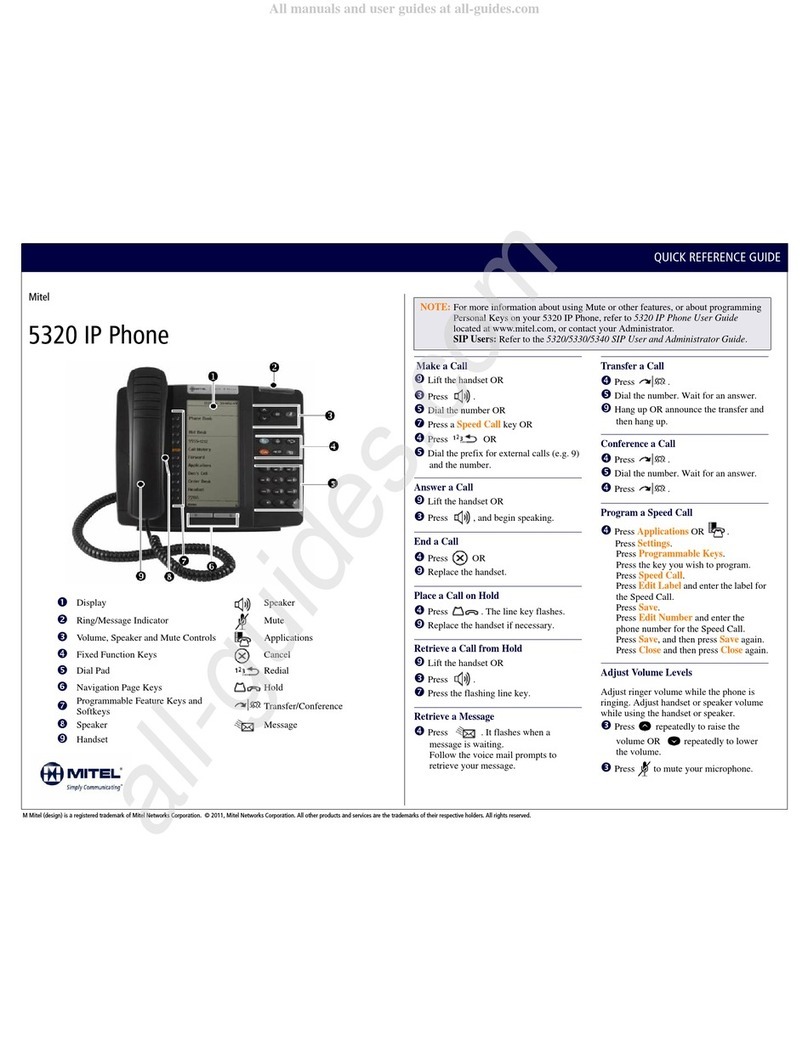
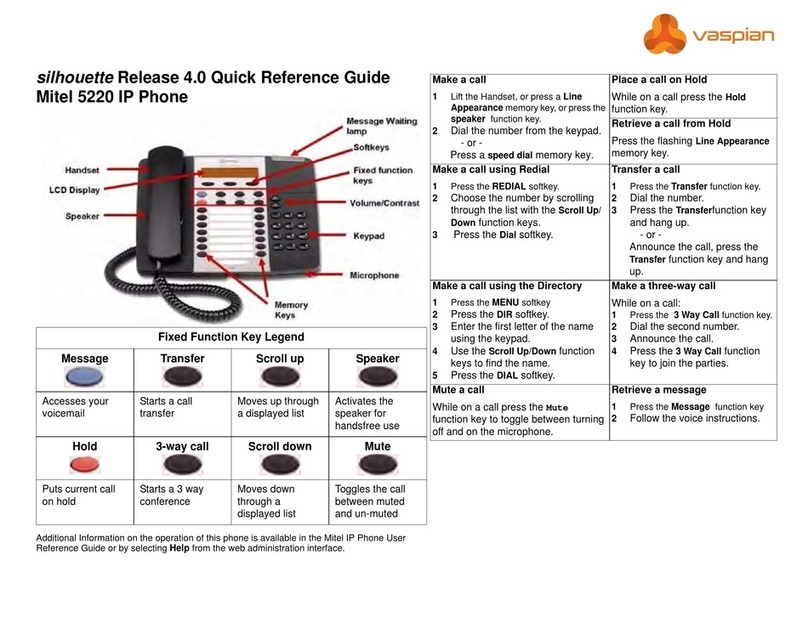
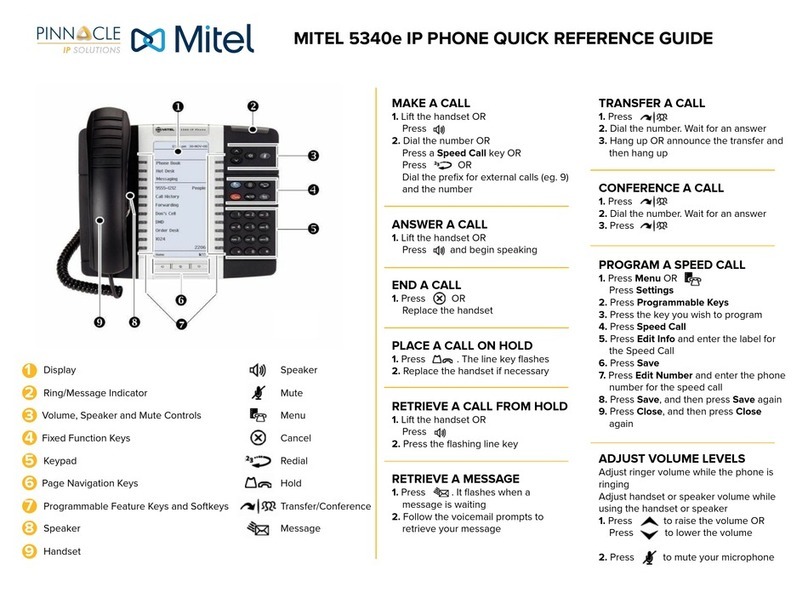
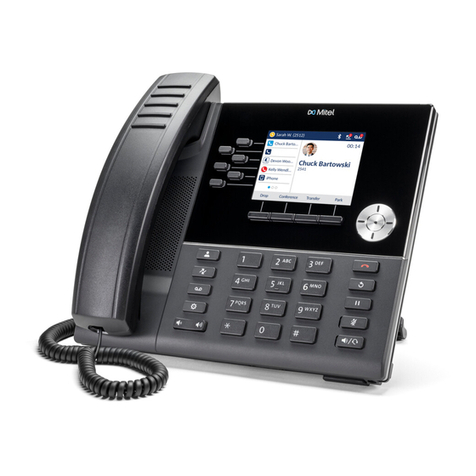
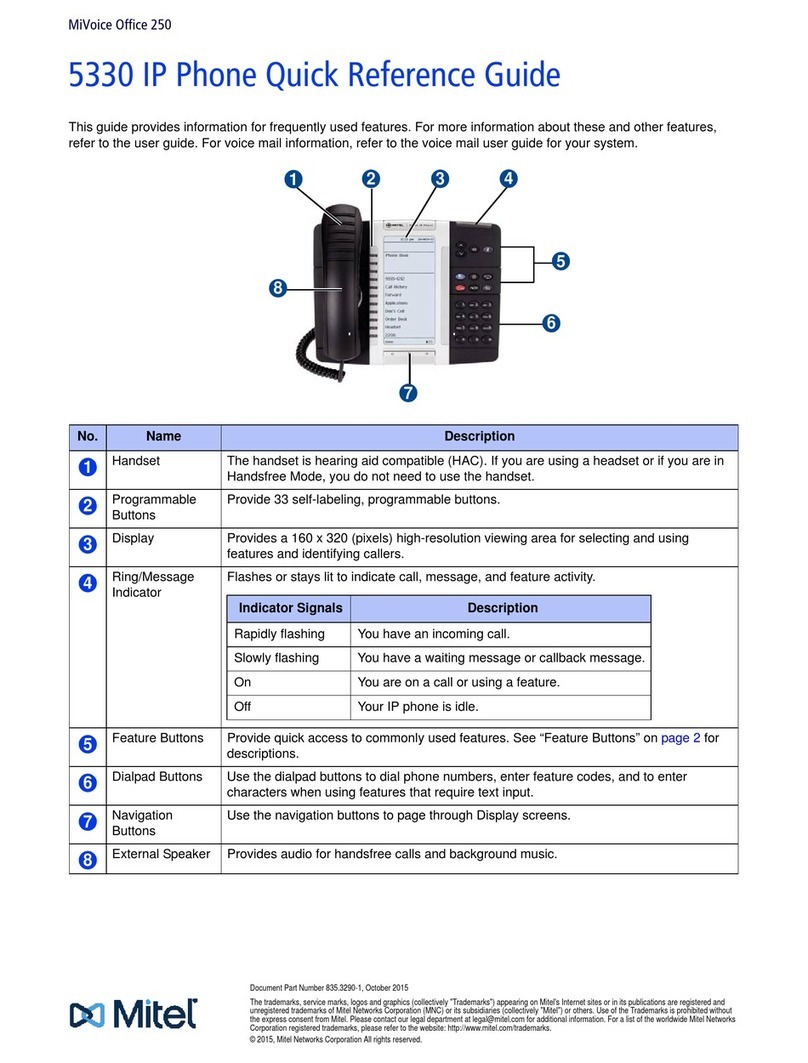
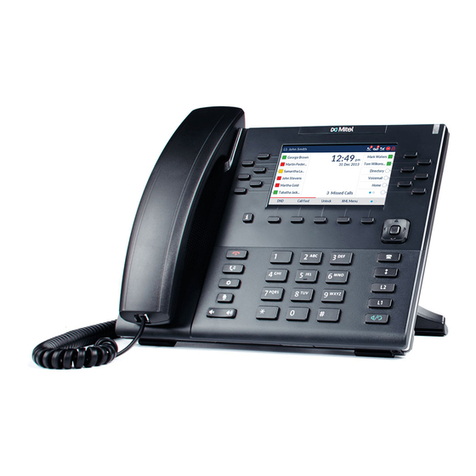
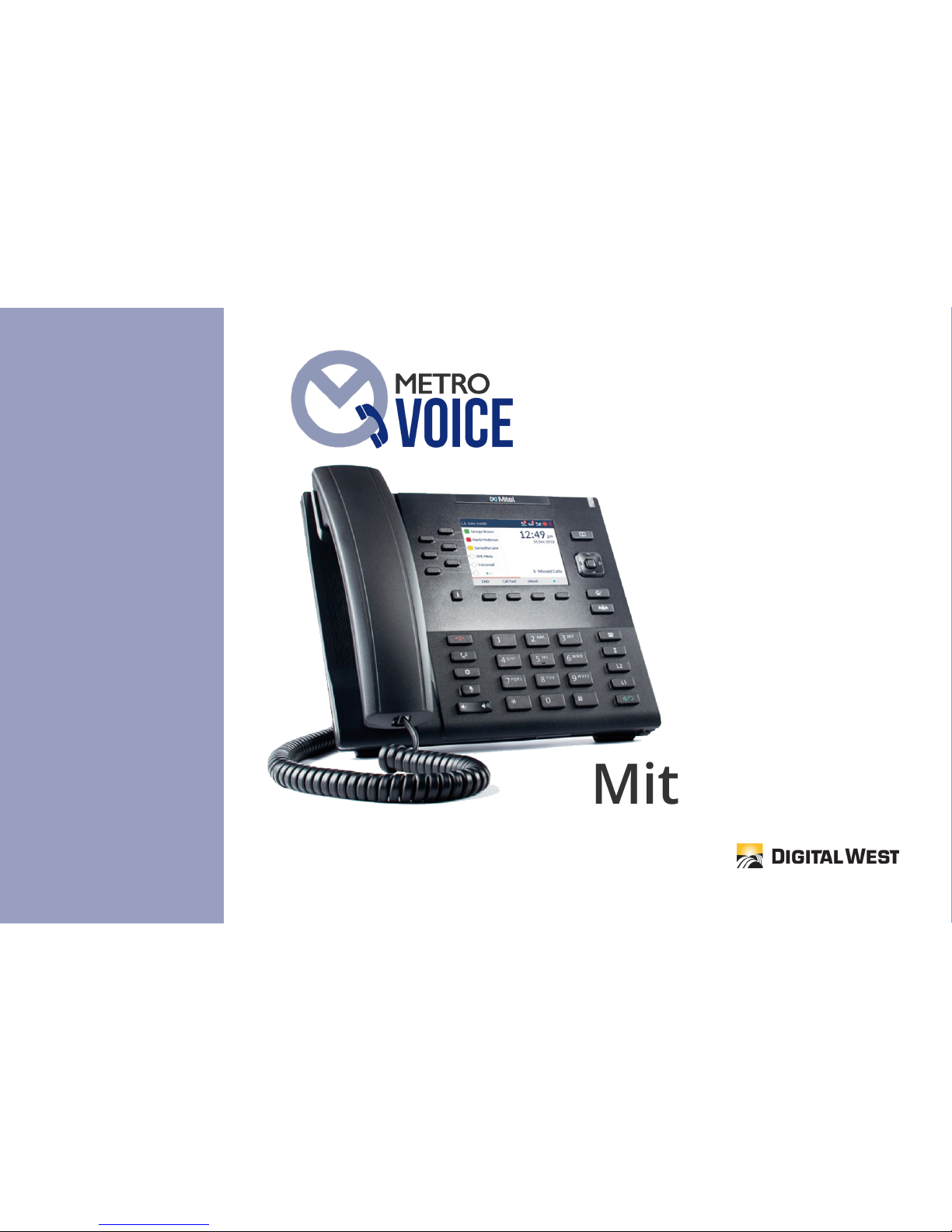
Mute Key: This function mutes the speakersphone, or the handset microphone so that the caller cannot hear you - you will still
hear the caller.
Options Key: This key is used to make programming adjustments to the station. Note: It is recommended that any program-
ming changes under this category should be limited to modications discussed on these sheets, or with your administrator.
Hold Key: This key places a call from your station on hold locally. No other user can see when you have placed a call on hold.
End Key: This key is also knowns as a Release key. It will terminate your call, or function when pressed.
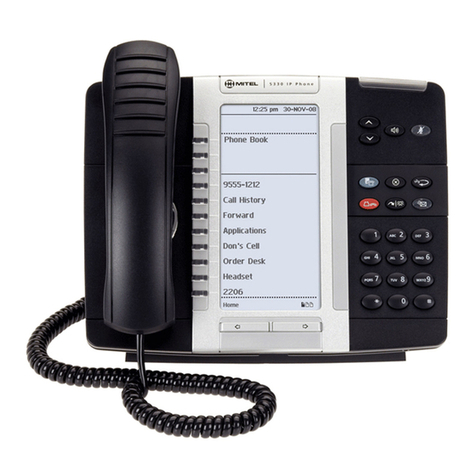
Bottom Softkeys: These buttons are at the bottom of the display, and are typically programmed with the following buttons:
VMail, Call Pick Up, Redial, Callers List, DND, and Paging. When a call is in process, these buttons will also auto-populate with
features such as Answer, Ignore, Silence, Drop, Xfer, Conf, and Dial.
Side Softkeys: These buttons are at the top left of the display, and will typically have the Park and Park PickUp feature pro-
grammed as well as exisiting stations on the network. There are a total of 20 available softkeys.
PRE-PROGRAMMED SOFTKEY FEATURES
Enhanced Call Park: Park is used to place a call on hold globally. When a call is placed on Park, simply pick up the call by press-
ing Call Park #1 or Call Park #2. Note: Park is not designed to leave a call parked for more than a few minutes. Remember,
Park places a call on hold globally allowing other network-connected stations to pick up that call even if the network-connected
station is in another city.
Callers List: To view a list of calls that rang at your station, press the Callers List button in the softkey area. Use the arrow keys
to scroll through each caller and their informaiton. If you want to call that number, press the Dial button, or press Select. The
Callers List will store up to 100 numbers.
Page: To use, press the softkey by Paging. An alert tone will sound announced through all speakerphones before your page.