9
5.SETUPANDCONFIGURATION
●FRONTPANELOPERATION
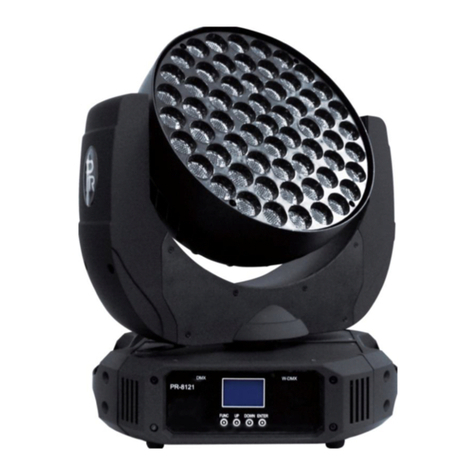
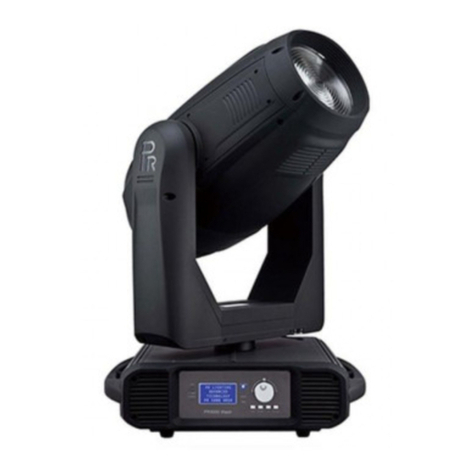
Projectorconfigurationcanbesetconvenientlyviapushbuttonandcolortouchscreen.
Launch the projector and press button ENTER for morethan 5 secondsto unlock the panel, the LCD will show the function menuof
the projector, each main menu has its submenus and each submenu has a specific function. For details, please see the
“OPERATION MENU” section.
Pressbutton UP or DOWN ifyouwanttobrowsethroughthevariousSetupOptions.
Pressbutton ENTER to save your settingsorenterthesubmenu.
Pressbutton UP or DOWN tochangevalues(plusorminus)
Pressbutton FUNC,it will returnto the upper menu.Ifbutton FUNC notpressed, thedefault willshowdisplaystatusautomatically.
●DMX STARTADDRESS
Eachprojector must be givena DMX start address so that the correct projector responds to the correct controlsignals.ThisDMX start
address is the channel number from which the projector starts to “listen” to the digital control information being sent out from the
controller. The projector has 3 DMXmodes. There are short mode ,standard mode and extended mode. For example standard mode
has 38 channels, so set the No. 1 projector’s address 001, No. 2 projector’s address 039, No. 3 projector’s address 077, No. 4
projector’s address115, and so on.
Launch theprojector. Pressbutton ENTER morethan3secondsto unlockpanel.
Pressbutton ENTER todisplayDMXaddress;
Pressbutton UP and DOWN, youcanset theaddress;
Pressbutton ENTER to confirm;afterpoweredonnexttime,thedefault willbe lastvalue saved
Pressbutton FUNC, itwillreturnto the uppermenu
.
●DMXWIRELESSCONTROL
Theprojector has wirelesscontrolfunction with wirelessreceivermoduleandantenna for remotecontrol.
The setupofitisbelow:
1. Enter into the projector’s menu. Select the menu “Config Settigns” via the bottoms of UP and DOWN
2. Select DMX control Mode---- Wireless First (Note: Do not select XLR ONLY). The DMX wireless control
function is activated.
Only after the projector is linked with a transmitter, can it receive wireless signal sent by the transmitter. If unlinking it, Press
“Enter” for the menu ofUnlinkWirelessunderthe upperlevel menuofConfigSettigns.
●STAND-ALONEMODE
Operate the projector without connecting with a controller, enable the master mode through the operation panel, the
projector will run in Stand-Alone mode automatically.
DMX address can be set at any number within 512.