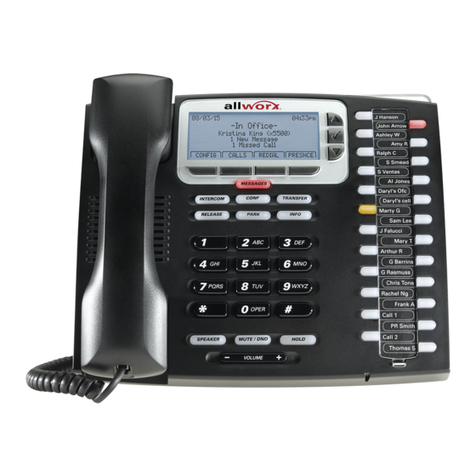
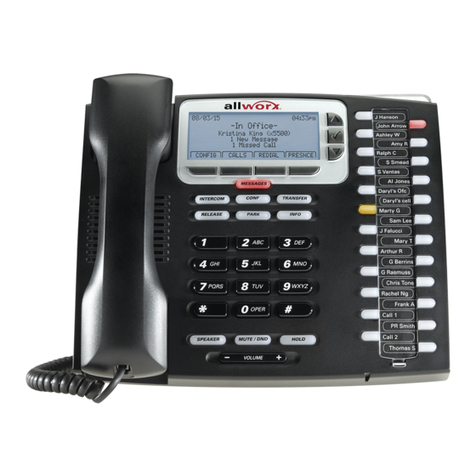
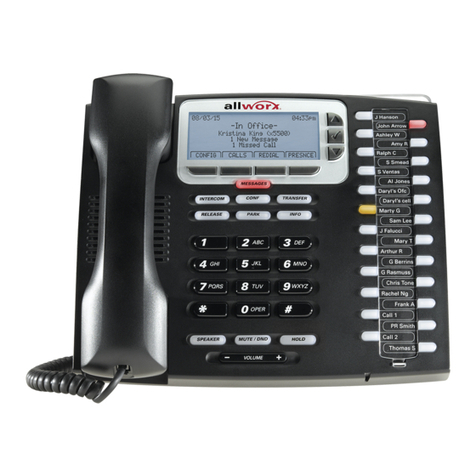
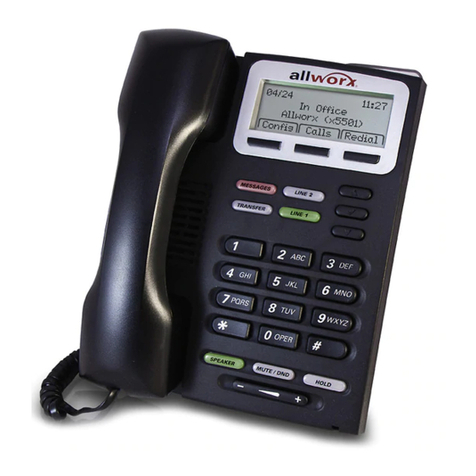
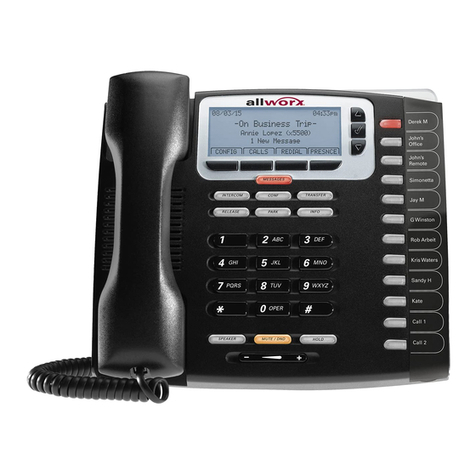
Phone Guide – 9224
Toll Free 1-866-ALLWORX • 585-421-3850 • www.allworx.com
Revised: April 16, 2013
Page iii
Table of Contents
1Getting Started..................................................................................1
1.1 Contents Checklist....................................................................1
1.2 Connect the Phone ...................................................................1
2Adjusting the Phone..........................................................................3
2.1 Base Assembly and Adjusting the Angle of the Phone.............3
2.2 Update the PFK (Programmable Function Keys) Label............3
2.3 Volume Adjustment...................................................................4
2.4 Wall Mounting (Optional)...........................................................4
3Allworx Phone Overview...................................................................6
3.1 Allworx TX 92/24 Telephone Expander ....................................6
3.2 Buttons......................................................................................7
3.3 Feature Keys.............................................................................7
3.4 My Allworx Manager................................................................14
4Phone Operation.............................................................................15
4.1 Place a Call.............................................................................15
4.2 Receive a Call.........................................................................15
4.3 End a Call................................................................................15
4.4 Headset...................................................................................15
4.5 Directory Dialing......................................................................16
4.6 Redial a Number .....................................................................16
4.7 Missed Calls............................................................................16
4.8 Presence Soft Key ..................................................................16
4.9 Ignore and Silence Soft Keys..................................................17
4.10 Programmable Function Keys.................................................17
5Phone Features...............................................................................18
5.1 Operator..................................................................................18
5.2 User / Resource Extensions ...................................................18
5.3 Leave a User a Voicemail.......................................................18
5.4 Business Speed Dial...............................................................18