User manual
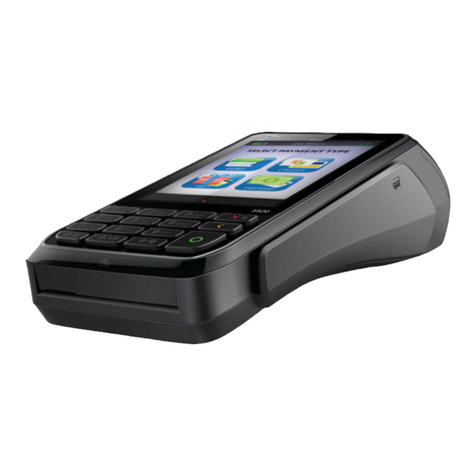
CCV Mini (Android)
CID142E/26032015 2
TABLE OF CONTENTS
1. PREPARING THE CCV MINI FOR USE..........................................................................4
1.1. List of items supplied.............................................................................................................................4
1.2. Environmental factors that may affect the equipment’s operation .................................................4
1.3. Step 1 - Charge the card reader ............................................................................................................4
1.4. Step 2 - Connect the card reader to your mobile device ....................................................................5
1.4.1. Connect without extension cable.....................................................................................................................................5
1.4.2. Connect using the extension cable ..................................................................................................................................6
1.5. Step 3 - Download and install the CCV Pay app ..................................................................................6
1.6. Step 4 - Log in to the CCV Pay app........................................................................................................7
2. WORKING WITH THE CCV MINI..................................................................................8
2.1. Overview of the card reader..................................................................................................................8
2.2. The keys on the card reader ..................................................................................................................8
2.3. Introducing payment cards to the card reader ...................................................................................9
2.4. The card reader’s LED indicators ........................................................................................................10
2.5. The password........................................................................................................................................10
3. TRANSACTIONS ........................................................................................................11
3.1. Performing transactions......................................................................................................................11
3.1.1. Sale ............................................................................................................................................................................................11
3.2. Cancelling transactions .......................................................................................................................13
3.3. The transaction list...............................................................................................................................14
3.3.1. View the transaction list .....................................................................................................................................................14
3.3.2. Send the transaction list.....................................................................................................................................................15
3.3.3. Delete the transaction list..................................................................................................................................................16
3.3.4. Send a transaction receipt to your email address .....................................................................................................17
3.3.5. Send a transaction receipt to a cardholder..................................................................................................................18
4. INFORMATION AND SETTINGS................................................................................19
4.1. View information..................................................................................................................................19