manuals.online logo
Brands
  1. Home
  2. •
  3. Brands
  4. •
  5. Wren Kitchens
  6. •
  7. Indoor Furnishing
  8. •
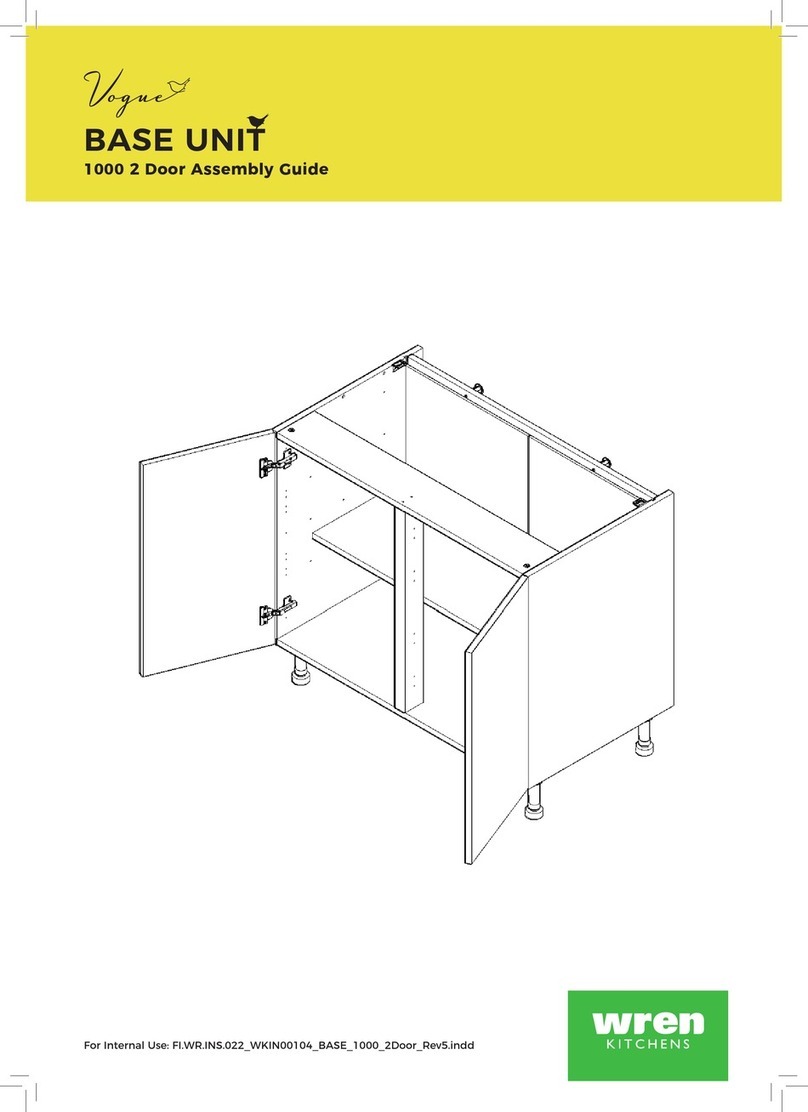
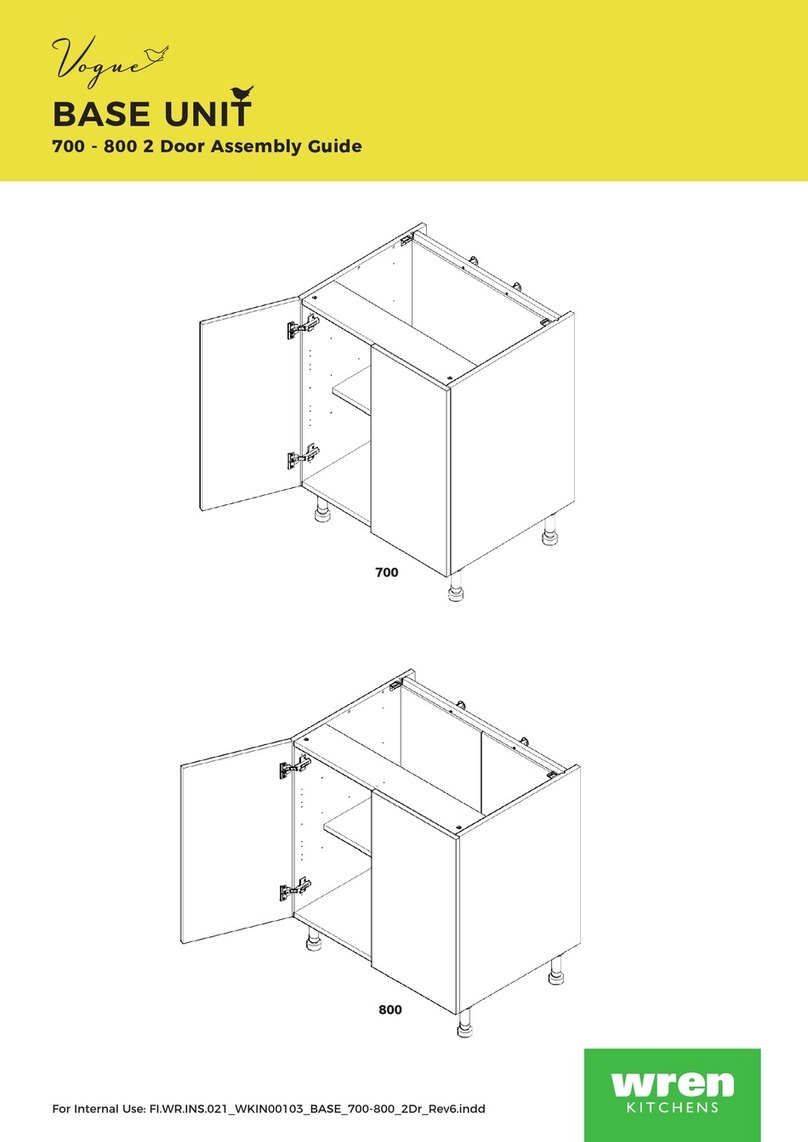
  9. Wren Kitchens Vogue WALL BASE UNIT 700 WALL User manual

Wren Kitchens Vogue WALL BASE UNIT 700 WALL User manual

This manual suits for next models

2

Other Wren Kitchens Indoor Furnishing manuals
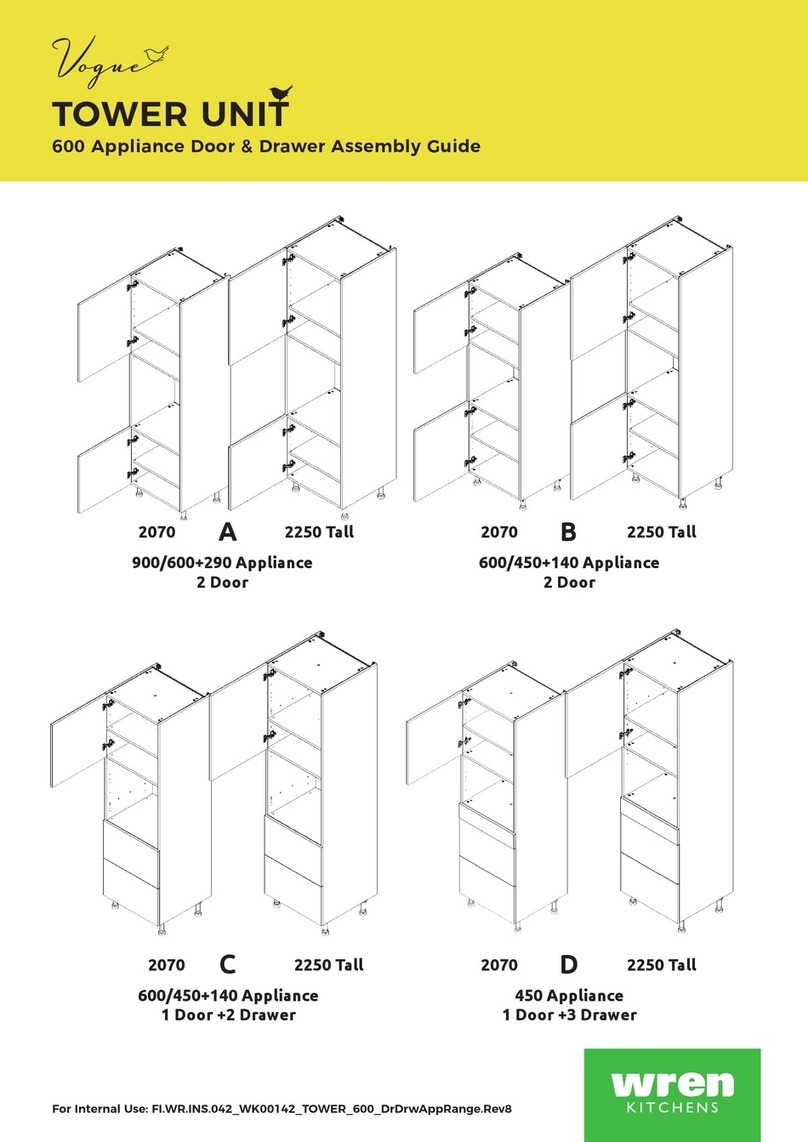
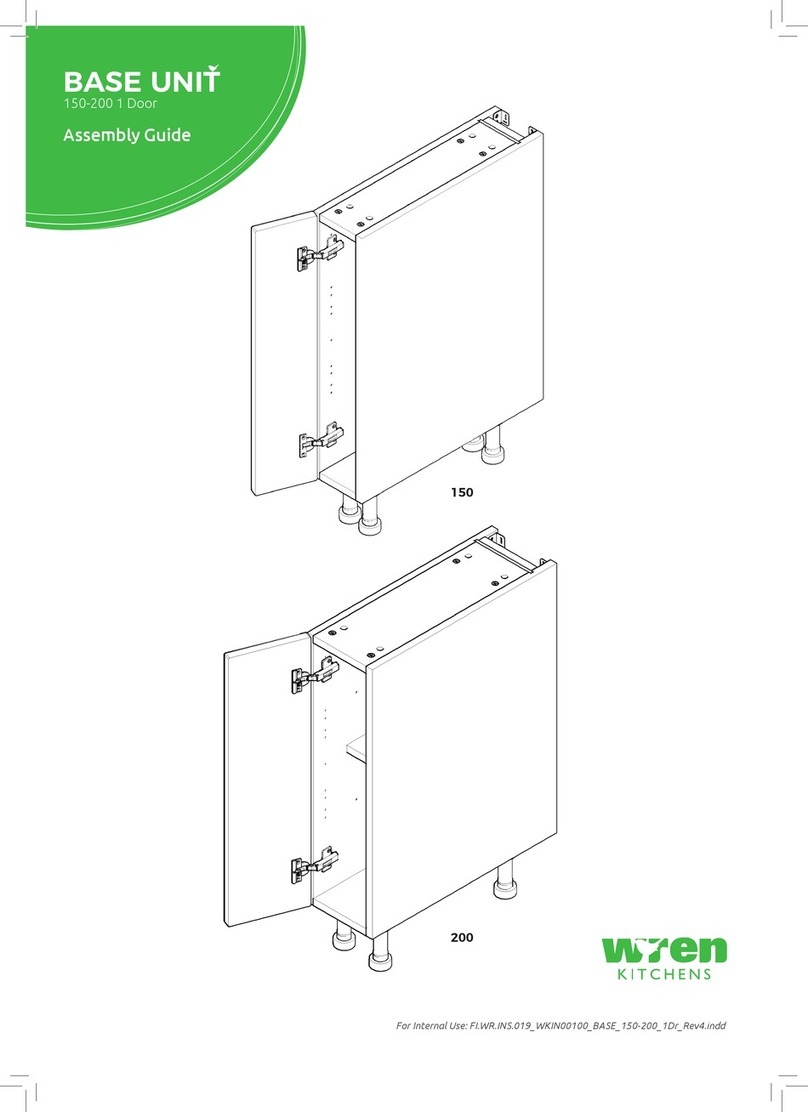
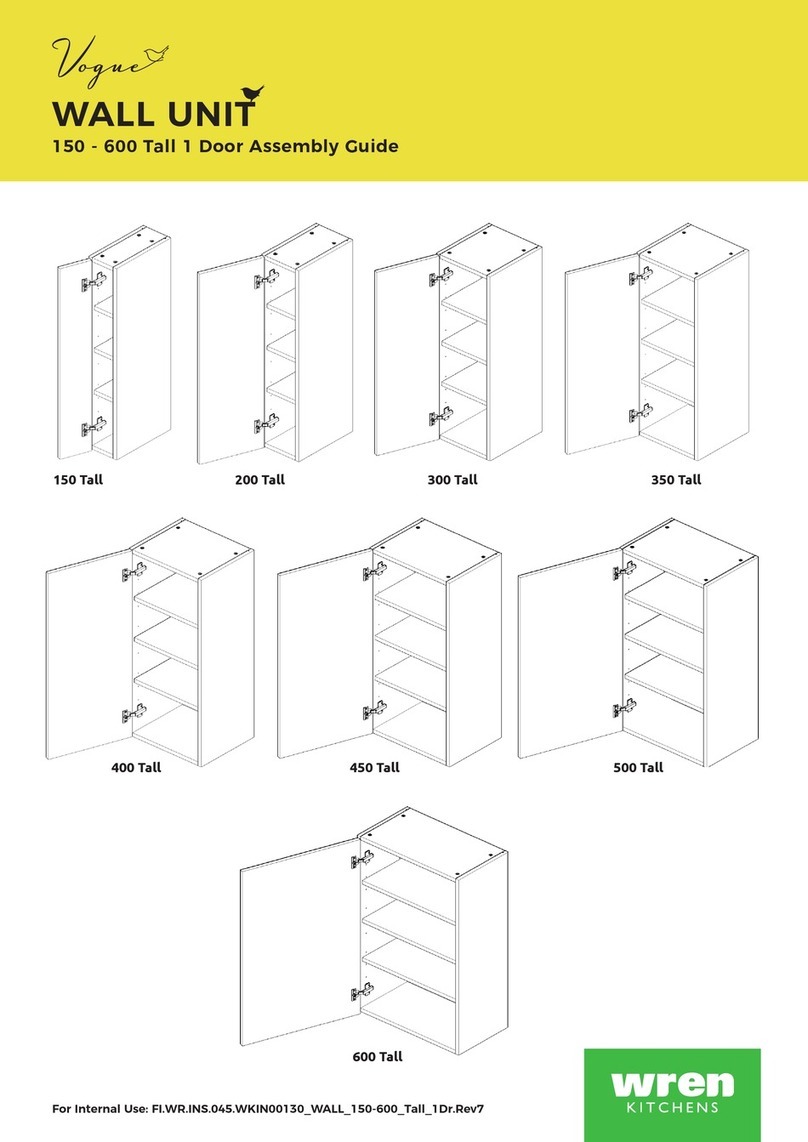
Wren Kitchens Vogue BASE UNIT 150 WALL User manual

Wren Kitchens

Wren Kitchens Vogue BASE UNIT 150 WALL User manual

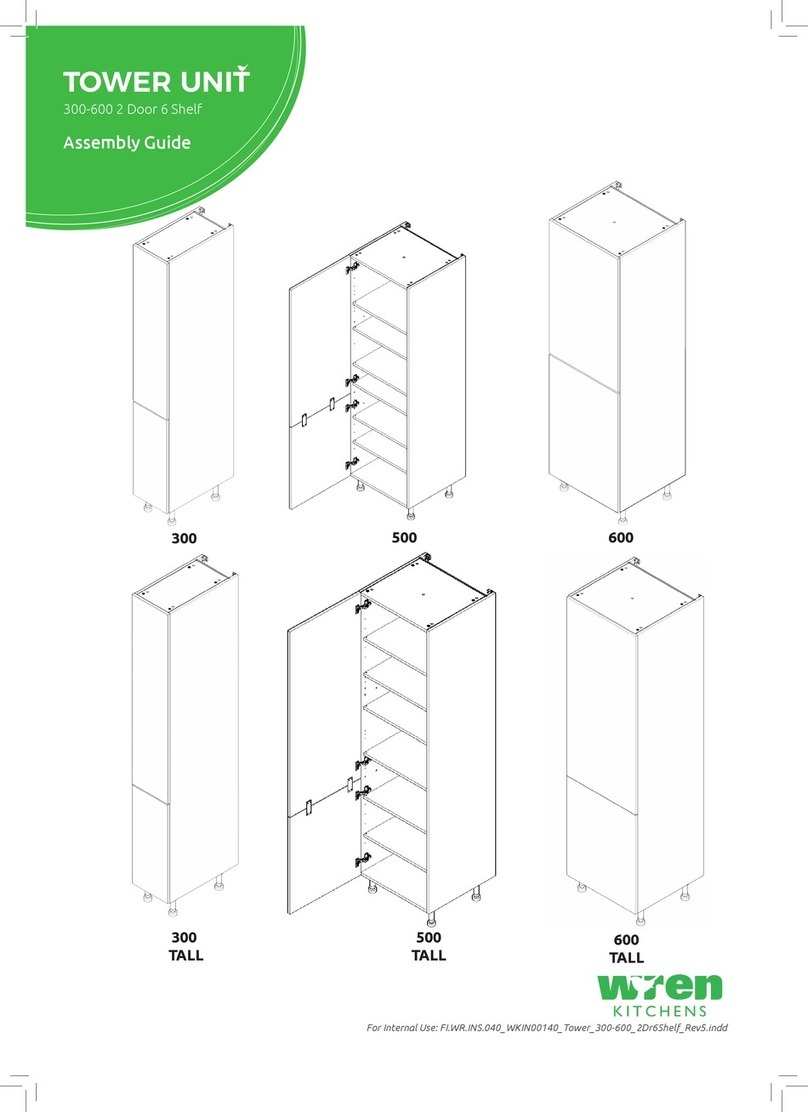
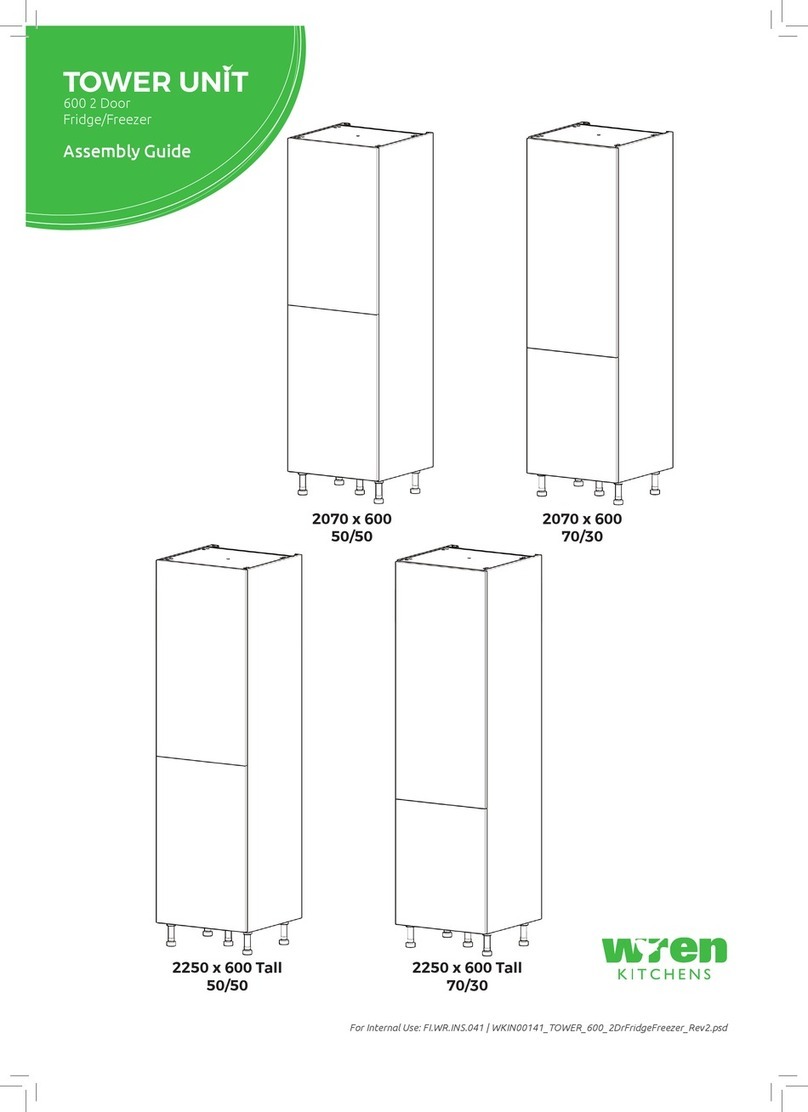
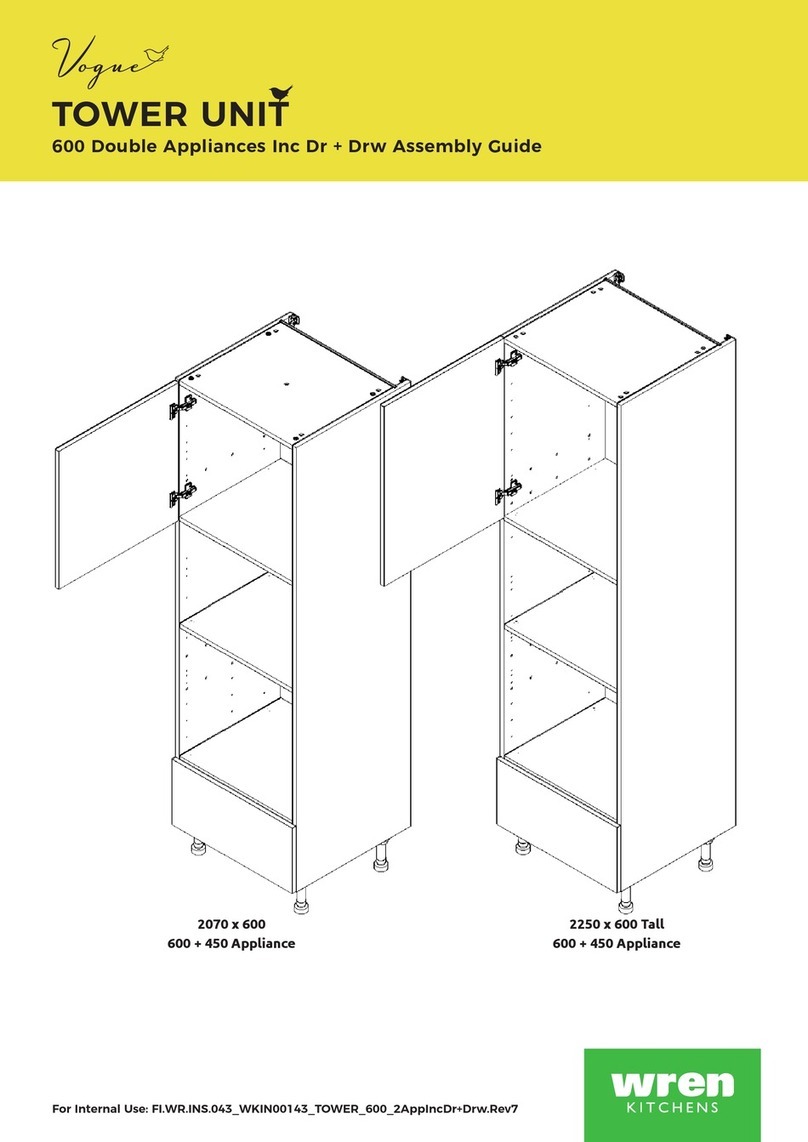
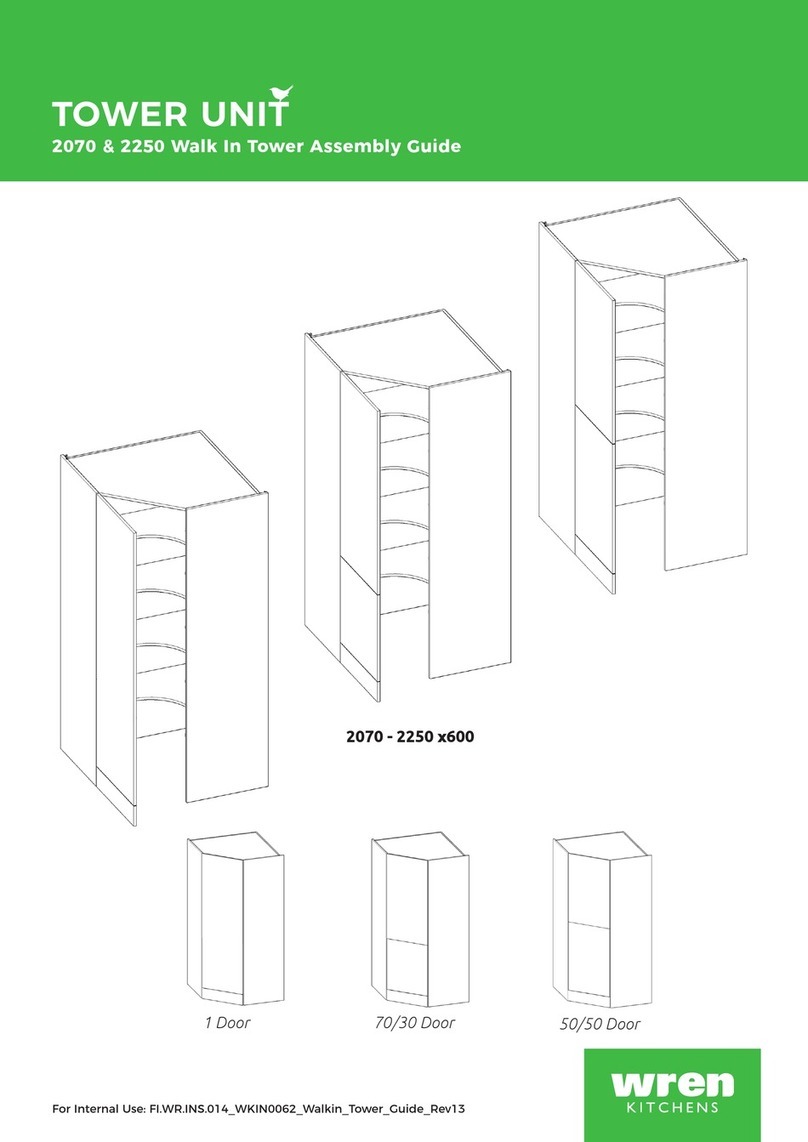
Wren Kitchens TOWER UNIT 600 2 Door Fridge/Freezer Series User manual

Wren Kitchens

Wren Kitchens TOWER UNIT 600 2 Door Fridge/Freezer Series User manual

Wren Kitchens BASE UNIT 600 User manual

Wren Kitchens

Wren Kitchens BASE UNIT 600 User manual

Wren Kitchens BASE 3 Assembly instructions

Wren Kitchens

Wren Kitchens BASE 3 Assembly instructions

Wren Kitchens BASE UNIT 600 User manual

Wren Kitchens

Wren Kitchens BASE UNIT 600 User manual

Wren Kitchens Vogue TOWER UNIT Boiler Housing User manual

Wren Kitchens

Wren Kitchens Vogue TOWER UNIT Boiler Housing User manual

Wren Kitchens FRONTALS INFINITY PLUS User manual

Wren Kitchens

Wren Kitchens FRONTALS INFINITY PLUS User manual

Wren Kitchens 2070 User manual

Wren Kitchens

Wren Kitchens 2070 User manual

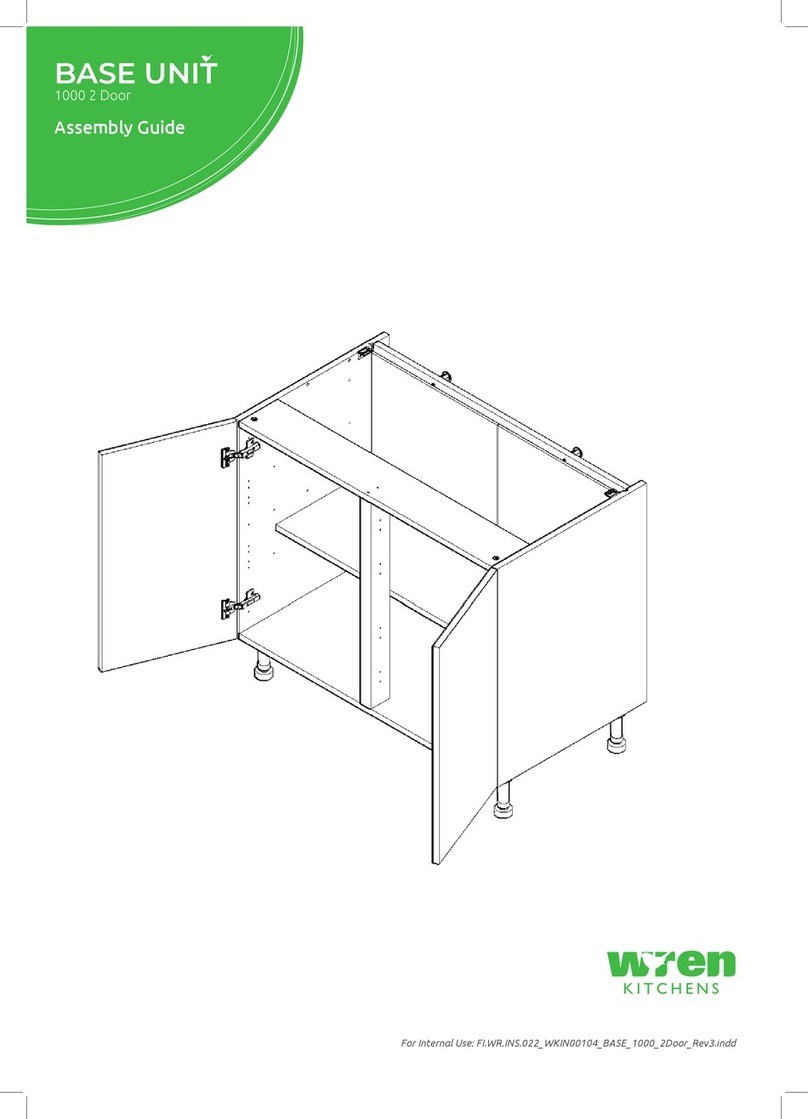
Wren Kitchens BASE UNIT 1000 User manual

Wren Kitchens

Wren Kitchens BASE UNIT 1000 User manual

Wren Kitchens Vogue 150 Tall User manual

Wren Kitchens

Wren Kitchens Vogue 150 Tall User manual

Wren Kitchens BASE UNIT 600 User manual

Wren Kitchens

Wren Kitchens BASE UNIT 600 User manual

Wren Kitchens 1000 Base Shallow User manual

Wren Kitchens

Wren Kitchens 1000 Base Shallow User manual

Wren Kitchens BASE UNIT 600 User manual

Wren Kitchens

Wren Kitchens BASE UNIT 600 User manual

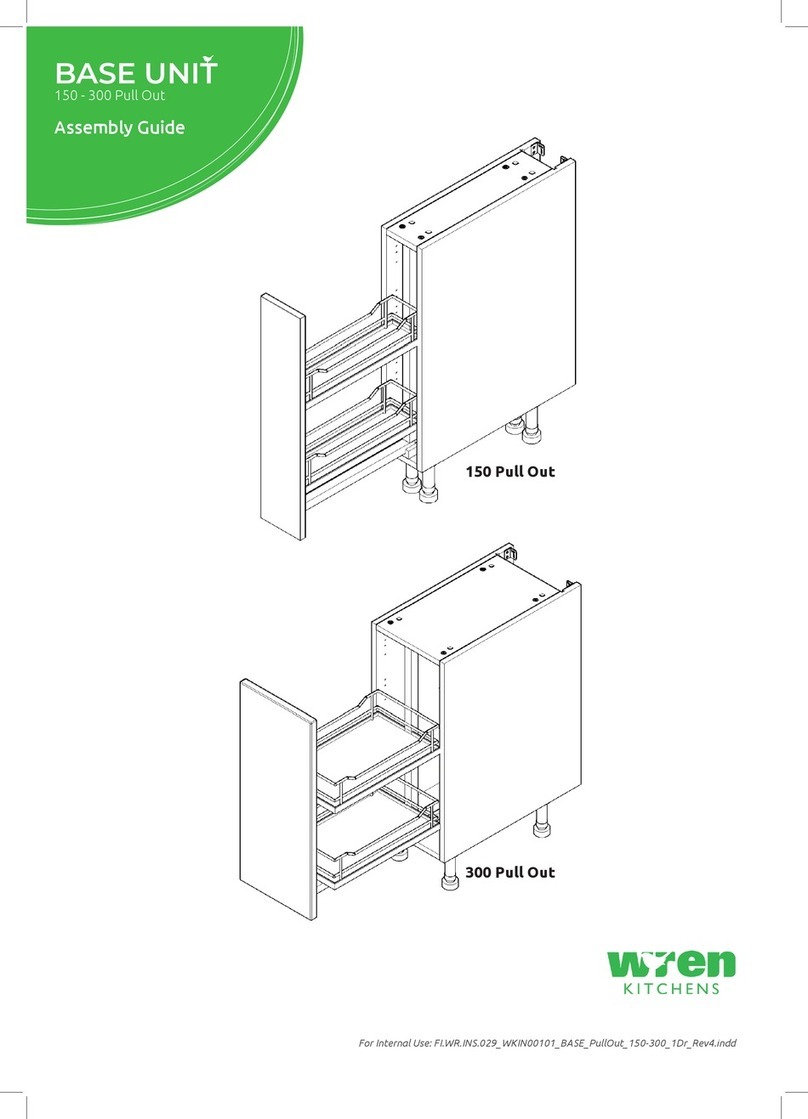
Wren Kitchens Vogue BASE UNIT 150 Pull Out User manual

Wren Kitchens

Wren Kitchens Vogue BASE UNIT 150 Pull Out User manual

Wren Kitchens FRONTALS Parts list manual

Wren Kitchens

Wren Kitchens FRONTALS Parts list manual

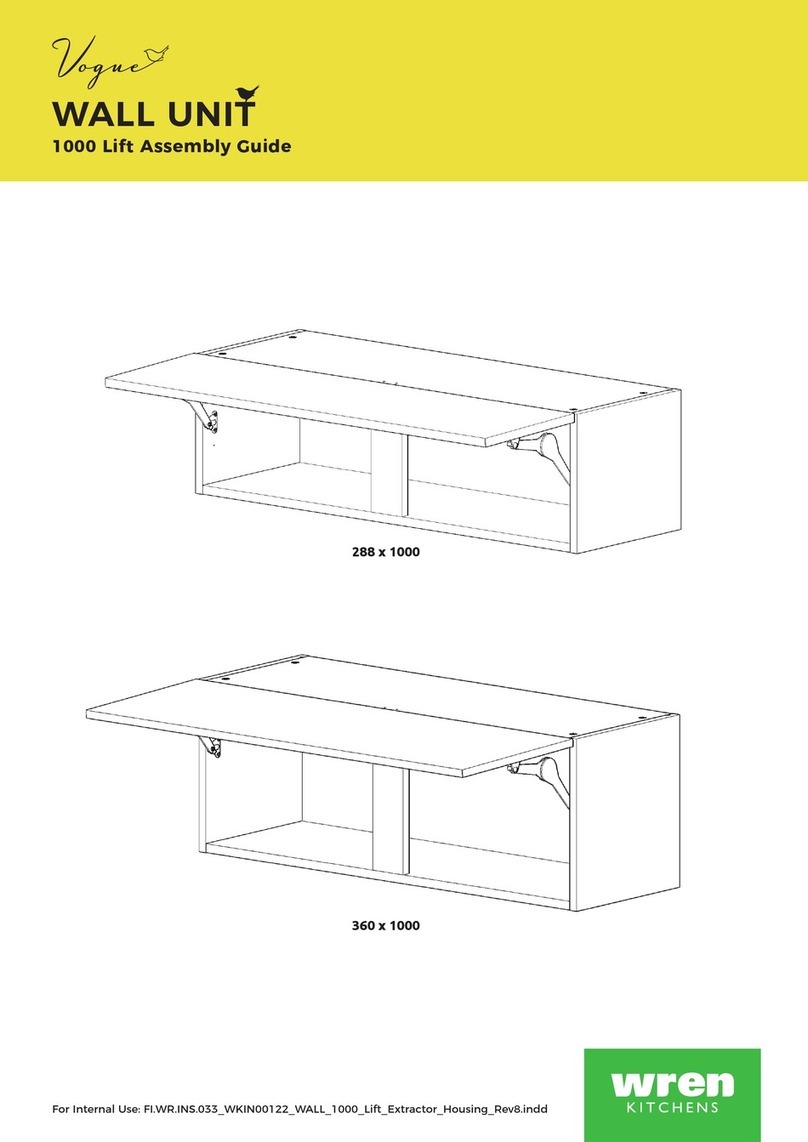
Wren Kitchens WALL UNIT 360 x 1000 User manual

Wren Kitchens

Wren Kitchens WALL UNIT 360 x 1000 User manual

Wren Kitchens Vogue WALL UNIT 672 Tall L Corner User manual

Wren Kitchens

Wren Kitchens Vogue WALL UNIT 672 Tall L Corner User manual

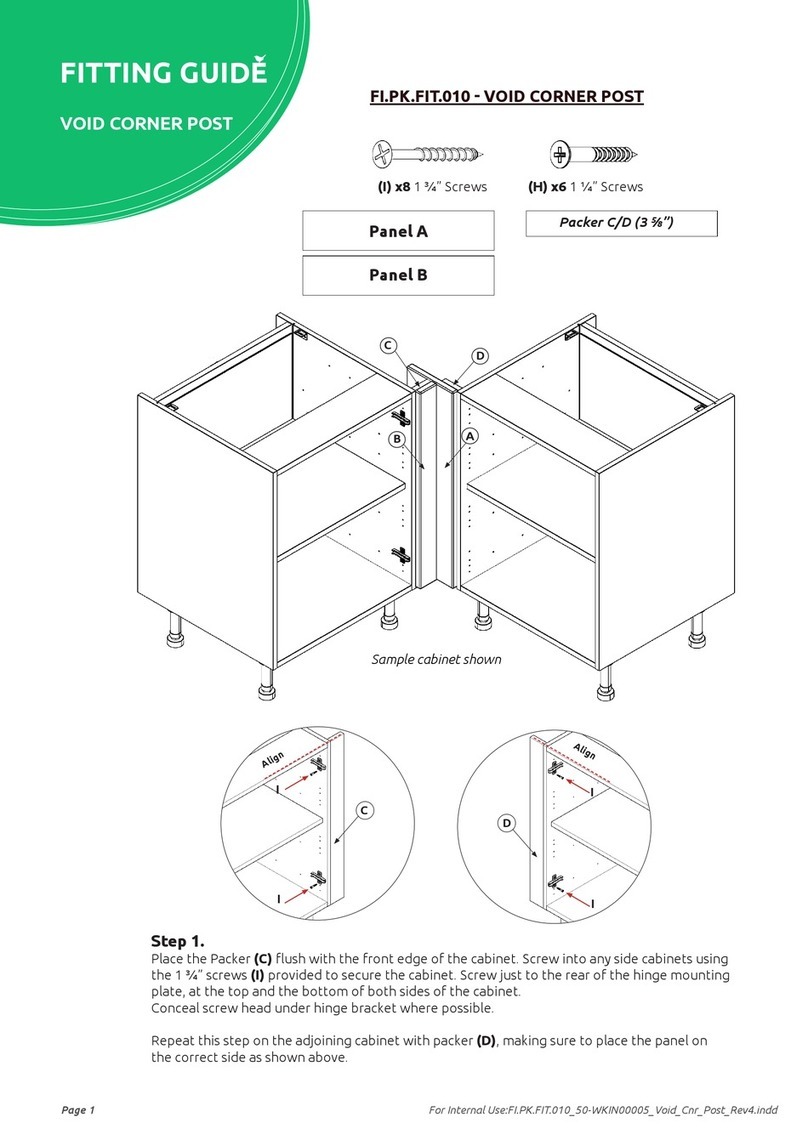
Wren Kitchens VOID CORNER POST Assembly instructions

Wren Kitchens

Wren Kitchens VOID CORNER POST Assembly instructions

Wren Kitchens Vogue TOWER UNIT 300 Pull Out 2070 User manual

Wren Kitchens

Wren Kitchens Vogue TOWER UNIT 300 Pull Out 2070 User manual

Wren Kitchens Vogue BASE UNIT 600 2 Drawer User manual

Wren Kitchens

Wren Kitchens Vogue BASE UNIT 600 2 Drawer User manual

Wren Kitchens 200 Tall User manual

Wren Kitchens

Wren Kitchens 200 Tall User manual

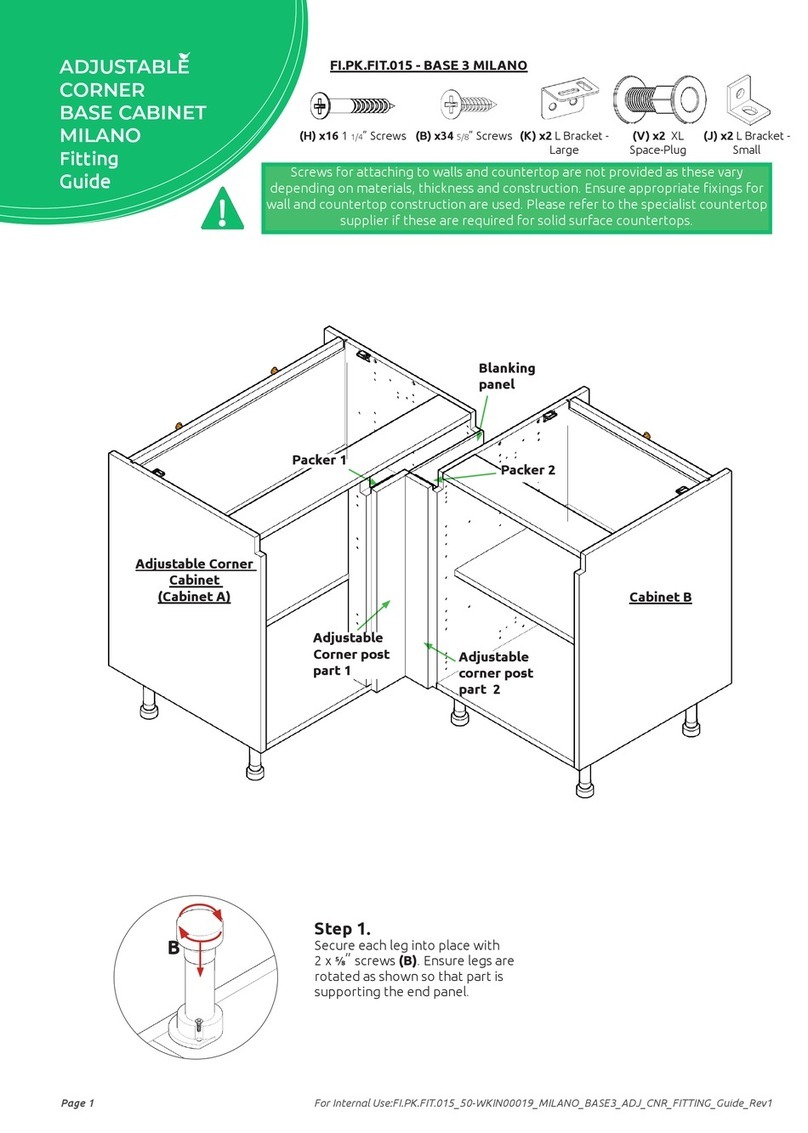
Wren Kitchens Adjustable Corner Base Unit Assembly instructions

Wren Kitchens

Wren Kitchens Adjustable Corner Base Unit Assembly instructions

Wren Kitchens Adjustable Corner Base Unit Assembly instructions

Wren Kitchens

Wren Kitchens Adjustable Corner Base Unit Assembly instructions

Wren Kitchens BASE UNIT 150 User manual
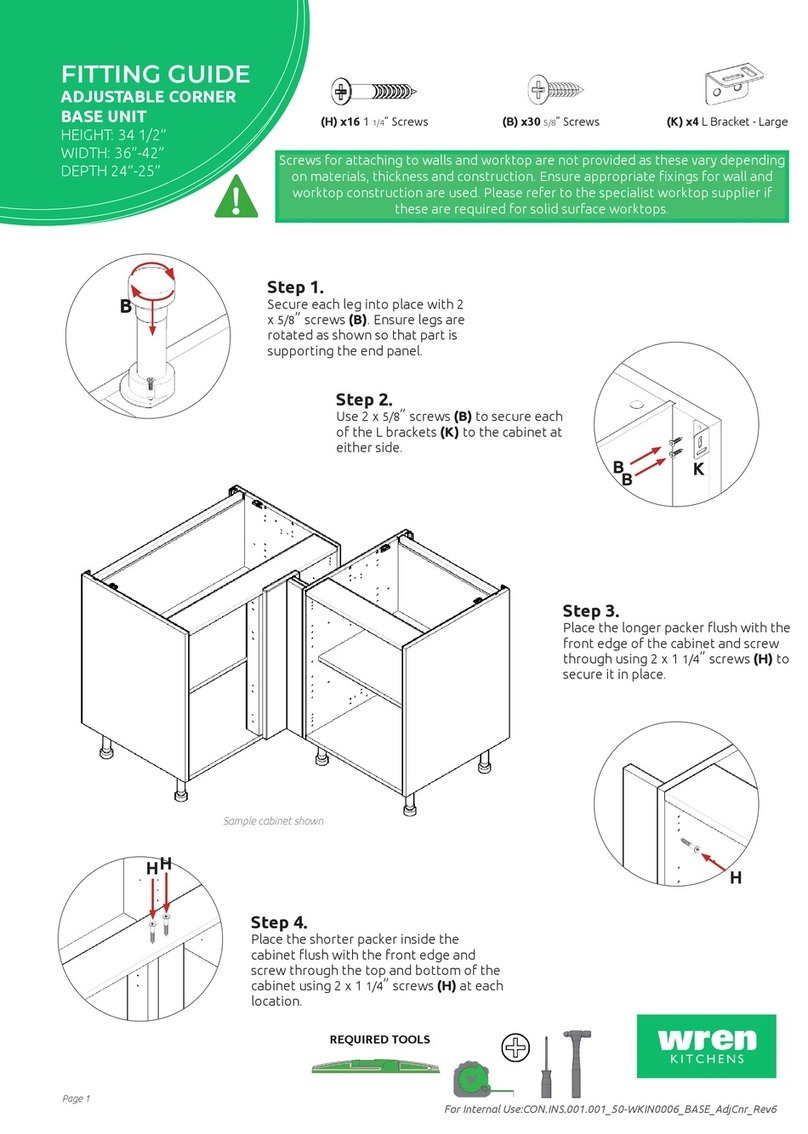
Wren Kitchens

Wren Kitchens BASE UNIT 150 User manual

Popular Indoor Furnishing manuals by other brands

Regency LWMS3015 Assembly instructions

Regency

Regency LWMS3015 Assembly instructions

Furniture of America CM7751C Assembly instructions

Furniture of America

Furniture of America CM7751C Assembly instructions

Safavieh Furniture Estella CNS5731 manual

Safavieh Furniture

Safavieh Furniture Estella CNS5731 manual

PLACES OF STYLE Ovalfuss Assembly instruction

PLACES OF STYLE

PLACES OF STYLE Ovalfuss Assembly instruction

Trasman 1138 Bo1 Assembly manual

Trasman

Trasman 1138 Bo1 Assembly manual

Costway JV10856 manual

Costway

Costway JV10856 manual

moss DESIGN Caisson Credenza Assembly instructions

moss DESIGN

moss DESIGN Caisson Credenza Assembly instructions

Aquaglide FULL DECK 15.0 owner's manual

Aquaglide

Aquaglide FULL DECK 15.0 owner's manual

AREBOS AR-HE-SW30 user manual

AREBOS

AREBOS AR-HE-SW30 user manual

Till-Hilft Fulda 87005.330 Assembly instructions

Till-Hilft

Till-Hilft Fulda 87005.330 Assembly instructions

Twoey Outside 2010 quick start guide

Twoey Outside

Twoey Outside 2010 quick start guide

Hettich Easys 200 operating instructions

Hettich

Hettich Easys 200 operating instructions

The bedboss RELAX 404 Series owner's manual

The bedboss

The bedboss RELAX 404 Series owner's manual

Oeseder Möbelindustrie Bern 991 720 Assembly instructions

Oeseder Möbelindustrie

Oeseder Möbelindustrie Bern 991 720 Assembly instructions

Costway HW68469 user manual

Costway

Costway HW68469 user manual

Next ALIX A27743 Assembly instructions

Next

Next ALIX A27743 Assembly instructions

BROSA Hans Assembly guide

BROSA

BROSA Hans Assembly guide

Prodigg MINIKA PBA015T-FUR installation manual

Prodigg

Prodigg MINIKA PBA015T-FUR installation manual

manuals.online logo
manuals.online logoBrands
  • About & Mission
  • Contact us
  • Privacy Policy
  • Terms and Conditions

Copyright 2025 Manuals.Online. All Rights Reserved.

WALL / SHALLOW BASE UNIT
700 - 800 Assembly Guide
For Internal Use: FI.WR.INS.035_WKIN00125_MULTI_700-800_WALL_ShallowBASE_Rev8.indd
800 WALL 800 BASE
SHALLOW
700 WALL
Page 1
WALL / SHALLOW BASE UNIT
700 - 800 Assembly Guide
Panel A
x1 Back Panel
Hanging Bracket
X2 Inc Screws
(F) x8
Wooden
Dowel
REQUIRED TOOLS
NOT to be used
with CAM DOWEL
& CAM LOCK
(G) x8
Cam Dowel
(Expanding)
(H) x8
Cam Lock
(K) x4
30mm
Screw
(L) x8
15mm
Screw
(S) x4
20mm
Screw
(M) x4
Cover Cap
(N) x2
Door
Buer
(Z) x10
Shelf Peg
Plastic
(T) x12
Back Panel
Support Clip
Hanging
Bracket Plate
X2 (Screws Not Included)
Hinge Mounting Plate
X4 Inc Screws
Hinge
X4 Inc Screws
Corner
Gusset
X2
Hanging Bracket
Cover Cap
X2
Panel B
x2 End Panel
Panel C
x2 Base Panel
Frontal
(packed separately)
x2
Shelf
x2
BEFORE YOU START
INSTALLATION
SHOULD BE
PERFORMED BY A
COMPETENT
PERSON ONLY.
THIS PRODUCT COULD
BE DANGEROUS
IF INCORRECTLY
INSTALLED
Page 2
For Internal Use: FI.WR.INS.035_WKIN00125_MULTI_700-800_WALL_ShallowBASE_Rev8.indd
Step 3.
Attach panels x2 (C) to panel
(B), using cam dowels (G)
(in blue) and also using
dowels (F) (in orange) in
positions as shown.
Step 4.
Slide panel (A) into the groove
of panels (B) and x 2 (C).
Step 5.
Insert Cam Lock (H).
Hand tighten all Cam Locks
(H), this will expand the
Cam Dowels (G) and tighten
the unit together.
NB. All cam locks (H) are to be positioned facing the
outside of the unit carcase, for ease of tightening.
Do not use power tools with
Cam Dowel (G) or cam lock (H)
Dowel (F)
& Cam Dowel
(G) location
detail
G
G
F
F
F
F
G
G
B
A
C
C
B
BB
C C
H
H
G
G
View from underside View from underside
Step 1.
Seat dowel (F)
into holes in both end
panels (B) as shown.
Step 2.
Seat cam dowel (G) into
holes in both end panels (B)
as shown.
Seat (G)
Cam Dowel
into hole as
shown.
Page 3
WALL / SHALLOW BASE UNIT
700 - 800 Assembly Guide
Step 6.
Seat dowel (F) into holes in
both panels (B) as shown.
Step 8.
Attach panel (B) to panels (C)
using cam dowels (G) (in blue)
and also using dowels (F) (in
orange) in positions as shown.
Ensure panel (A) is seated into
the groove of panel (B).
Step 9.
Insert cam lock (H).
Hand tighten all cam locks
(H), this will expand the cam
dowels (G) and tighten the
unit together.
NB. All cam locks (H) are to be positioned facing the
outside of the unit carcase, for ease of tightening.
Do not use power tools with
cam dowel (G) or cam lock (H)
Step 7.
Seat cam dowel (G)
into holes in
both end panels (B) as
shown.
B
B
A
C
C
Seat (G)
Cam Dowel
into hole as
shown.
BB
C C
H
H
G
G
View from underside View from underside
Dowel (F)
& Cam Dowel (G)
location detail
G
G
F
F
F
F
G
G
B
Page 4
For Internal Use: FI.WR.INS.035_WKIN00125_MULTI_700-800_WALL_ShallowBASE_Rev8.indd
Step 11.
Slide the back panel clips (T) into the groove of both panels
(B) & (C)s. The back panel clips (T) should be evenly spaced
as shown and positioned to allow the hanging brackets and
corner gussets to be tted. Once in place, tighten screws.
Step 10.
Ensure unit is square.
B
A
C
B
A
T
B
From Base
From Top
126mm
126mm
94mm
94mm
L
L
Step 12.
Attach hinge mounting plates onto end panels
(B) in locations shown using screws already in the
mounting plate.
Hinge side or sides to be mounted in accordance
to Customer Specic Kitchen Plan.
TT
T
T
TTT
T
T
T
T
T
Page 5
WALL / SHALLOW BASE UNIT
700 - 800 Assembly Guide
A
B
WALL UNITS ONLY for Shallow Base see pages 7 & 8
Step 14.
Secure corner gussets
to the bottom left
and right hand side of
the wall unit using 4 x
15mm screws (L) per
plate.
Step a
Insert hanging
bracket into pre-drilled holes
Step c
Secure with provided
2 x 20mm screws (S) per bracket
Step b
Rotate locking
lever 180 degrees
Detail A Detail A
S
S
Detail A
View through
Back Panel
Pilot
hole
M
Detail B
L
L
LL
Detail B
Step 15.
Drill a small pilot hole through the centre of the corner gussets,
through the back of the unit. Use this hole at the end of the
process to screw through and into the wall. Cover the screw
heads using the cover caps (M) provided.
Screws for xing to walls are not provided as these vary
depending on your wall material and construction. Ensure
appropriate xings for wall constructions are used.
Step 13. Hanging brackets steps a,b & c to be carried out on both sides as shown
Care to be taken. Hanging procedure is necessary for a safe installation.
Page 6
For Internal Use: FI.WR.INS.035_WKIN00125_MULTI_700-800_WALL_ShallowBASE_Rev8.indd
WALL UNITS ONLY
Step 16.
Measure appropriately and
attach the 2 x hanging bracket
plates onto the wall screwing
through the provided holes into
your wall.
Step 17.
Hang the unit using the
brackets to hook onto the
plate as shown
Hanging Bracket
Plate
Step 18.
Using points a, b & c adjust the unit to suit.
Step a.
Rotate the screw clockwise
to move the unit up.
Anti-clockwise for down.
Step b.
Adjust the depth
using centre screw.
Step c.
Screw the red screw until it
touches the plate to lock
in position.
Hanging
Bracket
viewed through
Back Panel
b
C
c
a
a
b
KStep 19.
Screw into any side units using the provided 2x 30mm screws (K) to secure the
unit. Screw just to the rear of the hinge plate then place a cover cap on the head to
conceal it.
Screws for attaching to walls are not provided as these vary depending on materials,
thickness and construction. Ensure appropriate xings for wall construction are used.
Page 7
WALL / SHALLOW BASE UNIT
700 - 800 Assembly Guide
Corner Gusset
Detail
View though
Back Panel
Pilot
hole
M
Step 21.
Drill a small pilot hole through the centre of the corner gussets,
through the back of the unit. Use this hole at the end of the
process to screw through and into the wall. Cover the screw
heads using the cover caps (M) provided.
Screws for xing to walls are not provided as these vary
depending on your wall material and construction. Ensure
appropriate xings for wall constructions are used.
Step 20.
Secure corner gussets to the top left and right hand side of the
wall unit using 4 x 15mm screws (L) per plate.
SHALLOW BASE UNITS ONLY
for WALL see pages 5 & 6
`
K
Step 22.
Screw into any side units using the provided 2x 30mm
screws (K) to secure the unit. Screw just to the rear of
the hinge plate then place a cover cap on the head to
conceal it.
Page 8
For Internal Use: FI.WR.INS.035_WKIN00125_MULTI_700-800_WALL_ShallowBASE_Rev8.indd
FRONT
45 45
70 70
70 70
BB
SHALLOW BASE UNITS ONLY
Ensure legs are rotated as shown so that part
of it is supporting the end panels (B).
Step 23.
Secure each of the legs into place with
4 x 15mm screws (L) per leg.
L
L
L
L
B
B
C
C
Step 24.
Push leg rmly down into leg base.
Adjust legs to 155mm before turning unit
upright. Once in situ level accordingly.
Page 9
WALL / SHALLOW BASE UNIT
700 - 800 Assembly Guide
Step 25.
Insert hinge in top & bottom
holes as shown below.
Step 26.
Secure hinges by tightening
2 x screws with hinge dowels
attached. These are already
positioned within the hinges.
Step 27.
Attach the door to unit
where required.
To attach door, clip hinge
onto hinge plate and click
to secure.
Hinge Cover Caps
Step 29.
Fit cover caps to hinge.
Adjust Soft close to suit.
Step 28.
Adjust hinge to suit. As shown below.
Hinge Plates
The top and bottom
hinges MUST be
adjusted to the SAME
STRENGTH.
To adjust hinge using
a screw driver, tighten
or loosen as required at
points 1& 2.
Point 1 - In - Out
Point 2- Left - Right
12
FRONTAL
HINGE
ADJUSTMENT
View from inside of unit
To release door,
pull catch as shown,
to release hinge from
the hinge plate.
To Move the
hinge up/down,
loosen screws
A + B,
Manoeuvre
the door, then
re-tighten the
screws
A
B